

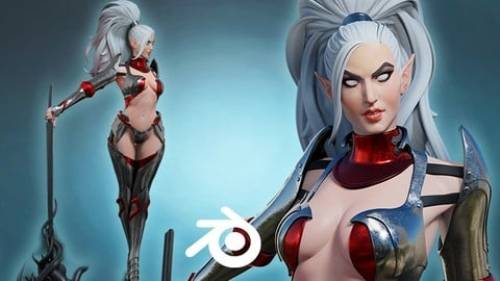

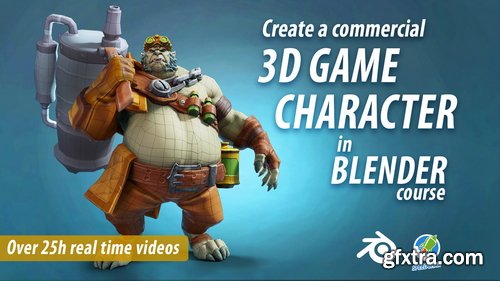
- In the course we will start with the most important thing - the head. We will model it and try to make it as close as possible to the concept. Then we will do the basics of the body, with arms and legs. After we will concentrate on clothes and accessories. We will make the chain and i will also show you the early concepts for the character, as i will explain the whole process of creating a character from the idea to the finished product in the game. Following we will do the gloves and do more detailing on the clothes. Applying some feedback from the lead artist will be on our list next. Then we will start modelling the weapon and we will do that for few long and hard videos, but at the end we will win again and will do last refinements and touches on the high poly like adding vertex colors to help us texturing in Substance.
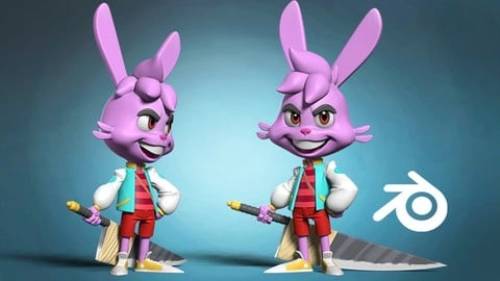
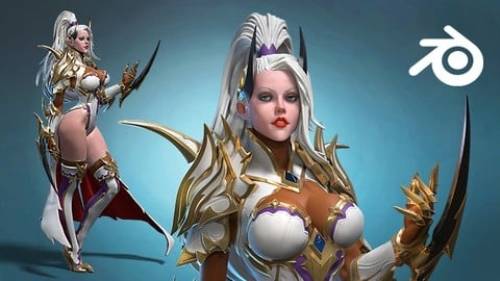

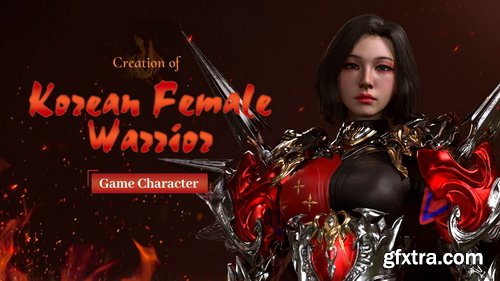
- Software: 3ds max 2020 ; Zbrush2020 ; Substance Painter 2019 ; Rizomuv ; Marvelous Designer9 ; Marmoset Toolbag3
- Project file: low poly mesh files with rigged poses, texture files, real-time eye data, ZBrush brushes, Marmoset Scene files Need to buy by yourself: TexturingXYZ Alpha file, Texturing Image (texture image).
- This tutorial covers the work procedures of creating high quality game characters. Taeseung Kim will teach how to use ZBrush to conduct basic setting, modify body proportion and muscle sculpting; then use ZBrush and 3Ds Max to make high poly model and low poly model. After creating models, the lecturer will use the Alpha materials and skin pictures in Texturing XYZ to produce high quality surface skins and explain how to put makeup on characters and makes them more attractive. In 3Ds Max, the lecturer will make hair, rig and pose the characters. You can also learn the methods of rapid unfolding UV using RizomUV, and the methods of using Substance Painter to produce realistic textures. Last, the lecturer will conduct basic setting and lighting setting and make realistic rendering effects in Marmoset Toolbag 3, and optimize and synthesize in Photoshop.
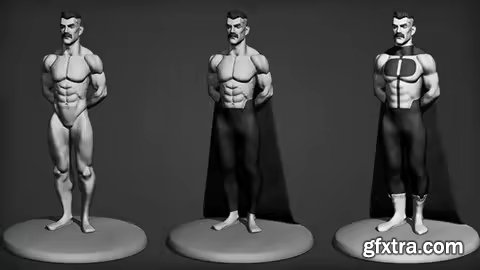
Udemy - Learning Male Anatomy With Omni-Man
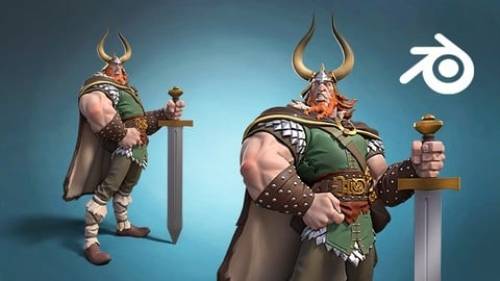
Sculpting Omni-Man in Blender in an action figurine fashion.
Reallusion - 12 Principles of Animation in Cartoon Animator
https://www.reallusion.com/cartoon-animator/learn-12-principles-of-animation.html
- taught by your instructor Mark Diaz, you can master both theoretical concepts and put them to practice in Cartoon Animator to easily level up your animation skills while having fun doing it. If you do not have Cartoon Animator yet, then a 30-day-free trial version is here for you. If you are already a Cartoon Animator users, then take the free lesson now.
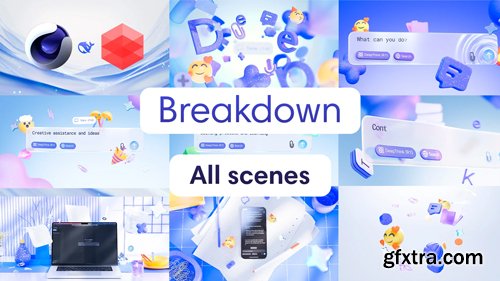
- In-depth Understanding of Lighting – I will show you how to use multiple light sources to achieve realistic and atmospheric results. You will learn how to properly position soft and hard light, use HDRI maps, and animate lighting to create scene dynamics.
- Camera Setup and Smooth Transitions – We will explore how to animate the camera correctly for natural and seamless transitions between scenes. I will share secrets about focal length manipulation and how to avoid the "freeze-frame" effect in animation.
- Creating and Animating Objects – Learn how to work with splines, extruded shapes, Vibrate tags, and Bend deformers to bring objects to life. I will demonstrate how to organize the scene properly and set up an efficient workflow for navigation between elements.
- Wave Animation with Vertex Map and Fields – We will analyze an advanced yet highly effective wave animation that reacts to surrounding objects. You will learn how to use Vertex Map, Fields, Random Field, and Plane to create natural and organic waves.
- Material and Texture Creation – I will show you how to set up materials using Material Blender, add glass, plastic, and metallic effects, and work with Flakes, gradients, and transparency to achieve a stylish and modern look.
- Final Scene Refinement and Rendering – We will go through rendering settings, adding passes for post-processing in After Effects, and creating stunning logo animations.
- Access to the Project File – You will receive the project file for Scene 2, where you can explore the lighting setup, camera settings, materials, and animation configurations in detail.

- Included in the course: 7 Modules and additional content, 6+ hours of content, 100+ video lessons | Who is it for: Digital composition artists, VFX artists working with Nuke | Requirements: Digital composition artists, VFX artists working with Nuke
- Welcome to my course, designed especially for compositors who already have experience with Nuke and are ready to tackle real production challenges. Throughout the course, you will face real-world challenges similar to those found in high-level film productions, working on 5 different shots.
- Environment Creation: You will start by developing environments using matte painting techniques, progressing to the integration of CGI with real filmed elements and simulating specific optical effects of various lenses.
- Look-Dev Development in Nuke: You will learn to perform look-dev techniques directly in Nuke, optimizing the process without the need for rendering additional passes.
- Sequence Management: You will manage shots within the same sequence, where you will learn to optimize the workflow to apply changes efficiently and ensure visual consistency across all results.
- Technical Problem Solving: You will face complex technical problems, such as handling chroma keys, removing artifacts in renders, and applying advanced techniques in deep compositing

- Your all-in-one masterclass for enhancing your renders and creating stunning VFX shots. This course is the closest thing to having a “make beautiful” button inside Blender.
- Compositing is all about quality and efficiency, while delivering truly powerful possibilities that are otherwise impossible to achieve.
- Learn to quickly increase the realism of your 3D renders, integrate real actors into a CG environment, seamlessly add CG objects to your real footage, easily fix render imperfections, improve the look of your real footage and more.
- This course gives you the boost your work needs, to get to the next level with little time and effort, all while having fun.
- We’ll cover key topics such as working with render passes, color grading, motion tracking, green screen keying, and adding cinematic effects like depth of field, lens flares, volumetric lighting and many more tricks to speed up and improve your workflow.
- Students and career changers: Looking to start a career in visual effects? Our course will equip you with the essential knowledge and practical skills needed to land your first job in the industry. Learn the modern tools and techniques used by top game studios and take toward your dream.
- VFX professionals and enthusiasts: Already have experience in VFX but aiming higher? This course will help you refine your skills, master the latest technologies, and elevate your expertise to land your dream job at leading studios worldwide.
- Game developers: Add professional visual effects to your games and projects. This course will teach you the tools and techniques needed to create stunning effects and take your project to a new impressive level.
- Gamers and CG enthusiasts: If you love playing video games or are passionate about creating graphics, this course will immerse you in the process of creating visual effects at a professional level. Learn how to make the effects you've seen in your favorite games and bring your creative ideas to life.
Udemy - Adobe After Effects CC 2025 Bootcamp: Beginner to Advanced

- In Introduction to Lighting for Animation, Lighting and Compositing TD Alex Corll shares his process of lighting a shot from start to finish using Maya, Arnold and Nuke. This includes researching reference images and assessing your scene, initial scene optimization, and additional tips to help speed up your workflow. He starts with establishing base lighting using an appropriate HDRI, and progresses to setting up a key light, fill light, and additional accent lights. He discusses some tips for using blockers and light filters in Arnold, as well as adding specific lights to accent the character and leverage animation in the scene. He then discusses adding atmosphere and realism using volumetric lighting. Finally, Alex concludes with an overview of render layers and final image output, including render settings and some basic compositing in Nuke to produce a fully lit, final image.
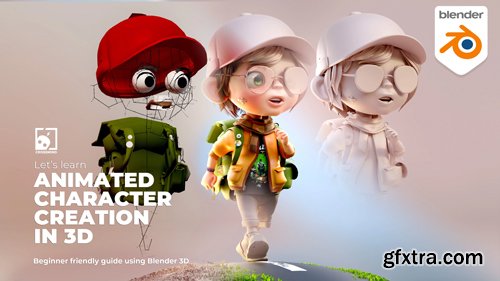
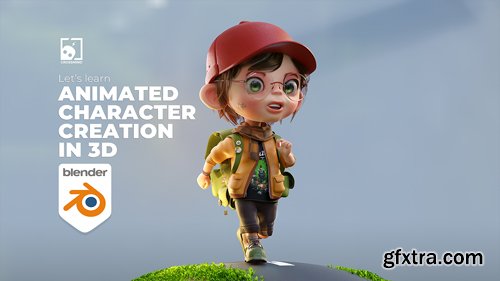
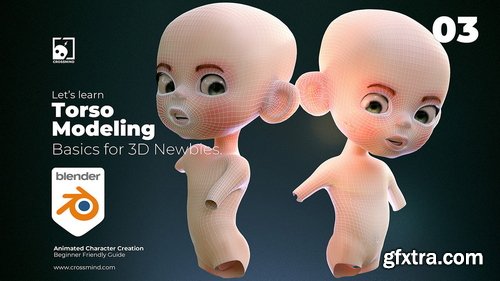
- Welcome to the premium edition of our highly anticipated course, "Animated Character Creation in 3D using Blender." This comprehensive guide is designed for aspiring beginners, providing an immersive journey from character modeling, uv, shading, rigging to making your first animated scene and rendering it.
- This course is crafted for beginners who often find themselves with questions right after delving into 3D software and wondering how animated characters are created. In this course, we take things up a notch, moving beyond basic object modeling to the creation of characters, guiding you through the entire process, ultimately leading to animation.
- Featuring over 10 hours of content spread across 20 chapters (compressing more than 40 hours of tightly edited material).
- By the end of this course, you will have understood all the aspects involved in creating characters and how you can use this knowledge to craft your animated stories.
- Whether you aim to create characters for animations, illustrations, motion graphics, music videos, or your own YouTube channel, this course is suitable for everyone. It guides you through the entire process without overwhelming you with details that can be explored at a later stage.
Skillshare - Workshop: How to find job in GameDev
Language: English | 1hr 30m
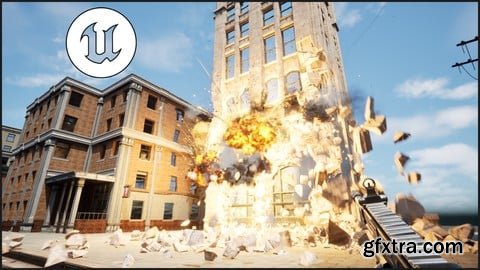
Udemy - Master Destruction in Unreal Engine 5: Basics to Advanced
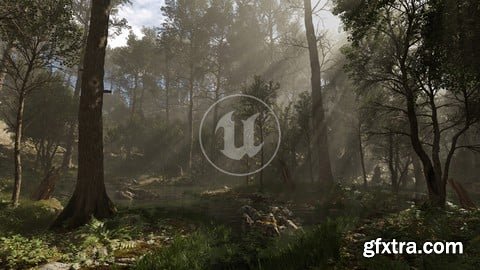
Udemy - Megascans Scene - Black Alder Forest
Language: English | Duration: 1h 25m | Size: 1.45 GB
https://www.udemy.com/course/real-time-animation-vfx-and-rendering-in-univah-pro/
Production Quality Real-Time 3D VFX, Animation and Rendering (showcase)
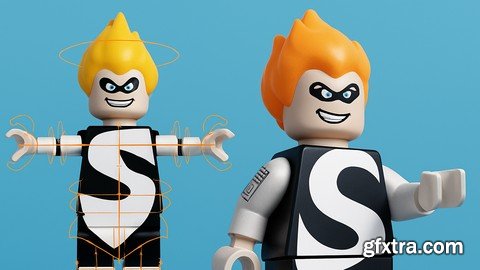
Language: English | Duration: 69 Lectures ( 5h 12m ) | Size: 5 GB
https://www.udemy.com/course/blender-expert-in-3d-character-rigging-and-animation/
Learn how to rig 3D characters in Blender. Professional techniques.
Language: English | Duration: 31m | Size: 333 MB
https://www.udemy.com/course/advanced-text-in-adobe-after-effects-c4d-lite-vol-1-2
Create 3D Text & Stretchy Text
126,000 Royalty-Free 3D Model

Udemy Türkçe


Top Rated News
- CreativeLive Tutorial Collections
- Fasttracktutorials Course
- Chaos Cosmos Library
- MRMockup - Mockup Bundle
- Finding North Photography
- Sean Archer
- John Gress Photography
- Motion Science
- AwTeaches
- Learn Squared
- PhotoWhoa
- Houdini-Course
- Photigy
- August Dering Photography
- StudioGuti
- Creatoom
- Creature Art Teacher
- Creator Foundry
- Patreon Collections
- Udemy - Turkce
- BigFilms
- Jerry Ghionis
- ACIDBITE
- BigMediumSmall
- Globe Plants
- Unleashed Education
- The School of Photography
- Visual Education
- LeartesStudios - Cosmos
- Fxphd
- All Veer Fancy Collection!
- All OJO Images
- All ZZVe Vectors
- CGTrader 1 CGTrader 2



















