

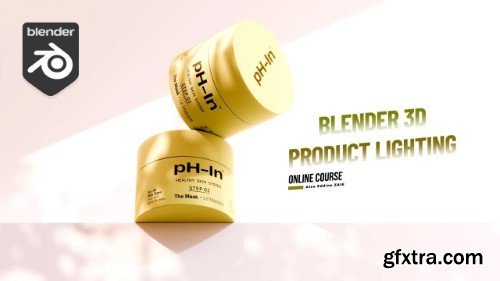
Having desire to create, light & render a cosmetic product in Blender 3D?
Tired of long courses? Want something dead to the point?
Then this course is for you!
I have been experimenting with cosmetic product lighting in Blender 3D, and I am here to share the fruits of my endeavor with you. In roughly two hours of your time, you'll learn some of the most impactful pieces of information that took me years to accumulate. I look forward to seeing your final result! Do not quit.

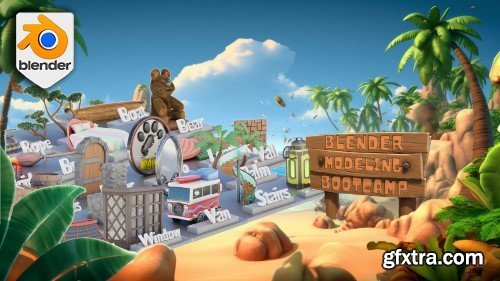
Look no further than our ‘Blender Beginner’s Bootcamp’, where we'll take you through every step of the process of creating 20 projects spanning a wide range of topics, ensuring that you leave this class with a wealth of knowledge and the confidence to tackle the world of 3D modelling head-on.
Our approach is designed to cater to both complete beginners and those with some experience in 3D modelling, so no matter your skill level, you'll find this class challenging and rewarding.

https://www.udemy.com/course/unreal-engine-5-and-blender-3d-easy-product-visualization/
Learn the basics of Unreal Engine 5 by making Beauty Product Renders
My name is Bharat Sharma and I'm Freelance 3D character artist,

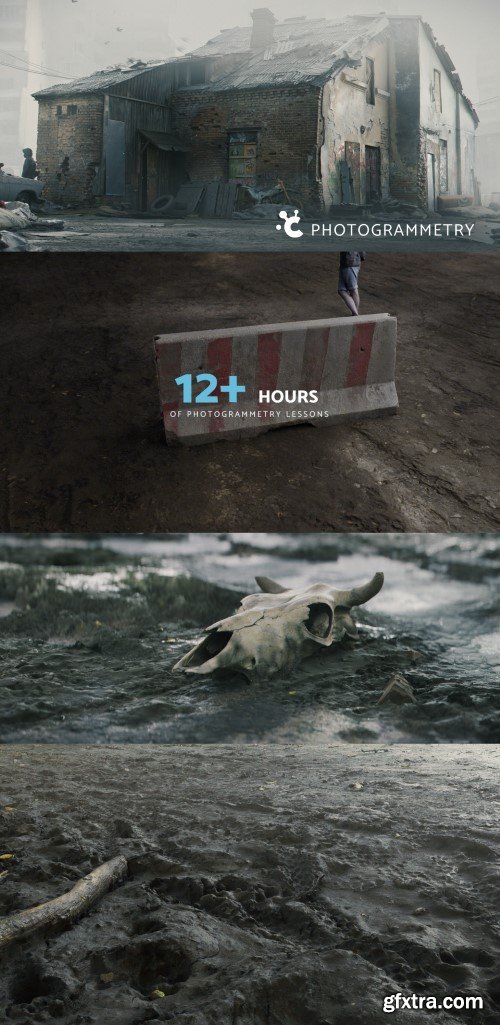
We believe this might be *the most* comprehensive photogrammetry video course, hands down. The course that will teach you how to make hyper-realistic 3d assets from photos. And not simply ‘any’ 3d assets, but the ones that are professional and clean and will enhance the realism of your 3d environments, like nothing else.
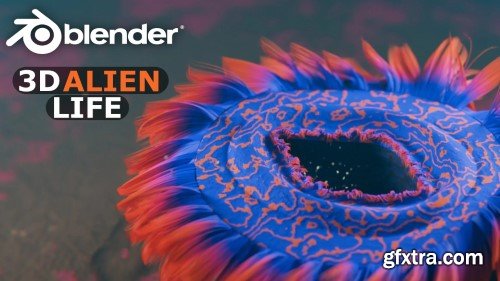
Skillshare - Create 3D Alien Life - A Blender Workflow That Works
As you follow along with the course, you'll create a stunning 3D animation of an alien lifeform concept in Blender. Once completed, you can submit your project. But why stop there? I challenge you to take what you’ve learned and create your unique animation! (Remember to download the resources ZIP to follow along) NOTE: This Skillshare class assumes you are familiar with the basics of Blender, including knowledge of the user interface. If you're not familiar with Blender, consider watching my absolute beginner-level Blender courses on Skillshare.
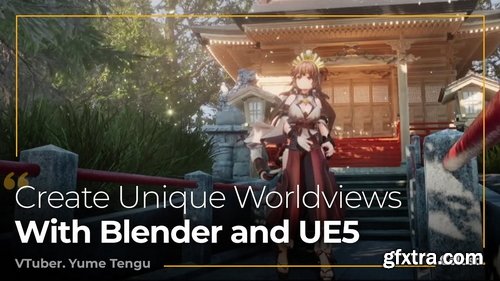
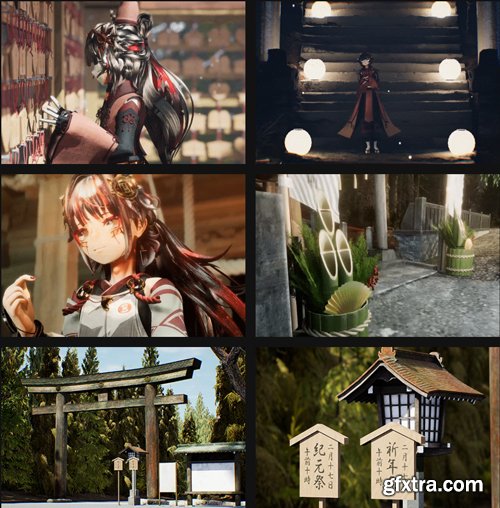
Coloso - Creating 3D Characters and Worldviews with Blender and UE5
https://coloso.global/en/products/vtuber-yumetengu-us
Beginner~Advanced | Total 20 videos | Audio: Japanese | Subtitles: English | Class materials included
- Create Backgrounds and Videos Using Blender and UE5: Learn the processes and key points of creating videos and live models, including lighting and camera systems, while discovering the joy of making your characters move. Explore ways to design detailed background assets using Blender, check out UE5 features for positioning assets and setting a mood, and study other key points to producing a video in depth.
- Steps to Designing Character Models in Blender: Join Yume Tengu as he guides you through the workflow of character model design, including modeling, UV mapping, texturing, making bones, weight painting, and creating facial expressions. He’ll also explain the importance of assembling a low-poly model with minimum resources by focusing on each polygon and share his practical knowledge through exercises.
- Character Design for 3D Conversion: Character designs made for 3D conversion allow you to produce more suitable character models in later stages. A logical design also makes it easier to communicate with the artist commissioned to create it, which is why you’ll learn the skills for creating character designs that enable you to produce the character you want.
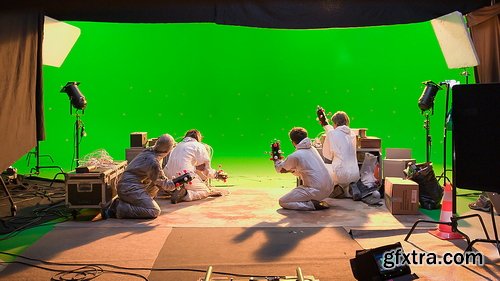
- Blockbuster movies, video games and news reports wouldn’t be the same today without the use of green-screen. Also known as Chroma key compositing or Chroma keying, this technique allows people and objects to be placed in any setting by replacing their real background. In this Green-screen Compositing course, Richard van der Oost takes a look at how you can apply this technique by making actors appear as if they were inside a 3D Blender environment - when, in fact, they are actually sitting in front of a green-screen. The course consists of 7 lessons which will take you through the process step by step and show you how to recreate a green-screen composition of your own.
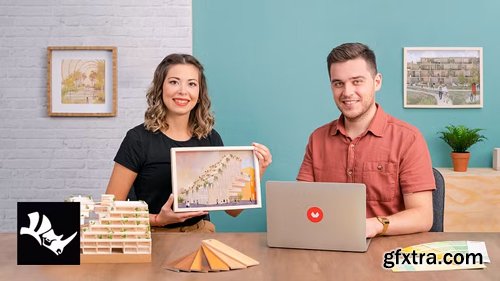
- While many options exist, design is always a viable solution for meeting the needs of people in their varying cultures and spaces. This idea is what underpins the work of Emre and Pinar Kaçar, the architect duo behind studio PAKKA, who aim to provide sustainable and practical solutions while expressing their design concepts in an attractive and easy-to-understand format. In this online course, they teach you how to make a 3D digital model of a building for architectural visualization from start to finish.
- Learn the fundamentals of Rhino 3D for modeling an architecture project, as well as how to bring your render to life with realistic details and retouching in Illustrator and Photoshop. By the end, you’ll have the skills to create an impressive exterior visualization of a building for your professional portfolio or to hang as a decorative poster
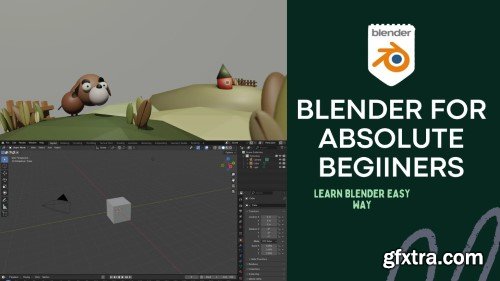
Skillshare - Blender for Absolute Beginners
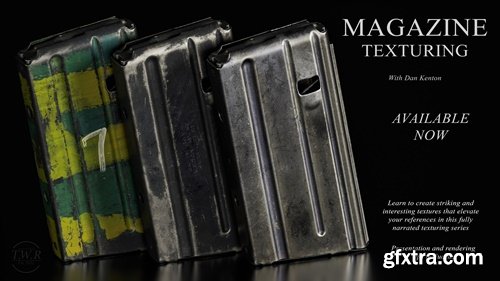
https://dankenton.gumroad.com/l/magazine
Here's what's included:
- 9 hours of narrated texturing with my thought process and revisions and ~1 hour of fully narrated rendering and a bonus 30 minute video where I do the highpoly
- My model that you can load into any version of painter you wish (I' m using 9.0 but this can be followed in any version)
- various stencils that I made myself
- My export from moi if you want to try sculpting on it. (Bonus Part)
- My pur ref File
- All of the Normals and AO maps needed to texture (I bake curvature, ID, etc. inside painter)
- My final painter file*
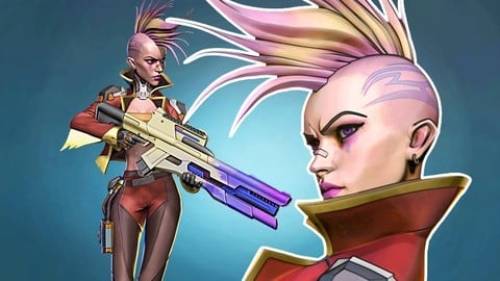
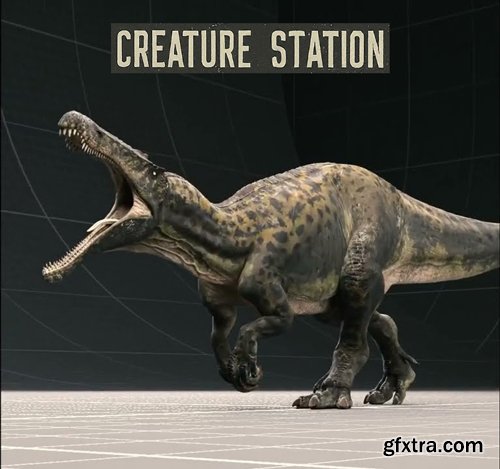
- Single Hierarchy Maya Rig | High quality rig with advanced muscle shaping controllers | 4K Textures spread across 5 UDEMs | Designed by an experienced Animator with a focus on quality | Maya 2022+ Only
- For Maya 2022+ only, the creature is designed by experienced artists to achieve feature film level quality. The rig runs at almost 24 fps in maya on a decent computer, even with all the muscle shapes running. Use ragdoll dynamics to simulate the advanced muscle setup.
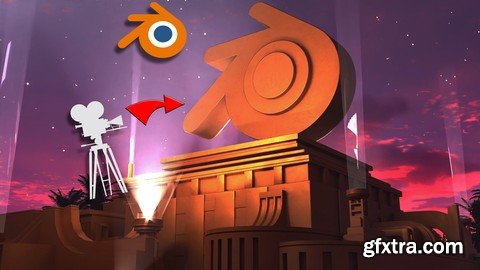
https://www.udemy.com/course/blender-animations/
Learn Blender 3D text animations: Model, Animate, Camera & lights, add particles, and render a studio-quality Intro.
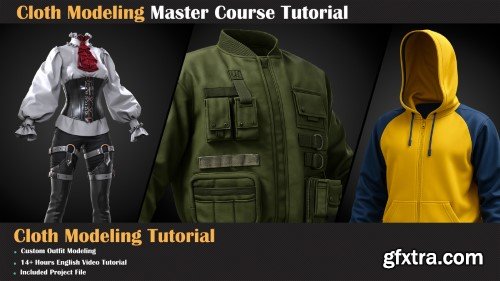
- Create Stunning Digital Fashion From Beginner to Pro! Your Ultimate 14-Hour Marvelous Designer Course Ready to turn your creative vision into beautifully detailed digital clothing? Whether you're a 3D artist, fashion designer, or game developer, this hands-on course will guide you through the powerful world of Marvelous Designer from your very first stitch to runway-ready results.

- Houdini himself couldn't escape these fundamentals. Houdini is one of the most intimidating pieces of software out there, but it doesn’t have to be! Industry-leading artist and creative director Adam Swaab breaks it down for you in an easy and accessible way. He’ll take you through the foundations of the program, getting you started on making your first mind-blowing procedural images in Houdini.
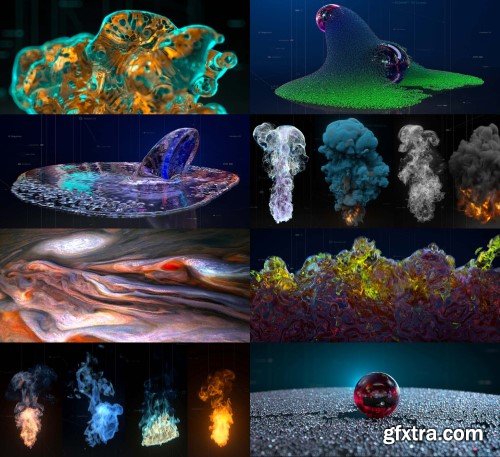
All you need to know about how to render X-Particles with Redshift 3D.
It’s an ONLINE 2.5 hours course with all details about how to use Xparticles and Explosia FX with Redshift v3. We are explaining step by step our techniques and all important Redshift nodes, which are able to transform all powerful X-Particles data into beautiful renders. You can also learn the basics of Xparticles and Explosia FX simulation or dynamics. The course includes: 15 C4D Scenes, VDB files, Fire/Smoke Shaders, free HDRi Maps. !! Commercial Assets / HDRi maps are not included !!
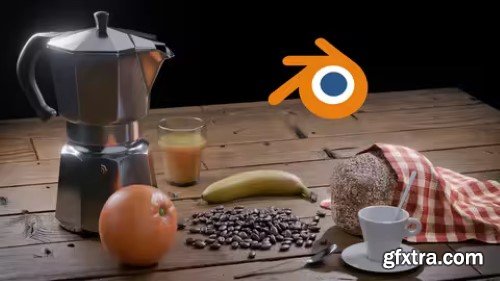
Udemy - Blender Mastery: From First Click To Final Render
https://www.udemy.com/course/blender-mastery/
An immersive, hands-on journey into the world of 3D creation.
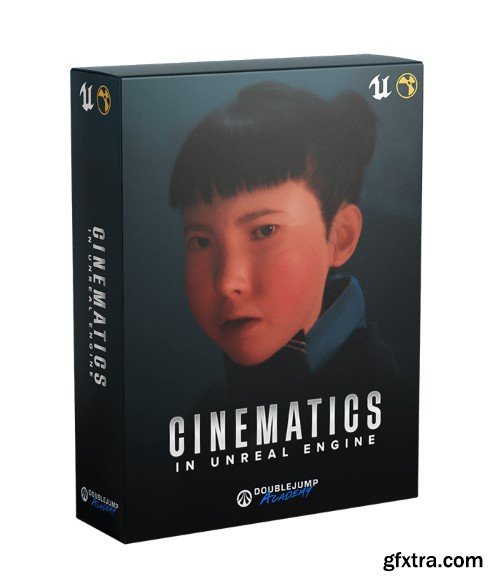
- This course will teach you the Unreal Engine filmmaking skills I learned over the 2 year period of creating my short film: Firmware. Anyone who follows this course will have the ability to tell their own stories all inside Unreal Engine!
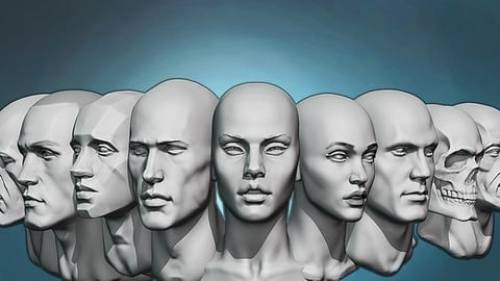
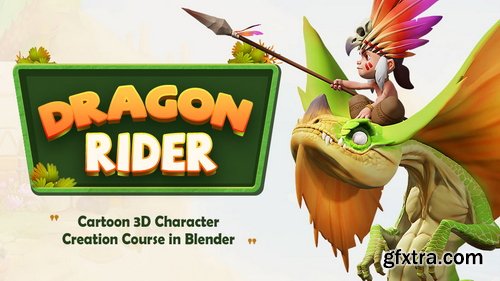
- Content: HD videos + Project files | Duration: 9 hours 15 Minutes | Software: Blender 3.2 and above | System: No special requirements | Project file: There is a pureref file with the references and the concept i am using.
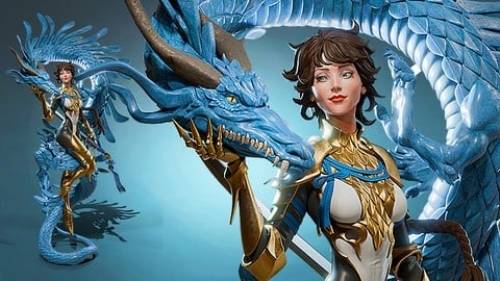
- In this course, for intermediate Blender users, we will do this characters, concept by the great artist Tooth Wu, completely and only in Blender. We will talk about lots of things that can affect the mind of a 3D character artist while sculpting, modelling, coloring and rendering.
126,000 Royalty-Free 3D Model

Udemy Türkçe


Top Rated News
- CreativeLive Tutorial Collections
- Fasttracktutorials Course
- Chaos Cosmos Library
- MRMockup - Mockup Bundle
- Finding North Photography
- Sean Archer
- John Gress Photography
- Motion Science
- AwTeaches
- Learn Squared
- PhotoWhoa
- Houdini-Course
- Photigy
- August Dering Photography
- StudioGuti
- Creatoom
- Creature Art Teacher
- Creator Foundry
- Patreon Collections
- Udemy - Turkce
- BigFilms
- Jerry Ghionis
- ACIDBITE
- BigMediumSmall
- Globe Plants
- Unleashed Education
- The School of Photography
- Visual Education
- LeartesStudios - Cosmos
- Fxphd
- All Veer Fancy Collection!
- All OJO Images
- All ZZVe Vectors
- CGTrader 1 CGTrader 2



















