

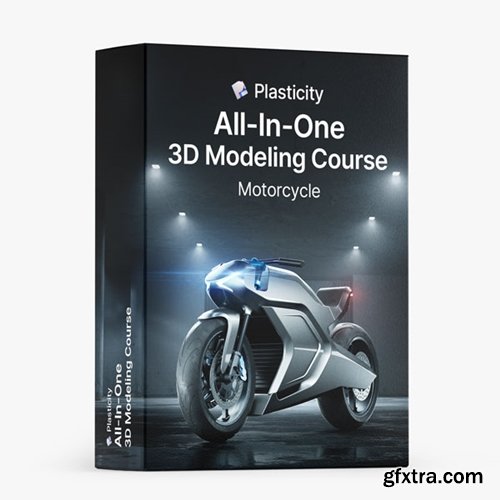
https://nikitakapustin1.gumroad.com/l/plasticity-3d-modeling-course
Learn how to master 3D Modeling in Plasticity. The complete solution to apply Key Surface Modeling Techniques to any project.
- Dive into the world of Plasticity and accelerate your 3D modeling skills. This course is the ultimate solution for those who want to understand and apply Key Surface Modeling Techniques to any project.
- If your progress in Plasticity isn't as quick as you'd like, and you're aiming to model complex objects with clarity, this course is for you. Learn not just the 'what', but the crucial 'why & when' of Surface Modeling, allowing you to apply these techniques effectively in your projects.

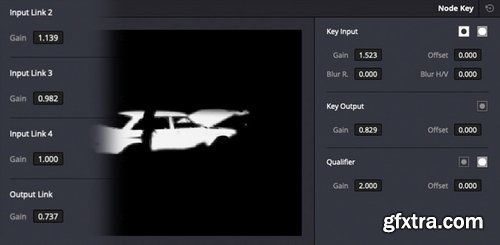
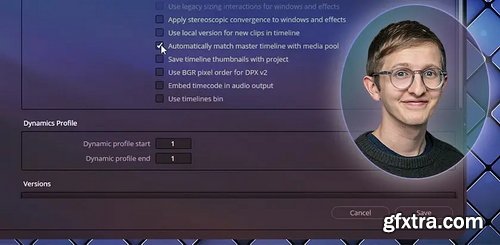
- DaVinci Resolve has a ‘hidden’ feature in Project Settings that is a great tool to speed up your workflow: Remote Versioning. We’re not talking about remote grading – that’s something else entirely.
- Instead, we’re talking about an extension of the Versions functionality. A decade ago, ‘Remote Versions’ was the ONLY form of version control in Resolve. But a few years after Blackmagic purchased and released DaVinci Resolve for Mac, they introduced Local Versions – and soon it became the default operating mode of grade management in Resolve.




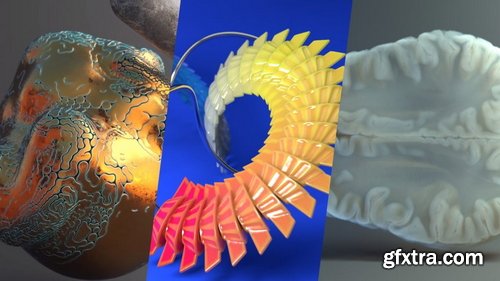
- Stunning 3D visuals that will not only inspire admiration but give you chills! What if you could create easily with automated data without complex key work?
- Anna, a YouTuber receiving worldwide acclaim for his unparalleled use of nodes, will teach you everything from the basic principles to advanced techniques of nodes over 100 chapters.
- An opportunity to bring the scenes in your imagination to life with 50 exercises covering all of the main functions of shader and geometry nodes. Take on the production of an entire animation and master all the latest features, like the hair system and simulation nodes!

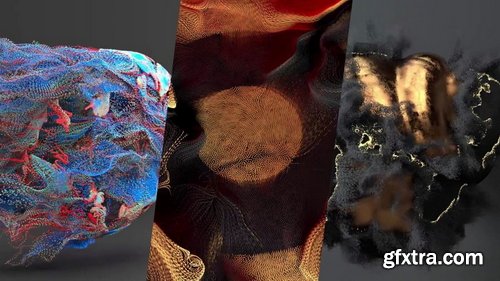
- Basic Houdini UI/UX knowledge, Basic SOPs knowledge, Willingness to be exposed to a tiny bit of math
- A few examples of particle techniques covered in this course: Sticking particles to animated geometry (pt. 08), POP streams and how DOPs works (pt. 07) and particle paint removal (pt. 01). This is an introduction to particle workflows in Houdini using POPs and DOPs.

https://nikitakapustin1.gumroad.com/l/industrial-design-course
Learn how to master Surface Modeling in Plasticity with Industrial Product Design. Tap into your potential with this Plasticity course by experiencing cutting-edge industrial design and advanced surface modeling. Why focus on power tools? They offer the perfect blend of form and intricate details. Far from just another course, this is your transformative guide to pushing the limits of Plasticity. Let's have a look.
Language: English + subtitle | Duration: 1h 34m 15s | Size: 215 MB
https://www.linkedin.com/learning/illustrator-digitizing-hand-lettering
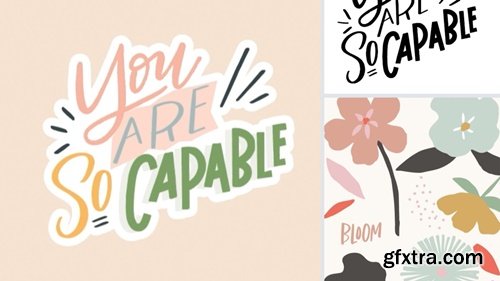
Explore the process of digitizing hand-lettered artwork and incorporating simple illustrations using Adobe Illustrator.
https://www.udemy.com/course/absolute-beginners-retopology-and-uv-unwrapping-in-3dsmax/
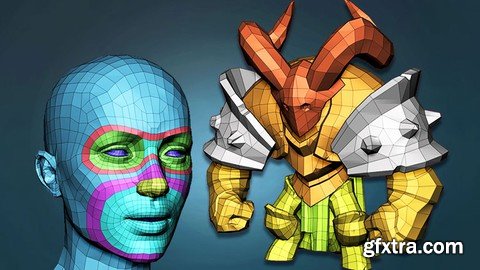
Learn the secrets of retopologizing in 3dsMax




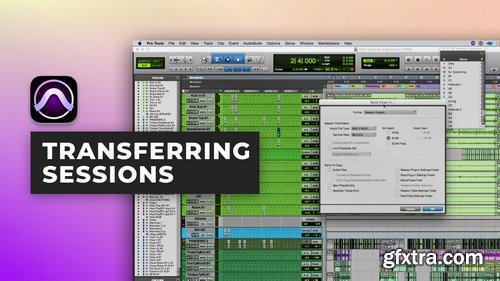
- It’s no secret. Sending sessions back and forth with collaborators has the potential to ruin your day.
- In this Pro Member exclusive Grammy Award Winner Fab Dupont walks you through his tried and true method of sharing projects with collaborators that ensures no file is left behind.
- In this tutorial, you’ll learn:
- Pro Tools session folder hierarchy
- How to set up your Pro Tools system so that you are always backed up
- How to clean up a session before sending it to a collaborator
Linkedin - CSS Fundamentals: Unlock the Power of Web Styling
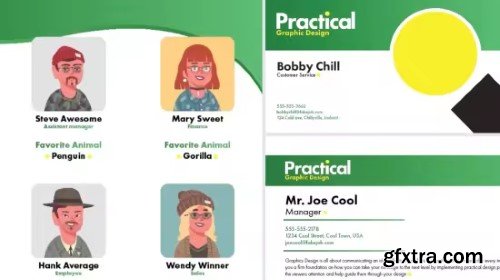
Linkedin - InDesign: High-Volume Publishing with Data Merge
https://www.linkedin.com/learning/indesign-high-volume-publishing-with-data-merge
Many design jobs involve applying different data to the same design—for example, creating business cards for an entire team or creating catalogs or directories. This course from Skillshare explores the process of using Adobe InDesign’s Data Merge feature to efficiently produce high-volume layouts. Get started by explaining how to organize, format, and save data for seamless integration into InDesign. Learn how to apply variable text fields, troubleshoot common issues, and export designs for both print and digital platforms. Along the way, discover more advanced techniques for incorporating variable images and working with multiple record layouts.

Language: English (US)
A step by step creation of Architectural Visualization from scratch in Autodesk Maya - Modeling
https://www.udemy.com/course/architectural-visualization-in-maya-and-arnold-modeling/

Language: English (US)
Become an Expert Architect & Designer With AI
https://www.udemy.com/course/aitectstudio/

126,000 Royalty-Free 3D Model

Udemy Türkçe


Top Rated News
- CreativeLive Tutorial Collections
- Fasttracktutorials Course
- Chaos Cosmos Library
- MRMockup - Mockup Bundle
- Finding North Photography
- Sean Archer
- John Gress Photography
- Motion Science
- AwTeaches
- Learn Squared
- PhotoWhoa
- Houdini-Course
- Photigy
- August Dering Photography
- StudioGuti
- Creatoom
- Creature Art Teacher
- Creator Foundry
- Patreon Collections
- Udemy - Turkce
- BigFilms
- Jerry Ghionis
- ACIDBITE
- BigMediumSmall
- Globe Plants
- Unleashed Education
- The School of Photography
- Visual Education
- LeartesStudios - Cosmos
- Fxphd
- All Veer Fancy Collection!
- All OJO Images
- All ZZVe Vectors
- CGTrader 1 CGTrader 2



















