

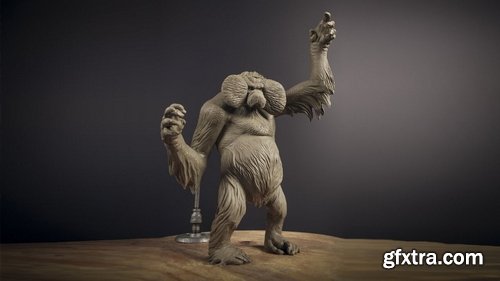

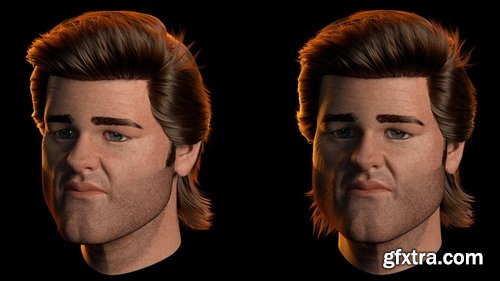
- This animation workshop by Victor Javier Garza, Hair & Cloth Lead in the film and TV industry, introduces how Yeti can be used to create convincing hair for use in a professional animation pipeline. Over 21 chapters, Victor reveals how Yeti’s tools go far beyond simply grooming hair while providing all the steps needed to create your own finalized groom.
- The subject for the groom created in this workshop is based on Kurt Russell's star-level mullet of the 1980s. Kicking the lecture off in Maya, Victor introduces the flexibility of Yeti’s node-graph workflow before covering Yeti’s extensive, robust toolsets and discussing how they are used to progress a groom through the various stages of a production pipeline. In addition to creating an impressive mullet-style hair groom, Victor also shares how to handle the eyebrows, eyelashes, and beard groom.
- Victor details each step involved in making a professional-looking digital hairstyle, including how to handle look-development in V-Ray and use the V-Ray Next Hair Shader for realistic results. After completing this 2+-hour workshop, you will have a sound understanding of how Yeti is used by professional artists to finalize a hair groom for film or TV.
Language: English | Duration: 35 Lectures ( 4h 24m ) | Size: 1.46 GB
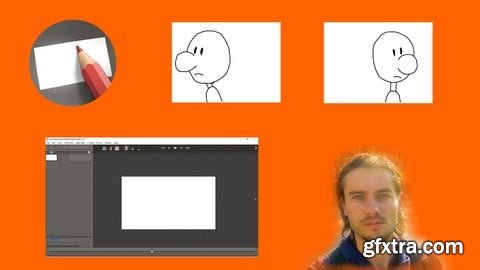
https://www.udemy.com/course/animation-paper-the-complete-course-to-create-2d-animations/
Master Animation Paper software to create 2D animations with drawings
Language: English | Duration: 48m | Size: 541 MB
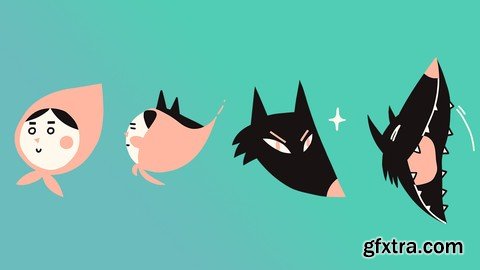
https://www.udemy.com/course/morphing-loops-animate-the-transformation
Transform One Object into Another with Animation
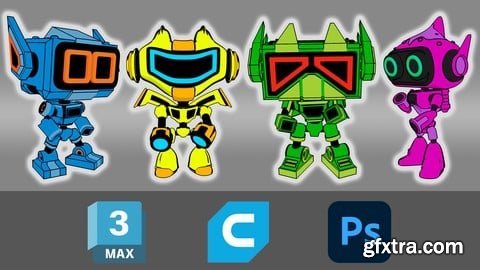
Udemy - 3D Figurine Printing
6 hours on-demand video

Udemy - Realistic Bedroom Rendering with Enscape 4.2
English | 33 lectures | 3.5 hours on-demand video
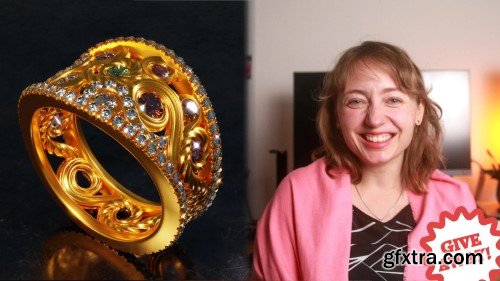
Skillshare - All About Curves - Dazzling Designs in Blender 3D
In this class, we will discover the power of curves in Blender and use them to create dazzling 3D jewelry designs. No matter if you are a beginner exploring Blender or an intermediate 3D artist, this class will guide you towards mastering one of Blender's most versatile (and sometimes most feared) design tools: curves.
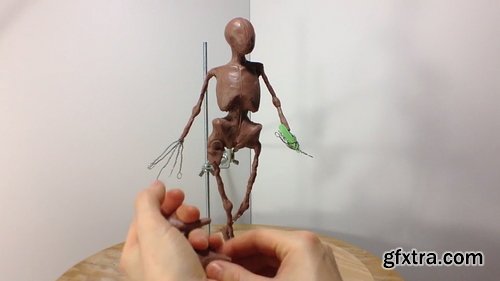

- Polymer Clays: This type of clay is commonly used and commonly found in craft stores like Michaels. Henry briefly overviews the different types of polymer clays.
- Tools: Henry shares his large collection of sculpting tools from X-Acto knives to dentists' accessories. You can buy tools specifically for sculpting at local craft stores.
- Armatures: These are important for supporting your sculpture as a structure. Metal wire and aluminum foil are commonly used and found at local hardware stores/grocers.
- Baking Procedure: Baking clay can ensure long-life for your sculpture or it can bring it cracking and crumbling to the ground. It's important to do it correctly!
- Painting Techniques: Henry explains several painting/finishing techniques including washes, glossy fingernail polish, and resin curing for eye lenses. He gets his resin from http://www.brickintheyard.com/
- Custom Display Case: Finally, Henry demonstrates how to build a custom display case for your sculpture!
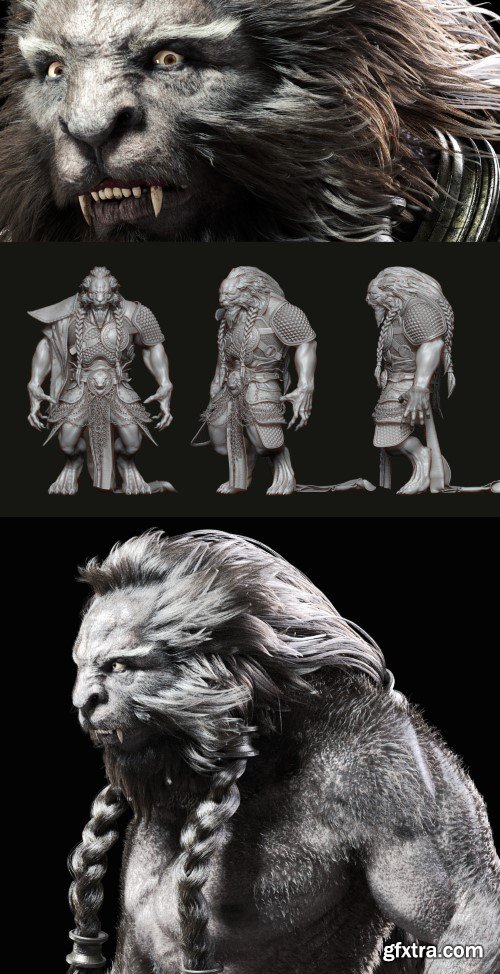
Yiihuu - Journey to the West The Great Sage Who Moves Mountains - Lion King
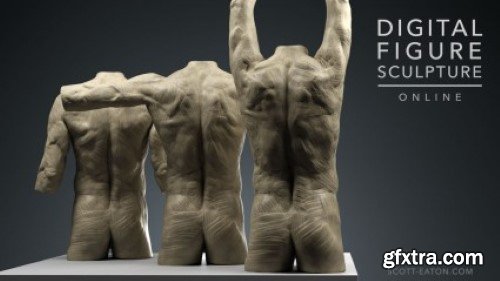
Scott Eaton - Digital Figure Sculpture Course
Digital Figure Sculpture is an intensive 10-week digital sculpting course designed to teach classical techniques of figure sculpture using ZBrush. Over the duration of the course students will sculpt a complete male figure as well as a number of shorter weekly studies. Each week full-enrollment students submit work-in-progress sculptures to Scott and receive a video review and ‘sculpt over’ showing where changes need to be made to progress their sculptures to the next level of realism.
Language: English (US)
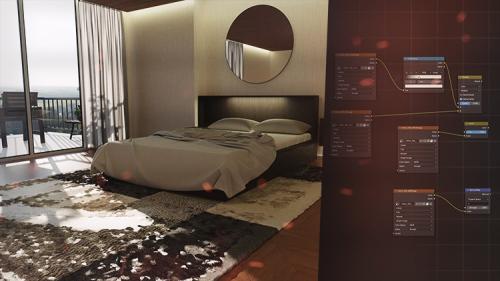
This course equips you with the skills and techniques needed to craft sleek and stylish interior spaces using Blender
https://www.udemy.com/course/modern-interior-in-blender-course/

Published 9/2024
https://www.udemy.com/course/mastering-mini-revolver-hard-surface-modeling-in-zbrush/

https://www.udemy.com/course/modeling-in-zbrush-creating-a-dji-inspire-drone/

Skillshare - IsomeTRICK Moves: Anyone Can Animate in Adobe After Effects
This introductory course into Adobe After Effects will take you from, “Hey, I’ve never opened the program before…” to “Hey! I opened the program and made a thing!” After Effects is a powerhouse tool with so many tools and features, and at times it can be overwhelming. Trust me, I've been there, I was scared to open the program, but when I learned some basics, it was really fun! In this class I will remove the curtain and share with you how anyone can animate. I will start out small and show you the interface, focusing on the key areas you should know to get started cutting After effects down to the bare essentials. Gradually building up your understanding to animate simple transformation properties. You will learn simple ways to mask objects using track mattes, parenting different layers and learn some basic expressions. By the end of the course you will have created your own animated GIF and a short motion graphics reel.

Skillshare - Create Your First 3D Short Film in Blender using AI
Language: English (US)
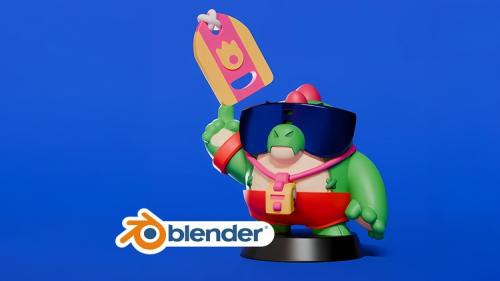
From Blender Basics to Your First 3D Printed Character: A Comprehensive Introduction
https://www.udemy.com/course/create-and-3d-print-your-first-character-in-blender/
Language: English | Duration: 29 Lectures ( 2h 21m ) | Size: 1.3 GB
https://www.udemy.com/course/autocad-2025-3d-essential-training/
Unlocking the Power of 3D Design in AutoCAD 2025
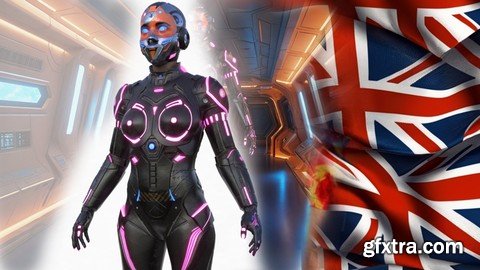
Language: English | Duration: 1h 7m | Size: 991 MB
https://www.udemy.com/course/from-ai-to-3d-3ds-max-cyborg-making-of/
How to integrate Artificial Intelligence into 3ds Max Modeling.

- Welcome to extraordinary UE5 COURSE In this Course you'll learn averything about how to create and improve your 3D habilities to Create the most amazing Scene in UNREAL ENGINE 5
- This tutorial has 27 chapters and 100 video tutorials, explaining the use of UE5 in the visualization of indoor and outdoor scenes, including UE5 basics, lighting, texture materials, scene rendering, animation, scene optimization, virtual roaming and other knowledge
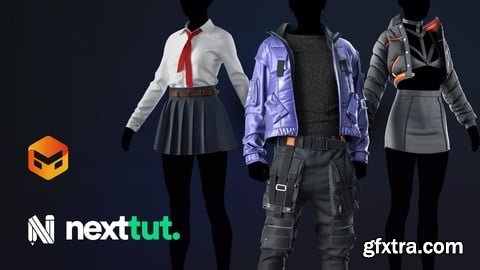
Udemy - Marvelous Designer for Beginners : Create Awesome 3d Cloths
https://www.udemy.com/course/marvelous-designer-for-beginners-create-awesome-3d-cloths

- Entirely in Redshift 3.5 and C4D R26 + 2023 Learn how to optimize and speed up your renders on your machine and how to make them clean at the same time! In depth look at Rendering with Redshift. Learn Lighting options, tips, tricks, settings, controls! Master the camera in C4D and use RS Bokeh to make depth of field and cinematic renders as well as motion blur and more. What will I learn in this course? We cover optimizing rendering for your machine, creating professional lighting, and camera settings. By the end of this course you’ll be able to create amazing looking renders that are both fast and clean! Does the course cover creating the shots in the promo video? Yes, what you see in the promo is taken straight from the course! What knowledge do I need to complete the course? A basic level of Cinema 4D should be fine for this course. What software do I need? You need Maxon Cinema 4D (many of the techniques are achievable in older versions but Version 20 and above is recommended). You also need the Redshift Render Plugin for Cinema 4D, Redshift Version 3.0 and up. 3.5 recommended.

126,000 Royalty-Free 3D Model

Udemy Türkçe


Top Rated News
- CreativeLive Tutorial Collections
- Fasttracktutorials Course
- Chaos Cosmos Library
- MRMockup - Mockup Bundle
- Finding North Photography
- Sean Archer
- John Gress Photography
- Motion Science
- AwTeaches
- Learn Squared
- PhotoWhoa
- Houdini-Course
- Photigy
- August Dering Photography
- StudioGuti
- Creatoom
- Creature Art Teacher
- Creator Foundry
- Patreon Collections
- Udemy - Turkce
- BigFilms
- Jerry Ghionis
- ACIDBITE
- BigMediumSmall
- Globe Plants
- Unleashed Education
- The School of Photography
- Visual Education
- LeartesStudios - Cosmos
- Fxphd
- All Veer Fancy Collection!
- All OJO Images
- All ZZVe Vectors
- CGTrader 1 CGTrader 2



















