

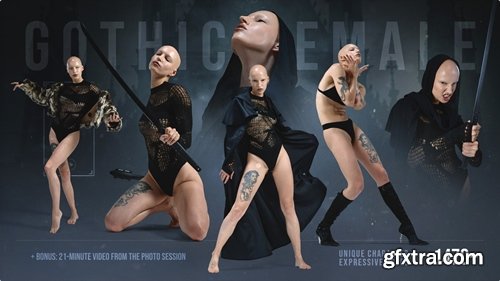
https://www.artstation.com/marketplace/p/KbN7d/
- Grafit Studio presents: A stylized reference pack focused on a striking gothic female character with bold, expressive movement. Shot in a clean studio with dramatic styling - sheer fabrics, flowing capes, and claw-like gloves - emphasizing silhouette, contrast, and mood. The model’s natural alopecia enhances the overall aesthetic, giving her look an even more fantasy, alien, detached, and otherworldly quality - perfect for dark fantasy and stylized character work.

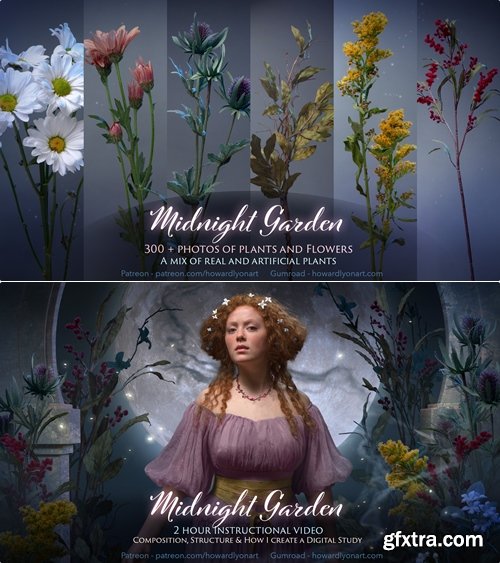
300+ images
https://howardlyonart.gumroad.com/l/Midnightplants?layout=profile
- 300+ images of plants and flowers. These are images that I used to create the digital comp for my Midnight Garden video. Some of the plants and flowers are artificial and some are real. I rotated them in a circle while taking photos so that I would have reference from many different angles.
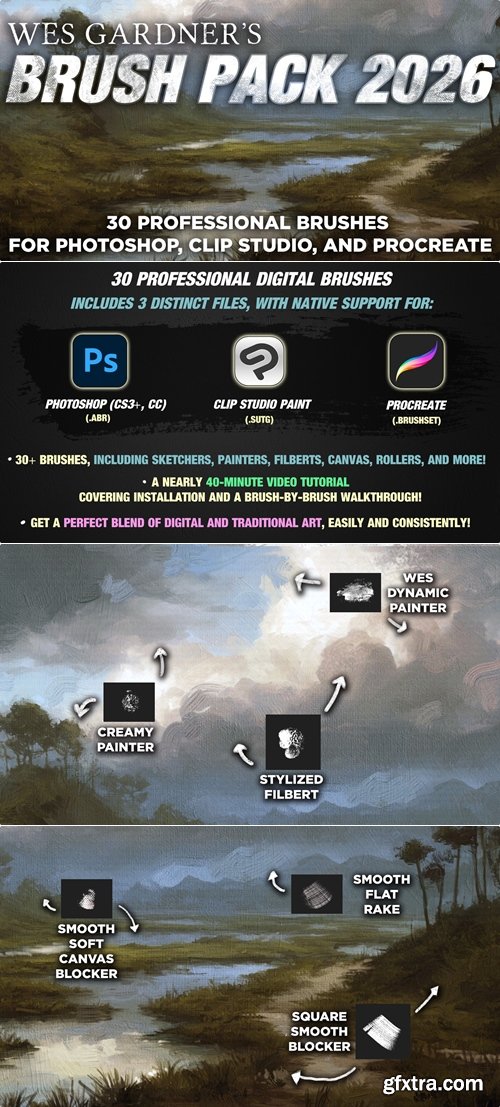
- The Wes Gardner Brush Pack 2026 is the most versatile set I’ve made, and is the true “workhorse” set of brushes that I use as a professional illustrator and artist. I’ve used these brushes on projects with the biggest clients in the world, including things like Magic: The Gathering, Warhammer 40k, Star Wars, Percy Jackson, and more. These are my “daily drivers”, meaning I use these brushes every single day, for a myriad of projects (both personal and professional).
- This brush pack is as extensive as your painting software, as for the first time EVER it has NATIVE COMPATIBILITY with three softwares! Enjoy full Photoshop compatibility (with CS3+, and all Creative Cloud versions!), full CLIP Studio Paint support (CSP 3+, including the new CSP5!), and Procreate (1.0+). No matter where you paint, the brushpack has you covered!
- This brush pack is something special, and should help unlock some new pathways in your workflow to help take your work to the next level!
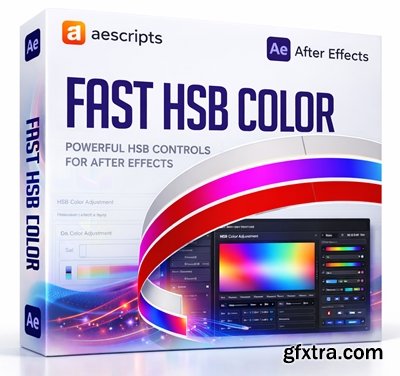
- Fast HSB Color brings on-interface HSB color sliders directly into After Effects, allowing you to adjust layer colors instantly without opening the native color picker. It automatically detects editable color properties across solid layers, text layers, shape layers, adjustment layers, light layers, and effects. With support for batch color editing, the HSL color model, and keyboard-driven adjustments.
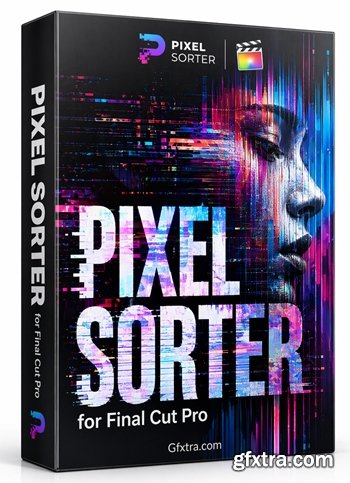
- Pixel Sorter was the first tool to bring the pixel sorting glitch effect available for motion designers and video editors, being available directly in Adobe After Effects. Experimenting with Pixel Sorting just became so much easier! Since its launch, Pixel Sorter had a huge success in Broadcast TV, Live performances, VJs, Music Videos, Video Games, Photography and even Apparel!

Create flexible, responsive collage layouts and animations in After Effects. Take full control of every line, item, and spacing.
- Collage Pro lets you build, manage, and refine collage layouts directly inside After Effects with speed and precision. It gives you full control over how lines, items, and spacing adapt to your design.
- Easily adjust and animate your layouts, simplify complex structures, and maintain complete creative control throughout your workflow.
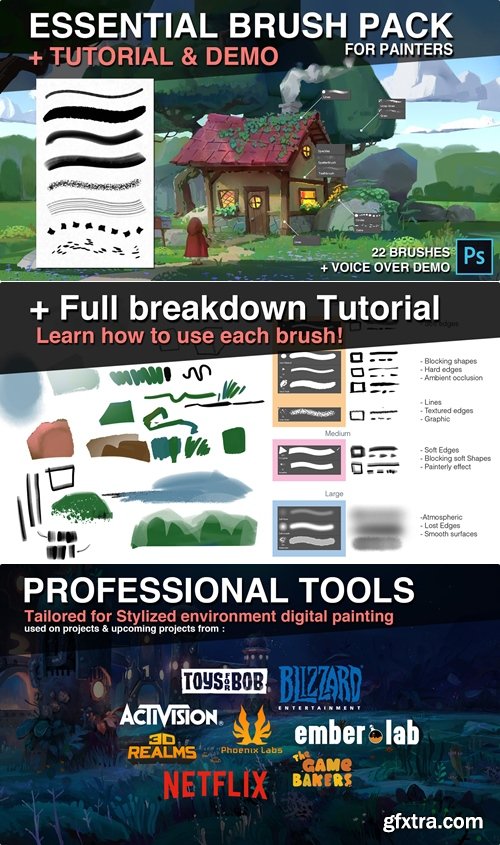
- Essential Brush Pack for Painters + Demo & Tutorial is a practical digital painting toolkit created for artists who want a streamlined, production-ready brush set for Photoshop. The package includes 22 brushes, 45 minutes of narrated tutorial content, a PSD file, cheat sheet, custom demo brushes, and additional work files, making it both a toolset and a guided learning resource. Overall, it is positioned as a workflow-focused brush collection for beginners and advanced painters alike, combining versatile painting tools with clear instruction on technique, brush use, and custom brush creation.
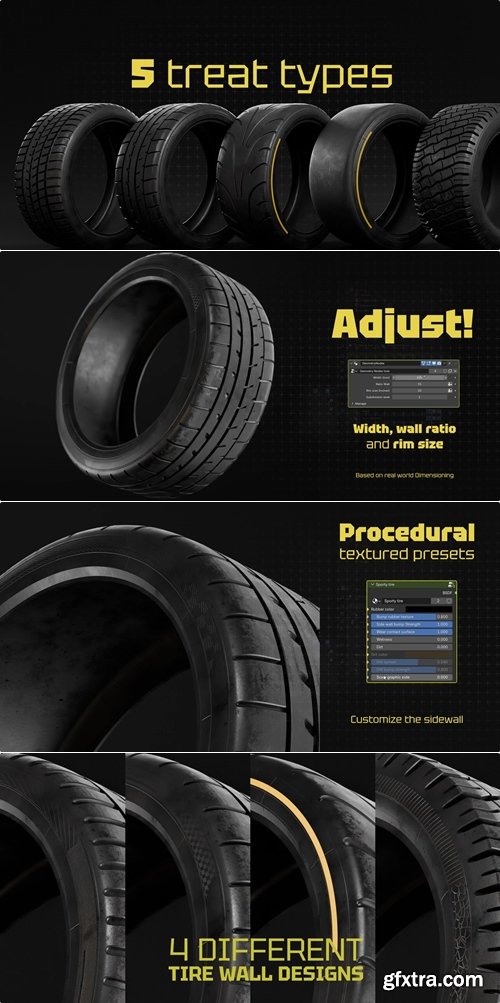
Use the power and capabilities of geometric nodes to create various tires.
- Adjustable Tire Pack v0.0.3 is a compact procedural asset package created for Blender artists who need flexible, customizable tire setups for automotive visualization and design work. Developed by Thoom, the pack is positioned as a non-destructive solution built around parametric and geometry-nodes-based workflows, making it suitable for creating realistic racing, sport, and off-road tire variations. With support for Blender 4.3–5.0 and compatibility with both Cycles and Eevee, it offers a practical and efficient tool for artists seeking fast, adaptable tire generation in production-ready scenes.
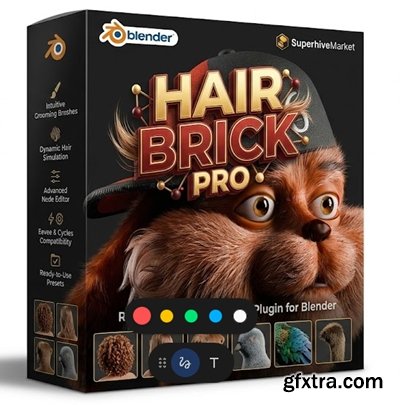
- Blender's new hair Curve System offers many possibilities but requires a certain level of technical skills to use effectively. Hairbrick bridges that gap allowing artists of any skill level to work efficiently and effectively to create any hairstyle you hope to make; ranging from basic hairs to feathers and stylized hair.
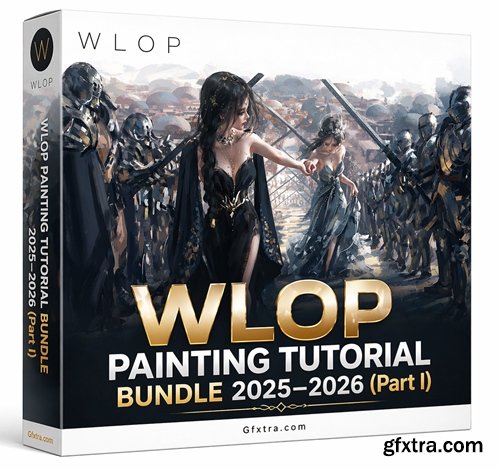
https://wlop.gumroad.com/l/gycvmv?layout=profile
- This collection contains the first half of my 2025–2026 WLOP Beginner Tutorial (Chinese voice-over with English subtitles), featuring 11 sections across the first three chapters. It covers foundational topics including light, digital painting tools, and core painting theory, providing a structured base for further study.
- Additionally, the collection includes three bonus finished artworks, each accompanied by its PSD file and full painting process. These artworks closely correspond to the tutorial content and serve as practical visual references to enhance understanding during the learning process.
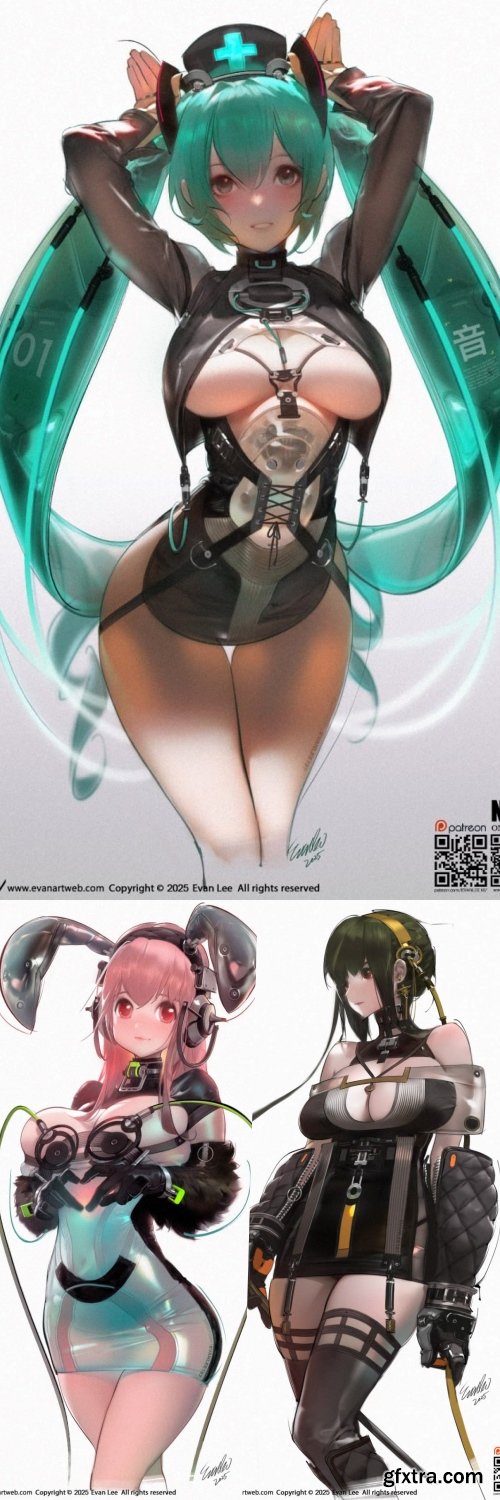
- Geomatrix Costume Design (Full Characters) – Up to April 2026 is a curated Patreon collection by Evan Lee that showcases his distinctive Geomatrix-based approach to full-character costume design. The collection currently spans 48 posts, while Evan Lee’s broader platform presents Geomatrix as a design methodology centered on geometric composition, structural layering, and strong visual form. Overall, it can be presented as a focused learning and reference resource for artists interested in character costume development, stylized design language, and a more structured approach to visual concept creation.
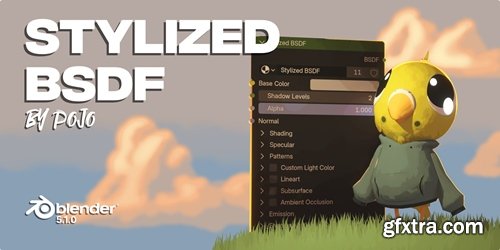
- Only for Blender 5.1 and up. Stylized NPR nodes for Blender. There's two files, Ultimate Toon Shader and Stylized BSDF. Stylized BSDF is the latest version going forward.
- Stylized BSDF is a complete NPR (Non-Photorealistic Rendering) shader for Blender 5.1 that gives you studio-quality stylized materials without complex node setups.
- Unlike standard toon shaders that only handle basic cel shading, Stylized BSDF provides a full suite of artist-friendly controls—including multi-layered patterns, stylized reflections, lineart, subsurface scattering, and independent shadow masking. Everything is packaged into a single, easy-to-use node group.
- Whether you're creating anime characters, illustrated environments, motion graphics, or concept art, Stylized BSDF adapts to your style.
- What makes it different? Every component is designed for stylized workflows, not physically accurate rendering. The metallic reflections are fake and artist-controlled. The emission uses Fresnel to glow brighter at center. Shadows are posterized, not soft. These are deliberate choices made for NPR artists, by an NPR artist.
- ArtWod Bundle is a structured digital learning platform designed to help artists build drawing skills through a guided, practice-based system rather than passive watching. Positioned as a “mobile drawing coach,” ArtWod combines step-by-step study paths, drawing exercises, puzzles, tips, solution videos, and instant feedback to support consistent daily progress for beginners and developing artists alike. Overall, it can be presented as a practical and accessible training resource for creatives who want a more disciplined, interactive, and confidence-building approach to learning how to draw.
- Extration of this works as explained:
- Don't extract all of them at once, extract each part individually since they are compressed variously. I did not create this upload, I found it as is
- If it fails for any reason, I can delete this one, and re-download from another source to upload later in a better, more organized and clean fashion
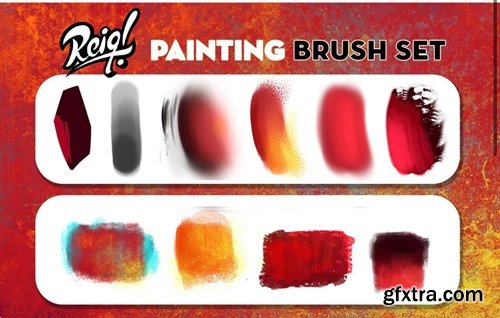
- REIQ’s PS Painting Brush Set + Brush Demo is a compact digital brush pack created for illustrators who want a practical, versatile painting toolkit for Photoshop-based workflows. The set includes 12 brushes along with a video demo explaining how each brush is used, and the product page also notes that the brushes can be imported into Procreate. Overall, it is positioned as an accessible, workflow-friendly resource for artists seeking a simple brush set with guided usage support.
Chaos Corona 14 update 1 hotfix 2 for 3ds Max 2018 - 2027
https://www.chaos.com
- Chaos Corona 14 for 3ds Max is the latest evolution of one of the industry’s most artist-friendly render engines, packed with next-generation features that dramatically enhance speed, realism, and creative control. Designed for architectural visualization, product rendering, advertising, VFX, and cinematic work, Corona 14 brings a polished suite of AI-powered tools, procedural material upgrades, and powerful environment systems—all perfectly integrated into the 3ds Max workflow you rely on.
Learn professional product animation in Blender by creating real projects, realistic materials, clean models

Find and replace missing items in your After Effects project, FAST

Aescripts - Reach Pro v3.0.11
https://aescripts.com/reach/
After Effects 2026, 2025, 2024, 2023, 2022
- Reach is an all-encompassing, adaptable, and ever-evolving toolset. It infuses the After Effects toolkit with a medley of uniquely innovative utilities. From elementary to intricate, Reach takes the expected and elevates it into the realm of the extraordinary. Simplify the cumbersome and catalyze your creativity with Reach, the best companion for every After Effects Pro. New tool: Universal Effector
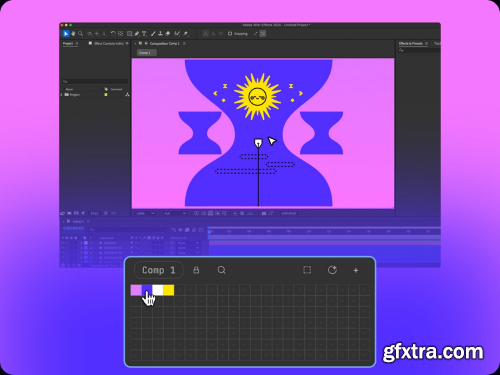
GoodBoy Ninja - Swatches 1.0.4 Win/Mac
https://www.goodboy.ninja/swatches
- Good Boy Ninja – Swatches is a sleek, modern, and highly intuitive color-palette extension designed specifically for Adobe After Effects artists who want complete control over their visual style. Offering an efficient and creative approach to managing colors inside AE, Swatches transforms the way editors, motion designers, and animators build, organize, and apply color schemes. With its clever interface and workflow-focused design, it eliminates the guesswork from color selection and turns palette management into a fast, visual, and enjoyable process.
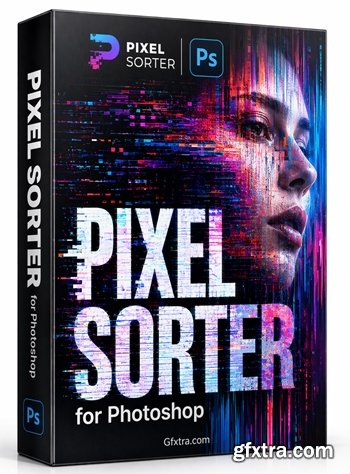
- Pixel Sorter was the first tool to bring the pixel sorting glitch effect available for motion designers and video editors, being available directly in Adobe After Effects. Experimenting with Pixel Sorting just became so much easier! Since its launch, Pixel Sorter had a huge success in Broadcast TV, Live performances, VJs, Music Videos, Video Games, Photography and even Apparel!
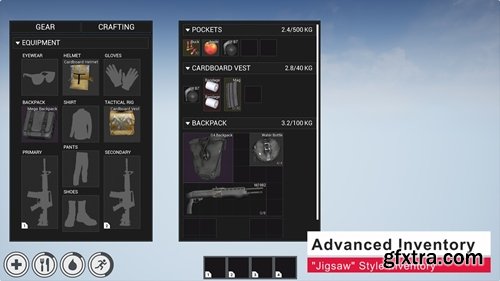
- Survival Game Kit V2 brings all the features of the original with massive improvements like a "Jigsaw" style inventory system, projectile based weapons and a full main menu and in game menu system just to name a few. Also included is Player Building System V2 a new player building system built from scratch for the needs of modern survival games.
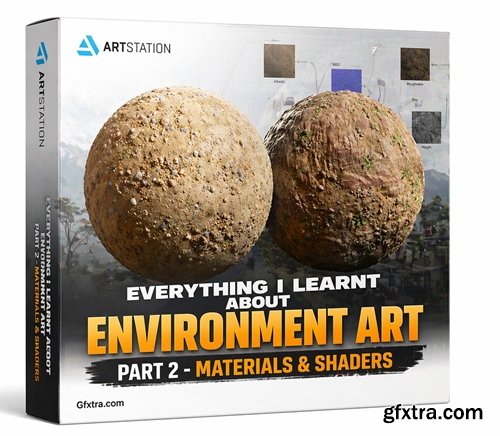
https://www.artstation.com/marketplace/p/x9pzm/everything-i-learnt-about-environment-art-part-2-materials-shaders
- This is the second part of a comprehensive guide for beginners and intermediate users. It covers various topics in the field of environment creation and aims to share some lessons and tips that I have learned during the process. The guide is divided into chapters. Version 2 includes Chapters 3 and 4, which can be purchased separately or as part of a bundle at a reduced price.
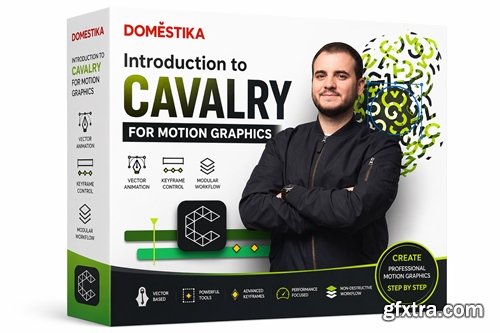
https://www.domestika.org/en/courses/3747-introduction-to-cavalry-for-motion-graphics
Discover the fundamentals of 2D motion graphics and learn how to use the digital tools in Cavalry to create striking animations from scratch
NeoSkola Bütün Kursları

Udemy Türkçe


Top Rated News
- TheBoudoirDivas All Tutorial
- 126,000 Royalty-Free 3D Models
- CreativeLive Tutorial Collections
- Fasttracktutorials Course
- Chaos Cosmos Library
- MRMockup - Mockup Bundle
- Finding North Photography
- Sean Archer
- John Gress Photography
- Motion Science
- AwTeaches
- Learn Squared
- PhotoWhoa
- Houdini-Course
- Photigy
- August Dering Photography
- StudioGuti
- Creatoom
- Creature Art Teacher
- Creator Foundry
- Patreon Collections
- Udemy - Turkce
- BigFilms
- Jerry Ghionis
- ACIDBITE
- BigMediumSmall
- Globe Plants
- Unleashed Education
- The School of Photography
- Visual Education
- LeartesStudios - Cosmos
- Fxphd
- All Veer Fancy Collection!
- All OJO Images
- All ZZVe Vectors
- CGTrader 1 CGTrader 2



















