

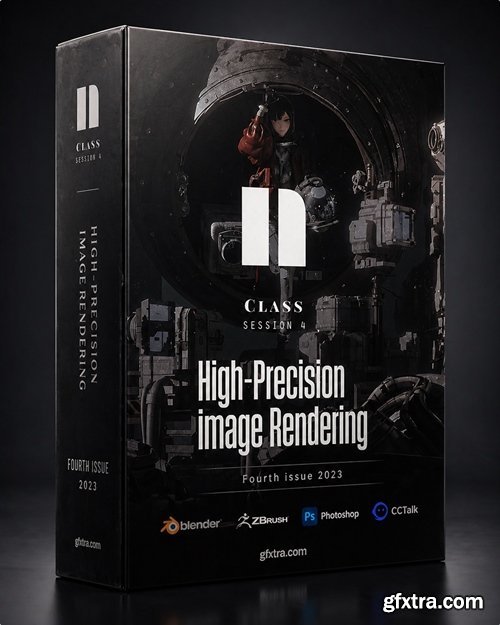
Project files: Yes Software: Blender, ZBrush, Photoshop Size: 33.2 GB
https://www.cctalk.net/m/group/90472935
- High-Precision Image Rendering, Fourth Issue 2023 is an extensive CG training course designed for artists who want to develop a polished, production-level rendering workflow across multiple industry-standard tools. Based on the available course listing details, it spans 49 lessons and more than 111 hours of instruction, with project files included and a workflow built around Blender, ZBrush, and Photoshop. Overall, it can be positioned as a comprehensive learning resource for creators aiming to strengthen their skills in high-end image rendering, digital sculpting, and post-production within a structured long-form course format.

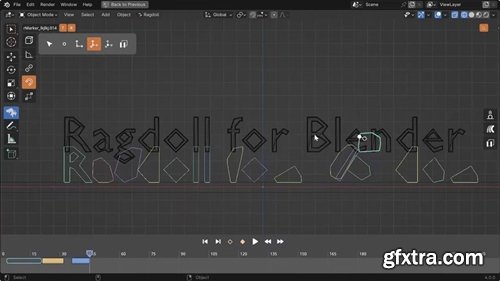
https://learn.ragdolldynamics.com/blender/home/
- Ragdoll for Blender, similar in its capabilities to the Maya version, allows you to load the asset into the recently added menu and easily create a ragdoll simulation for it in just a few clicks. The new plugin, compatible with Blender 3.4–5.0, is written in Python and, according to the developer, is more stable and accurate than Blender's native physics, and works about 30% faster.
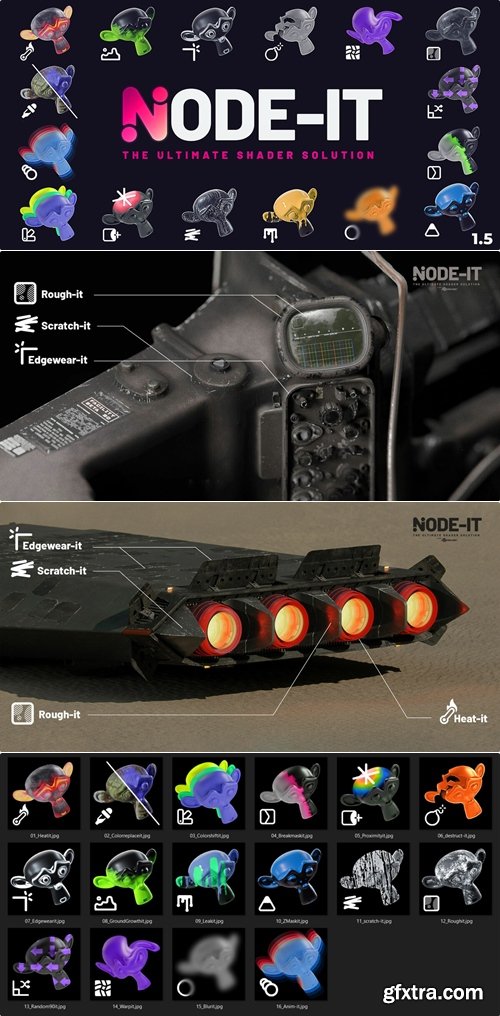
https://superhivemarket.com/products/node-it
- This is a collection of powerful node groups that solve common shader problems. A Swiss Army knife that simplifies your 3D work with just two clicks. It improves and accelerates your workflow. It provides powerful building blocks for creating, customizing, and fixing shaders with ease, making it the optimal solution for shader creation.
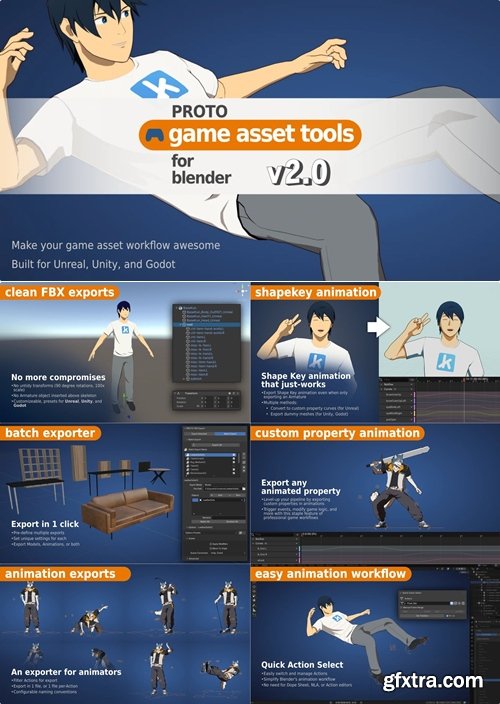
https://www.patreon.com/protowlf
- PROTO Game Asset Tools v2.1.0 is presented through PROTOWLF’s Patreon as part of a creator platform focused on indie games, 3D art, and game-development resources. The page identifies PROTOWLF as a Patreon creator with member-supported content and exclusive posts, positioning the toolset as part of a broader ecosystem for artists and developers working with game assets and production workflows. Overall, it can be presented as a niche, creator-driven resource for users looking to enhance their game asset pipeline with specialized tools and ongoing community-backed updates.
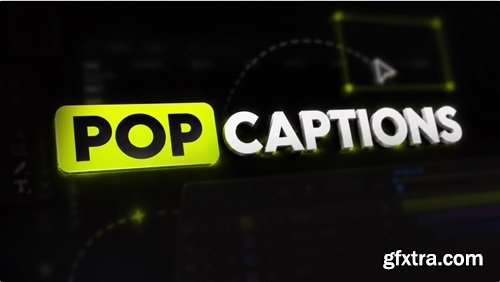
https://aescripts.com/pop-captions/
Animate your captions easily with POP Captions. Just select your text layer and click to make it pop.
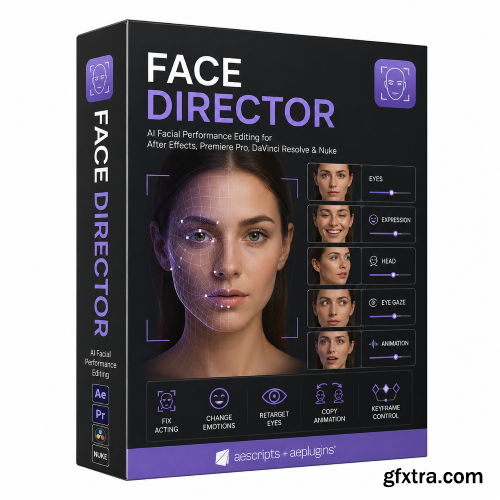
Aescripts - Face Director v1.9.0 Win/Mac
https://aescripts.com/face-director/
- Manipulate facial features with AI ! Fix acting, exagerate emotions, retarget eyes, make them smile, or copy animation from another source! Face Director is a powerful AI-driven plugin designed to give creators unprecedented control over facial performance in post-production. Built for seamless integration with industry-standard software such as Adobe After Effects, Premiere Pro, DaVinci Resolve, and Nuke, it transforms the way editors, VFX artists, and content creators approach character expression and on-screen emotion. At its core, Face Director allows you to refine and enhance facial movements after footage has already been captured. Instead of relying on multiple takes or costly reshoots, you can adjust subtle details like eye direction, head orientation, and emotional expression directly within your editing timeline. Whether you need to correct a missed glance, intensify a performance, or create a completely different mood, Face Director provides intuitive tools to make it happen quickly and convincingly.
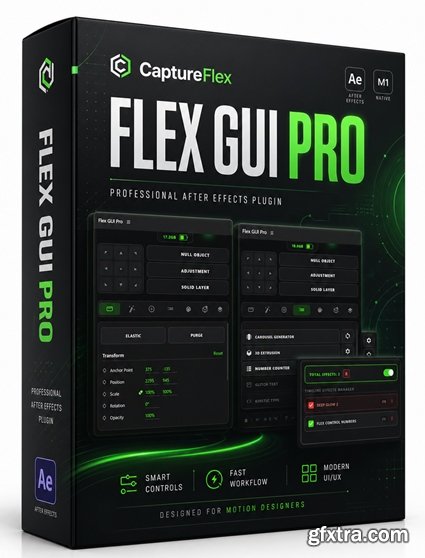
https://www.captureflex.in/
- Flex GUI Pro is a script designed to simplify complex operations and significantly improve production efficiency in Adobe After Effects. It integrates intelligent empty object control, an effects manager, graphic curve editing, a text animation system, and one-click 3D extrusion, covering key workflows in motion design. By enabling real-time disabling of heavy effects, batch processing of presets, and flexible text splitting and animation control, users can complete projects more smoothly and reduce repetitive tasks. Whether for everyday editing or complex motion effect creation, Flex GUI Pro is a powerful tool for improving efficiency and workflow.
- Flex GUI Pro. The ultimate workflow accelerator for After Effects. Engineered for speed, built for pros. Legal Procedures.
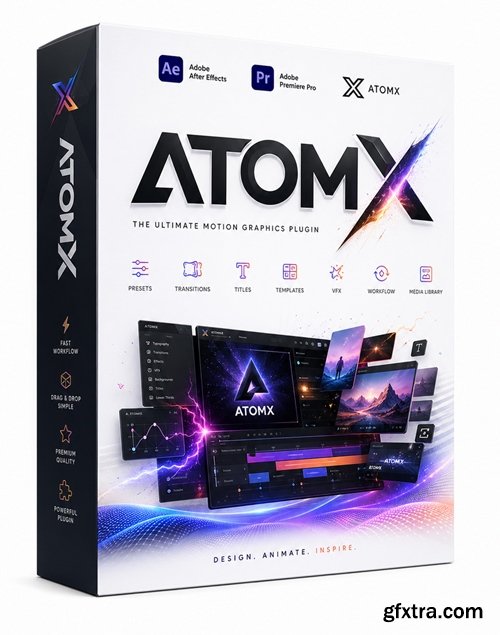
After Effects and Premiere
https://get-atomx.com/
- AtomX v3.3.3 is a workflow-focused extension for Adobe After Effects and Premiere Pro designed to make ready-made motion graphics packages easier to browse, apply, and customize inside the editing environment. The official site presents it as a free extension compatible with After Effects CC 2018+ and Premiere Pro CC 2018+ on both Windows and macOS, with support for packages such as templates, transitions, presets, audio effects, and footage. Overall, it can be positioned as a practical productivity tool for editors and motion designers who want faster access to prebuilt assets and a more streamlined graphics workflow.
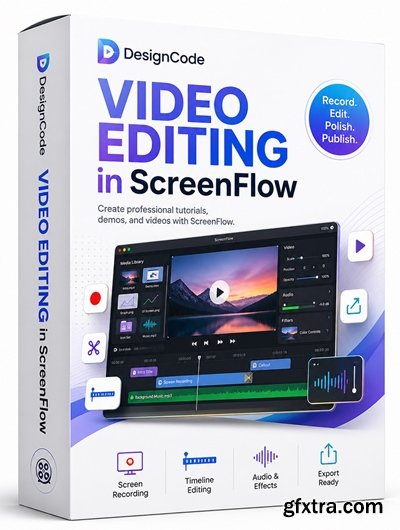
Daniel Nisttahuz | Duration: 1 h | Video: H264 1920x1080 | Audio: AAC 48 kHz 2ch | 694 MB | Language: English
https://designcode.io/screenflow
Learn different techniques, transitions actions and effects to edit a video using Screeflow

https://courses.affinityrevolution.com/p/affinity-designer-beyond-the-basics/
- Are you ready to take your Designer skills to the next level?
- This course is the perfect continuation of Affinity Designer for Beginners. We continue right where the beginner course left off, as we master the most powerful tools Affinity Designer has to offer.
- So if you already know the fundamental skills of Affinity Designer, but want to move "Beyond the Basics", then this is the course for you!
Language: English | Size: 1.02 GB | Duration: 1h 20m
https://www.udemy.com/course/frictiongraphics/
First look at a powerful vector animation tool for 2d Animation and Motion Graphics.
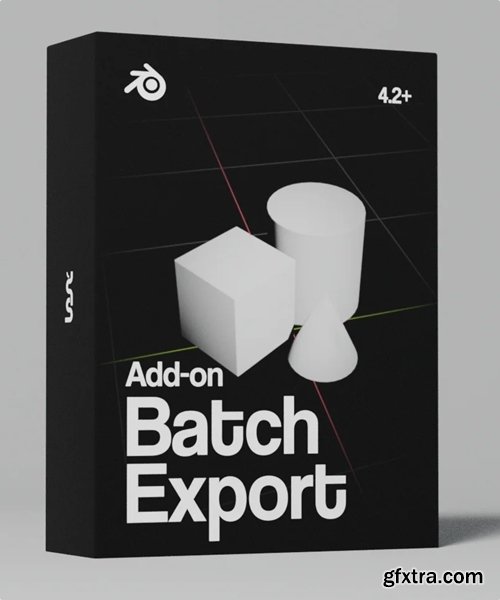
https://baeac.gumroad.com/l/batch-export
- Export multiple objects into different files all at once. The files will get the name of the object automatically so you don't have to rename them.
- When exporting in heavier formats like .glb, give Blender some time to export everything. This is not a magical add-on that reduces exporting times, it just makes it easier so you only have to press one button to export your entire scene.
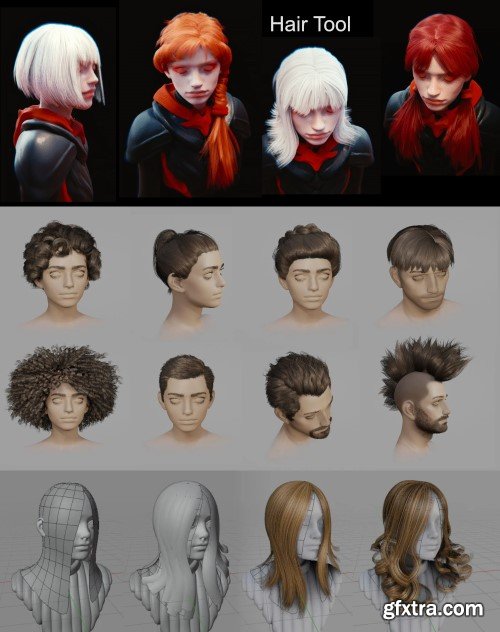
Hair Tool v4.5.1 + Library for Blender
Sale & Preview Page | File Size: 32 mb | Blender 4.2+
- Tired of fighting Blender’s particle systems? Meet Hair Tool – the ultimate addon by Bartosz Styperek that transforms complex hair creation into an intuitive, artist-friendly workflow. Designed for character artists and animators, this tool generates realistic or stylized hairstyles with professional results in record time.Hair Tool is add-on for Blender that will help you generate hair-card, shell hair or curve hair in non destructive way, using geometry nodes and python.
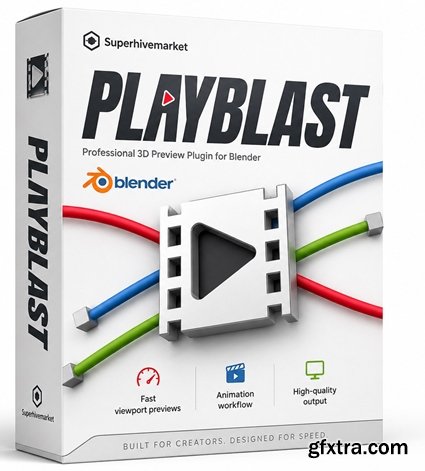
https://superhivemarket.com/products/playblast
- The Playblast Tool for Blender, developed by Angelo Logahd, is a free add-on designed to enhance the animation preview process within Blender. This tool streamlines the creation of playblasts—quick previews of animations—by offering a straightforward, one-click solution, similar to Autodesk Maya's Playblast feature.
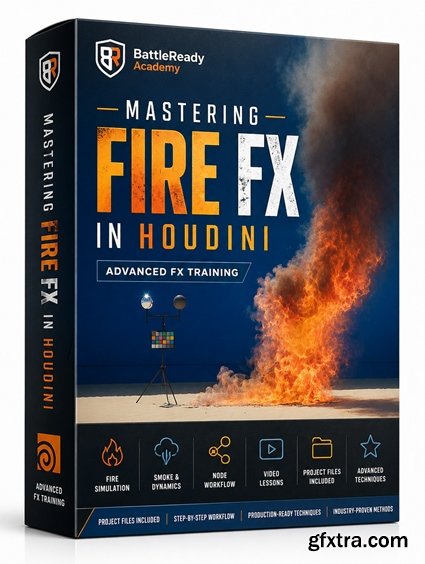
Learn how to master Hollywood quality fire effects using Houdini, Karma XPU and Nuke.
https://battlereadyacademy.teachable.com/l/pdp/mastering-fire-fx-in-houdini
2 sections | 25 lessons
- Mastering Fire FX in Houdini is a specialized VFX course from BattleReady Academy designed for artists who want to create cinematic, Hollywood-quality fire simulations using Houdini, Karma XPU, and Nuke. The course is structured into 2 sections with 25 lessons, covering setups such as candle and gas fire as well as flamethrower effects. Overall, it can be positioned as a focused training resource for FX artists looking to strengthen their fire simulation workflow and produce more polished, production-style results.
![SuperhiveMarket - 3000+ Blender Sculpting Brushes. Asset Browser - [03.01.2026 Update]](/uploads/posts/2026-04/1777441459_image_processing20251129-2-osyhur-vert.jpg)
https://superhivemarket.com/products/600-blender-sculpting-brushes
You can upgrade to the full 3000+ Sculpting Brushes Bundle simply by paying the difference — no need to re-buy the full package.
- SuperhiveMarket’s 3000+ Blender Sculpting Brushes. Asset Browser is a large-scale brush collection designed for Blender artists who want a faster, more organized sculpting workflow. The listing positions it as a commercial-use bundle with over 3,000 brushes, including the older 600-brush pack, and notes compatibility across Blender 2.8 through 5.0. Community feedback on the product page also highlights its broad variety, Asset Browser integration, and usefulness for different sculpting needs, from rocks and skin detail to general form refinement.
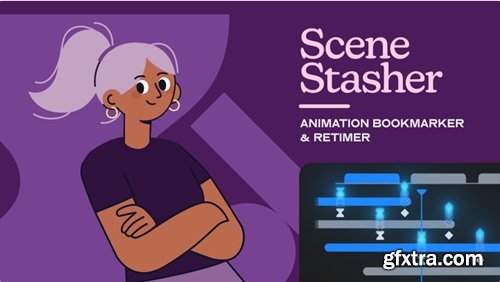
https://aescripts.com/scenestasher/
- Save layer & keyframe selections as buttons that recall key moments in your animation. Teleport across comps to retime and refine your work instantly. It's like bookmarking, but for your timeline.
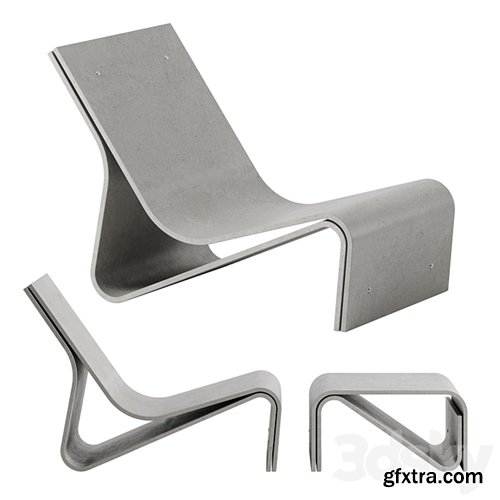
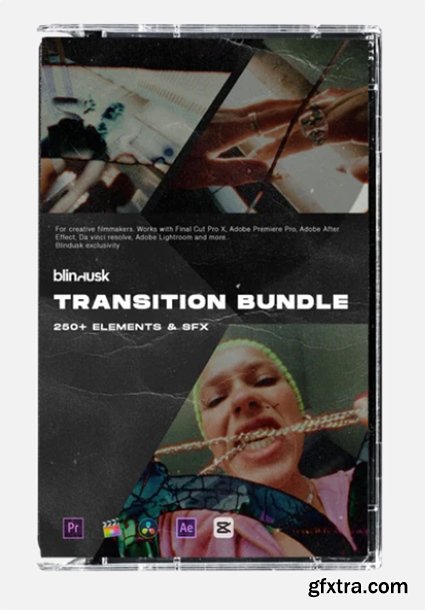
https://blindusk.com/products/transition-bundle
The Transition Bundle includes 250+ cinematic, high-quality transitions with SFX to elevate your video edits. Perfect for smooth, impactful scene shifts, this bundle adds visual and audio dynamism to Reels, vlogs, or professional projects, making your transitions truly stand out.
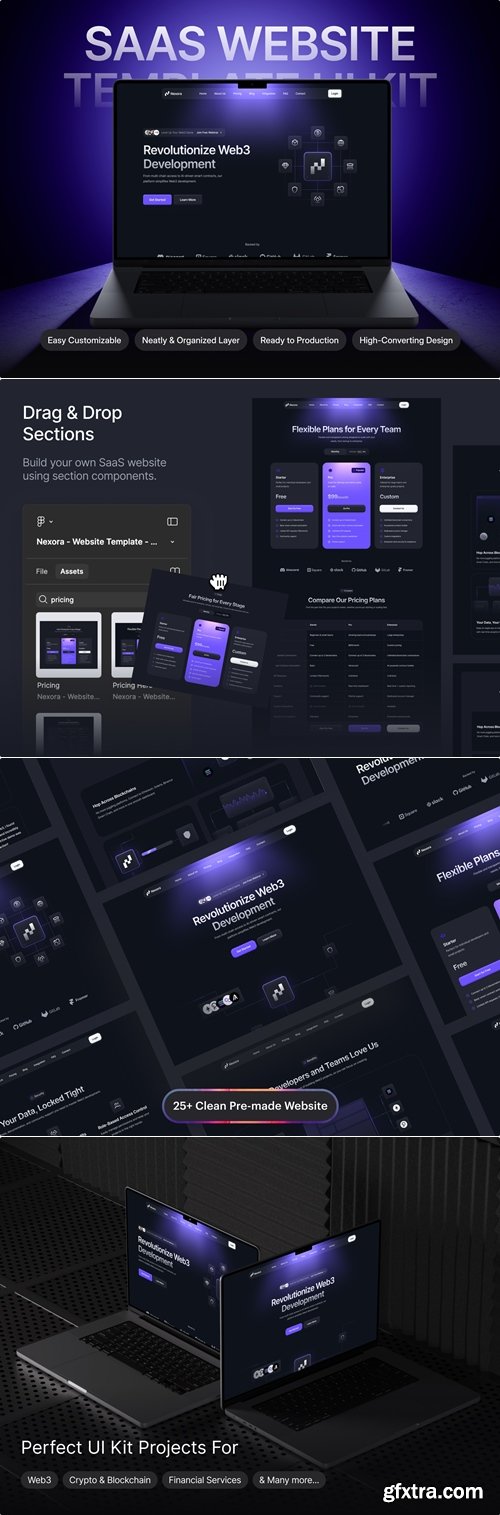
https://ui8.net/unpixel/products/nexora---saas-website-template-ui-kit
- Nexora is an exclusively SaaS Website Template UI Kit, meticulously crafted with Figma. This template is not just another web design. It's a comprehensive solution for developers and designers aiming to build top-tier SaaS Platform websites with ease.
- Nexora leverages all Figma features, including design system, typography, iconography, dynamic components & variants. You can use our set vector UI kit symbols to build your product design. All symbols and objects are vector-based and easily editable.
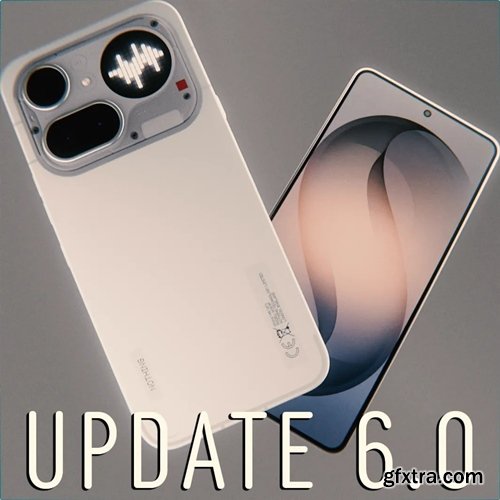
- Are you looking for high-quality phone models for your projects? This collection includes more than 70 devices from Apple, Samsung, Google, and Nothing. The models are taken directly from the manufacturers' websites.
- These models are compatible with Blender 4.0+ (though some may work with earlier versions). Just don't forget to delete all animation keyframes that may be present in some models after importing. Some phones also support alternative colors.
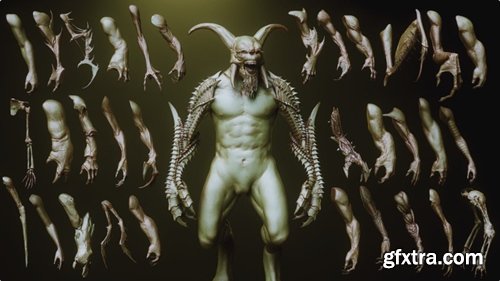
https://www.artstation.com/marketplace/p/1omK/arms-33-character-creature-arms-zbrush-insertmesh-brush
.fbx .obj
- Super time-saving and idea generator — quickly bring to life a 3D sculpture/design/conceptualization or even supplement and modify existing sculptures with this set of 33+ arms.
NeoSkola Bütün Kursları

Udemy Türkçe


Top Rated News
- TheBoudoirDivas All Tutorial
- 126,000 Royalty-Free 3D Models
- CreativeLive Tutorial Collections
- Fasttracktutorials Course
- Chaos Cosmos Library
- MRMockup - Mockup Bundle
- Finding North Photography
- Sean Archer
- John Gress Photography
- Motion Science
- AwTeaches
- Learn Squared
- PhotoWhoa
- Houdini-Course
- Photigy
- August Dering Photography
- StudioGuti
- Creatoom
- Creature Art Teacher
- Creator Foundry
- Patreon Collections
- Udemy - Turkce
- BigFilms
- Jerry Ghionis
- ACIDBITE
- BigMediumSmall
- Globe Plants
- Unleashed Education
- The School of Photography
- Visual Education
- LeartesStudios - Cosmos
- Fxphd
- All Veer Fancy Collection!
- All OJO Images
- All ZZVe Vectors
- CGTrader 1 CGTrader 2



















