

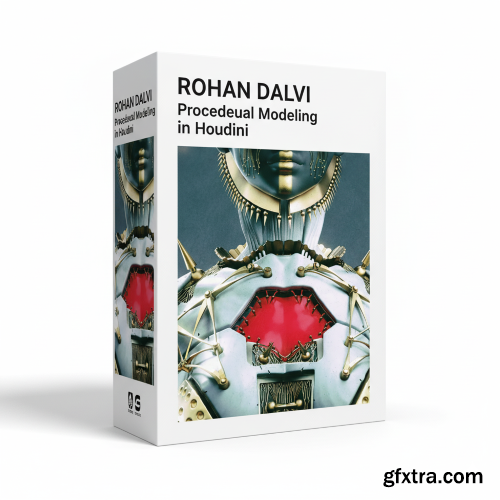
- Welcome to procedural modeling in Houdini. The idea behind this training was to take a character model and then generate an armour or a second skin on top of it completely procedurally, and also have the armour or skin design change every frame to give you multiple variations. Over the course of the training we shall cover a variety of topics such as, pattern generation using voronoi fracturing and clustering. Using VDB for adding details to the voronoi pieces. Generating wires using a variety of groups and find shortest path and other methods. We’ll also take a simple look at how to bake the details down to a lowres mesh using the mantra baking tools and substance painter.

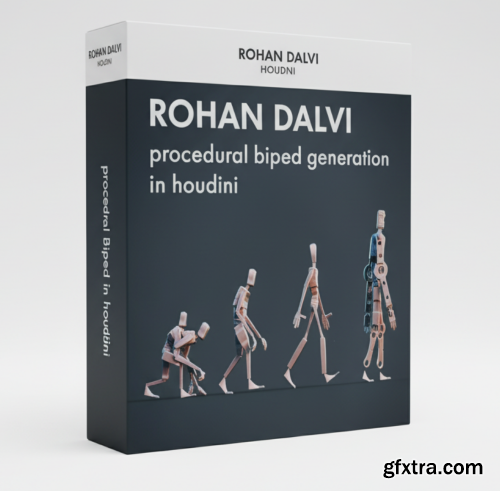
- In this training we will make a fully customizable biped in Houdini with auto bone generation and parenting so you can then easily pose and rig the biped as per your needs. We will also create a couple of robots using the biped system that we have built to demonstrate the flexibility of the system.
- In this course, you’ll learn how to create high-end materials for games. Senior Environment Artist, Emiel Sleegers, will be your instructor and will show you every single step of the process. You will learn the techniques used in today’s AAA game production to make stunning materials for realtime use, and create 2 materials for your portfolio using different industry-proven approaches. With close to 11 hours of professional teaching, you’ll be equipped with the knowledge you need to take your game art to the next level.


- Sleepwalker by Volnitsa is a comprehensive, production-level training program designed for artists who want to master the craft of cinematic storytelling inside Unreal Engine 5. Tailored for both aspiring filmmakers and intermediate 3D creators, the course walks students step-by-step through the full pipeline of creating a polished, emotionally engaging digital cinematic — from the first spark of an idea to the final rendered sequence.

SpeedTree 10 Masterclass: Build Epic UE5 Forests with PCG & Procedural Spline Paths
https://www.udemy.com/course/blender-satisfying-animations-course
Learn physics, lighting, materials, and looping techniques to create viral-style satisfying animations in Blender.
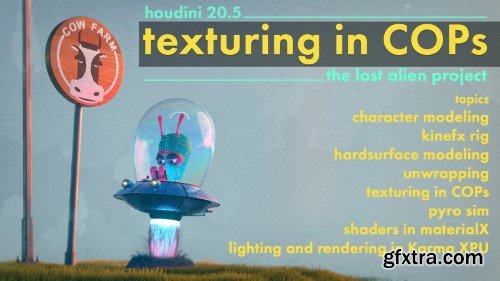
- Texturing in COPs – The Lost Alien Project by Rohan Dalvi is a focused, high-level training series designed to help Houdini artists unlock the full potential of COPs—the powerful Compositing Operators system inside Houdini—specifically for creating procedural, production-ready textures. Known for his clear teaching style and deep technical understanding, Rohan Dalvi guides you through a complete texturing pipeline using nothing but Houdini’s native tools, revealing how flexible and capable COPs can be in a modern 3D workflow.
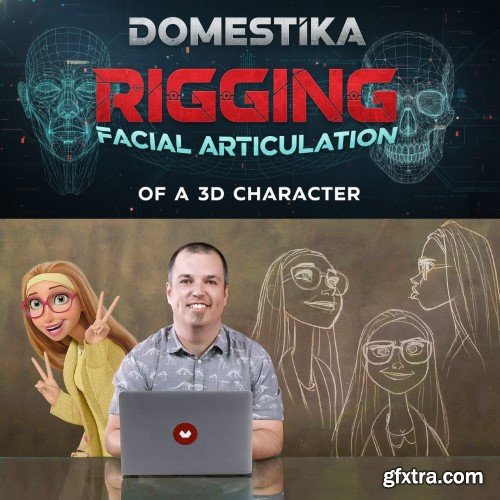
- he articulation of a character is an essential process within an animated film. The objective is to make the character ready so that he can express himself and act. For this, among many other things, the 'rigger' creates the entire range of facial expressions necessary. In this course you will learn to design and articulate the face of a 3D character by the hand of Iker J. de los Mozos, Technical Character Director at Walt Disney Animation. You will build a rig by manipulating several deformers, you will know the different tools that will help you prepare each expression and you will create control objects to be able to manipulate the features of your character.
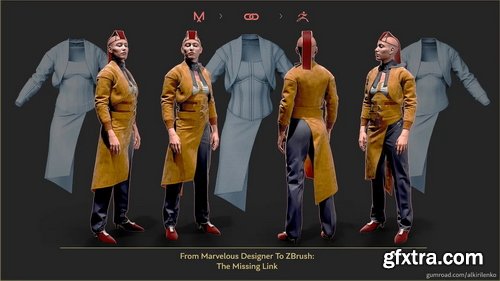
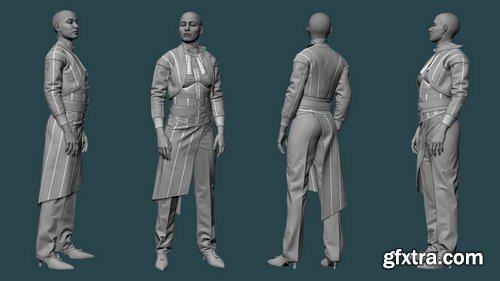
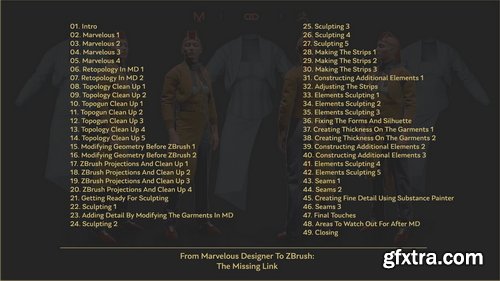
Gumroad - Aleksandr Kirilenko - From Marvelous Designer To ZBrush: The Missing Link
https://alkirilenko.gumroad.com/l/IBwQP
In this tutorial, you’ll master the entire process of creating a high-quality set of digital clothing from start to finish. We’ll start in Marvelous Designer (v9), then focus on the crucial stage that often gets overlooked: creating a clean, retopologized mesh that bridges Marvelous Designer and ZBrush. This step is essential for achieving precision and flexibility in your final sculpt.
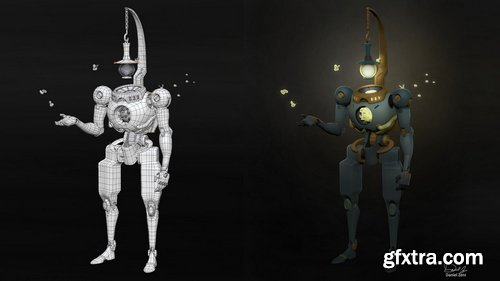
The Gnomon Workshop - Sculpting with ZModeler
https://thegnomonworkshop.com/workshops/sculpting-with-zmodeler
Duration: 2h 03m | Format: HD 1920x1080 | Software Used ZBrush
- Learn how to use ZBrush’s ZModeler as efficiently as possible in this new workshop by Daniel Zeni. During 6 years of experience working in film, games, and consumer products, using ZBrush to bring characters to life, Daniel found that ZModeler revolutionized his workflow.
- This workshop shares how he uses ZModeler to its full potential, covers the basics of ZModeler, shows the various ways to edit faces, verts, and edges, and discusses how to create any kind of topology you need in ZBrush — whether hard surface or organic. Throughout the workshop, Daniel details all the ZModeler techniques he believes every professional artist should know and demonstrates how to use them effectively. He also details several niche techniques, including how to use Insert NanoMesh using ZModeler. Once the character model is complete, Daniel finishes up by taking it into a final pose.
- This video tutorial is intended for those already comfortable sculpting in ZBrush who want to create proper topology, speed up their workflow, or even just transition from traditional box modeling to modeling in ZBrush. Daniel’s ZBrush file is included with this workshop for subscribers to study the final model.
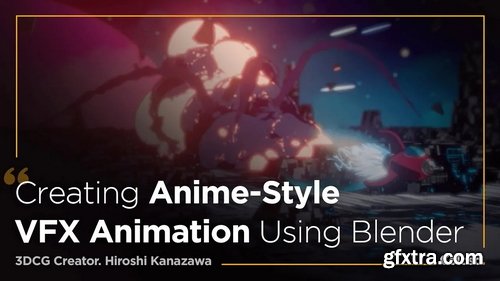
Basic | Total 21 videos, 11Hours 55Minutes | Audio: Japanese | Subtitles: English, Vietnamese, Spanish, Russian, Portuguese Brazil, Korean, Japanese, Indonesian, English, Chinese | Class materials included
- Find out everything you need to know about the 3D animation production workflow, starting with the key functions of Blender, VFX, and filters that are used to add color. You'll discover the structure behind different effects and get tips for combining different materials in a scene to capture the production quality seen in 2D and 3D movies. Japanese 3DCG Creator Hiroshi Kanazawa is ready to take you through every step of the learning process.
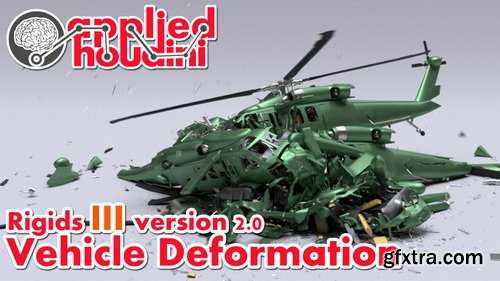
CGCircuit - Applied Houdini - Applied Houdini - Rigids III version 2.0
https://www.cgcircuit.com/tutorial/applied-houdini---rigids-iii-version-2.0
Category: FXs | Total Duration: 4h 46m 14s | Level: Intermediate | Language: English
- Applied Houdini is here with a spectacular new version of Rigids III - Vehicle deformation! In this lesson we'll tackle everything that goes into making high quality vehicle destruction, from deforming metal to spinning axles. Along the way, demos and breakdowns make advanced topics easy to understand before they are implemented in practice. Constraints in particular will be explored in depth, especially understanding how they're working under the hood, as well as strategies for keeping a complex rig of various physical materials organized on a higher level. We'll bring it all together in a rain of helicopter mayhem, that we'll then shade, light, render, and finish off with a simple composite. Master high and low level rigid body deformation tools and workflows today with Applied Houdini!
- Applied Houdini is a production quality oriented series created by Steven Knipping, currently a Senior Rigid Body Destruction / FX Technical Director at Lucasfilm's Industrial Light & Magic (Star Wars: Rise of Skywalker, Star Wars: The Last Jedi, Aquaman, Star Wars: Rogue One). Benefit from production proven workflows while also getting an in depth explanation of why things works they way they do. Best of all - each video is crammed with actual information and footnotes instead of gratuitous talking and dead space.
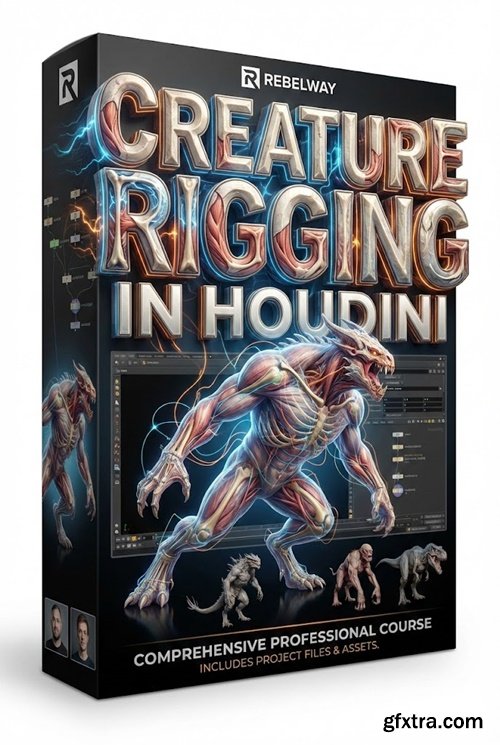
https://href.li/?https://www.rebelway.net/creature-rigging-in-houdini
- In This course you will Learn how to create anatomically-accurate quadruped rigs in Houdini — from real bone structures to fully modular, production-ready components. In this course, you’ll build a biologically-inspired horse rig using procedural workflows, simulate muscle behavior with rig logic (no simulations required), and explore Houdini tools to customize limbs, reverse foot setups, and more. You'll also dive into procedural skin binding, stress test your rig with real movement cycles, and validate deformation against real anatomy.
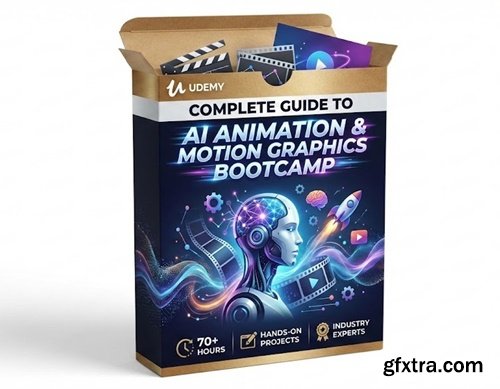
Language: English | Duration: 2h 36m | Size: 1.62 GB
https://www.udemy.com/course/complete-guide-to-ai-animation-motion-graphics-bootcamp/
Learn Next-Gen Motion Design with Kling AI, Hallo AI, Lumalabs AI & Nanobanana Workflows
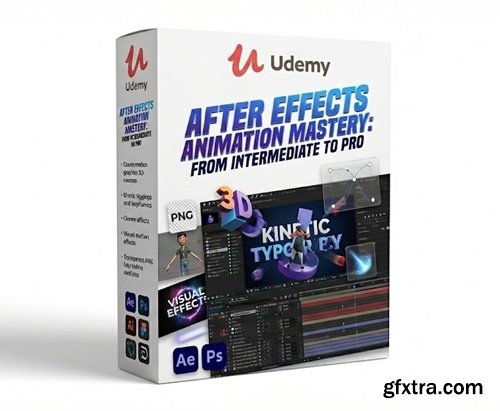
Language: English | Duration: 2h 5m | Size: 1.2 GB
https://www.udemy.com/course/after-effects-animation-mastery-from-intermediate-to-pro/
Take Your After Effects Skills to the Next Level with Complex Animation Techniques
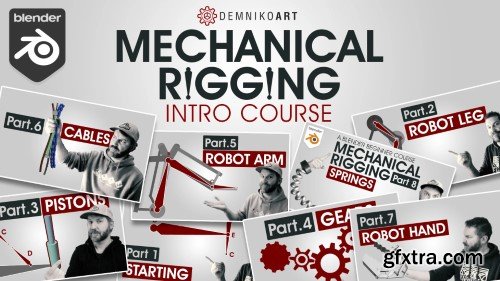
- My eight part course about various concepts of mechanical rigging in blender. This will help you create cool mechanical robots with some complex looking mechanics.
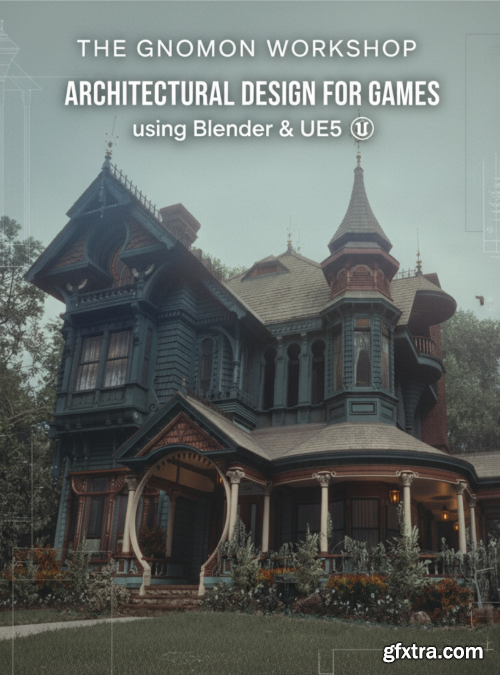
- Learn how to use Blender and Unreal Engine 5 to craft a Victorian-style architectural game environment design using a professional workflow. Environment Artist Joshua Haun shares how to take design elements from Victorian history and bring them into the digital realm, allowing game players to immerse themselves in the game world. As graphics in games have become more realistic over the years, players are also more likely to notice when any aspects of a world feel “off.” This workshop aims to discuss the fundamentals of architectural design theory while explaining how to create art suitable for a real gaming production environment, implementing key techniques commonly used in architectural design. This workshop is geared toward Intermediate artists seeking to create environments with deeper levels of meaning. Beginners will also enjoy this workshop, provided they have a foundational level of modeling and UV-ing in Blender and basic knowledge of the Unreal Engine 5 interface.
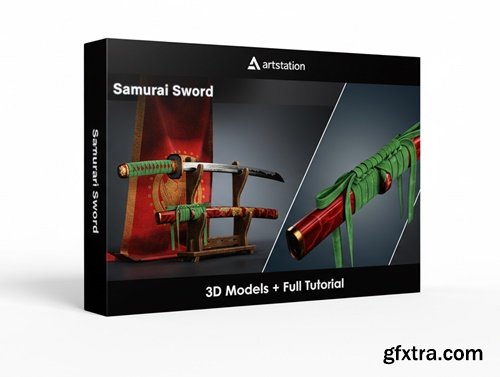
https://www.artstation.com/marketplace/p/N60k9/samurai-sword-3d-model-full-tutorial
This product contains full modeling ,texturing, lighting and rendering tutorial and 3D model of samurai style sword.
- Game Ready Mesh
- Clean Quad Topology
- Unwrapped in UDIMs workflow
- 4K Textures in PNG (16 bit)

Language: English | Duration: 16h 22m | Size: 17 GB
https://www.udemy.com/course/clothes-and-folds-exercises-course
Master creating 3D clothes for game characters and sculpting folds

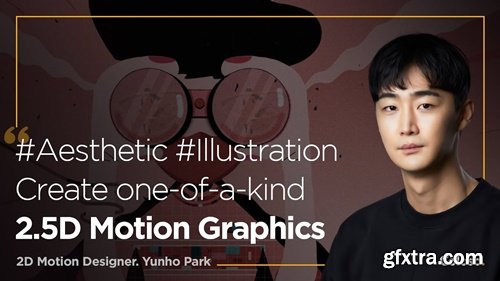
https://coloso.global/en/products/motiongraphic_parkyunho_us
AfterEffects | 2.5DAnimation | Animation | TrendyIllustration | SubENG | AudioKOR | Class materials included
Total 20 videos, 11Hours 22Minutes
- "This is a beginner-level online course by Motion Designer, Yunho Park, titled 'Create One-of-a-Kind 2.5D Motion Graphics with After Effects.' Consisting of 20 videos and totaling 11 hours and 22 minutes, the course teaches you how to design unique 2.5D motion graphics using Adobe After Effects."
126,000 Royalty-Free 3D Model

Udemy Türkçe


Top Rated News
- CreativeLive Tutorial Collections
- Fasttracktutorials Course
- Chaos Cosmos Library
- MRMockup - Mockup Bundle
- Finding North Photography
- Sean Archer
- John Gress Photography
- Motion Science
- AwTeaches
- Learn Squared
- PhotoWhoa
- Houdini-Course
- Photigy
- August Dering Photography
- StudioGuti
- Creatoom
- Creature Art Teacher
- Creator Foundry
- Patreon Collections
- Udemy - Turkce
- BigFilms
- Jerry Ghionis
- ACIDBITE
- BigMediumSmall
- Globe Plants
- Unleashed Education
- The School of Photography
- Visual Education
- LeartesStudios - Cosmos
- Fxphd
- All Veer Fancy Collection!
- All OJO Images
- All ZZVe Vectors
- CGTrader 1 CGTrader 2



















