


Blender Market - Making a Boxbot in Blender 2.8 by Rachel
http://blendermarket.com/products/boxbot
Hey guys! Here I'll be going over the making of this little box bot. I used the addon boxcutter heavily throughout the process so I suggest you check it out if you haven't heard of it.
You will get:
- One hour narrated time-lapse - Where I go over the entire process of making this box bot, from modeling to lighting, rendering and compositing in eevee.
- Ten minute boxcutter tutorial - Just covering the basics and how I use the BoxCutter addon
- Packed blend file of the bot


https://blendermarket.com/products/intro-to-geometry-nodes
This 5.5 hour course will teach you the basics of how to use the geometry nodes tool in Blender.
The first half of the course will teach you the basic tools and get you comfortable with how geometry nodes works, and how to use a node-based system to create models and many other effects that you will want to make in your own projects.


http://www.artstation.com/marketplace/p/xA2qz/switching-to-maya-for-game-artists
This course will be a bit different than most of our courses. In this course, we will focus on how to switch to Maya for game artists from any other 3d software like blender or 3ds max. Now the reason I say for game artists is because I will mostly be focused on the modeling and texturing side of Maya. This means we will not be covering things like animation, rendering, or simulations.

Artstation - Terrain Tile Texture and Rock Game Asset Sculpting Tutorial
https://www.artstation.com/marketplace/p/xm1X/terrain-tile-texture-and-rock-game-asset-sculpting-tutorial
A full run through of creating a tilling terrain texture and rock asset set from scratch using Zbrush and Photoshop/Quixel. Showcasing techniques for sculpting rocks in Zbrush and creating terrain in World Machine. Concluding with showing the workflow of transferring the Zbrush sculpture to a low res game engine friendly mesh for texture tilling and rendering in Marmoset.

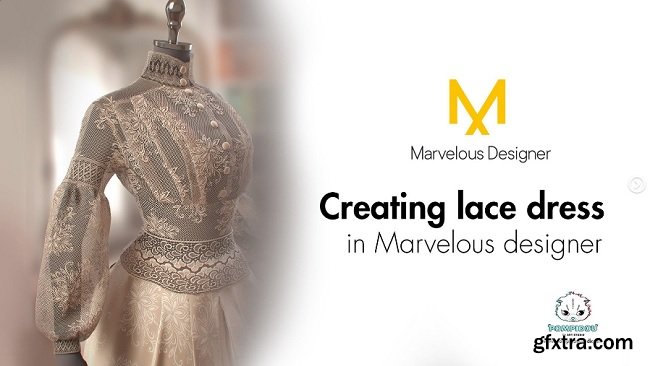
ArtStation – Tutorial on creating lace dress in Marvelous designer by Marianna Yakimova Tutorial on creating lace dress in Marvelous designer by Marianna Yakimova Level – Intermediate to Advance The files you will get: – 1 HD video – stencils & alphas
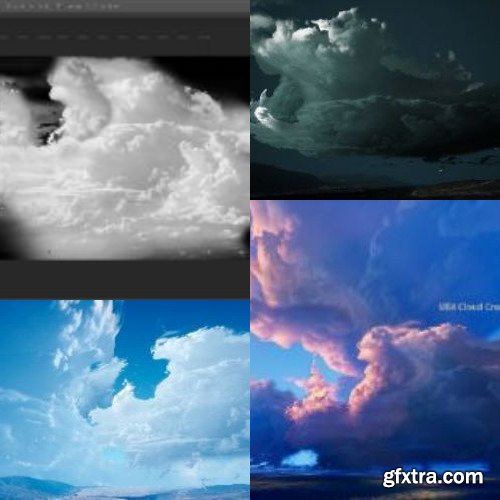
A full run through of creating a Cloud texture to use with a made from scratch master cloud material in UE4. Creating a series of masks to drive form and light effects changes for UE4 Dynamic sky scenarios. Finishing with additional flow map and POM map techniques to bring a full sense of 3D form and organic movement to the cloud formations.







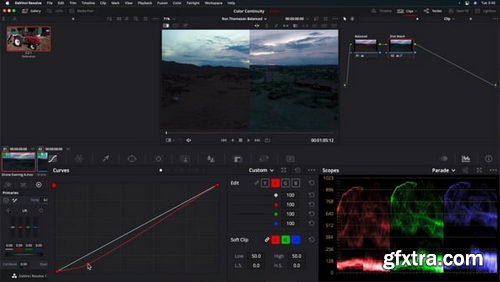
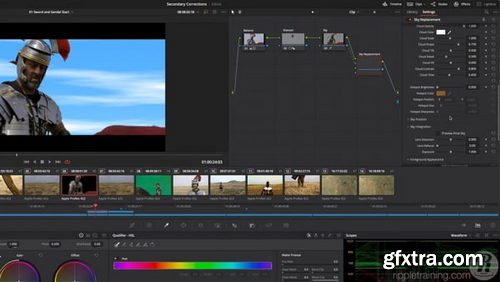
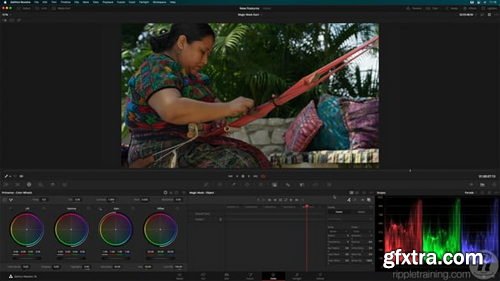
This tutorial was designed for beginning to intermediate Resolve users who want to work faster while improving the look of their footage. This tutorial assumes a basic familiarity with the DaVinci Resolve 17/18 user interface. Users who need a foundational understanding of DaVinci Resolve should watch DaVinci Resolve 18 Core Training.
Software Version: DaVinci Resolve 18 or later. Run Time: 7 hours 6 minutes Type of Tutorial: Beginner Project Media: Project media is included.
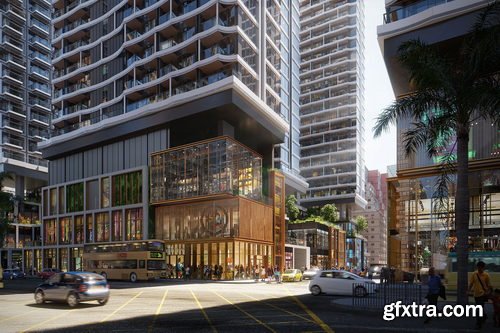
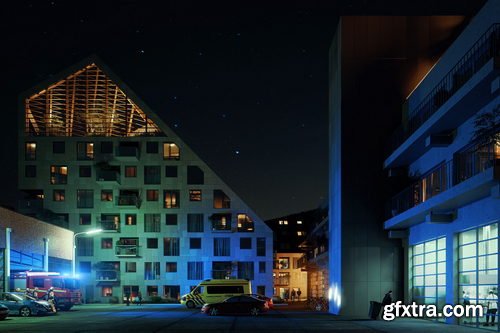
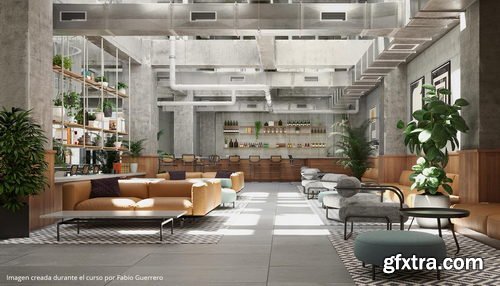
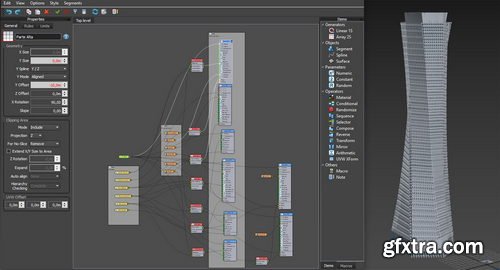
126,000 Royalty-Free 3D Model

Udemy Türkçe


Top Rated News
- CreativeLive Tutorial Collections
- Fasttracktutorials Course
- Chaos Cosmos Library
- MRMockup - Mockup Bundle
- Finding North Photography
- Sean Archer
- John Gress Photography
- Motion Science
- AwTeaches
- Learn Squared
- PhotoWhoa
- Houdini-Course
- Photigy
- August Dering Photography
- StudioGuti
- Creatoom
- Creature Art Teacher
- Creator Foundry
- Patreon Collections
- Udemy - Turkce
- BigFilms
- Jerry Ghionis
- ACIDBITE
- BigMediumSmall
- Globe Plants
- Unleashed Education
- The School of Photography
- Visual Education
- LeartesStudios - Cosmos
- Fxphd
- All Veer Fancy Collection!
- All OJO Images
- All ZZVe Vectors
- CGTrader 1 CGTrader 2



















