

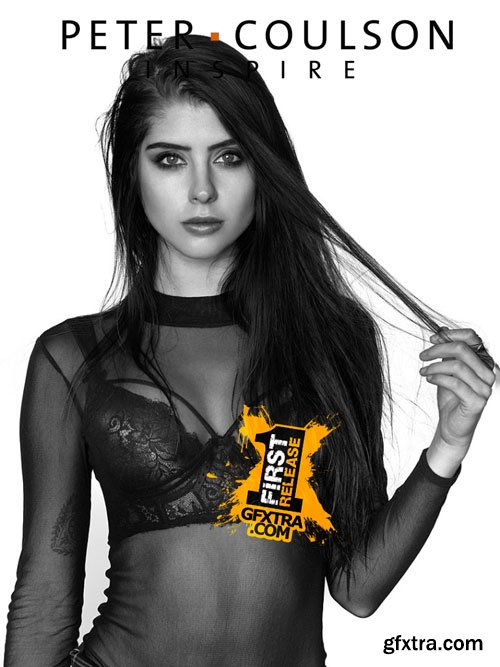
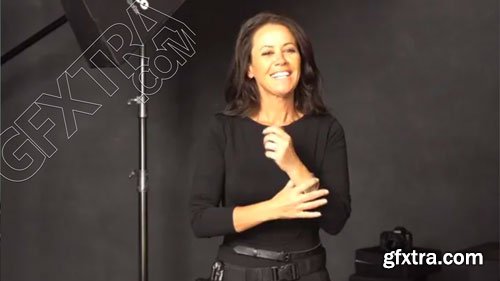
As you all know by now, Peter only ever wears t-shirts with his own images on them. He hadn’t made a new design in a while, and doesn’t have a Bec t-shirt in black so we did a quick shoot to show a lighting set up you wouldn’t have seen on Inspire, and also how to light properly so a photo can be printed.
Link to purchase Peter’s t-shirts here!
Roll on body glue Bec used to stick on the off the shoulder top has been discontinued, but this is similar

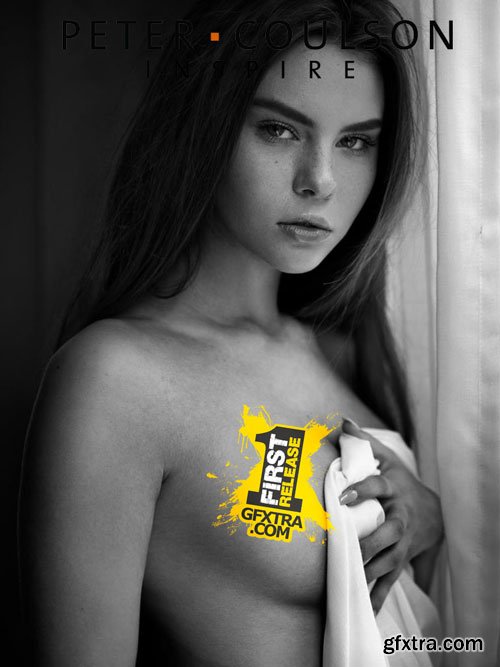


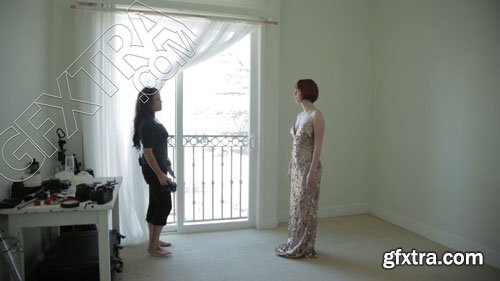
This tutorial is a fly-on-the-wall of Peter’s most recent shoot with Louisa (who used to go by Claire but she changed her name), just with Peter and her shooting. Hope you enjoy

I HAD SO MUCH JOY DOING THIS. I have prepared today’s video for you and I show you exactly how to hack makeup in Photoshop.
Restrictions are slowly being lifted, but many states and countries aren’t lifting the makeup artist and hair stylist restrictions.
This does not mean that you can’t COACH your clients through hair & makeup styling. And you can “do” your client’s makeup in Photoshop!



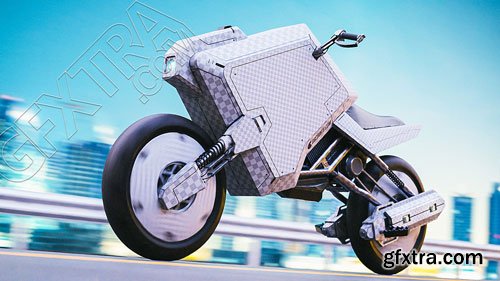
As we delve into texturing mapping in Blender, we'll guide you step-by-step through digestible lessons. With hands-on exercises peppered throughout, you'll grasp each concept with ease.
By the end of the course you'll understand how to use Blender to add a texture to a model.


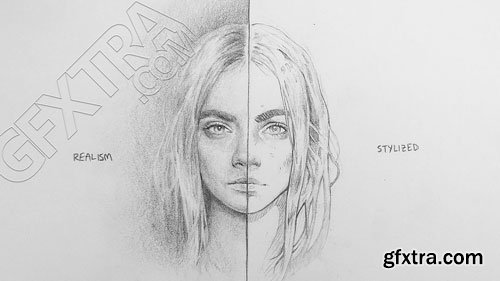
If you're looking to better understand the fundamentals of art such as Value, Lighting, or Color then I would recommend following our Art Fundamental Flow. These tips go further with looking at Contrast, Size Relation and Creating a Personal Style.
The best tip above all is this: PRACTICE. You may have heard the saying, "You must first get through 10,000 crap drawings before producing anything worth while. So no matter what level you are at, it will never hurt to keep drawing and push yourself to refine your pieces. This could be within the edge control or a more balanced shading. Keep your art fresh and you will enjoy the process that much more! Also if there is a question you may have about Traditional work, let me know below. You never know if I may pick to answer one of those questions in the form of a short tutorial to add to this list!

As game technology advances, the visual quality of game characters is fast becoming indistinguishable from hi-resolution animation/vfx characters. Polycounts are more generous each year, texture resolutions get higher, workflows evolve, and characters continue to get more impressive. Blender is more-than-capable of accomplishing this kind of game modeling.
This is one of the most intricate modeling workflows we teach at CG Cookie. It's directly inspired by industry techniques that are more artisan in nature than utilitarian, to favor visual quality. So buckle up for a 6-stage modeling journey!


126,000 Royalty-Free 3D Model

Udemy Türkçe


Top Rated News
- CreativeLive Tutorial Collections
- Fasttracktutorials Course
- Chaos Cosmos Library
- MRMockup - Mockup Bundle
- Finding North Photography
- Sean Archer
- John Gress Photography
- Motion Science
- AwTeaches
- Learn Squared
- PhotoWhoa
- Houdini-Course
- Photigy
- August Dering Photography
- StudioGuti
- Creatoom
- Creature Art Teacher
- Creator Foundry
- Patreon Collections
- Udemy - Turkce
- BigFilms
- Jerry Ghionis
- ACIDBITE
- BigMediumSmall
- Globe Plants
- Unleashed Education
- The School of Photography
- Visual Education
- LeartesStudios - Cosmos
- Fxphd
- All Veer Fancy Collection!
- All OJO Images
- All ZZVe Vectors
- CGTrader 1 CGTrader 2



















