

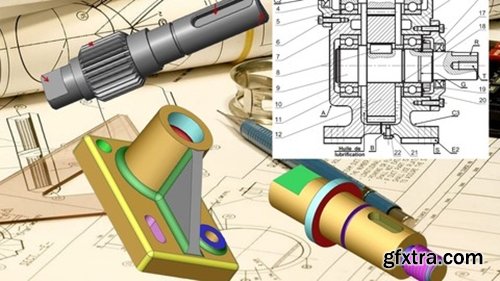
Language: English | Duration: 1h 20m | Size: 672 MB
https://www.udemy.com/course/mechanical-design-fundamentals/
Mastering the Fundamentals of Efficient and Innovative Mechanical Design

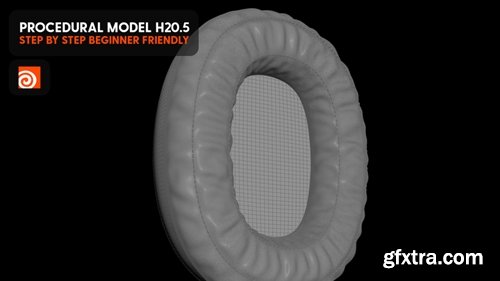
Hey, here is the hip from my latest youtube tutorial. Thank you!
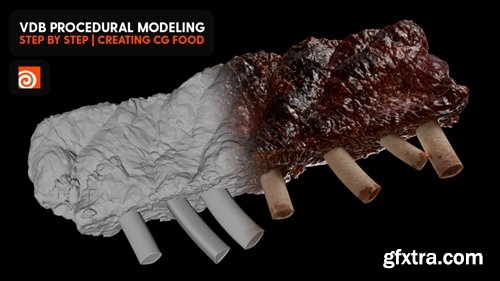
https://www.patreon.com/posts/vdb-procedural-109965111
Hey Y'all, here is the hip from the latest video on youtube. Thank you!

Language: English | Size: 190.72 MB | Duration: 0h 30m
https://www.udemy.com/course/mastering-uiux-design-building-a-stunning-hero-section/
Building a Stunning Hero Section
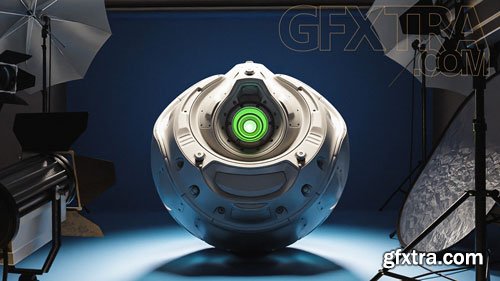
- If you’ve already seen blender modeling tutorials and modeled an object, the next step is to show it off! Just like a photographer choosing which qualities of a subject to emphasize, be it in characters in Blender or hard surface models, your task with lighting is to bring out the best in whatever it is that you’ve created. In this course about the fundamentals of digital lighting, we’re going to look at how light works, how it’s simulated in Blender, and how you can use it to make your 3D models, blender animations, and any project look amazing.
- We’ll start off in Cycles and talk about all the main properties of light objects and environment lights and how to tweak them to get the results you want. Along the way, you’ll learn important concepts about path tracing and how light works in general, which will help you create any lighting effect on your own.
- From there we’ll switch over to Eevee and demystify what’s going on with shadows, environments, and bounce lighting during rasterization, so you can get as close to Cycles quality as possible without the extra headache.
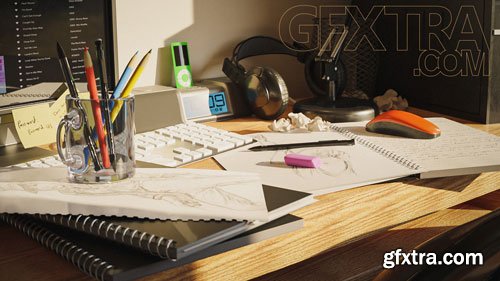
- After you’ve created your 3D Blender models and added some lighting, the next step is to apply materials and create shaders or Blender Materials. Shading is one of the key pillars of computer graphics.
- Knowing how to do it well will improve every render you make, whether it’s realistic or stylized, whether you're making characters in blender or kit bashing models, working on hard surface modeling, most of the things you do in 3D will benefit from building great materials.
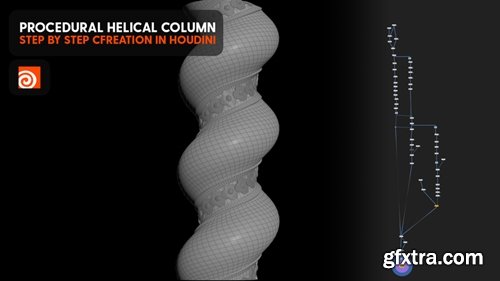
https://www.patreon.com/posts/procedural-in-110107209
Hey everyone. Here's the hip from the latest youtube tutorial. Enjoy and thank you!
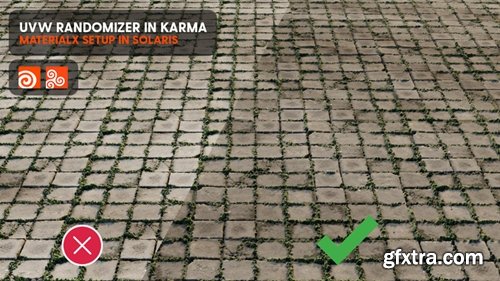
https://www.patreon.com/posts/uvw-randomizer-110166202
Hey again! Here's the hip from the latest youtube tutorial, check it out. Cheers!
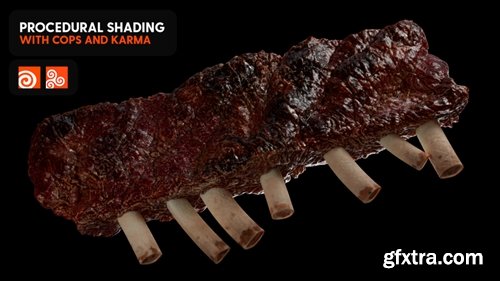
https://www.patreon.com/posts/patreon-shading-110230786
In this patreon exclusive, we'll create procedural textures with cops, light and render the scene, step by step., in about 1 hour and 15min. Enjoy and thank you for your support! Scene files available.
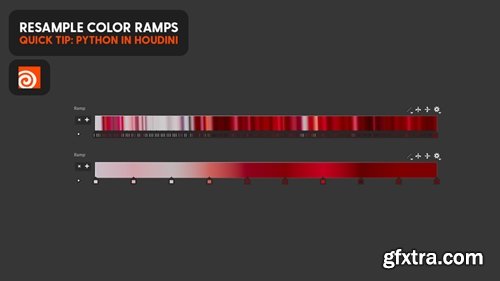
https://www.patreon.com/posts/resample-color-110369465
Hey everyone. Here's the script from my latest quick tip on youtube, on how to resample color ramps in Houdini. Thank you!
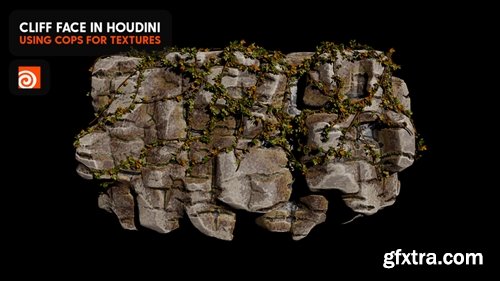
https://www.patreon.com/posts/cliff-face-in-110508838
Hey everyone. Here's the hip from my latest youtube tutorial on creating cliff faces in Houdini. Check it out. Thank you!
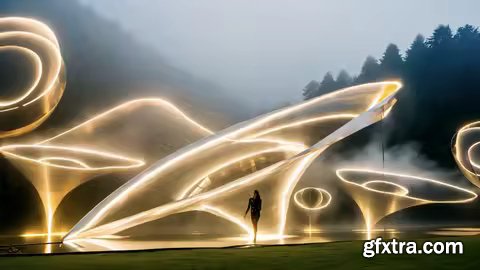
Udemy - Intuitive Sketching For Architects And Designers
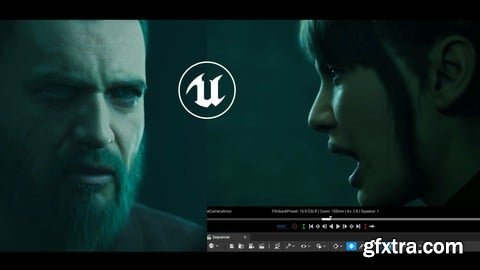
Udemy - Unreal Cinematic Mastery – From Beginner To Cinematic Creator
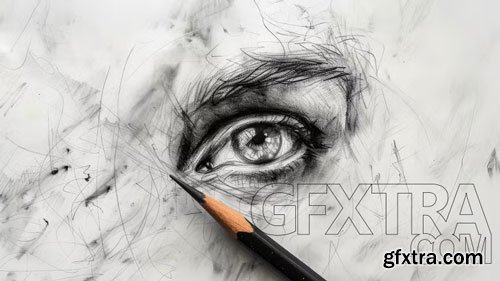
- Dive into the world of drawing and creativity with this specialized program that will take you from the basic fundamentals to advanced artistic expression. Learn to develop your confidence in the art of drawing, starting with creating a sketchbook and moving on to creative techniques that will boost your imagination. Discover how to face the dreaded blank page with confidence, unlocking your creativity through innovative methods.
- Explore the use of oil pastels to achieve unique effects in your illustrations. Participate in activities designed to train your creative skills, regardless of your age. Courses are taught by illustrators and educators such as Puño, Javirroyo, Gusti, and Fortuna Studio (Pierina Másquez and José María Denegri), who will share their knowledge and techniques to inspire you at every step of the process. From the beginning to the creation of complete works, this program will guide you on the fascinating journey of drawing and artistic expression, developing skills that you can apply to any creative project.
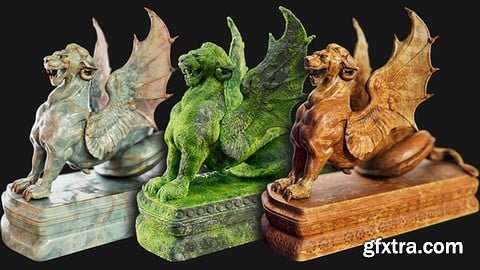
Udemy - Substance 3D Painter Material Creation
Language: English (US)
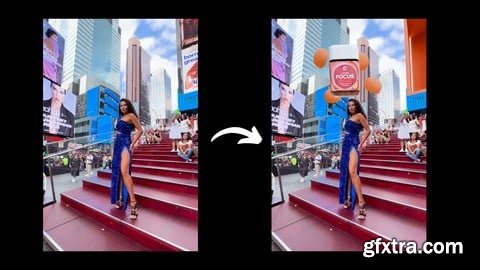
Udemy - Learn How to Attract More Clients with VFX Animations
Udemy - Mastering Wix Studio For Web Design Agencies
Master Wix Studio: Boost Efficiency, Revenue, and Scale Your Web Design Agency without Extra Overhead Costs
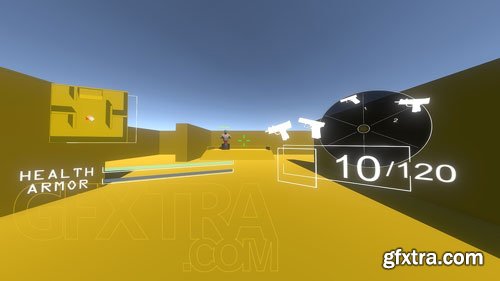
CGCookie - Fundamentals of FPS UI Design
- In this course we'll delve into the UI aspects of a first person shooter. You've learned the mechanics of how to shoot a weapon, now we need to add visual elements to represent how much ammo we have, our health and armor, minimaps and even a weapon selection menu. Note that this course is heavy on C# scripting and UI in Unity so it's recommended that you watch both of these courses beforehand in order to get a better grasp of concepts taught through this course: C# Bootcamp for UnityFundamentals of UI Design In this course we'll learn how to:
- Create a static crosshair that changes color based on what we're aiming at
- Slice up sprite sheets
- Using health bars that diminish when taking damage
- Creating two different types of minimaps including UI and camera based
- Implementing a UI weapon cycle menu with buttons and animations
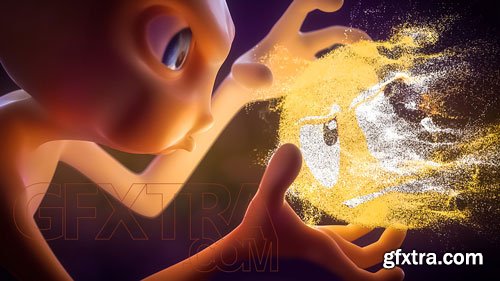
- Dynamic Simulation is one of the most "magical" things we can do with Blender. In short, it's a way to create complex procedural animations that mimic physics. If you've taken a high school math class, you'll understand that physics calculations require a lot of math. Fortunately, we don't have to do any math in order to make our models bounce, shatter, splash, and squish - Blender does that math for us! We just give it input materials and Blender does the rest. In this course we will be taking an introductory look at the nine types of dynamic effects that are available in Blender:
- Particles: Dust floating in the air, snow falling from the sky, sparks from a welder, and so much more. This type of effect involves the simulation of large quantities of small bits; i.e. particles.
- Hair: Exactly what it sounds like.
- Force Fields: Blender objects that mimic real-world forces like gravity, magnetism, vortex, etc.
- Rigid Bodies: You know when a Jenga tower falls? It's like that: The simulation of rigid, non-deforming objects.
- Cloth: Also, what it sounds like - The simulation of fabric.
- Soft Bodies: In contrast to rigid bodies, this kind of simulation accounts for deformation of objects.
- Smoke: The simulation of smoke and fire! Muahaha
- Fluid: Liquid simulation like a pipe gushing water for example.
- Dynamic Paint: Think of this like writing with your finger on a foggy mirror. This is an interesting simulation genre that interprets object-to-object interaction into surface information like vertex weights.
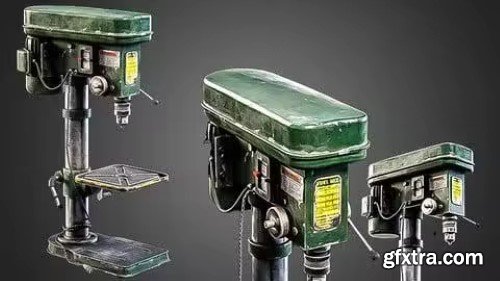
Udemy - Create A Detailed Vertical Drill: 3D Modeling & Texturing
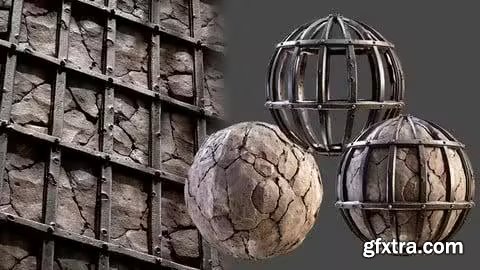
Udemy - Mastering Metal Retaining Wall In Substance Designer
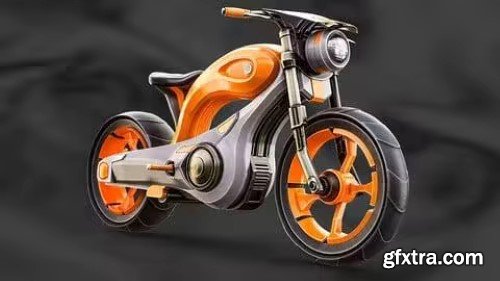
Udemy - Mastering Advanced Motorcycle Asset Modeling Techniques
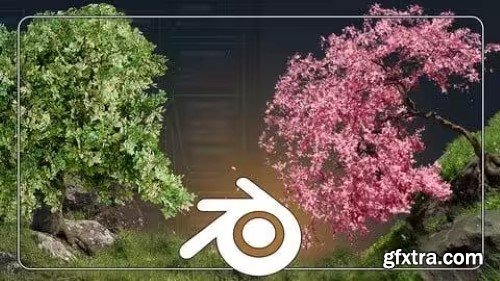
Udemy - 3D Trees With Blender Geometry Nodes
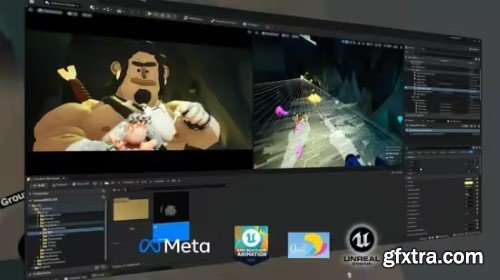
Udemy - Quill to Unreal Engine pipeline – VR animation for 3D artist
Language: English (US)
’VOODOO EYE’: A Case Study in Quill-to-Unreal Workflow Mastery
126,000 Royalty-Free 3D Model

Udemy Türkçe


Top Rated News
- CreativeLive Tutorial Collections
- Fasttracktutorials Course
- Chaos Cosmos Library
- MRMockup - Mockup Bundle
- Finding North Photography
- Sean Archer
- John Gress Photography
- Motion Science
- AwTeaches
- Learn Squared
- PhotoWhoa
- Houdini-Course
- Photigy
- August Dering Photography
- StudioGuti
- Creatoom
- Creature Art Teacher
- Creator Foundry
- Patreon Collections
- Udemy - Turkce
- BigFilms
- Jerry Ghionis
- ACIDBITE
- BigMediumSmall
- Globe Plants
- Unleashed Education
- The School of Photography
- Visual Education
- LeartesStudios - Cosmos
- Fxphd
- All Veer Fancy Collection!
- All OJO Images
- All ZZVe Vectors
- CGTrader 1 CGTrader 2



















