


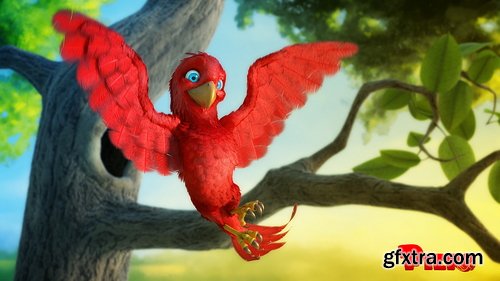
- The first step is modeling where the character is built with 3D geometry. No object exists in the computer intrinsically; it must be built by hand. Every subsequent step is dependent on modeled objects. Blender’s all-in-one nature allows the artist to use its sculpting and modeling tools in conjunction. Piero will be form-sculpted first, then retopologized into an animation-friendly mesh.
- After being built a model must be “painted”. This texturing, or “surfacing”, process is where we introduce proper colors and material qualities that make our model more believable and tangible. Being a bird Piero is a unique texturing task because he needs to be covered in feathers. We’ll take advantage of Blender’s paint tools and Photoshop to paint our texture maps. A particle hair system will allow us to procedurally grow and groom our feathers.
- While modeling and animation are perhaps the most coveted CG skill sets, rigging is the narrow bridge-less-traveled that connects them. Just like our human body needs a complex system of bones and joints to make movement possible, our digital model needs a complex system of bones and joints to make animation possible. This is a highly technical and polarizing process requires much more research and practice than artistic instinct. Piero will be rigged in Blender as an general-purpose armature with full control over wing and tail feathers.
- The art of movement is arguably the most difficult skill set in computer graphics. But don’t tell an animator that – they think highly enough of themselves already! Jokes aside, good animation requires a hefty combination of practice and talent. With Piero we’ll apply the principles of “The Nine Old Men” to realize his personality in motion.
- With the animation finished, our “ingredients” are finally ready to go into the oven! Post Processing begins by rendering our scene into individual frames that make up our entire animation. Once the hours of rendering are finished, we can edit the final shot together in Blender’s compositor.

Language: English | Size: 1.71 GB | Duration: 4h 53m
https://www.udemy.com/course/the-complete-guide-to-ev-battery-thermal-management/
Master thermal systems, cooling strategies, and real-world EV architecture from the ground up
Language: English + subtitle | Duration: 25 Lectures ( 4h 25m ) | Size: 4.86 GB
https://www.udemy.com/course/the-procreate-pointillism-masterclass/
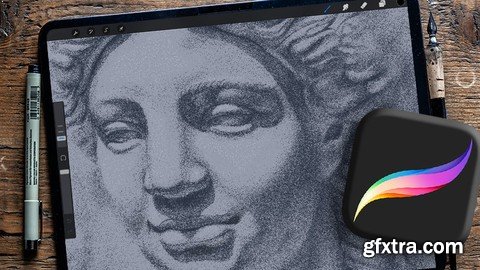
Create Beautiful Pointillistic Digital Art Using the Power of Procreate
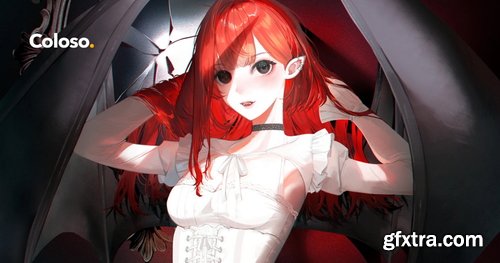
- I want to show you how to create illustrations for VTuber characters through a unique approach that makes cutting and separating characters easier for seamless movement in the LIVE2D app's motion-tracking system.
- Creating a detailed VTuber model is a complex yet rewarding process, and this class is designed to streamline that journey for you by learning the shortcuts and tricks refined by Shei.
- This class guides you through every step of the VTuber design process, from female and male anatomy to facial proportions and detailed fabric studies. Create comprehensive concept sheets and final designs that are both visually and technically pleasing. Discover how to ensure smooth and fluid movements by efficiently cutting your model for seamless animation. By the end of this class, you will have two completed female and male VTuber models, ready to add to your portfolio. Let this class be the turning point you need to make your mark in the VTuber industry.
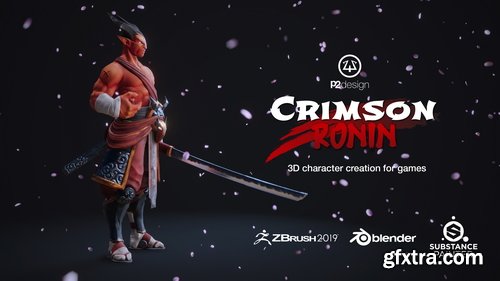
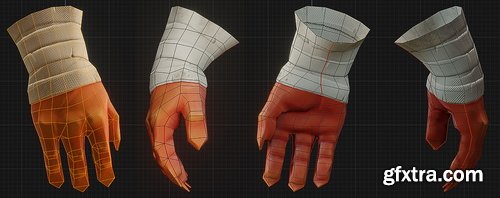
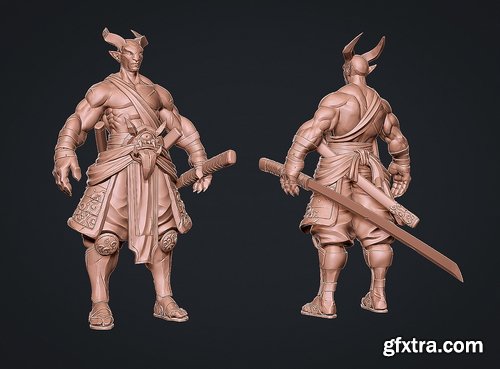
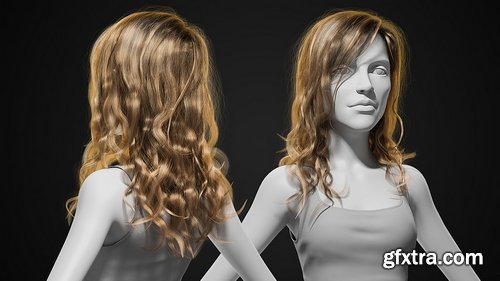
- This course cover every single step from sculpting to the final render inside of Blender realtime engine EEVEE. 47 videos, for over 9 hours of detailed process, including step by step technical explanation, commented video and timelapses. All videos are professionaly edited. All production files available (Zbrush sculpt, OBJ files, blender files, substance painter project, textures, references, HDRi)
- Learn to use ZBrush, Substance Painter, and Blender side by side through the entire sculpting, texturing, and rendering process.
- We will use Zbrush for sculpting, Blender for modeling, retopology UVs and mapping, Substance for texturing, and then Blender’s Eevee for rendering. This three-tool pipeline closely reflects what many professionals and studios use and helps you to become a more versatile and capable artist.

Language: English | Duration: 1h 8m | Size: 1.42 GB
https://www.udemy.com/course/learn-classic-animation-with-animation-desk/
The art of ideas in motion.
- Embark on a creative journey through the world of lettering with a focus on both handcrafted designs and digital innovation. This specialization covers a range of techniques guided by talented instructors like Christopher Rouleau, Nico NG, Dan Forster, Jimbo Bernaus, and Rylsee (Cyril Vouilloz). Discover the art of hand-painted signs, learning traditional methods such as layout design, brush handling, and color application to create eye-catching signage. Dive into hand-lettering for inspirational quotes, where composition, color theory, and decorative elements transform meaningful messages into visually appealing artwork.
- Elevate your skills by mastering expressive lettering with swashes and flourishes, adding elegance and movement to your designs. Explore custom letter design with Procreate, embracing digital techniques like sketching, refining letterforms, and applying textures for various applications. Finally, venture into the realm of animation, crafting dynamic lettering GIFs to boost your online presence. This comprehensive journey ensures a well-rounded skill set, blending analog and digital artistry for a complete lettering experience.

- Unlock the secrets of crafting a compelling brand strategy with the Brand Strategy Specialization: Crafting User Experiences. Dive into a comprehensive learning experience that equips creatives with the tools to expertly position brands in the market, build robust content strategies, and inspire action through storytelling. Fabian Geyrhalter, Laura Busche, John Williamson, and Jessie McGuire guide you through a journey of meticulous planning, user-oriented methodology, and digital strategy enhancement, ensuring you can set prices that attract the right clientele and develop strategies that set your brand apart.
- Explore a seven-step user-oriented methodology to create a brand strategy from scratch, and discover how storytelling can fuel a brand’s identity. Craft a content strategy by defining your brand’s pillars and personality while developing a digital strategy focused on enhancing user experiences across digital channels. The specialization culminates in hands-on projects where you will relaunch your website, create a content manual, and develop a strategy based on storytelling that inspires audience action. This program is ideal for those eager to elevate their brand’s presence and influence in the market.
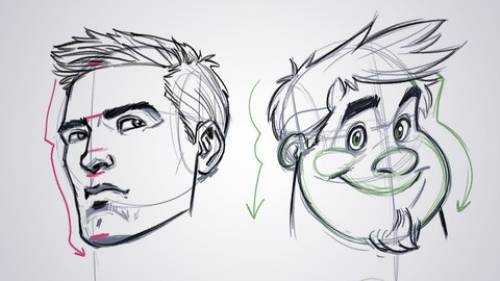
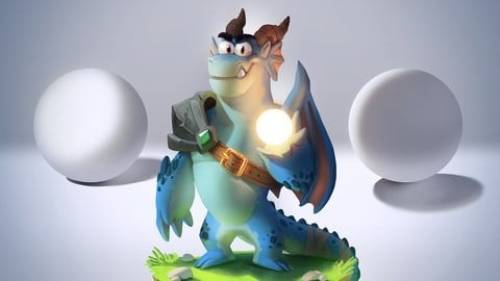
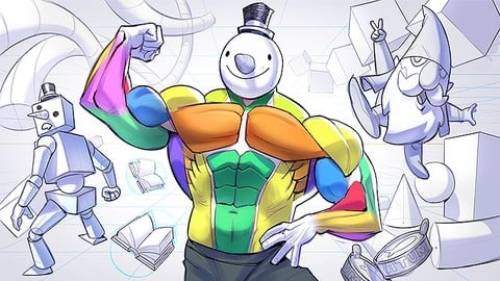
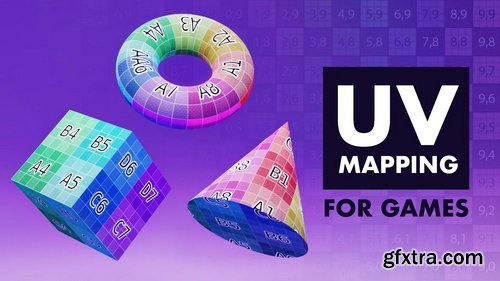
- In UV Mapping for Games we'll tackle, in great depth, one of the most common pain-points that all 3D artists have: UV Mapping. No matter which area of game development you are in, if you interact with 3D models you will need to know about UV mapping - even if only at a fundamental level.
- “What is UV mapping, why do we use it? Do I have to UV map my models?“ Starting by answering “what” UV maps are, we will answer each one of these questions - as well as answering others that you didn’t know you had!

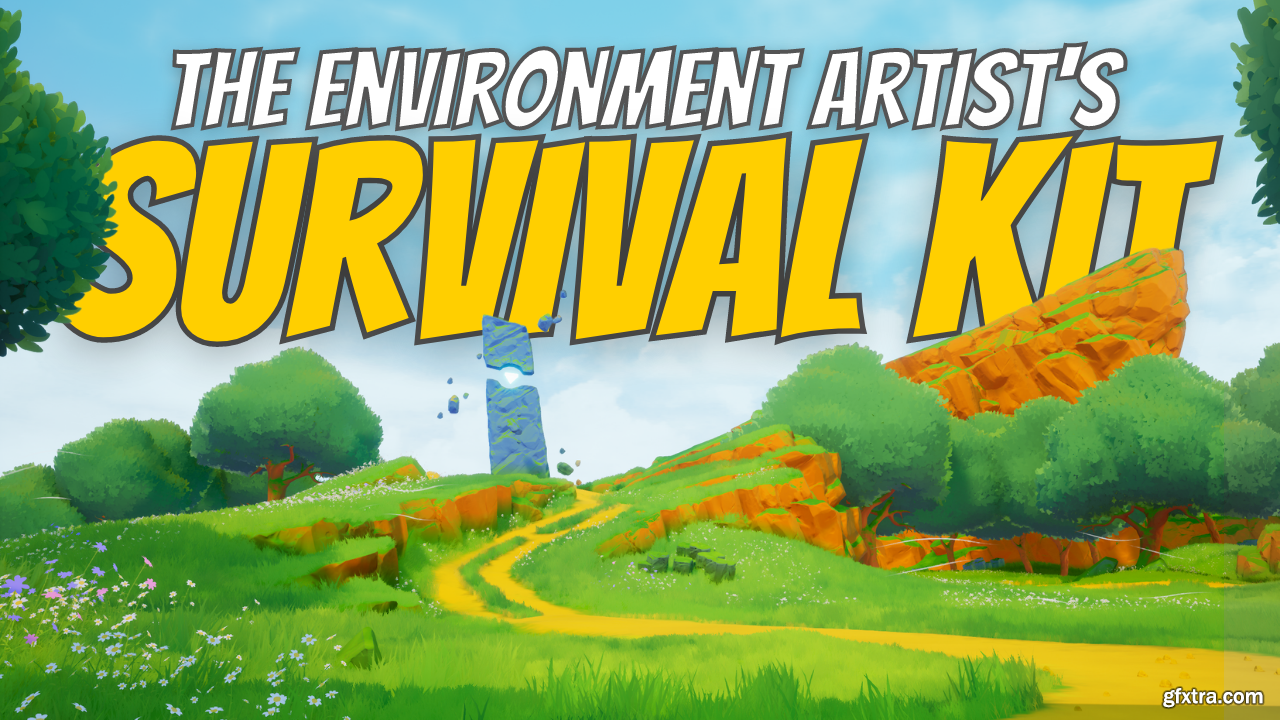
Stylized Station - The Environment Artist's Survival Kit
https://courses.stylizedstation.com/p/survival-kit
Learn how to create your own beautiful worlds using Unreal Engine
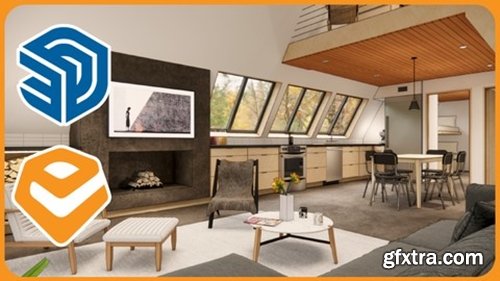
Language: English | Duration: 11 Lectures ( 1h 31m ) | Size: 1.8 GB
https://www.udemy.com/course/master-enscape-settings-for-stunning-sketchup-renderings/
Dial in sky, lighting, exposure, and presets for consistent, high-quality SketchUp renders using Enscape.
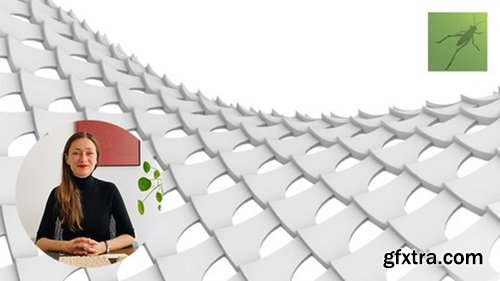
Language: English | Duration: 23 Lectures ( 3h 10m ) | Size: 1.88 GB
https://www.udemy.com/course/learn-rhino-grasshopper-3d-from-scratch/
Foundation of Parametric Design with Grasshopper 3D
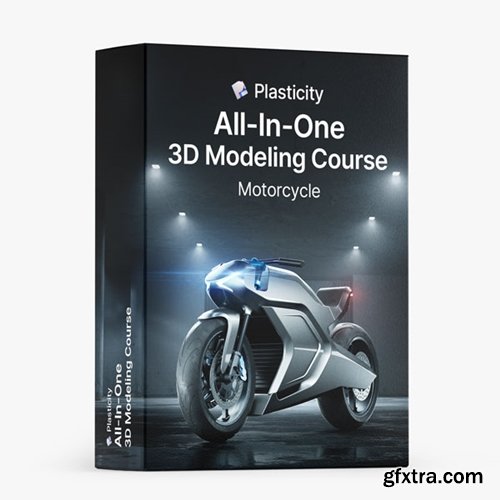
https://nikitakapustin1.gumroad.com/l/plasticity-3d-modeling-course
Learn how to master 3D Modeling in Plasticity. The complete solution to apply Key Surface Modeling Techniques to any project.
- Dive into the world of Plasticity and accelerate your 3D modeling skills. This course is the ultimate solution for those who want to understand and apply Key Surface Modeling Techniques to any project.
- If your progress in Plasticity isn't as quick as you'd like, and you're aiming to model complex objects with clarity, this course is for you. Learn not just the 'what', but the crucial 'why & when' of Surface Modeling, allowing you to apply these techniques effectively in your projects.
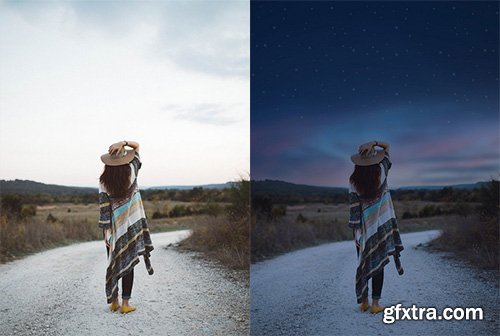
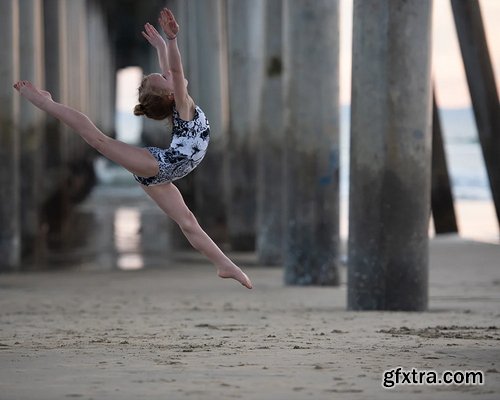
- Stunning 3D visuals that will not only inspire admiration but give you chills! What if you could create easily with automated data without complex key work?
- Anna, a YouTuber receiving worldwide acclaim for his unparalleled use of nodes, will teach you everything from the basic principles to advanced techniques of nodes over 100 chapters.
- An opportunity to bring the scenes in your imagination to life with 50 exercises covering all of the main functions of shader and geometry nodes. Take on the production of an entire animation and master all the latest features, like the hair system and simulation nodes!
126,000 Royalty-Free 3D Model

Udemy Türkçe


Top Rated News
- CreativeLive Tutorial Collections
- Fasttracktutorials Course
- Chaos Cosmos Library
- MRMockup - Mockup Bundle
- Finding North Photography
- Sean Archer
- John Gress Photography
- Motion Science
- AwTeaches
- Learn Squared
- PhotoWhoa
- Houdini-Course
- Photigy
- August Dering Photography
- StudioGuti
- Creatoom
- Creature Art Teacher
- Creator Foundry
- Patreon Collections
- Udemy - Turkce
- BigFilms
- Jerry Ghionis
- ACIDBITE
- BigMediumSmall
- Globe Plants
- Unleashed Education
- The School of Photography
- Visual Education
- LeartesStudios - Cosmos
- Fxphd
- All Veer Fancy Collection!
- All OJO Images
- All ZZVe Vectors
- CGTrader 1 CGTrader 2



















