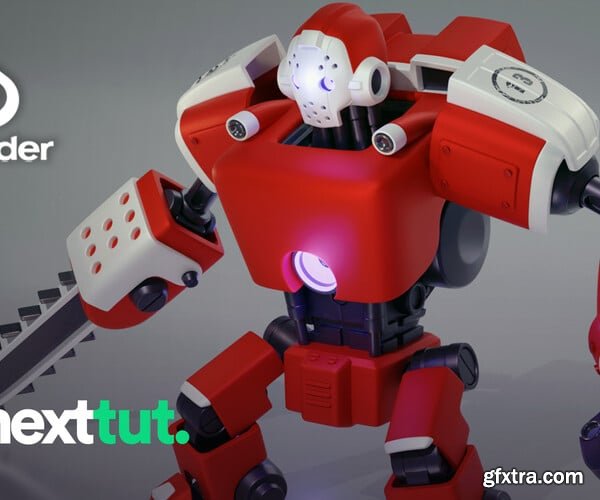
Artstation - Blender 3.0 Modelling Course for Beginners

Artstation - Blender 3.0 Modelling Course for Beginners

https://www.artstation.com/marketplace/p/7Owyp/blender-3-0-modelling-course-for-beginners

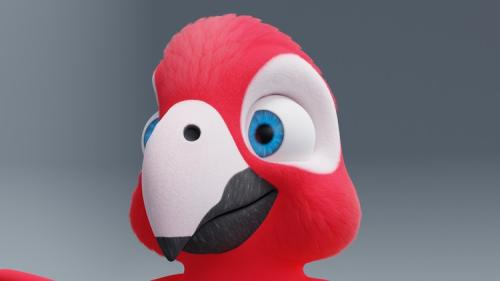
Have you wanted to learn Blender and not know where to start? Then I welcome you to Nexttut’s Blender 3.0 Modelling Course for Beginners.

WHY SHOULD YOU LEARN FROM ME: My name is Alejandro Aguilar, and I have been working in 3D art for about 7 years. I have worked on numerous projects, from mobile games to video production. My area of work focuses on understanding 3D at a technical level, so that I can then teach you in an easy-to-understand way.

BENEFITS : By the end of this course you will be able to model hard surface robot type characters in Blender.

user Themelli     

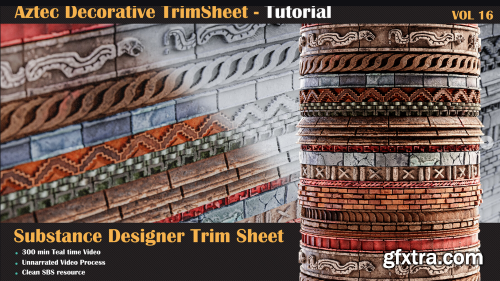
Artstation - Aztec Trim Sheet Tutorial - VOL 16
https://www.artstation.com/marketplace/p/YwzGy/aztec-trim-sheet-tutorial-vol-16
Let's take a journey into a brand-new stone surface material in Substance Designer! Here, it's like having a playground of nodes where you can play around and see how they jazz up the surface. By following along, you'll get the hang of creating these kinds of surface materials in no time. This tutorial is all about giving you the superpower to tweak, mix, and blend details easily. So, imagine being able to add your own touch and seamlessly fit it into your environment or mix it up with other surfaces – it's that simple!

user Themelli     

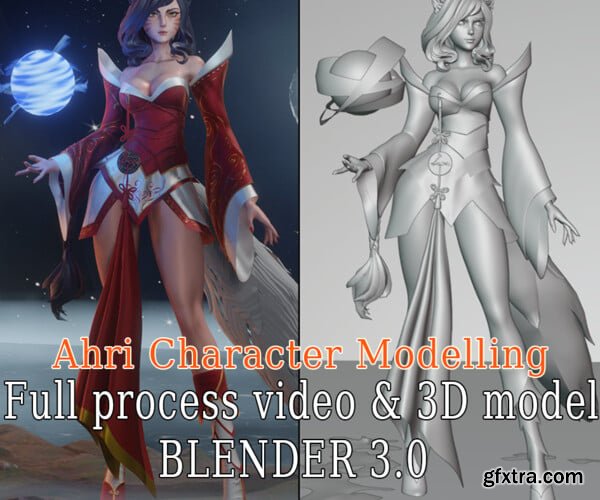
Artstation Ahri Character Modeling - Blender 3.0 - Full Process video & 3D model

Artstation Ahri Character Modeling - Blender 3.0 - Full Process video & 3D model

https://www.artstation.com/marketplace/p/50NAK/ahri-character-modeling-blender-3-0-full-process-video-3d-model

Blender 3.0 Speed: real-time Videos resolution: 1080p Status: No voice

user Themelli     

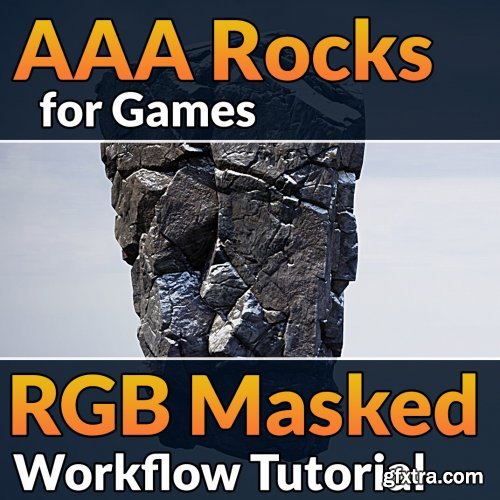
Artstation – AAA Rocks for Games - RGB Masked Workflow Tutorial

Artstation – AAA Rocks for Games - RGB Masked Workflow Tutorial

https://www.artstation.com/marketplace/p/BqV6/aaa-rocks-for-games-rgb-masked-workflow-tutorial

In this tutorial, we will go through the entire process of making cliffs for AAA games, using an RGB masked workflow, which gives us the desired texel density at any asset scale.

We start with highpoly sculpting in Zbrush, and end in Unreal, with masks from Substance Painter, and textures from Substance Designer.

user Themelli     

ArtStation - 8 Facade Material - Building Material + Tutorials
https://www.artstation.com/marketplace/p/GkDJg/8-facade-material-tutorials

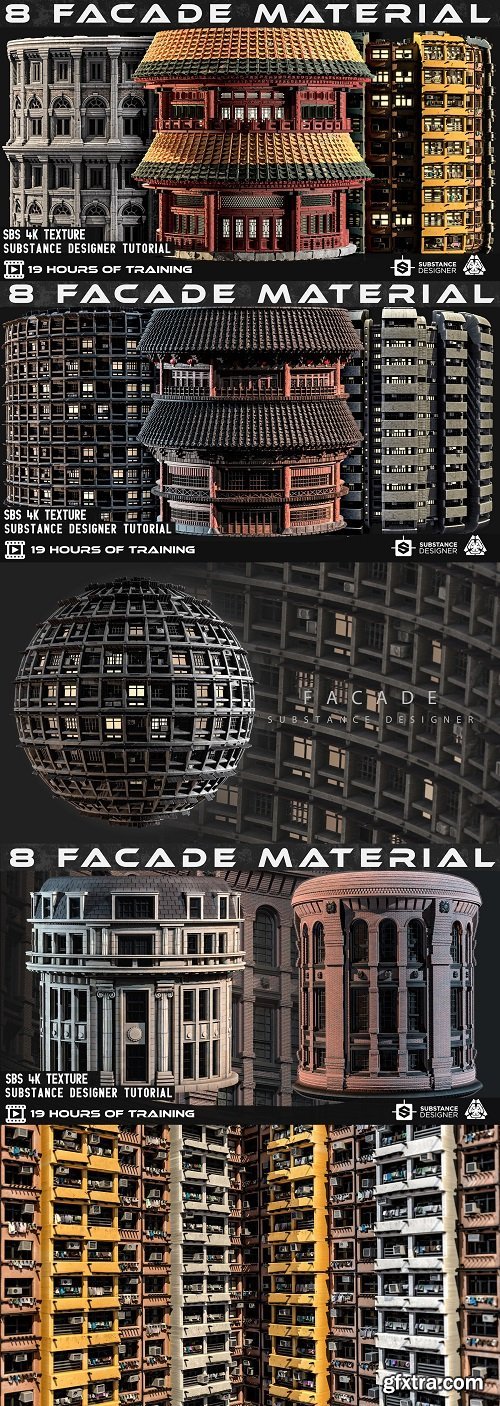
This Product includes 8 facade  Materials for Substance designer and 4K PBR texture. You can use the PBR Textures for any program that works with PBR workflow!

Making building facade in substance designer without any modelling, just nodes and blend them. In this tutorial, you can learn how to use basic node in substance designer to create a procedural facade only in 300 minutes. Learning this technique can help you understand what you can do in the substance designer for the projects like this. 

Using this tutorial, you need to know the basic fundamental of substance designer and its workflow.
user Themelli     


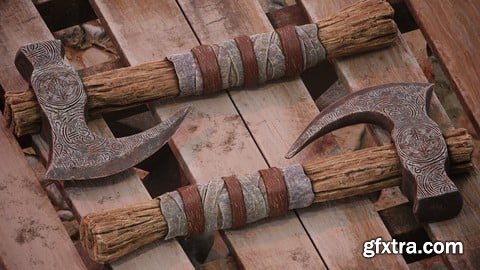
Udemy Weapon Modelling and Texturing in Blender, Zbrush & Painter
Create awesome looking 3d weapon models for games and films.


user Themelli     


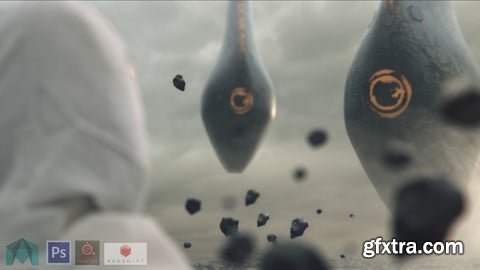
Udemy - Guerilla VFX for Indie Film Makers
Learn to take a VFX project from start to end as a solo artist for your own films


user Themelli     

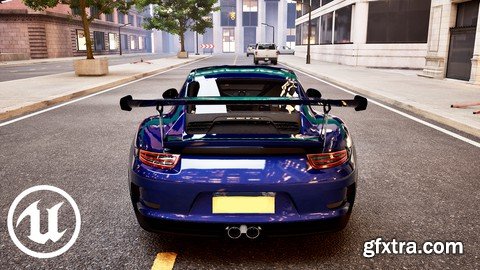
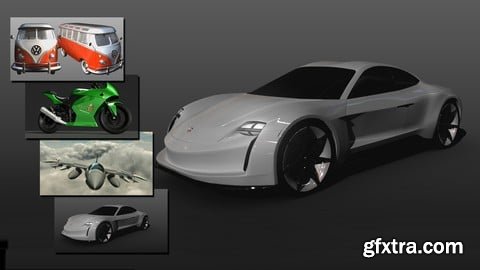
Unreal Engine 5: Creating A Car Racing Game

Published 12/2023
https://www.udemy.com/course/unreal-engine-5-creating-a-car-racing-game/
 
Learn the basics of Unreal Engine 5 by Making a Car Racing Game
user Themelli     


Udemy - PACK 4 en 1 - Modelado y Texturizado de vehículos en Maya
Aprende a crear cualquier vehículo en Maya utilizando distintas técnicas, desde un avión hasta un auto deportivo


user Themelli     


Udemy MEGA PACK 5 en 1 - Animación de personajes 3D de cero a PRO
Aprende animar personajes 3D desde cero a nivel avanzado utilizando Autodesk Maya
Spanish


user Themelli     


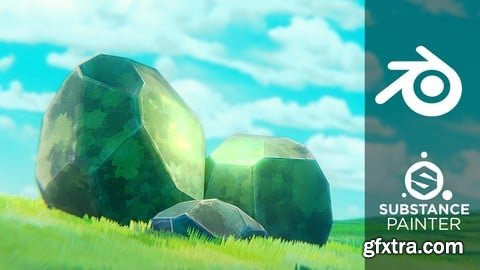
Udemy Blender : Anime Stylized Modeling for Beginners
https://www.udemy.com/course/ghibli-style-modeling/
Learn Ghibli-Inspired Modeling: Blender and Substance Painter with this beginner-friendly course


user Themelli     

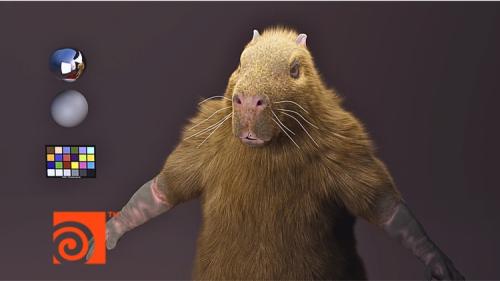
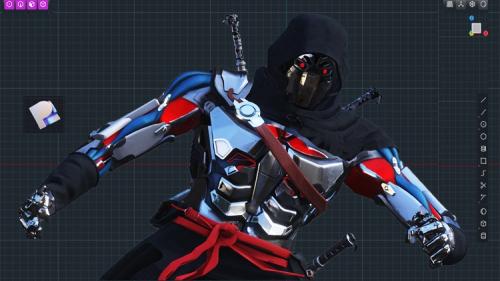
Udemy - Fundamentals of Fur Grooming in Houdini

Udemy - Fundamentals of Fur Grooming in Houdini

Language: English (UK)

Become a groom artist for VFX

https://www.udemy.com/course/fundamentals-of-fur-grooming-in-houdini/

user Themelli     

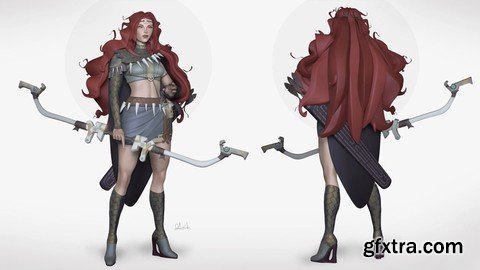
Udemy - Direct Modeling In Plasticity - Upper Body

Udemy - Direct Modeling In Plasticity - Upper Body

Language: English (US)

From Zero to Hero Learn the basic to Advance in Plasticity by modeling complete upper body of game character

https://www.udemy.com/course/direct-modeling-in-plasticity-upper-body/

user Themelli     

Complete Guide to Zbrush 2023 for Beginners
https://www.udemy.com/course/complete-guide-to-zbrush-2023-for-beginners/
Sculpt characters, assets, props inside of Zbrush

user Themelli     


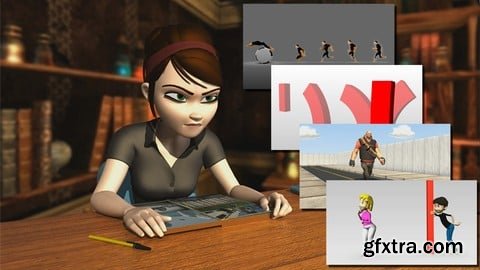
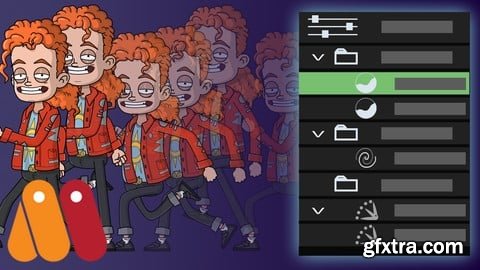
Udemy Building Reusable Character Actions in Moho Pro 13
Create reusable walk cycles, poses and more for any Moho character rig!


user Themelli     

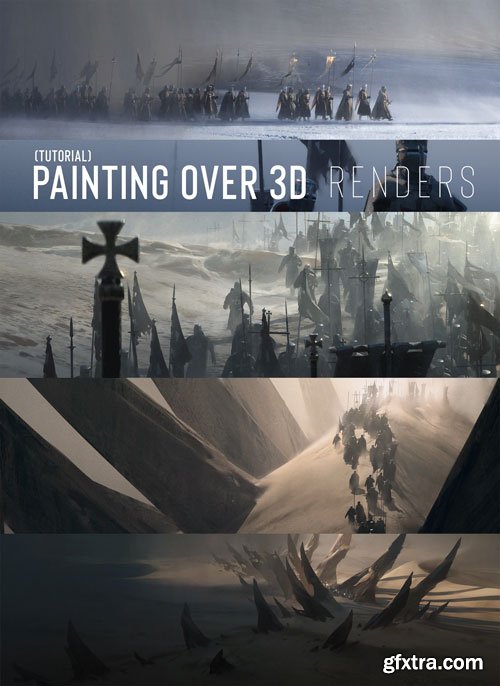
Udemy - Blender 3D: Your First 3D Character in Blender

Udemy - Blender 3D: Your First 3D Character in Blender

Language: English (US)

Use Blender to Create Beautiful 3D Caharacter. Beginners Level Course

https://www.udemy.com/course/blender-3d-your-first-3d-character-in-blender/

user Themelli     


Jama Jurabaev - Painting Over 3D Renders
In this tutorial, I show how to paint over 3D renders.
Painting over 3D renders is something I do almost on a daily basis as a  film concept artist.
3D helps a lot to establish perspective, lighting, textures and many other important details in your artwork, but there is always a moment when it feels like you need to put some paint work on top of it to push it further.


user Themelli     


The Gnomon Workshop - Building Natural Environments using Gaea & Houdini: Environment Creation & Look-Dev Techniques
https://www.thegnomonworkshop.com/tutorials/building-natural-environments-using-gaea-houdini
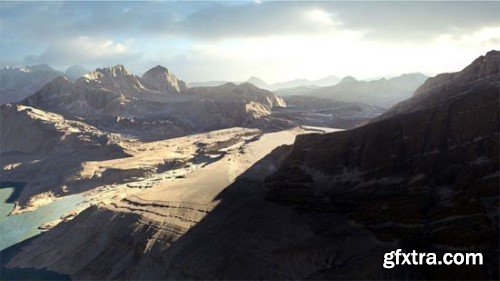
Rasha Shalaby takes environment artists and matte painters on a journey from concept to final shot using Gaea, Houdini, V-Ray, and Photoshop as she recreates the ancient deserts of Sinia, Egypt, and the Red Sea Mountains. Perfect for artists working in VFX for film, TV, and game cinematics, Rasha’s 4-hour workshop walks through the complete creation process of a natural environment based on a real location.  This comprehensive workshop covers all the essential steps from creating the base low-detail assets that inform the initial concepts to creating hero camera angles, updating and optimizing assets, and adding scattered elements. Rasha teaches the importance of using references to ensure fidelity between the CG recreation versus the production location and teaches the workflow and techniques utilized by artists in a real production environment. She shows how environments will go through various iterations as the level of detail is updated in every asset and the environment overall.  Gaea is used to create the terrains and output textures. Houdini is used to set up the environment build and extract displacement maps for the created terrain, and also to create layered shaders in V-Ray to ensure a high level of detail is achieved in the final renders. Rasha’s .tor files are provided with this workshop for subscribers to download.


user ReUploader     


The Gnomon Workshop - Automating Animation and Game Ready Rigs
http://www.thegnomonworkshop.com/tutorials/automating-animation-game-ready-rigs/
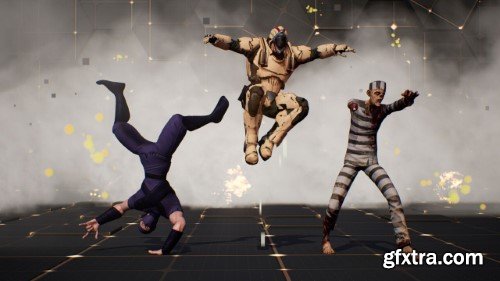
Sharpen your scripting skills as we delve into modular rigging with Python in this 3-hour workshop created for riggers and aspiring coders. The objective is to create a one-click solution for rigging bipeds, with the potential for customization to suit other types of characters, pipelines, and project requirements.  Nick Miller, Creature Supervisor at DNEG, introduces a comprehensive library of code and explores the moderate-to-complex components of Python, Object Oriented Programming, and rigging. Building your own modular rigging system gives you several advantages; not only does it save you significant time, but it also enhances your problem-solving skills and prepares you to contribute to a company's rigging toolset.  Watch as Nick leverages Maya's standardized human IK skeleton as a template by using it as a foundation to build rigs. This technique helps you to incorporate motion-capture data to drive your rigs. To showcase the system, Nick utilizes a downloadable character from Mixamo and then applies his tools to generate a fully functional rig before applying motion capture as keyframes onto the rig's controls. Additionally, Nick instructs how to organize rigs in a game-engine-friendly manner, allowing for easy export of the skeleton and character mesh.  Upon completing this workshop, subscribers will have learned essential rigging techniques, including building a modular rigging system with Python, the basics of Maya's human IK skeleton, how to apply motion-capture data, and how to export rigs for game engines.  Project files provided with this workshop give students a reference or guideline to follow. The downloadable project files include Nick’s asset build folders for three characters, including models, guides, textures, scripts, weights, and controls, as well as his modular rigging package (nmrig and grig).


user ReUploader     

Cinematic Lighting Shot Production: Light & Composite a Shot Using Maya, Katana, Arnold & Nuke
https://www.thegnomonworkshop.com/tutorials/cinematic-lighting-shot-production
In this comprehensive workshop by Graham Cunningham, you will be taken through the entire process of lighting and compositing a cinematic shot using Maya, Katana, Arnold, and Nuke. This is an advanced course that builds on the Introduction to Katana workshop by Taeyoung Kim.  This 4-hour workshop begins with setting up OCIO for ACEScg, importing and preparing assets in Maya and Arnold, creating a layout and shot camera, managing your .tx files and color spaces, and details how to convert materials to MaterialX, and export everything to Arnold USD.  Next, in Katana, you’ll discover how to update the shot template, create some new macros, prepare Interactive render filters, and set up AOVs for multi-channel EXR output. You’ll see how to import your USD assets, optimize your scene, go through the lighting setup, and create and modify HDRI light textures (in a quick excursion to Nuke).  From there, the workflow proceeds to the creation of render passes, how to manage visibility and sampling, and render image sequences to disk using Katana batch commands. As the last step, Graham jumps into Nuke, where he shows how to assemble the render passes, split out light AOVs, adjust light colors and intensities. You’ll also explore how to add atmosphere using volume/fog renders and WorldP data, how to add fog FX using stock footage on 3D cards, as well as how to use cryptomattes to fine-tune results, add glow, lensflare, film grain, and apply a final color grade.

user ReUploader     

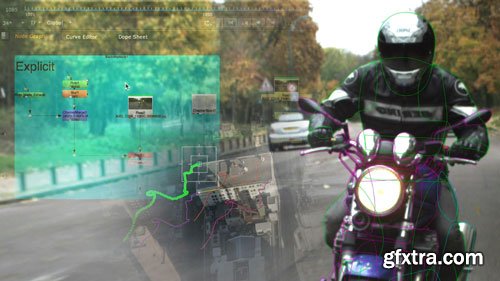
FxPhd - Introduction to Nuke Part 1 - NUK151

FxPhd - Introduction to Nuke Part 1 - NUK151

user Unity     

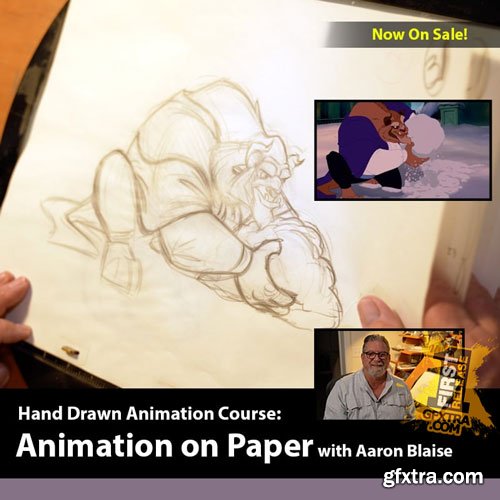
Creature Art Teacher - Animation on Paper with Aaron Blaise
Aaron has an engaging, entertaining and approachable teaching style that people really love. Whether you are a beginner or experienced artist these fun & engaging videos will teach you something new!

user Themelli     

Flatpackfx - Animation Master Course
https://www.flatpackfx.com/animation-master-course
What if you had the confidence to be able to make AMAZING Animations, in just 30 days?  Follow my step by step system that I use to teach students eye-catching Animations, even if you are a complete beginner and have never used After Effects before.

user Themelli     

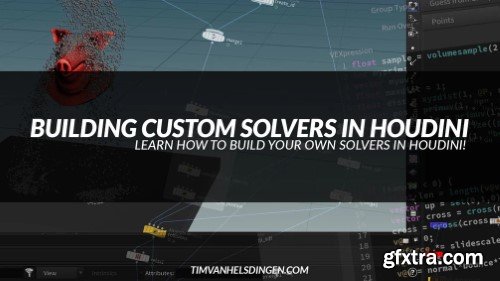
Gumroad - Building Custom Solvers in Houdini (Tim Van Helsdingen)
https://timvanhelsdingen.gumroad.com/l/customsolversinhoudini
In this 4.5 hour course you will learn all about creating custom solvers in Houdini using the sop solver.  We start with 1.5 hours of simple examples as a primer, after which we spend the next 3 hours recreating the houdini POP solver from scratch using sop solver, vex, vops, and a lot more!  Once you go through this course you will be in a much better spot to tackle any FX problems that you have, as you can implement these techniques on top of any existing solver in Houdini. That means you will know how to create custom logic for POPs, vellum, rigid bodies, pyro, and more.


user Gamystyle     


Premium Mockups


rss