Houdini.School – HS-223 - Maths for Artists with Divyansh Mishra
Houdini School HS-223: Maths for Artists

This recorded course provides a way for artists to learn and develop an intuition for utilizing mathematical tools in their work using industry-standard programs and methods. This course will not only showcase ways of utilizing math in Houdini but also focus on developing a mindset to solve new problems using math. Students will also learn some math-related tips and tricks to optimize their pre-rendered or real-time projects.

Students will leave this class with a fundamental understanding of different ways in which tools from Mathematics can be utilized for Motion Graphics, Shader Building, and Gameplay Programming. Students will learn to optimize some of their existing setups using Mathematics.


user Themelli     


Houdini School HS-114: From C4D to Houdini
Do you want to expand your skillset and broaden your CG horizons? Want to dive into Houdini but don’t know where to start? Then this recorded course is for you! We’ll be walking through the foundations of Houdini, referencing Cinema 4D as we go. Once we’ve mastered how to use attributes to manipulate geometry, we’ll look at how to recreate some of C4D’s Mograph with procedural setups by leveraging the new tools in Houdini.


user Themelli     

Houdini.School – HS-116 - Working with Scientific Datasets in Houdini with Kalina Borkiewicz
Houdini School HS-116: Working with Scientific Datasets in Houdini
This recorded class is a technical session on working with various different scientific data types in Houdini. Topics covered include data wrangling, Houdini-friendly formats like Geo/Bgeo and OpenVDB, Houdini-unfriendly but common scientific data representations like Adaptive Mesh Refinement, and spatial and temporal data interpolation. This will be an introduction to the data and programming side of Houdini, with less focus on design or rendering.


user Themelli     

Houdini.School – HS-111 - History of Houdini Systems with Kate Xagoraris
Houdini School HS-111: History of Houdini Systems
This recorded course introduces students to the history of Houdini and how the software has developed over time. Learning how the software operates is a huge part of becoming a VFX artist. But understanding how the operators and the networks evolved over time is a plus. In this course, we will discuss certain tools inside of Houdini, and how they grew into the SOPs, DOPs, and other functions we know today.

user Themelli     


Houdini School HS-242: Solver Madness
Solver Madness is a Houdini course focusing on creating sophisticated dynamic effects. Students will explore methods for chaining, layering, and combining simulations using Sopsolvers, FLIP fluids, Pyro, VDB advection, and multiple POP simulations. The course covers techniques for transforming geometry into effervescent bubbles and shaping FLIP fluids through surface advection. Participants will learn to build efficient, art-directable simulations that leverage a wide range of Houdini's solvers. This hands-on course emphasizes practical application and creative problem-solving in design and visual effects creation.


user Themelli     


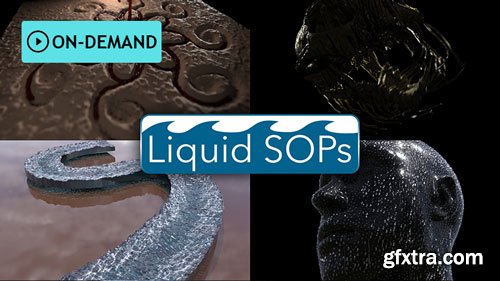
Houdini School HS-224: Liquid SOPs
Learn procedural ways to mimic liquids without diving into DOP simulations. This class will show slimy drool, bloody trails, surface water droplets, and a flowing river.
All of the builds in this class will be made entirely with SOP nodes, and will showcase various techniques using common SOP nodes, primitives, curves, VOPs, and VEX to allow you to art direct your creation.


user Themelli     


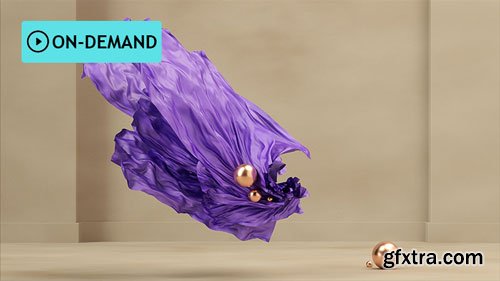
Houdini School HS-221: Art Directing Cloth in Houdini
This course will cover multiple ways you can direct cloth inside Houdini. We’ll be walking through some projects and also setting up some projects from scratch. In doing so, we’ll discover the different nodes so we can achieve the exact effects we’re after.


user Themelli     

Houdini School HS-118: Attributes

Houdini School HS-118: Attributes
Understanding Attributes is fundamental to successfully building projects in Houdini. In this recorded class, you will focus on building your core knowledge, demystifying Attributes, discussing how to create them, and most importantly explaining how they are integrated into Houdini. Class topics include basic Geometry components, clarification of the terminology, different creation & management methods, as well as exploration of differences between VEX, HScript, and Python. After this class, you will have a clearer understanding of how to build attributes, troubleshoot common issues, and extract the data you need for your projects.

user Themelli     


HS-115: VEX Weekend Bootcamp
In this recorded class get familiar with VEX and reduce the barrier of entry into algorithmic thinking - whether you are a visual or a linguistic thinker. Learn to break down problems into bite-sized algorithms and chain them to form a bigger system.


user Themelli     

Entagma - AHTYA 2 - Adding Houdini To Your Arsenal 2.0
https://entagma.com/courses/ahtya-2-adding-houdini-to-your-arsenal-2-0/
 

This course is meant for 3d artists proficient with a different piece of software (Cinema 4d, Blender, Maya, etc.) who want to add Houdini to their skillset or transition to Houdini as their main DCC. Through this series you will learn everything you need to know to jump into any of our other Premium Courses, most of our free content on Youtube and most other Houdini content in general online.

user Themelli     


An Unexpected Odyssey
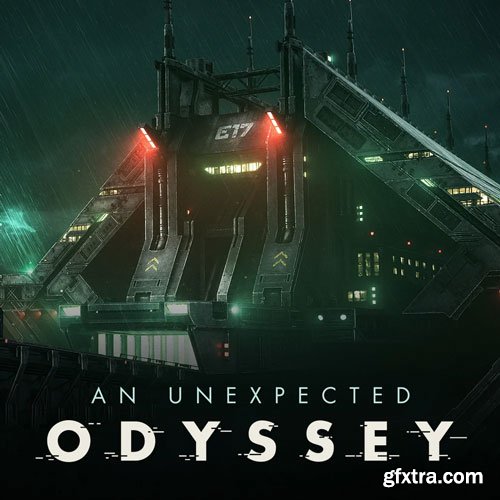
An Unexpected Odyssey | EP.2- Environment Texturing With Substance Painter
In this tutorial, you will unlock the secrets of lighting, texturing and look development to bring your sci-fi environments to life.
I'll guide you through professional project planning and organization, ensuring you stay motivated and efficient in tackling such a large environment scene.
Learn precise techniques like the UDIM workflow, PBR texturing and the powerful ACES workflow.
Create complex smart materials in Substance Painter and automate tasks with Python scripts.
The adventure continues now!


user Themelli     

An Unexpected Odyssey | EP.1 - Environment Modeling With Maya

An Unexpected Odyssey | EP.1 - Environment Modeling With Maya

An Unexpected Odyssey | EP.1 - Environment Modeling With Maya

Embark on an extraordinary journey with this tutorial and discover the secrets of modeling a captivating sci-fi environment in Maya.

I'll be sharing with you how to plan and organize personal projects, keep motivation and be efficient in tackling such a large environment scene.

Discover a seamless modeling workflow that thrives on precision, channeling attention towards shapes, forms and harmonious proportions.

Uncover ingenious kitbashing and modular asset strategies that infuse life into your scenes.

The adventure begins now!

https://skart.gumroad.com/l/unexpected-odyssey-ep-1


user Themelli     

Coloso - Artistic Cartoon-Style Character Modeling with ZBrush
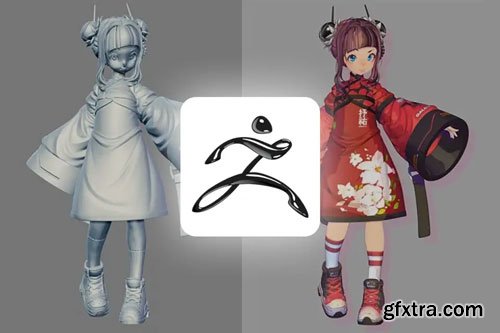
We prepared a curriculum comprising 102 chapters, from the utilization of ZBrush tools that extract 2D elements from 3D designs, to using the Best Preview Render (BPR) filter for rendering and exploring poses that enhance a character’s charm.Create cartoon-style 3D characters that captivate audiences and grow into a 3D character modeler equipped with skills and artistic sensibilities using ZBrush alone.

user Unity     

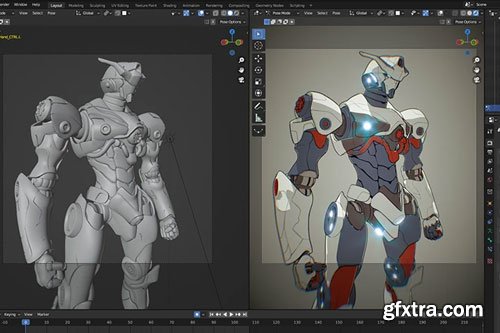
Coloso - 3D Anime Style Mecha Production in OctaneRender for Blender
Lino Grandi will guide you to create a fully rigged, ready-for-animation 3D Mecha from scratch using OctaneRender for Blender.OctaneRender for Blender is an extremely powerful and feature complete rendering engine, known for its real-time GPU based photorealism. Let's reveal the features of this amazing tool and learn how to best integrate it with Blender. Explore the powerful synergy between Blender & Octane and improve your future workflow and skills!

user Unity     


CGCircuit - Discovering Houdini Vellum 4
https://www.cgcircuit.com/tutorial/discovering-houdini-vellum-4
 
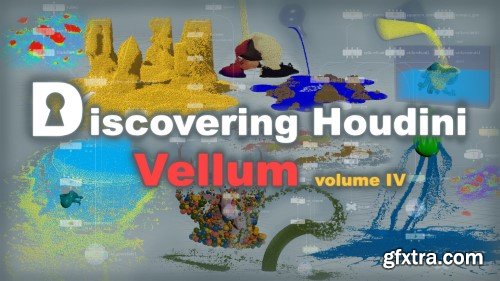
Hi everyone; I'm Arsen Margaryan and I'm very excited to show you the 4th part of one big project called Discovering Houdini Vellum, which is all about vellum grains and vellum fluids, and this is probably the most fun and juicy part of this big project. This lesson is a follow-up of the previous series, and I strongly suggest you watch it only after you master the previous vellum series. Now some details about this lesson. We will explore in depth all the properties related to them, and also do many interesting and practical tasks that will greatly improve your toolbox since the Vellum is one system where all types can interact with each other, and by adding sand and liquid to this system, you can already do crazy things, which are almost impossible to do without a Vellum. I also want to say, that the concept of vellum itself is such that it can be endlessly expanded, in terms of adding new types of simulations, as well as new constraints for more control and so on, which developers are already doing successfully. So I strongly urge everyone to study vellum in detail since there is a huge potential there, and all these four series I have made will greatly help you in this matter because they cover a large amount of these vast capabilities.


user ReUploader     

CGCircuit - Applied Houdini Rigids 6
https://www.cgcircuit.com/course/applied-houdini---rigids-vi
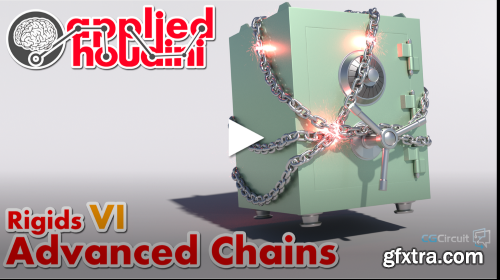
In Rigids VI, we'll learn how to create fast, stable, and easily art directable chains that can be used for all kinds of situations. Common pitfalls of naive approaches will be discussed, while demonstrating advanced constraint chaining, positioning, and orienting techniques to overcome them. Once created, we'll strategically break both the chain links and their constraints as well. Other topics include creating and understanding a hinge constraint, having a bunch of coins fall out of the safe, and some fun approaches to making magical lighting and particle effects! And as always, a whole bunch of production-ready tips and tricks to streamline the whole process will be implemented as well.
Applied Houdini is a production quality oriented series created by Steven Knipping (vimeo.com/161576184), currently a Senior Rigid Body Destruction / FX Technical Director at Lucasfilm's Industrial Light & Magic (Star Wars: The Last Jedi, Rogue One, A Star Wars Story, Star Wars: The Force Awakens). Benefit from production proven workflows while also getting an in depth explanation of why things works they way they do. Best of all - each video is crammed with actual information and footnotes instead of gratuitous talking and dead space!
user ReUploader     


Applied Houdini - Liquids IV
https://www.cgcircuit.com/course/applied-houdini---liquids-iv
 

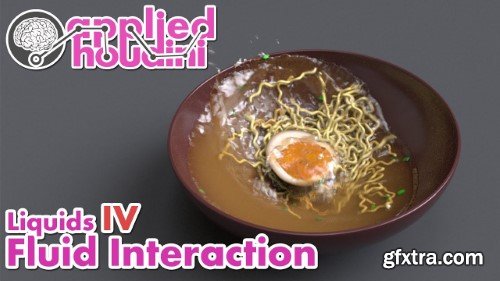
Applied Houdini Liquids IV - Fluid Interaction is here to show you how to control a complex liquid simulation using the Vellum Solver. We'll combine various ingredients with unique physical properties into a big bowl of ramen in order to show off the kind of interaction that Vellum makes possible. For each of them, we'll go over the external forces and internal properties that enable realistic physical behavior as well as enable art direction. And as usual we'll dive deep into how the simulation actually works, so that we can solve issues with buoyancy, collisions, simulation stability, rendering and a whole lot more. We'll finish up by processing our results into nice looking geometry and rendering in Karma, paying particular attention to capturing the soupy look of the ramen broth. Start making sophisticated liquid simulations now, with Applied Houdini Liquids IV - Fluid Interaction!  Applied Houdini is a production quality oriented series created by Steven Knipping (imdb.com/name/nm3725241/), who has worked as a Senior Rigid Body Destruction / FX Technical Director at Lucasfilm's Industrial Light & Magic on films including Star Wars: Rise of Skywalker, Avengers: Endgame, and Space Jam 2. Benefit from production proven workflows while also getting an in depth explanation of why things works they way they do. Best of all - each video is crammed with actual information and footnotes instead of gratuitous talking and dead space!


user ReUploader     

ArtStation - Creating a Medieval Town Environment – Using UE5 & Blender
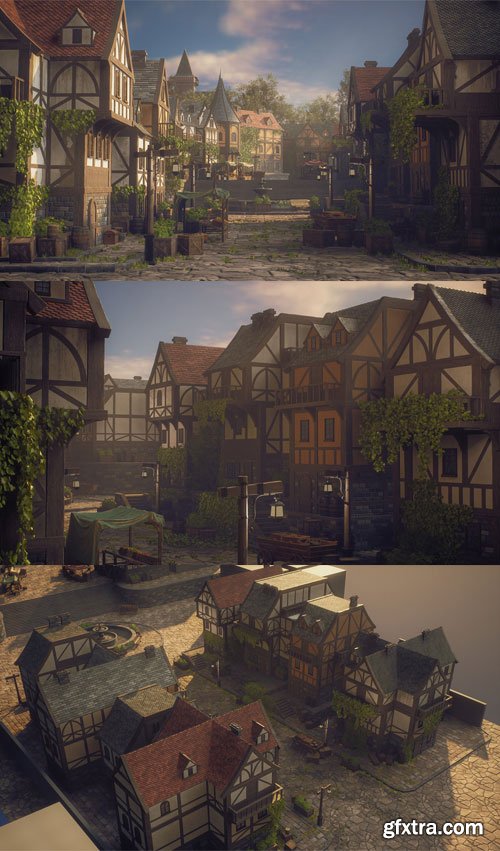
Learn how a professional environment artist works when creating environments for games. In this case, a medieval-style town environment using Blender & Unreal Engine 5, along with the help of nanite, Lumen, Zbrush, and various other software like substance designer & painter.

user Unity     


Vertex School - Character Design for Games with Kory Hubbell
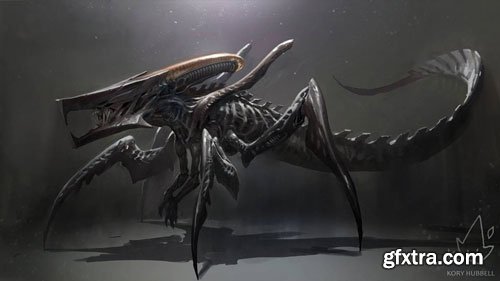
Design First is an essential key to create amazing character art. In this course, Kory Hubbell teaches character design using the three S's: Story, Shape, Style.


user Themelli     

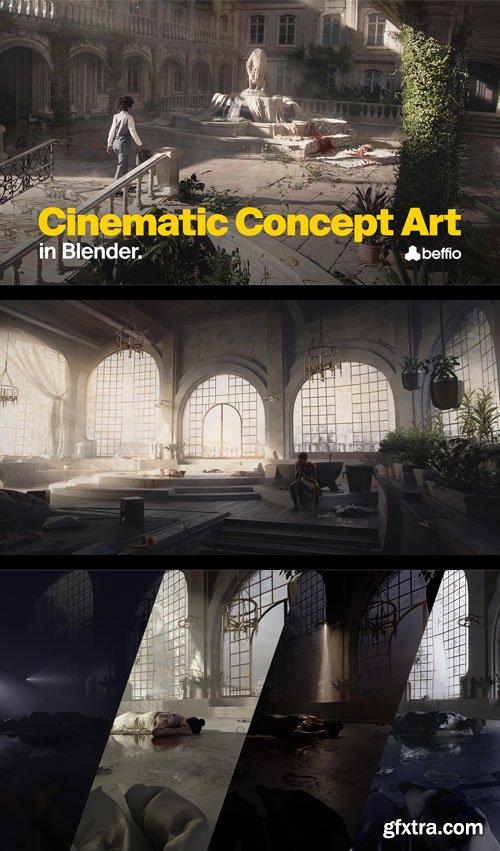
ArtStation - Cinematic Concept Art in Blender – Full Course
In this course, I will teach you my approach for cinematic concept art from start to finish. It is aimed towards concept artists of all levels, though the blender techniques demonstrated will require some prior experience in basic navigation and modeling. I am using Blender and Photoshop as well as some paid plugins and assets from Quixel Megascans.

user Unity     


Udemy Intro to Python 3 for Maya 2022
Learning python as an Artist while understanding everything!


user Themelli     


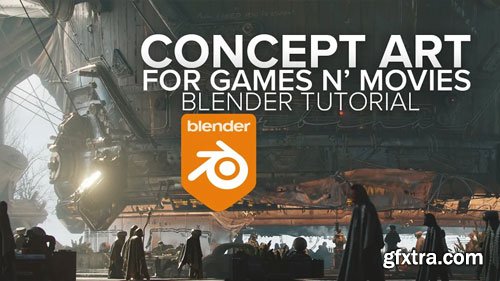
Concept Art for Games & Movies in Blender + BLEND FILES
We looking at 10h of narrated content + another bonus 3h of narrated content + BLEND SCENES + gonna add some moar soon.
This time around I'm taking my time to explain the WHOLE process behind one of my favs workflows, not just the technical Blender stuff - I'm tryin hard to convey why I'm making certain steps, art choices n creative ones too and everything ties to fundamentals, that's why the tut is a lenghty one, but it also means it's more beginner friendly! You still need to know your donuts though and be familiar with basics of modelling and texturing in Blender, but other than that you good to go :)
We focus on building the environments, I've included some characters, but I'm not diving deep into character concept art (or character rigging) in this tut. The only addon you might need is HardOps (+Boxcutter, and maybe Simply Cloth if you want those juicy fabrics) and for smooth workflow RTX 3000 series, scenes saved in Blender 4.3 (will add 3.6 scenes too as Blender pre 4.0 just runs smoother:')


user Themelli     


VFX Grace – Blender Creature Effects The Complete WorkFlow Modeling
ArtStation - Blender Creature Effects Tutorial - Texturing Section
https://www.artstation.com/marketplace/p/GOMzv/blender-creature-effects-tutorial-texturing-section
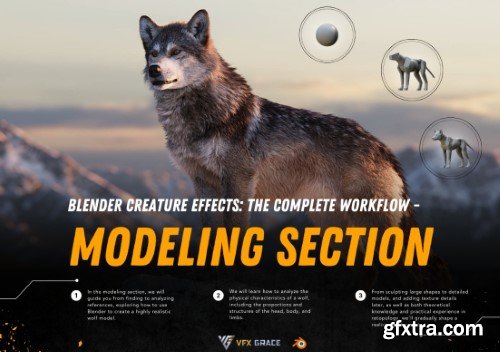
In the modeling section, we will guide you through the entire process, from finding and analyzing references to creating a highly realistic wolf model in Blender. We will learn how to examine the physical characteristics of a wolf, focusing on the proportions and structures of the head, body, and limbs. Starting with sculpting the large shapes, we will progress to detailed modeling and adding texture details. Along the way, we will cover both theoretical knowledge and practical experience in topology, gradually shaping a realistic wolf model.


user ReUploader     

Blender Zero - Base Dynamic Poster Course [CHN with ENG sub]
https://www.xiaohongshu.com/user/profile/5c1f8e5d000000000603d4bb
Learn to build modern and dynamic posters with Blender


user Gamystyle     


Premium Mockups


rss