CgCookie - Introduction to Retopology
https://cgcookie.com/courses/introduction-to-retopology
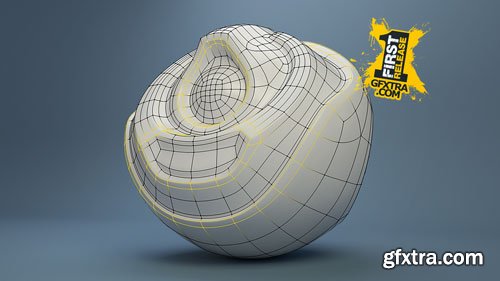
As modern workflows have incorporated more sculpting, the previous techniques of box-modeling and poly-modeling have seen less use. In place of these older workflows is a new synergy between artistically-driven sculpting and technically-minded poly-modeling, through a process known as Retopology. Retopology is the act of recreating an existing surface with more optimal geometry. A common use-case is creating a clean, quad-based 3D mesh for animation, but it's also used for most any final object that needs textured, animated, or otherwise manipulated in a way that sculpted meshes are not conducive to. Rendering animations in blender would be next to impossible without optimizing your blender models first.


user Themelli     

CgCookie - Introduction to Casting and Casting Techniques
https://cgcookie.com/courses/introduction-to-casting-and-casting-techniques
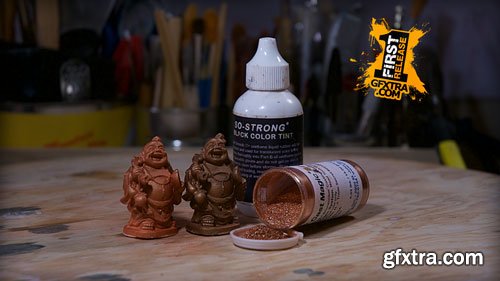
This course is dedicated to all things casting and the various techniques to get you started on your way to replicating your sculptures in a permanent material. You will learn about the difference between gypsum cements and resin, and the various options in each category; I will show you the difference between solid and slush casting and how to clean up and repair a resin cast to make it ready to be primed and painted. There is one episode solely dedicated to cold casting, a special casting technique involving real metal powder, and I will explain what vacuum degassing and pressure casting are, how they can help you to get a bubble free resin cast, and some general measures to take to avoid running into problems along the way.


user Themelli     

CgCookie - How to Render & Finalize a Blender Animation
https://cgcookie.com/courses/rendering-finishing-a-blender-animation

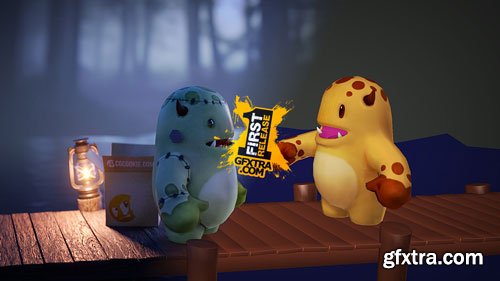
From how to render an animation in Blender, dive into modeling, texturing, lighting, and compositing, all the way to video and sound editing.

Wayne Dixon and Kent Trammell have been doing animated projects together for a few years. And he’s said more than once, “Kent I need to know how you render animations into the final product. I know enough about modeling, I know a lot about rigging, and animation but I don’t know how to make all of that look pretty and finished.”

It’s a lot of work to get an animation finished and looking nice. But the process isn’t over when the animation is complete. It’s also a lot of work to get the animation shaded, lit, and rendered so it’s presentable and, well, beautiful. That’s what this course is all about: Not how to animate but how to make your CG animation beautifully rendered.

user Themelli     

Udemy - The Ultimate Game Art Creation Kit: Maya & Substance Painter
https://www.udemy.com/course/the-ultimate-game-art-creation-kit-maya-substance-painter/
Language: English (US) | 20 hours on-demand video
Master 3D Game Art: From Modeling to Texturing & Rendering for AAA Games

user Gamystyle     

Linkedin - Interior Design with Blender: Build an Advanced 3D Scene
https://www.linkedin.com/learning/interior-design-with-blender-build-an-advanced-3d-scene

Language: English (US) |  Duration: 1h 7m | Skill level: Intermediate | Released: 2/7/2025

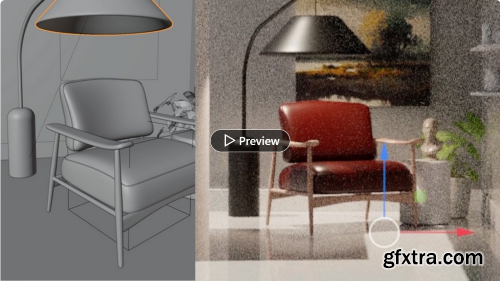
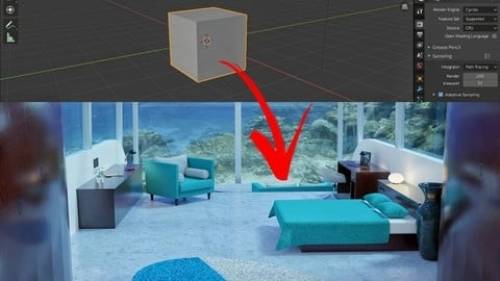
When 3D designer and animator Derek Elliott began exploring Blender, he didn’t realize it would transform his entire career. Learning to model and animate within Blender opened up a world of new opportunities—including creating product animations and investment-seeking presentations for companies all around the world. In this course, Derek shares the power of Blender and shows you how to create dynamic 3D renderings. Learn how to leverage more advanced 3D-modeling techniques to create dynamic and compelling interior scenes. From cartoon animators looking to build a world for their characters to interior animators who want to bring their 2D sketches to life, this course is an ideal fit for anyone looking to take their 3D designs to the next level.

user Gamystyle     

Udemy - Roblox VFX : Beginner\'s Guide to Stunning Visual Effect

Udemy - Roblox VFX : Beginner's Guide to Stunning Visual Effect

https://www.udemy.com/course/roblox-vfx-beginners-guide-to-stunning-visual-effect/

Language: English (US)

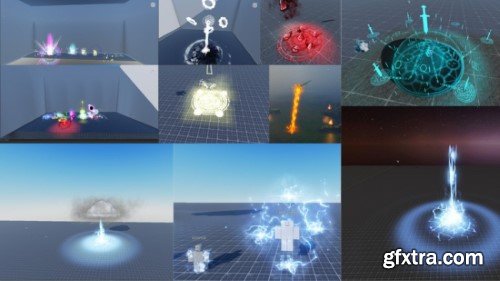
Lean Roblox Vfx For all levels

user Gamystyle     

Skillshare - Blender Modeling a Realistic Tire/Wheel for Beginners
Language: English (US)

https://www.skillshare.com/en/classes/blender-modeling-a-realistic-tire-wheel-for-beginners/515878682

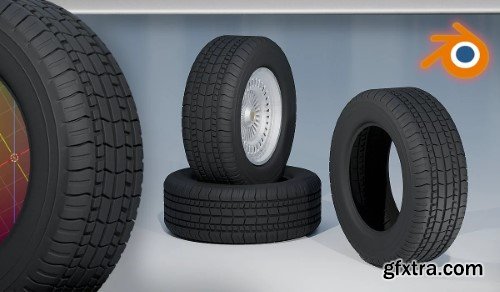
We are going to create a realistic wheel in Blender. Everyone can follow this class since it covers the very basics of blender and everything you need to follow the different videos. Even though it is advisable that you know your way around Blender a little bit for better understanding of the concepts being taught during the class. I want to make it as enjoyable for you as possible since I know for a fact that Blender may be very confusing at first. Hence, I showed all the shortcuts on screen and explained all the procedures so you can clearly understand all of my actions.

user Gamystyle     

Udemy - Blender Workflow For Realistic Animation + 100 Assets
Language: English (US)
https://www.udemy.com/course/realistic-animation-blender-assets-the-the-oldest-view-kane-pixels/

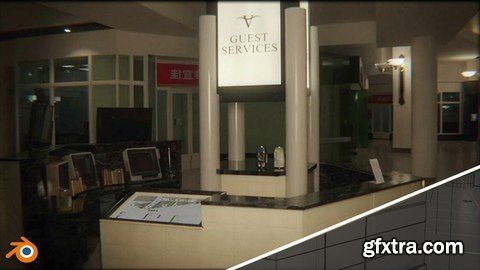
Valley View Mall is a shopping mall built in the 1970s and demolished in 2019, located in Dallas, Texas.

The mall gained popularity again after the popular YouTuber and filmmaker Kane Pixels released "The Oldest View" a series where most of the action takes place in the mall underground.

The Mall is a 3D replica of Valley View Mall.

user Gamystyle     

'Udemy - Blender 2.93 ile Sıfırdan Modelleme Öğrenin'
Udemy - Blender 2.93 ile Sıfırdan Modelleme Öğrenin
Language: Türkçe
Sıfırdan İleri Seviyeye Modelleme Eğitimi, Tasarlanan Modeller Üzerinden Para Kazanma Yöntemi ve Çok Daha Fazlası...

user Themelli     

'Udemy - Blender ile Texture Painting Öğrenin'
Udemy - Blender ile Texture Painting Öğrenin
Language: Türkçe
Blender 3x Objeleri boyamayı öğreneceksiniz. Texture ve Vertex Painting ile bazı objeleri modelleyeceğiz.

user Themelli     

Patreon - Entagma - Advanced CG Tutorials (December 2024)
http://www.entagma.com/category/tutorials/

Entagma is well known for pushing the boundaries of procedural and generative design, and their December 2024 Patreon-exclusive tutorials continue this tradition with cutting-edge content for CG artists. These advanced tutorials dive deep into Houdini, Blender, and other procedural tools, focusing on topics like VEX scripting, procedural animation, particle simulations, and intricate geometry processing.  This month’s content includes in-depth breakdowns of complex effects, real-world production techniques, and explorations of mathematical and algorithmic approaches to CG art. Whether you’re an experienced artist looking to refine your procedural skills or a technical director aiming to optimize workflows, Entagma’s tutorials provide high-quality, step-by-step guidance tailored to professionals.  By subscribing to their Patreon, members gain access to exclusive project files, high-resolution videos, and a supportive community of like-minded artists. If you’re serious about procedural design and CG development, Entagma’s Patreon is a valuable resource to expand your expertise.

user Gamystyle     

Udemy - Unreal Engine 5 Realistic Environment Creation Method
Language: English (US)
https://www.udemy.com/course/unreal-engine-5-realistic-environment-creation-method/
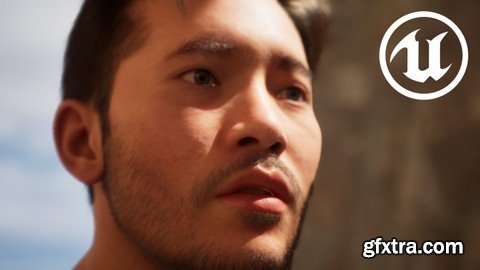
Learn in practice how to build an ultra-realistic scenario using Unreal Engine 5

user Gamystyle     

Patata School - Creating Hair in Cinema 4D
Language: English (US)
http://courses.patataschool.com/creating-hair-in-cinema-4d
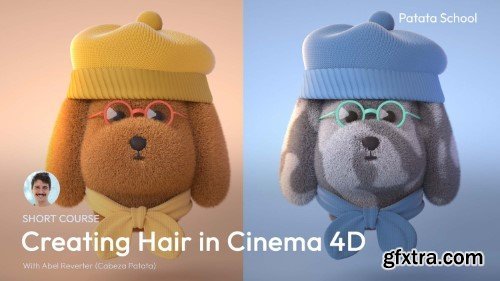
Tutorial Duration: 25 minutes | This course covers all the ins and outs of hair creation in C4D, using different modelling tools, adjusting material properties, and changing the colour of different areas of hair. We'll show you how to prepare the perfect scene to get the best results in your 3D hair.  Contents​ Welcome to creating Hair in Cinema 4D​  In this course we'll cover all the ins and outs of hair creation in C4D. You'll learn about tools like the brush, comb and cut, and how to adjust the material properties to get the perfect results for different hair styles.  We'll also go in depth to look at how we can change the colour of different areas of hair, and how to prepare the perfect scene and model to add hair to.  You'll be provided with the C4D file to refer back to if ever you get stuck or want to see how the scene is built.

user Gamystyle     

Udemy - Create Realistic Game Cactus Optimized With Speedtree
Language: English (US)
https://www.udemy.com/course/create-realistic-game-cactus-optimized-with-speedtree/
Mastering Procedural Cactus Creation: Beginner to Advanced Techniques for Environmental Artists
user Gamystyle     

Udemy - Make Short Films in Unreal Engine 5 with Metahumans
Language: English (US)
https://www.udemy.com/course/make-short-films-in-unreal-engine-5-with-metahumans/
Learn the Basics of Using Metahumans in UE5 by Making a Hyper realistic Short Film

user Gamystyle     

CGCircuit - Houdini Tutorial Procedural Pillar Generation
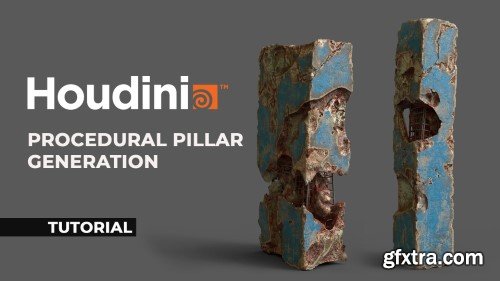
Take your Houdini skills to the next level with our comprehensive tutorial on creating a stunning procedurally generated pillar. In this step-by-step tutorial, you will learn how to harness the full potential of Houdini's procedural capabilities.   By the end of this tutorial, you'll not only have a beautifully generated pillar but also a solid understanding of procedural modeling in Houdini, HDA creation, procedural UV mapping, and Houdini's nodes and workflows. Unleash your creativity and efficiency by incorporating procedural techniques into your Houdini workflow.  Join us on this exciting journey and start creating amazing procedural assets today!

user Themelli     

CgCircuit - Houdini RBD II - Ground Destruction
In this lesson we will start by designing cracks we will learn how to apply them to geometry easily and we will check how to add custom forces into the RBD system and work with constraints along the way, we will learn how to preserve UVs while working with Rigid Body Dynamics and also the whole bunch of other smaller tips and tricks and we will spend time on optimization once we get a decent sim result we will import our result into Solaris and render it using karma XPU and will check out materialX and how to render it faster In the end, we will also learn how to export RBD to Unreal Engine smoothly and we will check out how to light shade and render it in Unreal Engine

user Themelli     

CGCircuit - Creating Realistic Grooming using Xgen in Maya
In this online course, the viewer will learn how to create realistic grooming using Xgen in Maya. We will go through some basics of Xgen and what makes hair look realistic. Using as an example our character from the previous courses, we will create the dreadlocks, shorthair, eyelashes and eyebrows to learn different approaches on how to create a groom.  This course has been designed for beginner and intermediate students with a passion for realism and 3D characters in general. This is the 6th of a series of tutorials where we will create a full 3D character ready for production. For this course, you will need to have previous basic knowledge of Maya but not any previous experience using Xgen.

user Themelli     

Udemy - Texturing High-End Fashion and Tactical Assets

Language: English (US)

Advanced Techniques for Texturing Bags, Boots, Caps, and Gloves with Substance Painter and Marmoset Toolbag 4

https://www.udemy.com/course/texturing-high-end-fashion-and-tactical-assets/

Welcome to Mastering Substance Painter: Texturing High-End Fashion and Tactical Assets, a complete, in-depth course designed to elevate your texturing skills in Substance Painter and professional rendering in Marmoset Toolbag 4. This course is perfect for 3D artists, game developers, and anyone passionate about creating high-quality textures for a wide range of 3D assets. Through four unique projects, you'll dive deep into the advanced techniques of texturing various fashion items and tactical gear.

user Gamystyle     

Udemy - Transform AI Art into Game-Ready Animations Using Spine
Language: English (US)
https://www.udemy.com/course/spine-ai-art-for-games/
Master 2D Animation Techniques to Bring Your AI-Generated Characters to Life for Game Development

user Gamystyle     

Patata School - Complete Character Animation in C4D & Marvelous Designer

Lessons:   26  | Duration:  190M |  Language:  English | File Size: 423mb
http://courses.patataschool.com/complete-character-animation-in-c4d-marvelous-designer & Marvelous Designer
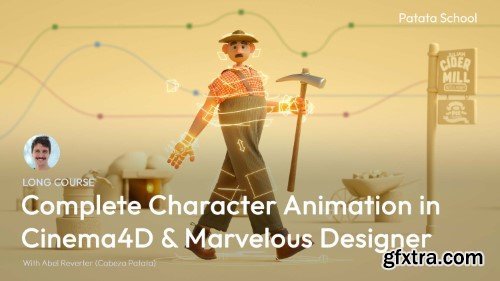
This is the ultimate course on Character Animation in Cinema 4D and Marvelous Designer, straight from the studio that started it all. We'll guide you through our workflow from animation, through cloth simulation, sharing our secrets to make your process smoother and your 3D character animation stand out from the crowd.

user Gamystyle     

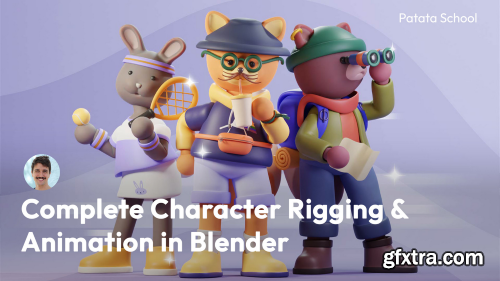
Patata School - Character rigging and animation in Blender

Tutorial Duration: 240 minutes | Language: English (US)
http://courses.patataschool.com/complete-character-rigging-animation-in-blender
 This in depth course covers it all: character modelling, rigging, animation, and rendering in Blender. You'll learn the entire process step by step, with handy tips and real design and animation theory at each stage, all to help your project shine. By the end you'll have your own 3D walk cycle with extra animation details for your character and other objects.  Contents Welcome to character rigging and animation in Blender This course covers the entire process of character modelling, rigging, animation, and rendering in Blender. We'll walk you through each stage and explain the tools required, plus handy tips and related information.  In the first section we'll create the character model, then we'll rig the character, we'll next animate a walk cycle with additional actions, and finally we'll look at lighting and materials and complete the final render.  If you're new to Blender, we recommending checking out our course 'A Complete Guide to 3D Modelling in Blender' to familiarise yourself with the programme before jumping into animation.

user Gamystyle     

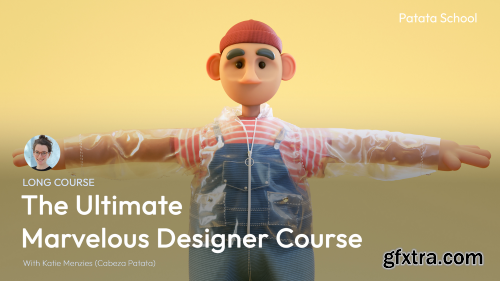
Patata School - The Ultimate Marvelous Designer Course

Tutorial Duration: 123 minutes | Language: English (US) | 890 MB

https://courses.patataschool.com/the-ultimate-marvelous-designer-course
New to Marvelous Designer? Or maybe you've used it before but would like to learn some more advanced features? Whatever your reason, this is the course for you.  You'll learn different tools and techniques to make complex clothing with stitches, buttons, zips, pockets, and even a hooded jacket. You'll be ready to tackle a project in Marvelous Designer from start to final export.  Contents Welcome to Marvelous Designer If you're completely new to Marvelous Designer, this is the place to start. In this section we'll walk you through the workspace and basic tools and concepts that we'll apply throughout this long course.  We'll provide you with the 3D objects and files so you can easily follow along and you'll learn how to use several different techniques and tools to create a whole outfit full of detail and unique character.

user Gamystyle     

Patata School - Making Food and  Drinks in Blender
Patata School - Making Food and  Drinks in Blender

Lessons:   7 | Duration:  2H 11m  | Language:  English  | File Size: 1.10GB

https://courses.patataschool.com/making-food-drinks-in-blender

In this course you'll learn how to model each element in this scene, using tools like the subdivision surface, bezier curves, extrude and inset, and many more. As well as creating the entire scene, we have some bonuses like creating an animated liquid and floating bubbles using noise.  With this you'll have the knowledge to create infinite more 3D, light your scenes like a pro, and render your animation using Cycles.  If you're new to Blender we recommend you check out our course 'A Complete Guide to 3D Modelling in Blender' to familiarise yourself with the layout and basic tools before jumping into this course.  You'll be provided with the Blender file to refer back to if ever you get stuck and sketch references for all the objects created in this project.


user Gamystyle     


Premium Mockups


rss