



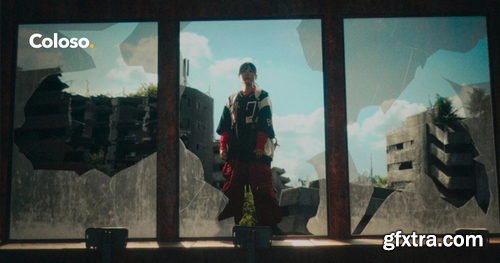
- Tomoyuki Miyake is a VFX artist who has worked on the VFX and 3DCG of many famous works, including the movies "Shin Kamen Rider" and "Shin Ultra Fight."
- In this course, he will teach the know-how of creating realistic VFX using Blender through full-scale video production using practical-level materials filmed by a professional team.
- First, you will learn how to model and light the CG parts, then you will learn how to animate using Blender's tracking function.
- Next, you will learn how to create light using the composite node function, how to adjust the color of each material using ACES for color management, and how to key using green screen materials, all of which are basic skills to make CG blend naturally with live action.
- Finally, you will use DaVinci Resolve to perform color grading while applying effects and filters, completing a more realistic world view.
- Learn from Miyake Tomoyuki, who has 15 years of video production experience, and experience impressive VFX production skills and workflow using Blender on Coloso!
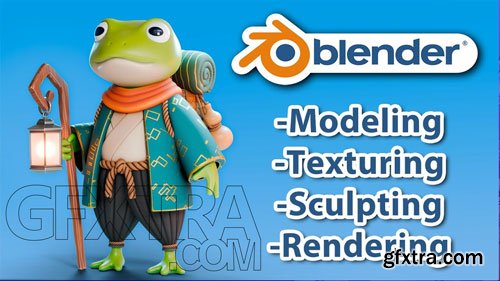
- 3D modeling, texturing, and material creation with practical exercises and a final project.
- This beginner-friendly course is designed for anyone excited to learn Blender in a practical and fun way, regardless of prior experience. You’ll start from the basics, mastering Blender’s interface and essential tools, then dive into organic and hard-surface modeling, key techniques for creating 3D models.
- You’ll learn creative ways to use modifiers, explore digital sculpting, and create high-quality materials in the shader editor. By the end, you’ll bring everything together by creating your own fantasy character in a fun final project.
- By completing this course, you'll be ready to create high-quality renders and take your first steps into the world of 3D modeling.
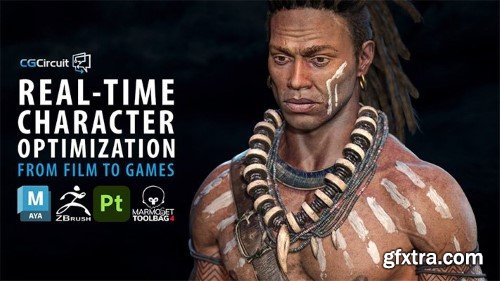
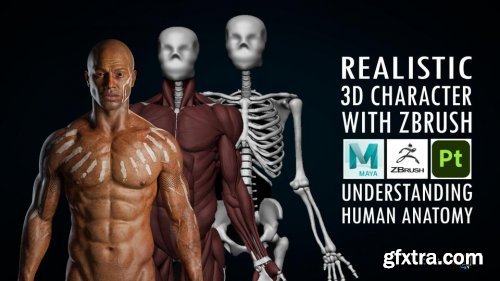
https://www.cgcircuit.com/tutorial/realistic-3d-character-with-zbrush
In this online course, the viewer will learn how to create a realistic human body ready for production using Zbrush, Maya and Substance Painter. We will go through human anatomy in a way that I consider the best way to learn it, that is putting hands on it. Apart from going through the theory and names of the human anatomy, we will create the entire skeleton and the main muscles of the body one by one. In this way, we will start understanding the internal structure of the body for later applying this in any character. After having that anatomy base we will pick up our concept from the last course and we will sculpt, retopo and texture the body. We will do all the sculpting in Zbrush, retopology and UVs in Maya and the texturing in Substance 3D Painter.
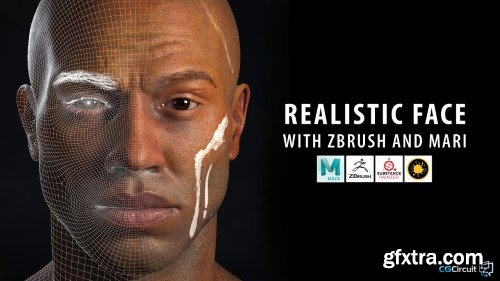
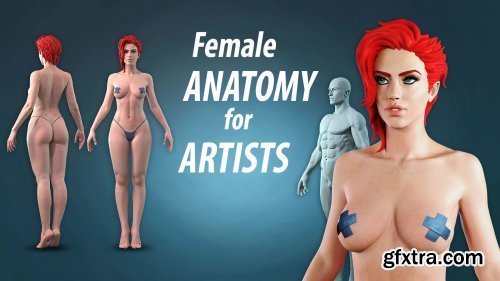
http://www.artstation.com/marketplace/p/5vNY/female-anatomy-for-artists
In this course we will create a female body and head from scratch. I will explain in detail about the proportions, muscles, bones and forms, visible on the surface, without the complication of using all the Latin names, although we will get to know the most important ones. As a bonus we will make a male body out of the female one, to better explain the differences between them. I will also pay attention to the most common mistakes made.
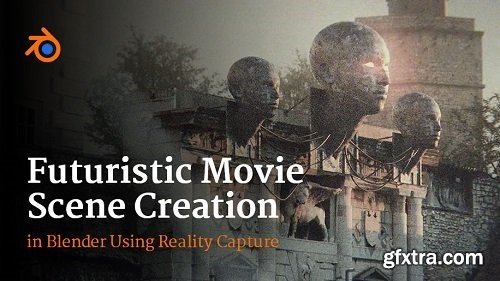
Welcome to my new cinematic tutorial in Blender. In this tutorial, I will introduce you to the process of making a movie scene from start to finish, step by step, and how to achieve photorealism. In addition to Blender, which is covered in most tutorials, we will also use Reality Capture for photo-scanning and Photoshop for creating Bump and Roughness maps. In this 4+ hour tutorial, I will show you how to create this scene in Blender step by step.
Udemy - Advanced Adobe After Effects: Become VFX & Motion Expert
Language: English (US)
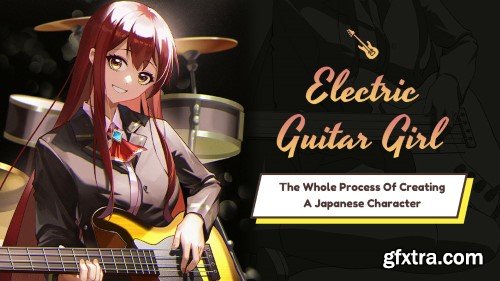
This course helps you to understand the process of Japanese-style illustration and helps you draw a work quickly.
You will learn the creative ideas and processes of character illustrations.
You will learn the practice of the method of character drawing.
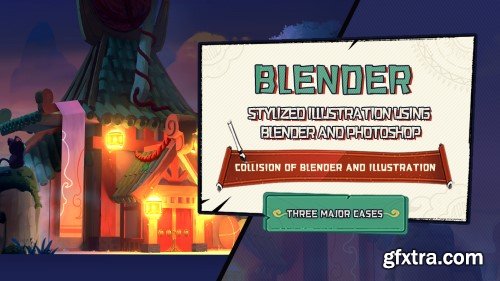
It can solve the problem of perspective quickly, as well as
composition, lighting and material, so that the quality of your works.
It has quick and efficient workflow, which can save lots of time.
It has the capability of drawing 2D illustration.
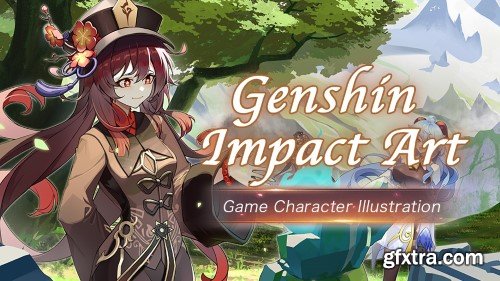
In this tutorial, you can learn the skills of drawing Japanese style illustration for games and the ideas and process of drawing.
You can also learn the basics of Blender, Marvelous Designer, SAI 2 and Photoshop.
Which can help you understand the process of drawing Japanese style illustrations and complete an illustration quickly.
It can solve the problem of perspective quickly, as well as
composition, lighting and material, so that the quality of your works.
It has quick and efficient workflow, which can save lots of time.
It has the capability of drawing 2D illustration.
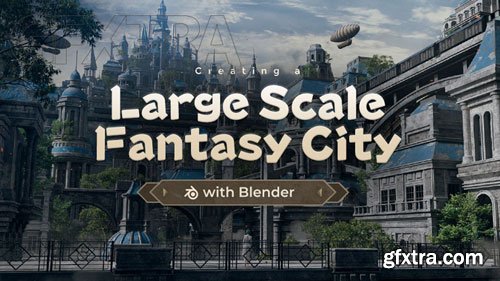
WingFox - Creating a Large Scale Fantasy City with Blender - 8752
https://www.wingfox.com/c/8752
Content: HD Videos + Project Files | Duration: 14 Hours | Software: Blender2.93; RizomUV2020.1; Substance Painter2021.1.1; After Effects2021 | Add-ons: Blender to RizomUV Bridge, Substance Painter Live Link. | Plugins: Plugins: Magic Bullet Film, Optical flaresPhotoshop CC; Blender 3.0; 3DCoat | System: No special requirements. | Project file: Contains scene data for Blender and After Effects, excluding paid assets. | BONUS: Project files for the night version.

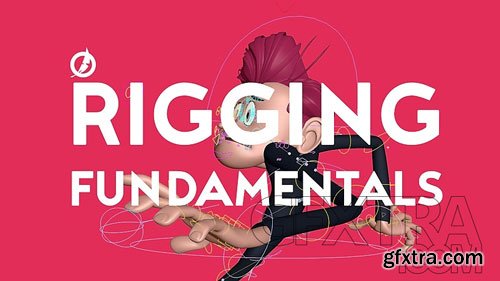

https://www.patreon.com/posts/houdini-tips-and-99872045
Hey y'all, here are the files from my latest video on youtube. Thank you!
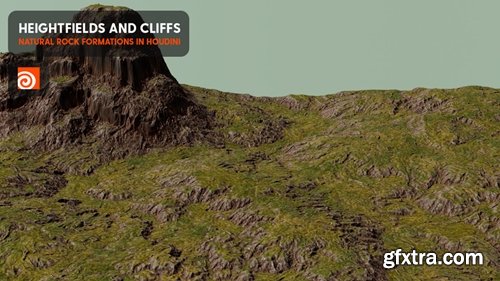
https://www.patreon.com/posts/houdini-and-hip-100241131
Hey Y'all, here are the project files from the latest video on youtube. Make sure to download and install the Pegasus Tools and the respective magascans textures. Thank you for your support!

https://www.patreon.com/posts/houdini-to-hda-100695336
Here is the Houdini file from my latest video on youtube.
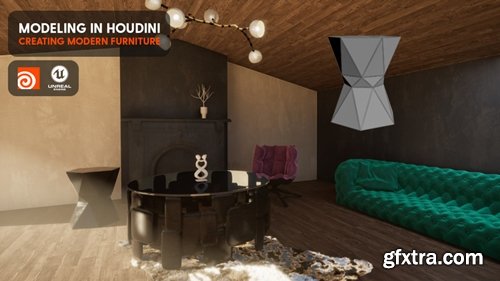
https://www.patreon.com/posts/modern-furniture-100870065
Hey everyone. here's the file from my latest video on youtube. Thank you!
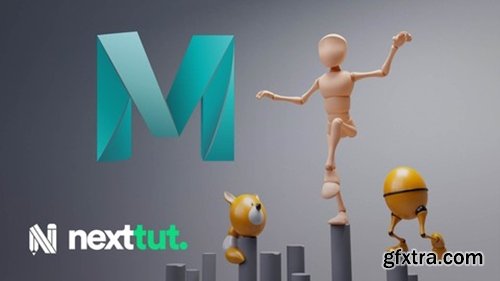
Language: English | Size: 8.39 GB | Duration: 10h 9m
https://www.udemy.com/course/introduction-to-animation-in-maya-2022/
Are you a beginner who wants to learn the tools and techniques for animation inside of Maya? Would you like to learn animation with easy to follow exercises and projects? If that is the case then I welcome you to Introduction to Animation in Maya 2022 class.
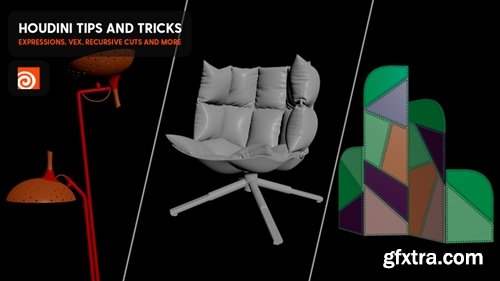
https://www.patreon.com/posts/houdini-tips-vex-101571844
Hey folks, here is the hip file from my latest youtube tutorial.
126,000 Royalty-Free 3D Model

Udemy Türkçe


Top Rated News
- CreativeLive Tutorial Collections
- Fasttracktutorials Course
- Chaos Cosmos Library
- MRMockup - Mockup Bundle
- Finding North Photography
- Sean Archer
- John Gress Photography
- Motion Science
- AwTeaches
- Learn Squared
- PhotoWhoa
- Houdini-Course
- Photigy
- August Dering Photography
- StudioGuti
- Creatoom
- Creature Art Teacher
- Creator Foundry
- Patreon Collections
- Udemy - Turkce
- BigFilms
- Jerry Ghionis
- ACIDBITE
- BigMediumSmall
- Globe Plants
- Unleashed Education
- The School of Photography
- Visual Education
- LeartesStudios - Cosmos
- Fxphd
- All Veer Fancy Collection!
- All OJO Images
- All ZZVe Vectors
- CGTrader 1 CGTrader 2



















