Patata School - Patterned Illustration in Blender
http://www.patataschool.com/patterned-illustrations-in-blender
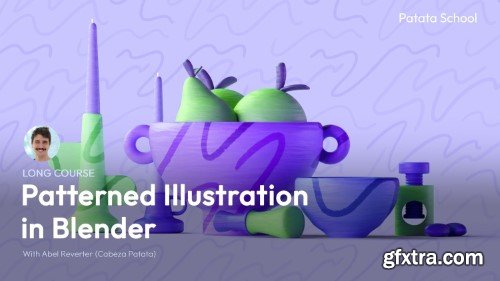
Create your own graphical patterned illustrations in 3D and make them feel tactile and unique with this course!
Exploring styles and techniques is at the heart of this course; you'll learn how to model, texture, light and render this illustration, using Blender in unusual ways to achieve beautiful results.
As always we focus on explaining the theory behind each process so you'll be able not only to follow along the course, but to fully understand each step to create your own unique patterned illustrations in Blender!

user Themelli     


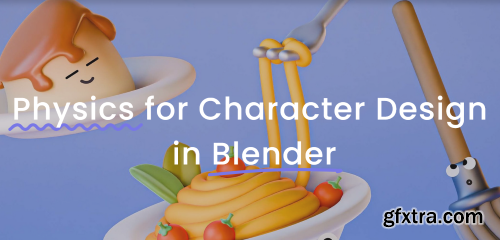
Patata School - Physics for Character Design in Blender
https://www.patataschool.com/physics-for-character-design-in-blender
  Scared of Physics Simulations in Blender? Not any more!   We teach Physics without breaking your computer, and while having fun. You'll learn techniques that you can apply to your own characters and that will change the way you think about 3D simulations.


user Themelli     


Patata School - 10 Week Character Design Challenge
https://www.patataschool.com/10-week-character-design-challenge
  Character design is much more than using specific tools. No matter the style, there are some principles that are essential across character design.   This course is a mixture of theory and practice, divided it into 10 weekly challenges. As you complete the course you’ll start finding your own style and improving the quality of your character design by understanding what’s behind a great character.


user Themelli     


Patata School - How to Rig & Animate a Bicycle in Blender
https://www.patataschool.com/rig-bicycle-in-blender
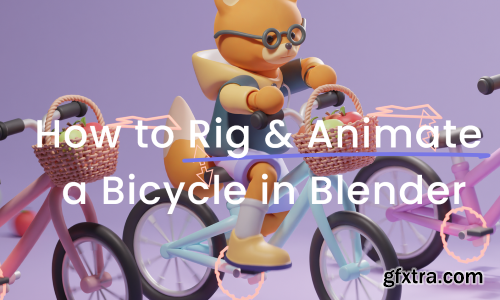
  If you want to learn how to rig objects and vehicles for your character to use in Blender, this is the course for you!   We'll explain the theory of rigging and go through the different processes step by step so that, by the end of this course, you'll be able to rig whatever you can imagine.   You'll also learn how to create a looping cycling animation for your character.


user Themelli     

Studio Blender - Stylized Rendering with Brushstrokes
https://studio.blender.org/training/stylized-rendering-with-brushstrokes/

Learn how to use the Brushstroke Tools extension to build painterly scenes in Blender with a highly flexible and convenient workflow.

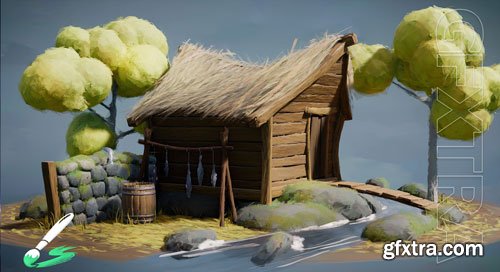
First up, check out the quick start guide going over the fundamentals you need to know to navigate the addon and then follow along as I guide you through the creation of the fishing hut demo scene. We will start more easily with the basics and then work our way to more complex methods of brushstroke distribution to give you all the flexibility you need to achieve a specific style.
user Themelli     


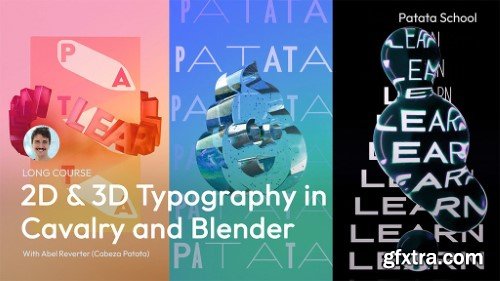
Patata School - 2D & 3D Typography in Cavalry and Blender
https://www.patataschool.com/2d-3d-typography-in-blender-and-cavalry
  This course combines the best of Cavalry and Blender, creating realistic glass materials in Blender and using Cavalry's variable 2D typefaces and myriad animation tools, to get truly unique results.


user Themelli     

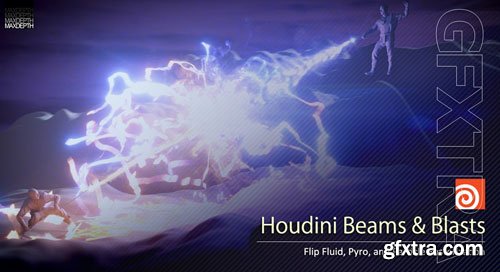
MaxDepth - Houdini Beams and Blasts Tutorial
https://www.sidefx.com/tutorials/houdini-beams-and-blasts/
In this tutorial you will learn how to use flip fluids and pyro simulations to create an epic magic beam battle. You will also learn some handy vex and python scripting to help automate and enhance your simulations. In addition to all this, Simon will also introduce you to particle rasterization before best practices and tips for final renders.So if you're interested in waging some epic magic battles in your work, please head on over to maxdepth.tv and pick up your copy of "Houdini Beams and Blasts" today!


user Themelli     


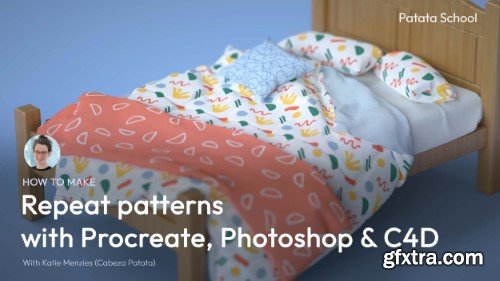
Patata School - Repeat Patterns in Procreate, Photoshop & C4D
https://courses.patataschool.com/repeat-patterns-in-procreate-photoshop-c4d
Tutorial Duration: 30 minutes | In this course you'll learn how to make your own tileable repeat patterns from scratch and apply them in Cinema 4D. We'll also provide some example patterns and a C4D project to apply them to. Tools used: Procreate, Photoshop, Cinema 4D, Octane Render


user Themelli     

Patata School - Photoshop for Beginners
https://courses.patataschool.com/a-beginner-s-guide-to-photoshop
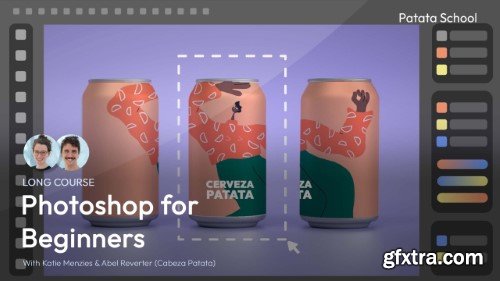
Tutorial Duration: 68 minutes | This beginners course is designed to teach you a range of different tools and techniques through four real-life projects: a collage, a poster, a beer can, and a photo to retouch.   You'll learn how to combine shapes and layers, add effects and balance colours, use masks, smart objects, blend modes, and more. It's the perfect preparation to using Photoshop in a professional setting.

user Themelli     

Patata School - Beginner's Guide to After Effects
https://courses.patataschool.com/a-beginner-s-guide-to-after-effects
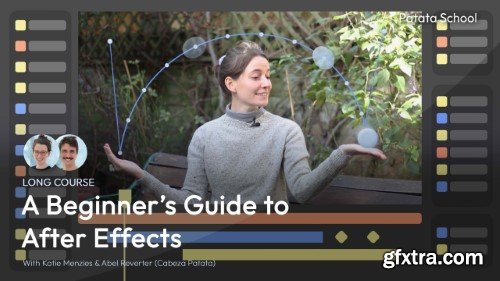
Tutorial Duration: 113 minutes | We've created the perfect beginner's course to teach you a range of different techniques and effects within After Effects.   You'll learn how to animate shapes and text to create titles, add audio and visual effects to footage, and all about motion tracking and using After Effects expressions to create UI. Jump into After Effects with this all-round beginners course!

user Themelli     


Patata School - Creative Shadows in Blender
https://courses.patataschool.com/54315823-38a6-4659-a691-6cc832e76c61
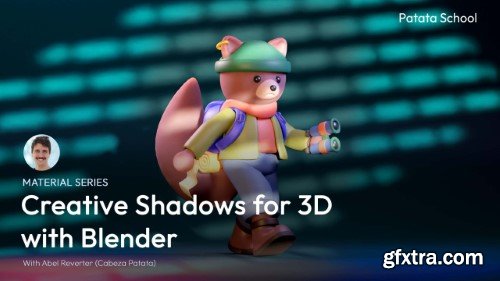
Tutorial Duration: 16 minutes | This varied series of images are used to add complexity and visual interest to your 3D renders with the suggestion of a world outside the visible scene.  As well as this extensive collection of 50 images for you to download we've prepared a tutorial explaining how to use them in Blender and get varied and unique results that bring your images to the next level.


user Themelli     

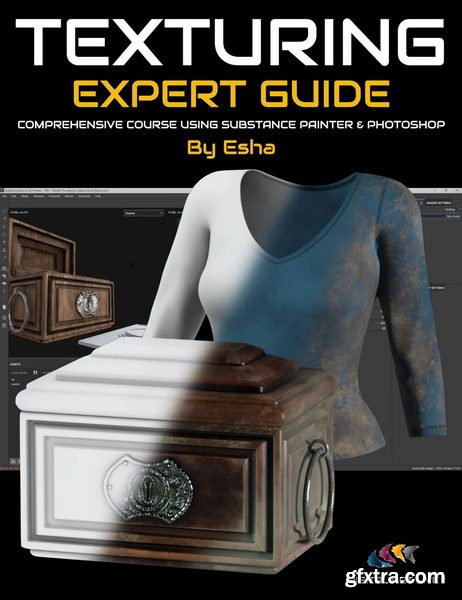
DAZ3D - Texturing Clothing and Props Expert Guide: Tutorial Course
https://www.daz3d.com/texturing-clothing-and-props-expert-guide-tutorial-course

Texture mapping is more than “icing on the cake” for your clothing or props since it can make or break 3D models. You can have a well-defined and accurate model, but average or poor texturing negates the value of these assets, making them more difficult to sell or use in a render.

Luckily, tools for texturing have improved and provide that all-important photorealistic look, BUT only once you’ve learned the software and figured out an efficient and complete workflow — essential for DAZ Studio content creators.
user Themelli     

Rebelway - Houdini Fundamentals Master the Basics of Houdini
https://www.rebelway.net/houdini-fundamentals
In this course, you'll learn the basics of Houdini in the most exciting and immersive Houdini introduction course in the world. This course will teach you the basics of Houdini through a multi-week learning experience. There's never been a better way to learn the world's most important VFX software.


user Themelli     

CGMasterAcademy - Environment Art for Games in Unreal Engine
https://www.gameart.cgmasteracademy.com/courses/166-environment-art-for-games-in-ue4
A comprehensive 10-week course where students are introduced to the creative environment pipeline creation process from start to finish. Students will bring a concept to life using industry standard tools and techniques using Unreal


user Themelli     

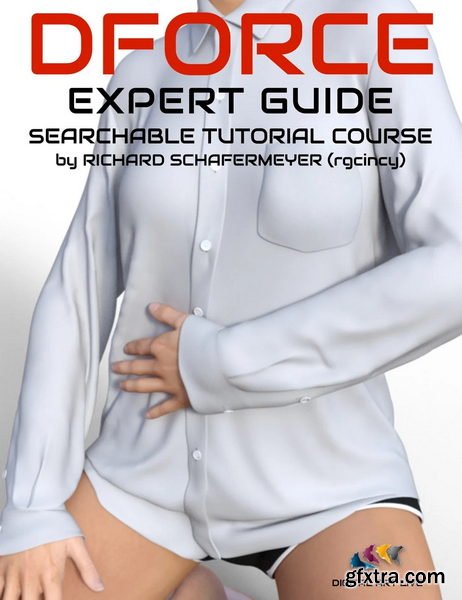
Daz3D - dForce Expert Guide : Tutorial Course
https://www.daz3d.com/dforce-expert-guide--tutorial-course

"How do I successfully add dForce modifiers to hair or clothing to get that elusive realism?"
If you are a content creator, getting a complete understanding of dForce is one of the holy grails needed to create attractive content to customers.
Everyone wants dynamic, realistic clothing or hair and there is an expectation to see real folds, real creases and real draping for content.
"How can I extend the use of dForce to add realism to scenes and environments?"
If you are an artist, you may want to have your scenes "more lived in" and discover other extraordinary uses dForce has in DAZ Studio. You may want to convert older clothing assets to use dForce.
But dForce can be tricky. By its very nature you need to run a ton of simulations to understand it, adjust it, let alone apply it to your content.
Once you understand dForce and can successfully apply it to your content, you are in a pole position as a vendor or artist.
Richard Schafermeyer presents this nine tutorial video course who is an expert on the dForce engine. He has helped many artists in the DAZ forums understand and explore dForce's capabilities. Richard gives a solid foundation for the dForce basics and goes over all of the surface parameters in depth before going onto more advanced topics. This course is suitable for both beginners and more advanced users of dForce.

user Themelli     

Fasttracktutorials - AAA Game Character Creation Tutorial Part2
https://fasttracktutorials.com/tutorial_single/1884
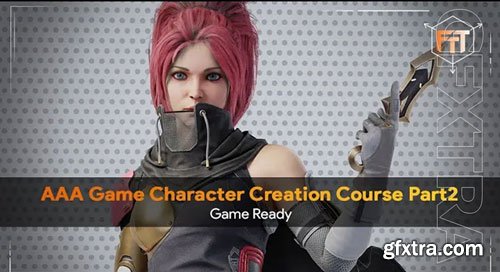
Learn from a professional character artist in this in-depth tutorial course on AAA Character Creation, Retopology, Texturing, and Rendering. Follow along as we cover the entire process of creating high-quality game characters, including retopology, UV unwrapping, texture baking, texturing, hair card generation, placement, posing, and rendering in Marmoset Toolbag.


user Themelli     

Aaa Game Character Creation Tutorial Part1 - High Poly
MP4 | Video: h264, 1920x1080 | Audio: AAC, 44.1 KHz
Language: English | Size: 18.96 GB | Duration: 12h 58m
Learn how a professional character artist works when creating characters for games.

user Themelli     

Cgcircuit Epic VFX Creation with Houdini: The Samurais' Secrets
Explore "The Samurais," an extraordinary journey into the world of visual effects (VFX) using Houdini. This course transcends the basics, taking you from the serene ambiance of falling rain to the intense dynamics of battle scenes, revealing techniques and secrets reserved for the industry's pros. Under the guidance of Diogo Guerreiro, a Senior FX Artist at MPC in Montreal, you'll push the boundaries of your creative abilities and transform your visions into breathtaking realities with unparalleled precision and artistry.


This immersive experience is not just about mastering Houdini; it's a pathway to becoming a consummate pro-FX artist. Diogo invites you to interact directly with him on his Discord Channel, offering a unique opportunity to connect, ask questions, and share insights with fellow enthusiasts and the instructor himself.


user Themelli     

Jaro Atry - UNREAL ENGINE FOR ADVANCED FILMMAKERS
https://www.jaroatry.com/courses-2
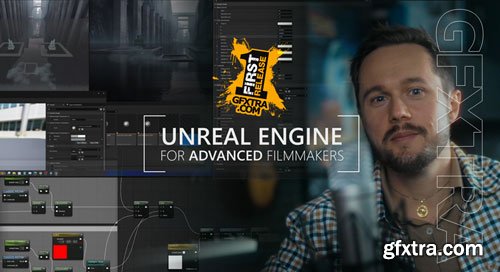
Creating AI-generated 360° backgrounds in Midjourney, Working with AI-generated backgrounds in UE, Working and rendering in ACES color space, Advanced techniques of keying in DaVinci Resolve, Building a simple UE level using AI-generated backgrounds, Working with VDB and volumetric fog, Custom scatter fog plane shader using Substrate Materials, Creating video materials for advanced color adjustments, Combining masked and translucent materials for best video results, Color grading in DaVinci Resolve (briefly), Generating and using AI-generated textures in UE, Handheld camera movements using a virtual camera


user Themelli     

Elementza - Hard Surface Topology Workshop
https://elementza.com/topology-workshop/ 
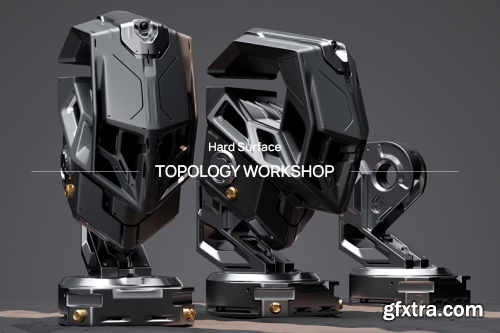
 In this class, we´ll cover variety of examples with different approaches, and discuss which ones bring the cleanest and production friendly results.

user Themelli     

Patreon - Mapal - The Sauce Club - Project Files

https://www.patreon.com/mapal

Choose and Download

user Themelli     

CGCookie - Creating an Advanced Cartoon Eye Rig
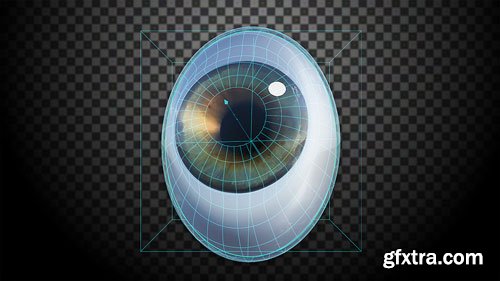
When creating cartoon characters, we often need to deform their eye shape past the traditional sphere. The deformation creates the desired cartoonish effect, but also leads to several challenges. First, we want to maintain the eye’s rotation around its center as if it were still a sphere, even though it is now deformed. Second, we seldom want the iris and pupil to deform with the eye shape. Instead, it is preferable that they remain circular. As if those two issues weren’t tricky enough, we also want the pupil to be capable of contracting and dilating – independent of the main eye’s deformation! These requirements are pretty complex, but there is a powerful solution that allows you to achieve them all, as well as any deformation you could possibly require. Best of all, it is all in a single rig! Check out this course to learn how to tackle these challenges and create a professional looking cartoon eye, including materials, a realistic movement and reflections and finally attaching it to your rig. Each part of the course includes a written “recipe” to help you follow along.

user Themelli     

CGCookie - Creating a Wall of Mailboxes
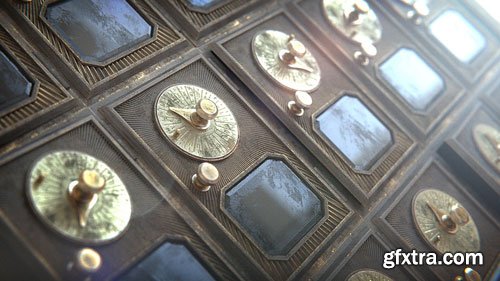
 A huge benefit of computer graphics is the ability to quickly and efficiently duplicate or instance (link duplicate) geometry. This means we can spend more time building and detailing a single object then duplicate it many times to compound our scene’s level of complexity. But with such an ability it can be very easy for our duplication to feel too perfect; to feel “CG” and fake. To achieve realism we must implement controlled randomization to break up our CG-ish repetition. Mr. Roman employs such intelligent repetition along with his top-notch rendering skills to mesmerize us with gorgeous complexity. In this course, I want to walk you through a fairly simple example of this idea. From start to finish I’ll show you how to create a realistic snapshot of vintage mailboxes!

user Themelli     

CGCookie - Creating a Tank Ball Video Game Within Unity
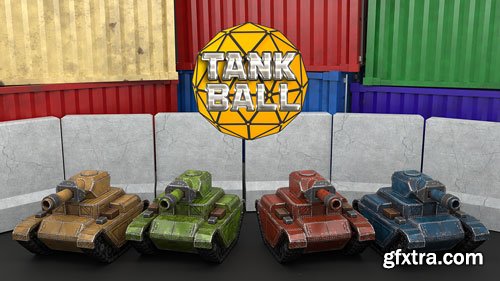
This Unity game project is for beginners who want to learn how to build a game from the ground up. You'll learn the basics of physics to move tanks around using forces. The premise of the game is simple: shoot the enemy tanks until they explode! Moving is done solely through recoil forces of the firing of the ball. Playing this game may seem simple...but it is harder than it looks. In the video tutorial, you'll learn how to build these tanks and expand them for new levels. I'll teach you how to write each individual script line by line. Various mechanics will include understanding how to rotate the turret of the tank using mouse and keyboard inputs and shooting a projectile with force that coincides with an audio clip playing and a particle effect.

user Themelli     


Premium Mockups


rss