

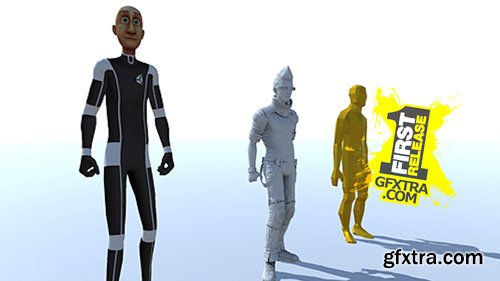
In this course we'll continue to learn about using Mecanim for rigged characters. This is the bread and butter for Mecanim and in this course we'll go over the process of using a humanoid rig along with a generic rig. Things you'll learn in this course include:
- Using two different types of rigs and how to set them up within Unity
- Controlling a character using a C# script
- Using blend trees to blend between different animations
- Adding masks to control body part specific animations
- Using Inverse Kinematics to track objects with body parts


In this lesson, we'll dive into the world of multiplayer for Unity. We'll be using Unity's built-in networking components and go over how we can create a simple party game known as Hungry Hungry Monsters for both online and local multiplayer. This is an intermediate course and will focus on the multiplayer aspects of what you need to build your own. In this course you'll learn how to:
- Build an offline game scene
- Join and Host games locally and online
- Build Network Characters that are synced across the network
- Update a UI system for displaying points and character icons
- Displaying a win or lose state for each player when the game is over
- Building a custom network UI HUD that will act as our main menu
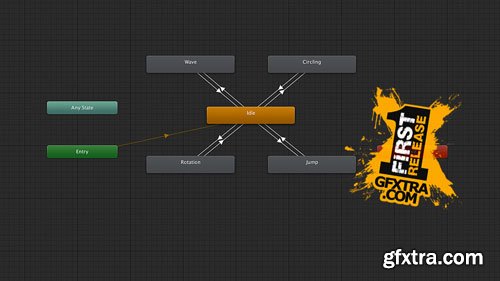
- Using the dopesheet and curves for creating keyframe animations
- Utilizing Animation Events with a C# script
- Adding Animation states using an Animator Controller
- Using Transitions and parameters to move from one animation state to another
- Simple examples of using inputs within a C# script to control transitions

- Use the development build of your game
- Use the profiler to check for performance bottlenecks
- Add icons for branding
- Adding external tools like Android Studio and the Java Development Kit
- Build for the Gear VR
- Using Unity remote for quick testing
- Uploading a Web GL project to both Dropbox and Wordpress






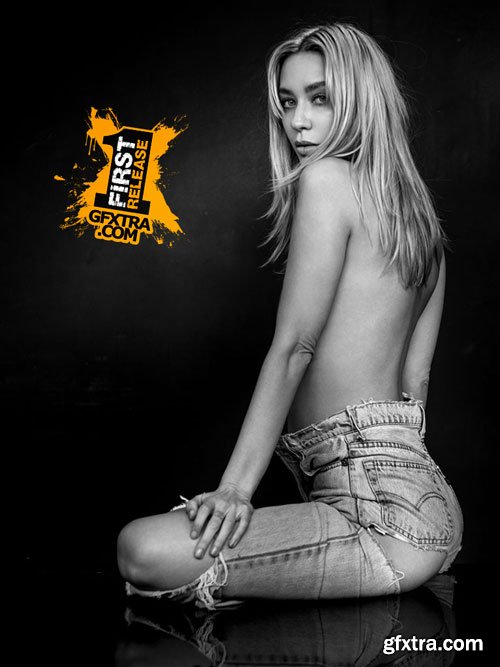
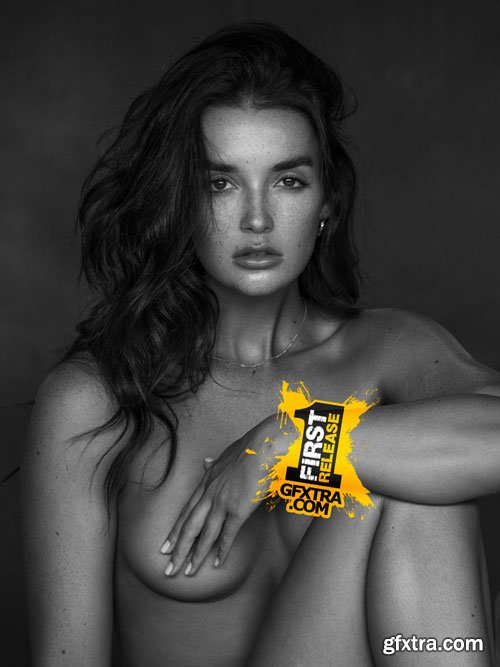
Peter Lindbergh is one of Peter’s favourite photographers, and he was very well known for using natural light with a tent set up. In this tutorial, Peter shows you how you can create stunning images using that same technique.
Some of the finished images from this shoot can be found here
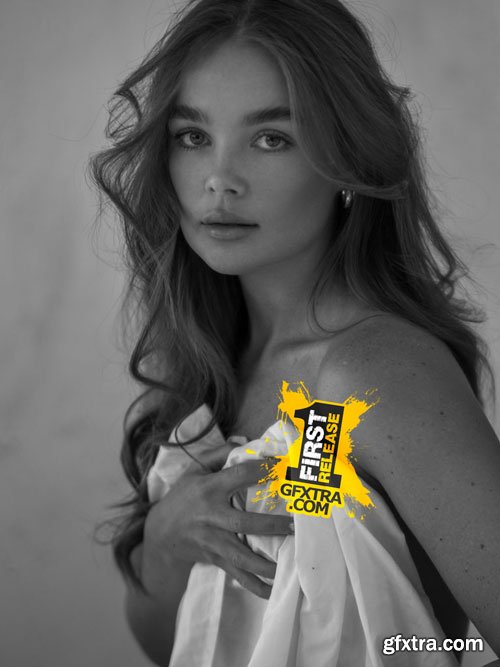
- Layla’s big sister recently started modelling which inspired her to give it a go, so she contacted Peter to set up her very first photoshoot ever. As Peter has been working with models for over 20 years, and sometimes only has 2 hours to get a shot, he has mastered the skill of getting a model comfortable quickly and give them a ‘crash course’ in modelling in a short amount of time. We think you’ll be as amazed as we were in the huge difference between the start to the end of this shoot.
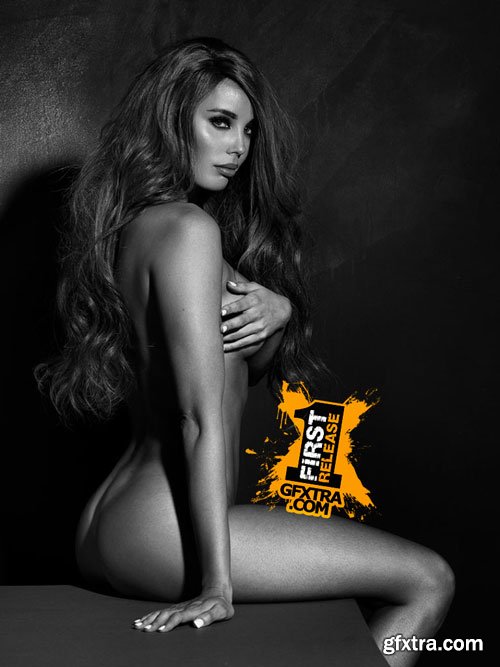
- These tutorials feature Kathleen Duff, a Melbourne model that is incredibly beautiful – inside and out. Watch her interview, BTS from a shoot + Peter talking you through a set-up for her portfolio!
- Please note: The Portfolio tutorial was not filmed for an Inspire epidose. Peter loved how clearly it showed how he worked so he put it together explaining what he did.

- Learn how to establish good color management and clear definitions for your look development workflow.The ability to create and deploy quality creative looks in our grades is one of the most important muscles for us to develop as colorists. But for many of us, the subject is fraught with fuzzy concepts and inefficient methodology. Together we’re going to take ownership of this vital skill by walking through the full process of developing and implementing a look. It all starts with sharpening our concepts and laying a quality foundation.


- With the creative contrast curve that we established in part 2 in place, we’re well on our way to a polished look for our short film.
- As I’ve mentioned before, in your own projects your look is bound to be different, but it’s the framework and process that’s essential for any look to really shine and make your work easier. In this Insight, we’re going to continue refining things by employing what’s known as preferential color mapping.

- Mailbag LIVE! is a conference call with our members. Our goal is to answer a member’s question on a Zoom conference call, where other Mixing Light members are welcome to attend and participate.
- After the Team talks with the member about their question, we invite members on the Zoom call to offer their thoughts on the subject or to ask questions inspired by the discussion.
126,000 Royalty-Free 3D Model

Udemy Türkçe


Top Rated News
- CreativeLive Tutorial Collections
- Fasttracktutorials Course
- Chaos Cosmos Library
- MRMockup - Mockup Bundle
- Finding North Photography
- Sean Archer
- John Gress Photography
- Motion Science
- AwTeaches
- Learn Squared
- PhotoWhoa
- Houdini-Course
- Photigy
- August Dering Photography
- StudioGuti
- Creatoom
- Creature Art Teacher
- Creator Foundry
- Patreon Collections
- Udemy - Turkce
- BigFilms
- Jerry Ghionis
- ACIDBITE
- BigMediumSmall
- Globe Plants
- Unleashed Education
- The School of Photography
- Visual Education
- LeartesStudios - Cosmos
- Fxphd
- All Veer Fancy Collection!
- All OJO Images
- All ZZVe Vectors
- CGTrader 1 CGTrader 2



















