

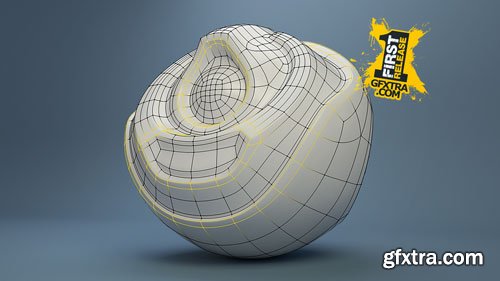


From how to render an animation in Blender, dive into modeling, texturing, lighting, and compositing, all the way to video and sound editing.
Wayne Dixon and Kent Trammell have been doing animated projects together for a few years. And he’s said more than once, “Kent I need to know how you render animations into the final product. I know enough about modeling, I know a lot about rigging, and animation but I don’t know how to make all of that look pretty and finished.”
It’s a lot of work to get an animation finished and looking nice. But the process isn’t over when the animation is complete. It’s also a lot of work to get the animation shaded, lit, and rendered so it’s presentable and, well, beautiful. That’s what this course is all about: Not how to animate but how to make your CG animation beautifully rendered.

From Shoot to Edit: Tethered Shooting Basics for Studio Photography
The best photographers have a good idea of the image they’re after from the very beginning of the process. But shooting with a specific end product in mind requires a lot of thought and planning. Dan Brouillette will show you how to do it by creating a live, in-studio portrait shoot with simple lighting. You’ll learn how to make adjustments for color correction and toning in Capture One®, the best way to use shadows and highlights while tethering, and how to perform additional post-processing work in Photoshop®.
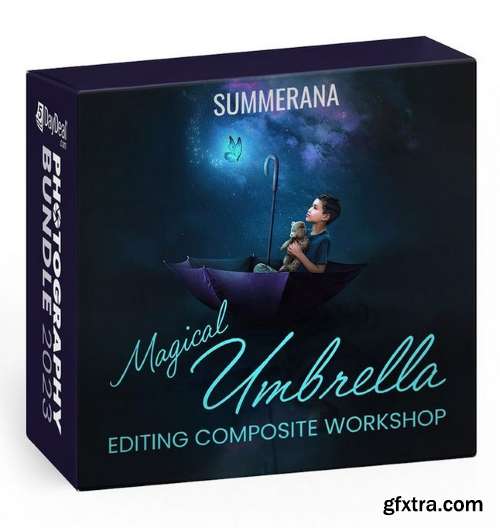

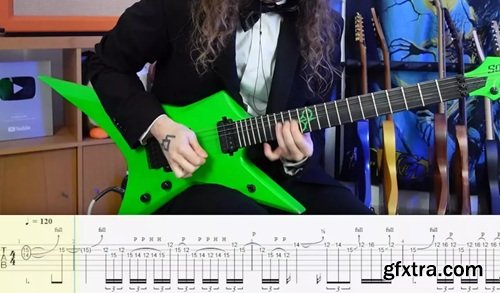
Bradley Hall's Guitar School "Walk" (Pantera) Solo Transcription and Lesson/Analysis
TUTORiAL WAV PDF GP | 802 MB
It's been a while since we've studied some Pantera, so I thought it was about time we got around to learning this incredibly iconic Dimebag masterpiece!




Language: English (US) | DURATION 2h 15min | RAWS 1 | DIFFICULTY Easy - Med
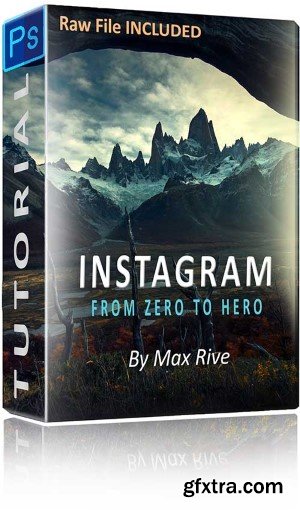
Increase your engagement of your Instagram photos immensely with this processing instructional video. It will begin with tips regarding subjects like finding the best crop, resize to the best photo resolution, making your photos as sharp as possible before uploading and attention points when processing a photo for instagram. The processing part covers various unique techniques such as my Unique Contrast Control Technique, Adding mist/haze, Adding Light, Advanced Dodge and Burning, Perfect Selective Color Control, Ultimate Color Balance and Advanced Vignetting.
Duration: 5h 22m | Skill level: Beginner + Intermediate | Released: 2/7/2025
Learn how to start your own podcast. Podcasting is a cost-effective way to connect with targeted audiences and even extend the reach of an existing publisher. This course provides proven tips for producing professional, high-quality audio and video podcasts on any budget. Instructor Rich Harrington—a veteran podcast producer and host—starts with a basic overview of what podcasting is. He then provides preproduction strategies that will help you identify business opportunities, find your niche, and create a basic outline for your show. He also compares the benefits and drawbacks of audio and video podcasting and screencasting, and shows how to set up a studio for recording—allowing you to get up and running in less than a day! Then discover techniques for recording and editing podcasts and screencasts on Mac and Windows, hosting your files, and testing and optimizing your feed. Plus, get tips on tracking your performance and promoting your podcast to the world.


126,000 Royalty-Free 3D Model

Udemy Türkçe


Top Rated News
- CreativeLive Tutorial Collections
- Fasttracktutorials Course
- Chaos Cosmos Library
- MRMockup - Mockup Bundle
- Finding North Photography
- Sean Archer
- John Gress Photography
- Motion Science
- AwTeaches
- Learn Squared
- PhotoWhoa
- Houdini-Course
- Photigy
- August Dering Photography
- StudioGuti
- Creatoom
- Creature Art Teacher
- Creator Foundry
- Patreon Collections
- Udemy - Turkce
- BigFilms
- Jerry Ghionis
- ACIDBITE
- BigMediumSmall
- Globe Plants
- Unleashed Education
- The School of Photography
- Visual Education
- LeartesStudios - Cosmos
- Fxphd
- All Veer Fancy Collection!
- All OJO Images
- All ZZVe Vectors
- CGTrader 1 CGTrader 2



















