Skillshare - Landscape In Blender Beginner Friendly, Step-by-step Class


https://www.skillshare.com/en/classes/landscape-in-blender-beginner-friendly-step-by-step-class/1530473248


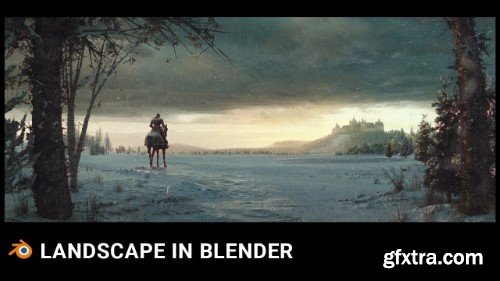
Learn how to create large-scale scenes using Blender in a 4-hour-long step-by-step class.   Hello and welcome to a detailed, step-by-step blender landscape class.   In this about 4-hour-long class we will go through the entire process of creating this scene.  The class is step-by-step, which means that the entire process of creating a scene is recorded and is suitable for blender beginners, however, there are things in the class for more advanced blender users, especially as we get closer to the end.  Since the class is also intended for beginners, we will start with the Blender layout.


user Gamystyle     

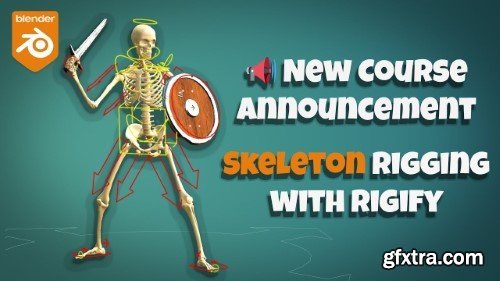
Gumroad - Rig a Skeleton with Blender and Rigify
http://toshicg.gumroad.com/l/skeleton_rigify
In this step-by-step video course, you'll learn how to rig a Skeleton 3d model. We'll be using Blender - the free and open-source 3d content creation suite - and the free auto-rigging system Rigify.  THE FINAL RESULT FROM THE COURSE  By the end of the course, you'll have a fully rigged skeleton model, animated using mocap and retargeting. You can even get it ready for export to a game engine, should you wish to.  WHY RIGGING A SKELETON IS DIFFICULT  The rigging and weight painting techniques you learn in most tutorials are meant for "standard" characters with skin and clothing. Rigify offers amazing features such as twist bones (aided by bendy bones) out of the box. Automatic Weights and advanced add-ons such as Voxel Heat Skinning help us quickly skin connected meshes.


user Gamystyle     

Houdi Renascence Program Vol 1 – THE VFX SCHOOL

https://thevfxschool.com/houdini-renascence-program/

Are you ready to demolish a house, fracture the floor or maybe, making cars fly through the air? These are just some of the things that you will be able to learn in Houdini Renascence Program. At Houdini Renascence Program, we train you to face any FX project successfully. Here you will learn how to use Houdini to create VFX using particles, volumes, rigid bodies, liquids and much more.

user LENYA     

'Udemy - Blender ile Animasyon Dersleri (Başlangıçtan ileri Seviyeye)'
Udemy - Blender ile Animasyon Dersleri (Başlangıçtan ileri Seviyeye)
Language: Türkçe
Blenderda başlangıçtan ileri seviyeye doğru animasyon tekniklerini göreceğiz. Obje, Karakter ve Hayvan Animasyonları

user Themelli     

PixelFront - The Breach - Production series FLIP in Houdini
http://pixelfront.net/the-breach-production-series-flip-houdini/
This is an intermediate to advanced production oriented course with the focus on FLIP. You will go through the entire process from the initial brief until the very end: the final composite. On the way You will be learning all the tips and tricks to speed up your workflow and enhance your fx skillset. Whether you are already working in the industry looking to expand your knowledge or trying to get your foot into the door: this is the perfect course for getting your next project to a whole new level.  Creating effects that look great is one thing but getting that setup to work procedurally is key if you have to implement that same effect over and over. You will learn how to apply it to different types of scenarios and learn how to set up complex shots from start to finish. It’s an in depth training on FLIP, whitewater, smoke and mist as well as the creation of an appealing environment with the help of terrains, vegetation, ocean spectrums, fog and clouds. We will learn how to assemble and efficiently split up massive fx scenes.  So if you want to up your FX skills and always wanted to learn how to create a project like this but didn’t dare to jump into the waters of FLIP: now is the time. Let us show you the world of FLIP-Fluids and the process of creating a final project in a production environment.


user Gamystyle     

Coloso - Design Illustrative VTubers with 3D Modeling
In this class, you’ll master the full modeling workflow from start to finish. Learn the basics of modeling and texturing, followed by hands-on exercises in creating 3D VTubers, including designing a main character and a stylized version. Begin by setting up Maya and Clip Studio Paint, and get acquainted with MEL scripting and shortcuts for efficient design. Move on to adjusting camera settings and illustration layouts for rough modeling. Develop skills in texturing and working with blend shapes for mouth movements and eye blinking to enhance the illustrative quality of your 3D models.

user Themelli     

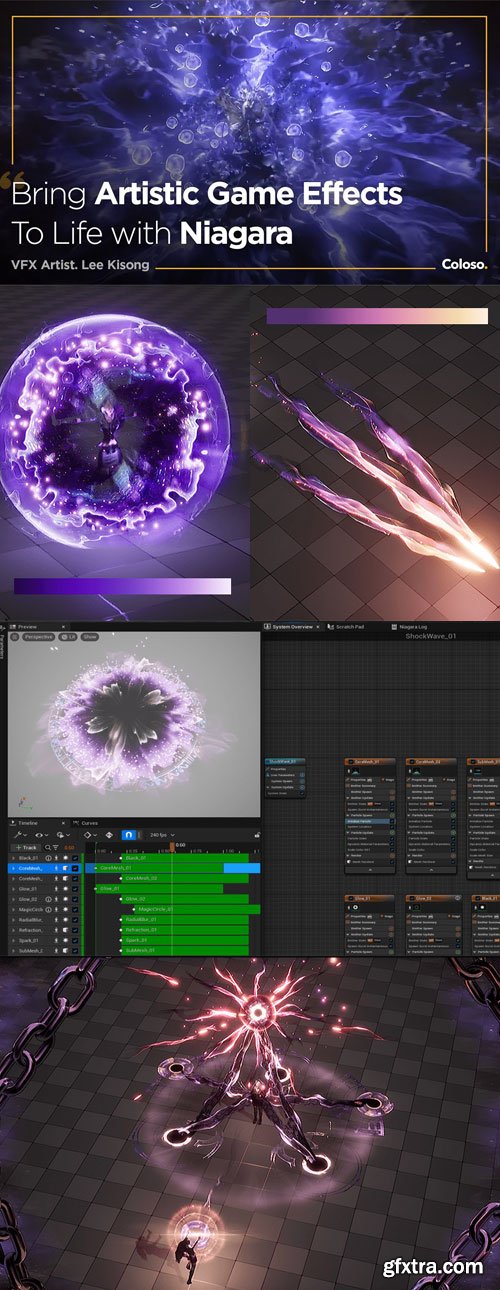
Coloso - Bringing Artistic Game Effects to Life with Niagara
Some effects simply stand out and attract more attention, even when using the same engine and functions as others. What sets them apart? While Material and Particle functions are essential, to craft impressive effects that truly captivate players and stand out, you need skills that engage the senses.If you’ve been struggling to weave together the techniques you’ve worked so hard on into an impressive portfolio, you’re in the right place. In these lectures, you will breathe life into intricately detailed effects, training the most in-demand skill effects for practical work, particularly for fantasy games. Master sprites, ribbons, and Mesh forms through 9+ class exercises.

user Themelli     

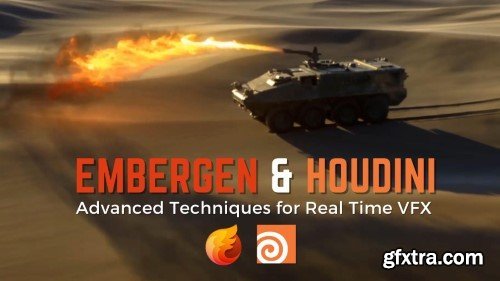
CGCircuit - EmberGen and Houdini: Advanced Techniques for Real Time VFX
https://www.cgcircuit.com/tutorial/embergen-and-houdini-advanced-techniques-for-real-time-vfx
This second course in the series offers an in-depth exploration into the advanced functionalities of EmberGen in combination with other third party software to create more complex effects. Participants will use Houdini to create geometry for complex and animated emissions and colliders, render the final images using the Karma renderer, and composite the final shot using Natron, a powerful compositing tool comparable with Nuke and other industry standard software.   Designed for those with foundational EmberGen skills, this course empowers artists to execute sophisticated visual effects for gaming and film projects with confidence.  Lesson Breakdown  Introduction and Overview: Understand the tools and techniques we’ll use to create a challenging VFX sequence.  Particle Emitters: Explore EmberGen’s particle emitters, parameters, and functionalities through practical exercises.  Data Integration: Learn how to export and import cameras, geometry, and animated objects between Houdini and EmberGen.  Full Effect Sequence: Follow along as we create, animate, and export complex effects, apply shaders, and render image sequences using Houdini’s Karma renderer.  You’ll wrap up with compositing in Natron and editing in Blender, ensuring you have a comprehensive understanding of the entire production process.


user Gamystyle     

Udemy - Adobe After Effects CC Fundamentals - Motion Graphic Expert


Language: English (US)

Become expert in Motion Graphic by Learning the professional creative lesson to boost your knowledge of After Effect.

https://www.udemy.com/course/adobe-after-effects-cc-fundamentals-motion-graphic-expert/


Adobe After Effects CC 2020 Fundamentals - Motion Graphic Expert is a comprehensive course, it is perfectly designed for graphic designers, fresh starters and the intermediate after effects users.

You will start by learning the core fundamentals of after effects interface and the tools so that you can start working on real life creative projects with confidence. As you progress through the course, eventually we will dive into the advance features of the application in an simplified step by step procedure to create beautiful animations, which you can proudly share.
user Gamystyle     

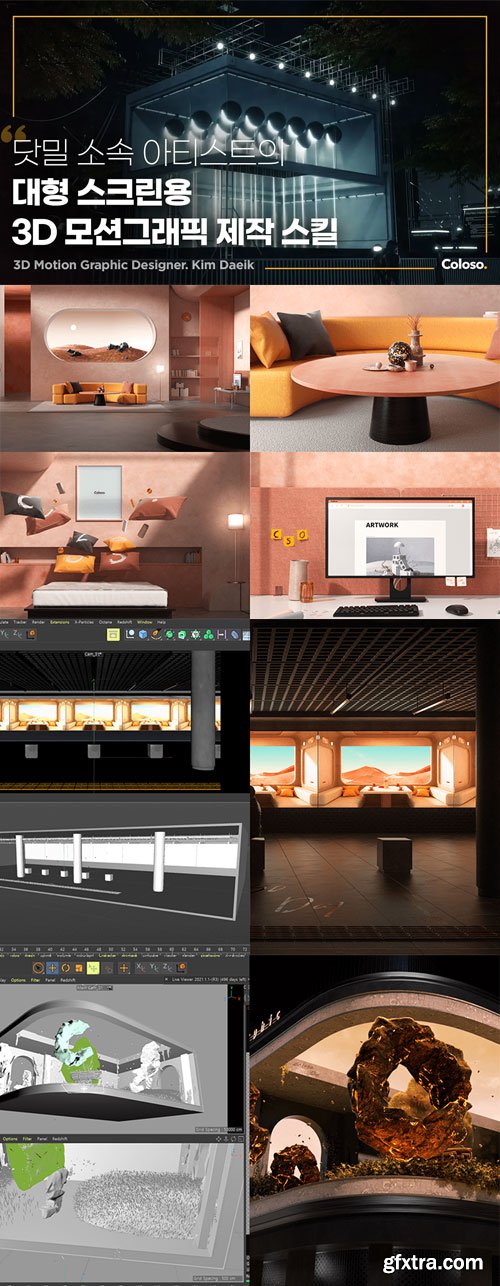
Coloso - 3D Motion Graphics for Commercial Films & Animatics
In this class, you'll learn the fundamentals of artwork, including organizing 'space' in a modern way. You'll sequentially expand into commercial areas, LED signboards, outdoor advertising, and more, exploring visual implementation methods for each medium. Learn 3D anamorphic techniques and create media art as emerging trends in the advertising industry.

user Themelli     

Udemy - The Ultimate Blender Hand-Painting Course Bundle Is Here


Language: English (US)

Learn professional hand painting, 3D modeling, UV unwrapping, lighting, animating, and more - all in one complete course

https://www.udemy.com/course/the-ultimate-blender-hand-painting-course-bundle-is-here/


user Gamystyle     

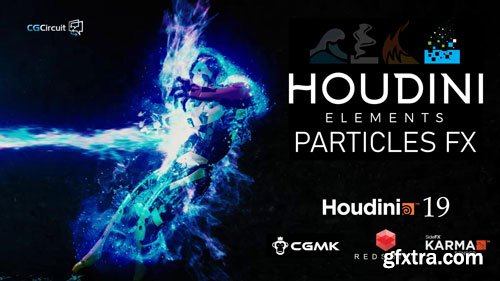
CgCircuit - Houdini Elements - Particles FX
In this online course, the viewer will learn about Particles in Houdini while creating energy FX that will it interact with a character. The course will start by preparing the character mesh for particle interaction. We’ll then move on to creating the main source of the blast with all the necessary attributes to generate a nice energy blast with POPs. After that, we’ll work on adding radial blast waves using FLIP. The third layer of the final effect will be another POP sim where we’ll have the energy blast envelop the character. We’ll finalize with some extra FX layer of electric arches and some sparks. Finally, we’ll bring everything together with a mix of render techniques but focusing on the super-fast Redshift. Along the way, we’ll be exploring some of the brand new Houdini 19.0 amazing updates while learning many tips and tricks to work efficiently and get amazing results

user Themelli     

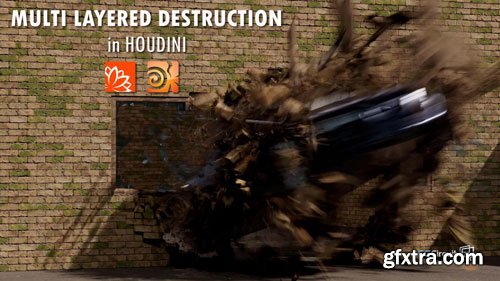
CgCircuit - Dynamic VFX in Houdini: Multi-Layered Destruction Techniques
In this course, we will learn how to create a detailed simulation of a car driving through a wall. Designed for beginner and intermediate students, we will specifically look at how to install Quixel’s bridge in order to use a Megascans asset to build our wall. We will also look at a couple of ways to implement ACES in Houdini for professional color management control.

user Themelli     

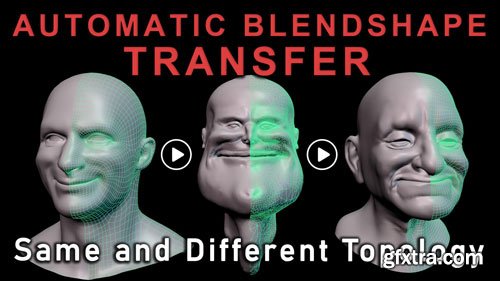
CgCircuit - Auto Blendshape Transfer Different Topo
In this training series you will learn the secret to transferring blendshapes across different topology characters. We'll cover migration methods similar to those used at the top studios behind Unreal MetaHuman, Ziva Dynamics Face Trainer, Snappers Facial Rig, PolyWink Transfer, and more. Too many Studios fall into a single topology asset pipeline limiting art direction and character flexibility. While similar topology presents advantages where we can reuse items like models, textures/shaders, and skinweights; this surrounds us in a box that's hard to escape when one of our characters has a unique facial element like a horns or asymmetry.

user Themelli     

FXPHD - Introduction to RenderMan
https://www.fxphd.com/details/687/
This course focuses on the fundamentals of Pixar's RenderMan and covers some of the main features of the renderer, MaterialX LAMA, and RenderMan lighting as well as the myriad of render settings to get the fastest and highest quality renders with fantastic artistic and creative control.  Liam Whitehouse is an Australian based senior VFX artist who has been in the 3D industry since 2003 and has used RenderMan for many years. He has worked on various projects over the past 21 years including most recently environments in The Fall Guy, underwater environments in Aquaman 2, Lindon forests in The Rings Of Power, photorealistic canyon environments for The Falcon and the Winter Soldier on Disney Plus, and the hollow earth environments for Godzilla vs Kong, as well as photogrammetry rocks in Avatar 2.

user Gamystyle     

CGCookie - Creating Grass in Blender
Grass is tricky to get right, but if you set it up once you can reuse and tweak it again and again extremely quickly. It is just about everywhere outside, so it’s really handy to know how to render it well. We’ll cover two different ways of creating grass – hair particles and mesh particles. Since they both have their advantages and disadvantages, we’ll cover why you would want to use one over another, or the best ways to use them in combination.

user Themelli     

CGCookie - Creating a Stylized 3d Forest Environment with Blender
Welcome to this Blender training course about creating a stylized forest environment! This low-poly aesthetic makes the timeline from initial inspiration to final render much shorter than a realistic version. What this means: we can start and complete a project in a few hours instead of a few days or weeks.

user Themelli     

CGCookie - Blender Mesh Modeling Bootcamp
In the Mesh Modeling Bootcamp, I’ll cut out all the unnecessary in-between fluff that I dug through and show you the core things that helped me progress the most.  With 35+ lessons, multiple quizzes and peer-reviewed exercises, this workshop-style course is what I wish I had when I was starting out. We’ll cover Blender modeling and selection tools, but even more than that - you’ll learn all about topology: what makes a good model, and how to use edge loops, poles, all quad junctions, and all of that fun stuff. There are 5 project-based sections of the course as well, that are designed to help you cement all those abstract concepts in a practical way. My hope is that by the end, you’ll be able to model anything that you set your mind to.

user Themelli     

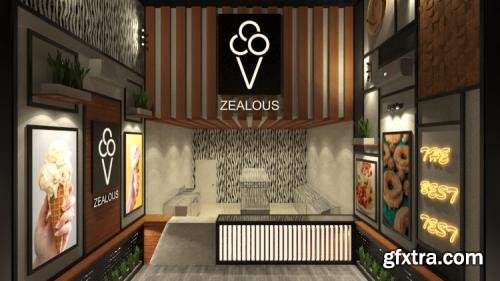
Udemy - 3Ds MAX & Vray - Interior Design Project in 4.5 hrs.

Language: English (US)

Learn How To Design This 3D Architectural Project From A-Z Using The Autocad, 3Ds Max, Vray And Adobe Photoshop software

https://www.udemy.com/course/3ds-max-vray-easyfast-modern-shop-design/

This course is for those who want to learn how to make an interior design 3D project from A - Z in a Professional and advanced way .
We Will Make This Sweets And Donut Shop Design Together From A - Z Using The Autocad , 3D Studio Max , V-ray , And Adobe Photoshop Softwares Step by Step .
This Course Will Begin With Drawing The Shop Plan Using The Autocad , Design it Using The 3D Max, Use The HDRI Sky And Vray IES Lighting, Use A free Models From The internet, Customize The Render Setup, Render The Perspectives Using The V-ray Software, Then Adjust The Final Renders Using Adobe Photoshop Software.
user Gamystyle     

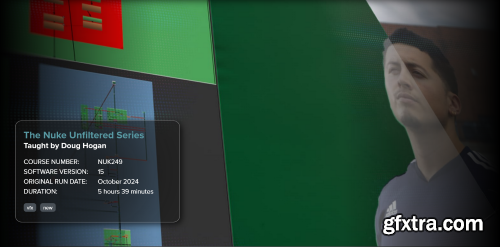
FXPHD - NUK249 - The Nuke Unfiltered Series
https://www.fxphd.com/details/681/
Taught by Doug Hogan, this project-based course will guide you through the essentials of a project in NUKE, from the basics to advanced techniques. This "unfiltered" course offers a real and raw, behind-the-scenes look into the practical world of Nuke compositing, capturing the essence of a real studio environment in tone of voice.  It integrates traditional compositing techniques as well as newer AI/Machine Learning approaches such as ChatGPT, the Cattery, and even a bit of ComfyUI to getting the job done. You'll learn how to prepare and process your footage, master keying tools, integrate keyed elements seamlessly, and tackle complex compositing challenges. This intermediate course is perfect for artists with some experience working with Nuke already, as well as those with backgrounds in Photoshop, After Effects, or similar applications.  This course includes footage from the outstanding ActionVFX stock footage library to teach the concepts and help members follow along. The base scenes used in the course are all from the free ActionVFX Practice Footage Library, which has over 500 shots you can use to help build your reel.  Doug Hogan is a Creative Technologist at Cheil/Samsung and has been a Nuke Compositor for over 15 years, with extensive experience in feature animation, film, and theme park industries. As the founder of VFXTalk, a vibrant community of VFX professionals, Doug is passionate about sharing knowledge and helping artists connect and grow. Join Doug in this comprehensive course and elevate your keying and compositing skills to a professional level.


user Gamystyle     

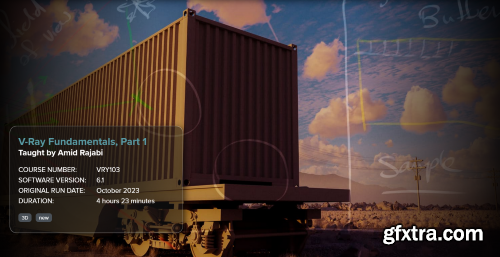
FXPHD - V-Ray Fundamentals, Parts 1 & 2
https://www.fxphd.com/details/661/
This course, taught by Amid Rajabi, is .part one of a comprehensive introduction to V-Ray rendering. It begins by explaining the basics of rendering and how ray tracers work. Next, it covers V-Ray's lighting features, including the various types of lights. In addition, the course covers V-Ray's physical camera, global illumination (GI), V-Ray Sun and Sky, creating procedural clouds in V-Ray Sky, and working with Chaos Scatter.  To wrap up the course, you are guided through through a project-based lighting scenario within V-Ray. In the next course (still in production), we will dive into V-Ray shading and texturing features.  Our latest course is the .second part of our new V-Ray series, focusing on essential topics such as shaders and textures. In this course, you will first become familiar with the functionality of Hypershade in Maya. Then, you will dive deep into the primary V-Ray shader, VRayMtl, covering crucial aspects like diffuse color, reflection, refraction, coat, subsurface scattering, and more.  Following this stage, you will learn how to use nodes, combine them, load textures inside V-Ray for Maya, and create more complex shading networks using nodes such as color correction, bump, displacement, layered textures, and others. After mastering these concepts, we will create a highly realistic project to simulate lifelike materials. Finally, the course addresses the Image Sampler and color mapping in V-Ray, enabling us to complete the project that was set up with lights, cameras, clouds, and more in VRY103.


user Gamystyle     

Creative Lighting - Archviz Masterclass
https://www.creativelighting.co/masterclass/
 
Join the Creative Lighting Masterclass, an exclusive 6-session live online series from January to June 2025. Led by industry expert Nikos Nikolopoulos, this series is your gateway to mastering architectural visualization. Unlock the power of AI-driven techniques and transform your projects into masterpieces.


user Gamystyle     

Gumroad - The Blender Bros Design Course
https://theblenderbros.gumroad.com/l/UkpIr/

Proper design and presentation skills are one of the biggest things people lack in their portfolio. Without a solid foundation of proper design and presentation principles, you will not be able to get jobs, clients, or build a proper portfolio and following. This is one of the most important skills you can have as an artist.


user Gamystyle     

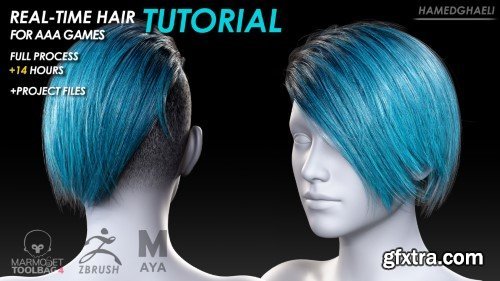
ArtStation - Real Time Hair For AAA Games Tutorial
https://www.artstation.com/marketplace/p/gMy8A/real-time-hair-for-aaa-games-tutorial-full-process
Over the past year, I have been testing various methods of creating real-time hair. During this time, I tried to get myself a workflow that would allow me to create high_quality real time hairstyles for AAA games. The method I followed in this tutorial and video process not only has the ability to create the most high-quality real-time hairstyles, but also has a lot of possibilities to optimize the model and create all kinds of hair models based on vertex budget. Therefore, I recorded this 15-hours video process series for the use of character artists and those who are interested in creating real-time hairstyles.

user Gamystyle     


Premium Mockups


rss