

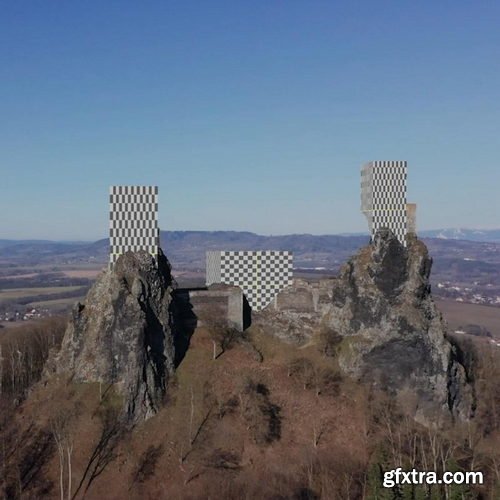
- Join Oleksiy Golovchenko in this tutorial covering all the kinds of point and camera tracking available in Nuke! During this tutorial you will also learn how to put your tracks to use with projection geometry.
- In this series we will cover:
- 2D Tracking - A basic tracking technique which is incredibly useful when you have camera wobble or a nodal camera move with no parallax.
- 3D Tracking - This is the main tracking technique most footage will need. With 3D tracking skills you will be able to take any footage and create a 3D camera which matches the real world movement of the camera.
- Point clouds and Proxy Geo Generation - By generating a point cloud from your 3D camera track, you can not only position elements better but you can even use this point cloud as basic 3D geometry for your work!
- 2D to 3D Tracking - Learn how to combine 2D tracking and 3D tracking
- With the skills of camera tracking under your belt, you'll be well equipped to start working with moving footage and bring your worlds to life!


https://www.udemy.com/course/unreal-engine-game-optimization/
Learn how to create and package games with Optimized Blueprints with techniques that are not shown on Youtube!
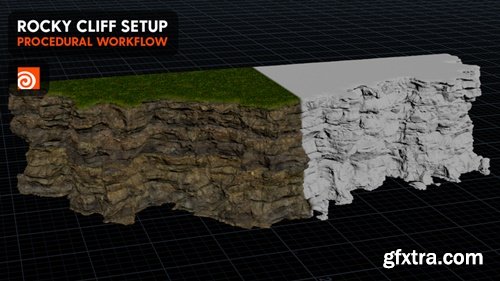
https://www.patreon.com/posts/quick-rock-cliff-85080090
Join Cgside in this fast-paced tutorial and learn how to set up a procedural rock cliff quickly and efficiently. This video covers essential techniques for generating realistic rock formations, adding textures, and optimizing your workflow for speed and quality. Perfect for environment artists, game developers, and 3D enthusiasts, this tutorial will help you build breathtaking cliffs in no time. Watch now and take your environment creation skills to the next level!
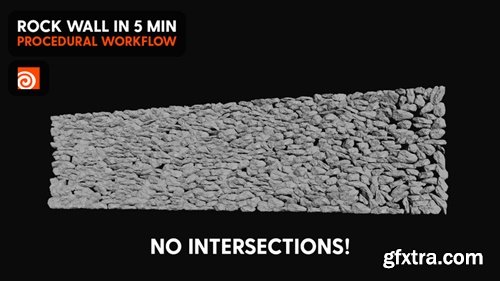
https://www.patreon.com/posts/procedural-rock-85291438
Join Cgside in this detailed tutorial and learn how to create a clean, procedurally generated rock wall without overlapping geometry. This video walks you through advanced techniques to ensure seamless rock placement, realistic textures, and optimized topology. As a bonus, you’ll get access to the HIP file to explore and adapt for your own projects. Perfect for environment artists and 3D designers, this tutorial will help you achieve professional-quality results. Watch now and elevate your procedural modeling skills!
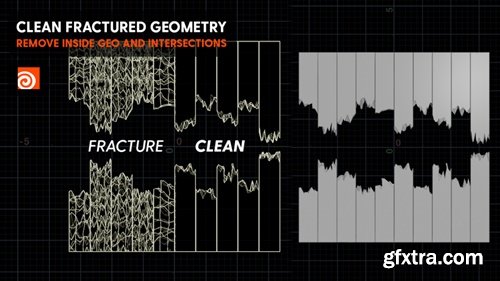
https://www.patreon.com/posts/cleaning-in-85883235
Join Cgside in this essential tutorial and learn how to efficiently clean and optimize fractured geometry for flawless simulations and renders. This video covers practical techniques to remove artifacts, fix mesh issues, and prepare your fractured assets for production-ready results. Whether you're working on destruction effects, simulations, or procedural modeling, this tutorial will save you time and elevate the quality of your work. Watch now and take control of your fractured geometry like a pro!
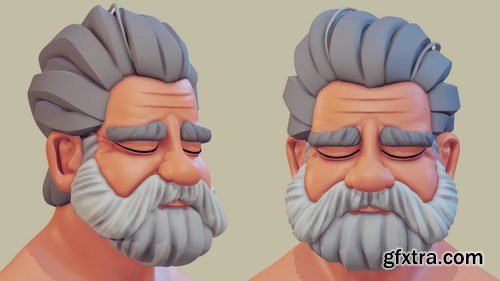
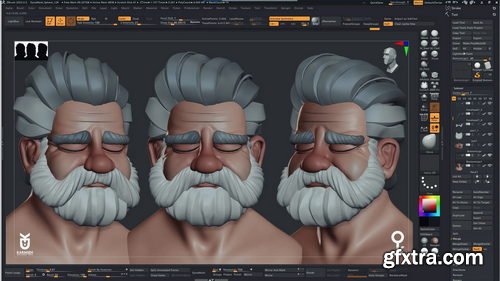
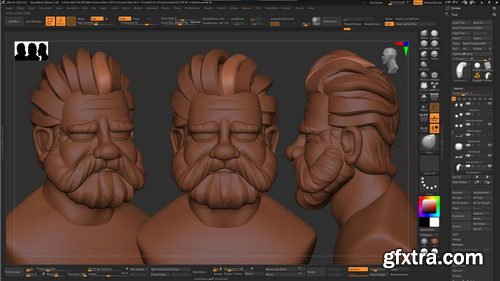
- Here are the topics of the course: Learning how to sculpt using a base mesh, Learning how to block in the main shapes of your character quickly, Learning how to dynamesh and create organic shapes, Learn how to create stylised hair, Learning how to use the curve brush
- All 3d files are included in the following formats, Zbrush, OBJ, FBX
- In this tutorial, I will share my sculpting process of an old man bust inside ZBrush. I will show you how to start sculpting a base mesh included in the tutorial. All tutorials are recorded in real-time, easy to follow, and there are no speed-ups. We will start by blocking in the main shapes of the head, then tweaking, moving, inflating and understanding volume and creating a stylised male character. Over one hour of in-depth 3d male bust sculpting using ZBrush
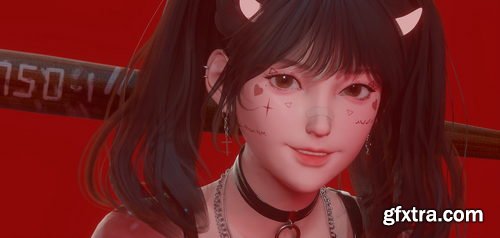
Gumroad - Flycat - Blender - Cute Girl modeling - Full process
https://flycatfly.gumroad.com/l/YZRhn
Software: Blender 2.9+ | No commentary
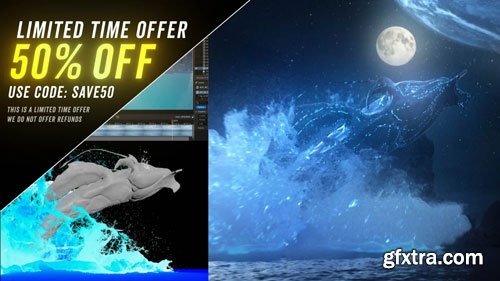
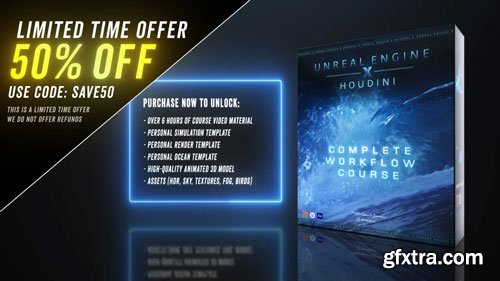
- Over 6 Hours of Course Video Material, Personal Simulation Template, Personal Render Template, Personal Ocean Template, High-Quality Animated Alembic Model with Textures, Assets (HDR, Sky, Textures, Fog, Birds), What you see is exactly what you get
- With over 15 years of experience, I’ll guide you through the entire process of creating your own FLIP fluid productions—from start to finish—without skipping any steps. Dive into the waters of FLIP and master a bulletproof workflow for creating stunning, complex, large-scale water simulations. This course offers a shortcut for beginners by providing template projects for simulation and rendering. This workflow can be adapted to any type of 3D model and fluid behavior. You’ll also get access to my personal simulation and render templates to jumpstart your journey in Houdini. From there, we’ll create a stunning environment in Unreal Engine from scratch and finish by compositing everything into two final polished shots, featured in the promotional video.
- This course offers a shortcut for beginners to craft exceptional large-scale FLIP fluid scenes without spending countless hours learning one of the most intricate software tools out there. The two epic shots featured in the promotional video are the exact ones created in this course, allowing you to learn every step of the process behind bringing them to life and equipping you with the skills to realize any creative vision.

https://www.patreon.com/posts/procedural-uvs-123656974
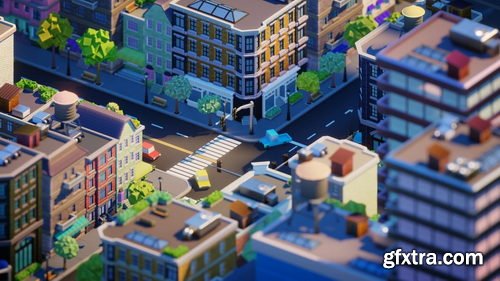
Hey Y'all, here's this month patreon tutorial. In this one, we will be generating procedural uvs and textures in Houdini 20.5. There will be quite a few techniques in this , from orienting uv islands to baking from an high rez mesh with cops. Enjoy!

Udemy - Rhino 3D Subd Mastery: Sculpt Smooth, Organic Forms
https://www.udemy.com/course/rhino-3d-subd-mastery-sculpt-smooth-organic-forms/
"Master the Art of SubD Modeling in Rhino 3D: Create Smooth, Organic, and Complex Forms with Precision"

Udemy - Modeling and Texturing Decoration in Blender, step-by-step

Udemy - Create a Misty Forest Matte Painting in Photoshop
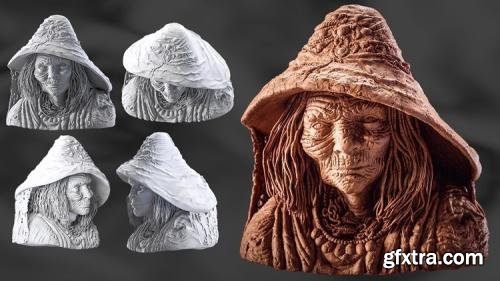
Udemy - Sculpting a Witch Character in ZBrush
Language: English (US)
Master the Art of Sculpting Magical Characters in Just 75 Minutes
https://www.udemy.com/course/sculpting-a-witch-character-in-zbrush/
Unlock the secrets of character creation with our 75-minute ZBrush tutorial, designed to take you from a blank canvas to a fully sculpted witch character. Whether you're a beginner or an intermediate user, this course is perfect for anyone who has a basic understanding of ZBrush and wants to advance their sculpting skills.
Skillshare - Motion Design in Blender Practice Your Pose to Pose Workflow
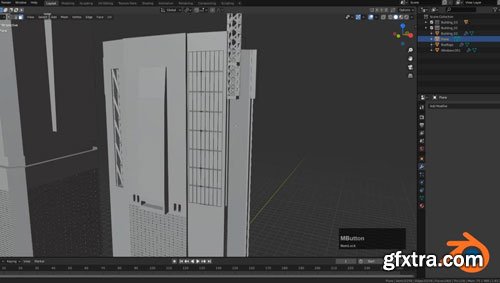
Whether you're fresh out of Sir's pose-to-pose class or just looking for some animation posing practice, this session is the perfect choice for turning on some tunes and working on sharpening up your Blender animation skills.
In this session, you have the option to:
- Quickly review the structure of a pose-to-pose workflow
- Independently work alongside Sir during a 40-minute practice session
- Learn some of Sir's tips to help you refine your workflow
Whether you’ve hit obstacles when blocking and animating in Blender in the past or you’ve just started animating in 3D, you’ll leave this session feeling more confident and accomplished in the time you put in towards leveling up your 3D animation skills.

Skillshare - Motion Design in Maya Create a Run Cycle in Maya
Sir will guide you through:
- The ins and outs of animating on 2s
- Posing and adjusting your character
- Animating on 1s
Whether you've taken Sir's class and are looking to practice further or are just looking for a new technique to add to your creative toolbox, you'll walk away from this session with a new effect you can apply to your next creative project.
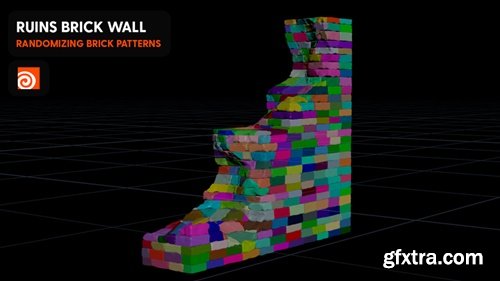
https://www.patreon.com/posts/ruins-randomized-86183331
Join Cgside in this step-by-step tutorial and learn how to build a highly detailed, procedurally generated brick wall with a ruined, aged appearance. This video covers advanced techniques for randomizing brick layouts, adding cracks, and applying realistic textures to create a natural, weathered look. Perfect for environment artists and 3D designers, this tutorial will help you bring depth and authenticity to your scenes. Watch now and start creating stunning, decayed environments!
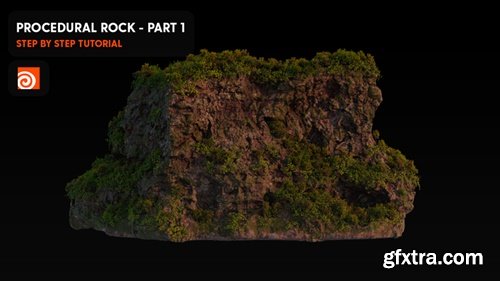
https://www.patreon.com/posts/procedural-rock-86545968
Dive into this Cgside tutorial and discover how to design realistic, procedurally generated rock surfaces with ease. This step-by-step guide covers advanced techniques for displacement, texturing, and shading, ensuring professional-quality results. Plus, you’ll get exclusive project files to deepen your understanding and kickstart your own projects. Perfect for 3D artists and environment designers, this video will help you create stunning, natural-looking rocks for games, films, or simulations. Watch now and elevate your procedural skills!
Skillshare - 3D Animation Basics in Blender: Use the Pose to Pose Workflow
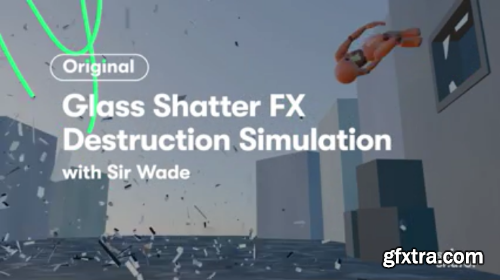
Skillshare - 3D Animation VFX: Create a Glass Shatter Effect in Blender
126,000 Royalty-Free 3D Model

Udemy Türkçe


Top Rated News
- CreativeLive Tutorial Collections
- Fasttracktutorials Course
- Chaos Cosmos Library
- MRMockup - Mockup Bundle
- Finding North Photography
- Sean Archer
- John Gress Photography
- Motion Science
- AwTeaches
- Learn Squared
- PhotoWhoa
- Houdini-Course
- Photigy
- August Dering Photography
- StudioGuti
- Creatoom
- Creature Art Teacher
- Creator Foundry
- Patreon Collections
- Udemy - Turkce
- BigFilms
- Jerry Ghionis
- ACIDBITE
- BigMediumSmall
- Globe Plants
- Unleashed Education
- The School of Photography
- Visual Education
- LeartesStudios - Cosmos
- Fxphd
- All Veer Fancy Collection!
- All OJO Images
- All ZZVe Vectors
- CGTrader 1 CGTrader 2



















