

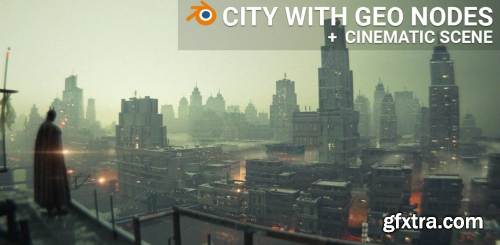
Skillshare - Procedural City with Geo. Nodes + Epic Batman Scene in Blender
- Welcome to the new Blender class in which we will create the Batman scene from the introductory video and along the way create a functional modifier that creates an entire city with a lot of details with a few clicks.

Language: English | Duration: 1h 17m | Size: 1.03 GB
https://www.udemy.com/course/blender-sushi-belt-scene-n/
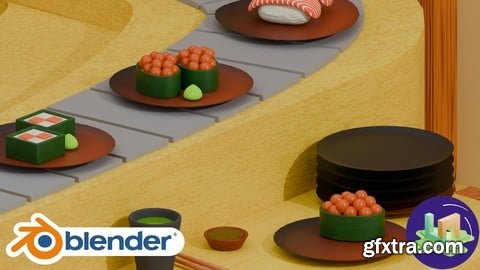
Blender Sushi Belt Scene: Model a Stylized Conveyor Sushi Bar
Language: English | Duration: 3h 16m | Size: 2.78 GB
https://www.udemy.com/course/master-looping-animation-in-blender-complete-guide
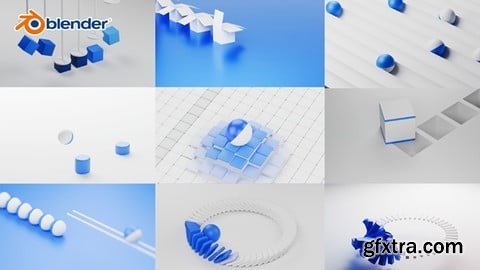
From Simple to Stunning – Learn Every Technique to Create Seamless Loops

- This course is ideal to anyone wanting to transition from Maya & Ziva to using Houdini as-well as Houdini experts wanting to dive deeper into Skin, Tissue, Fascia and Muscle Simulation in Houdini. The course material was prepared with production and high-quality assets that will be included as part of the course material along with the various animation caches shown in the trailer to give our students the best learning experience that mimics a studio working environment. Carlos will share his production-proven workflow used on feature films and TV shows, covering advanced techniques with Vellum and SOP-level tools to create realistic skin wrinkling, jiggling, and efficient skin sliding effects.
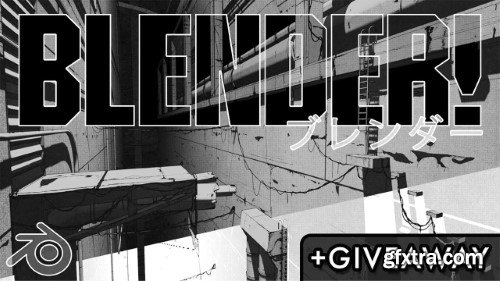
- Hello and welcome to this retro manga inspired Blender class! I'm Harry, a seasoned 3D artist with over a decade of professional experience and the privilege of being recognized as a Top Teacher on Skillshare, specializing in Blender tutorials. In this class, we'll be creating an animation in Blender inspired by classic sci-fi manga series such as BLAME! Whether you’re brand new to stylized rendering, or you’ve followed some of my previous classes, there should be something for everyone to learn! You’ll find my classes are easy to follow due to my focus on relaxed pacing and crystal clear instructions. This has made them popular with both beginner and intermediate artists alike!
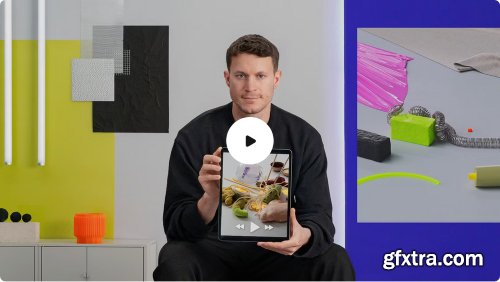


Domestika - Playful 3D Design and Animation of Fun Objects
https://www.domestika.org/en/courses/3329-playful-3d-design-and-animation-of-fun-objects
- Learn how to create soft and organic animated objects and scenes by exploring and experimenting in Cinema 4D and other graphic software The world of 3D animation is a space to have fun while experimenting with colors, shapes, and textures. For 3D artist Vincent Schwenk, it’s a creative world where the only limit is his imagination. His creations feature abstract shapes and elements, with realistic textures and smooth animations, and he has worked with clients like Microsoft, Tylko, and the Reeperbahn Festival.
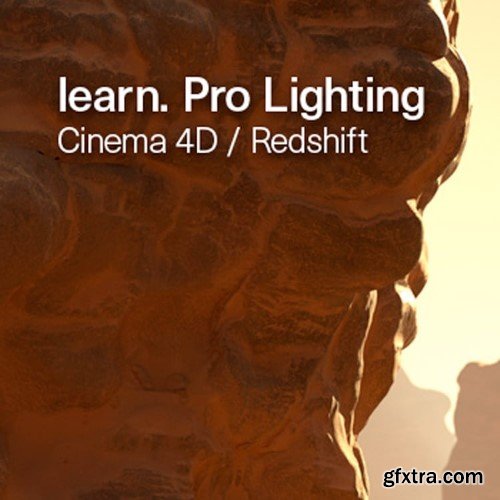
- Cinema 4D now uses the new Node Editor for Redshift materials, rather than the Xpresso interface, although both are still supported. This training is created with Redshift 2.5, since then there have been new features added which are not covered. Much of this information in this training is still relevant, but due to the age of this training, we now offer over 70% discount as this title will be discontinued shortly.
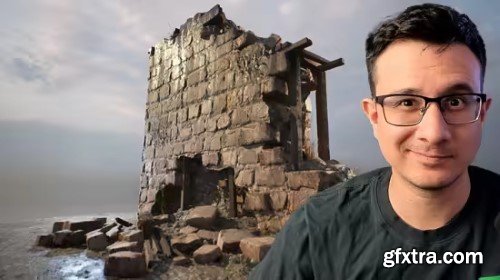
Udemy - Advanced Modeling Techniques for AAA Assets in Unreal Engine
https://www.udemy.com/course/advanced-modeling-techniques-for-aaa-assets-in-unreal-engine/
Language: English (US)
Learn professional techniques used in the game industry to create high quality environment assets.
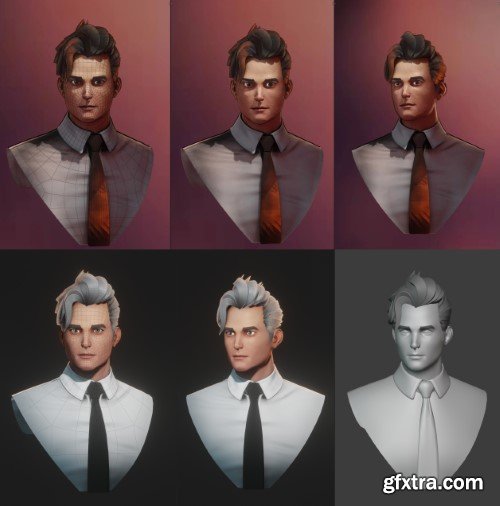
- Master the art of realistic 3D head creation with this focused Blender workshop by Flycat, designed for character artists seeking anatomically accurate topology for animation, games, or VFX. This training covers the entire workflow—from base mesh sculpting to production-ready retopology—using industry-standard techniques optimized for facial rigging and expression fidelity.
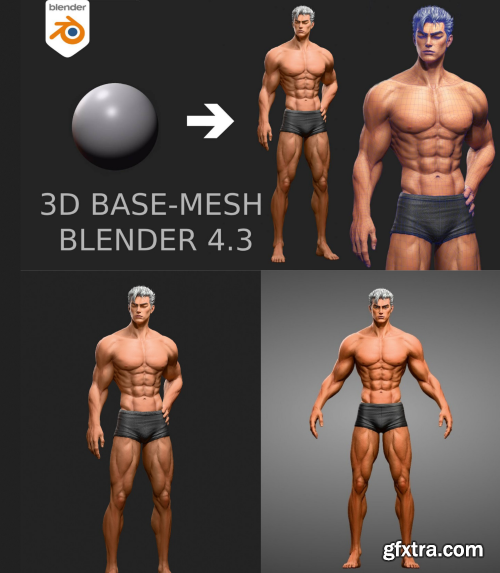
- The product package includes 27 HD (1920x1080) videos played at normal speed, capturing the process of creating a 3D model with Blender 4.3. It also includes a project file in *blend format (compatible with Blender 4.0 - Blender 4.3).
Master professional character modeling with this focused Blender 4.3 course by Flycat, designed for 3D artists seeking anatomically accurate, animation-ready male base meshes. This training delivers a complete pipeline—from primitive blocking to finalized topology—optimized for rigging, sculpting, and game engines.
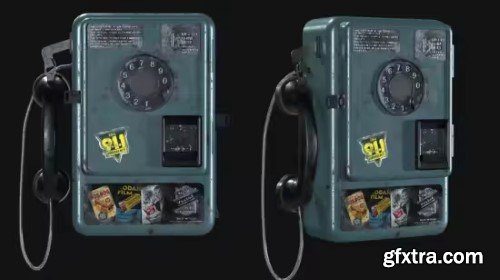
Udemy - 3D Modeling for Games: Create AAA Assets in Maya & Substance
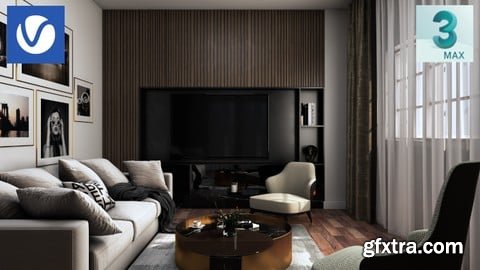
Udemy - 3D Interior Visualization by 3ds Max in a fast efficient way
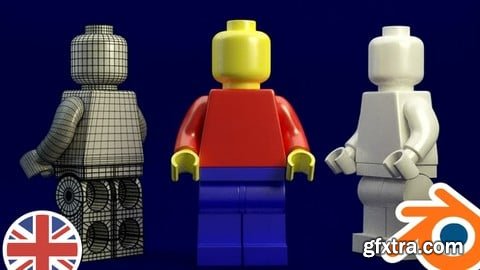
Udemy - Blender - EXPERT in 3D Modeling from ZERO to ADVANCED

CGCircuit - Grooming Lion Fur in Houdini - Sara Hansen
https://www.cgcircuit.com/tutorial/grooming-lion-fur-in-houdini?overviewTab
- In this online course, the viewer will learn how to create realistic fur or hair from a production standpoint. We will go over how to create guide curves for all lengths of hair. Using different techniques from the short eyelashes to the long mane. You will also learn how to create groups from the skin mesh to grow fur from and how to paint masks and adjust the values using vex code. And if you're not comfortable using the combing tools in Houdini you will also learn how to import guides or curves from another software package to continue grooming.
- We'll be starting with the scene basics and learning more technical production aspects like how to transfer hair to an updated model with different topology, shape, or uvs and also how to transfer hair to an animated model. We even look at how to simulate the hair with wind. You'll learn how to set up fur shaders with textures, and how to setup cameras and render with Mantra.
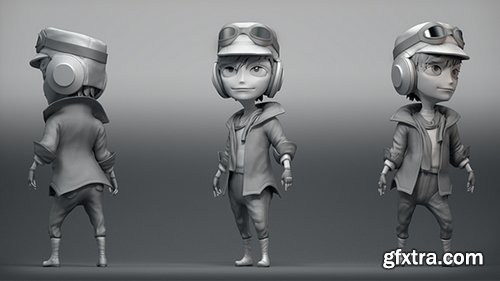
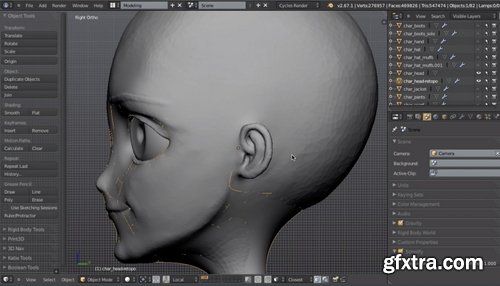
- Characters in Blender or modeling characters in general is a coveted specialty that takes a lot of patience, a lot of practice, and no small amount of work. But character modeling is also a lot of fun and very satisfying once you become comfortable with the techniques and workflows needed to bring your designs to life. The techniques required are often broad, ranging from rigging, retopology, sculpting, kit bashing, mouth movements animation, 3d hair, run cycle animation, and so on.
- I would be lying if I said there was a single workflow for every character. Every model, every 3d mesh you do will be done in a slightly different way. In fact, nearly every character artist will approach models with their own outlook and workflow. The goal is to develop a workflow that allows you, the Blender 3D artist, to create the required design in an effective and efficient manner.
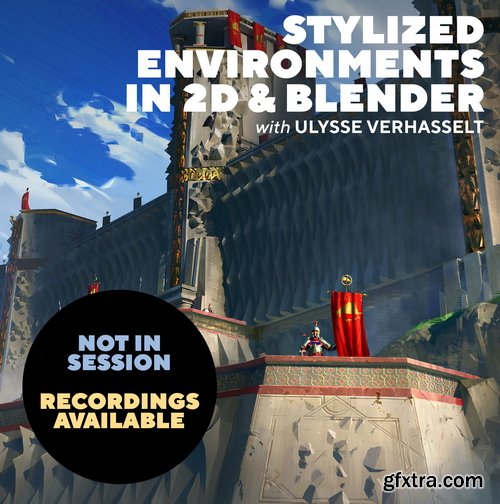
- Learn how to paint over Blender 3D renders to make engaging stylized environment design! Join Ulysse in this 8-week class and learn the all of the important 2D and 3D fundamentals for environment concept art and design. If you’ve ever wanted to introduce Blender into your painting workflow, this class is for you. There will be a combination of demos, lectures and homework assignments that we’ll review in class.

Level: Beginner | Genre: eLearning | Language: English | Duration: 11 Lectures ( 1h 18m ) | Size: 1.26 GB
https://www.udemy.com/course/blueprints-unreal-engine-5-beginners
Create Video Games & Interactive Media using Unreal Engine's visual scripting: Blueprints

Udemy - Learn Adobe After Effect with Motion Graphics and Animation
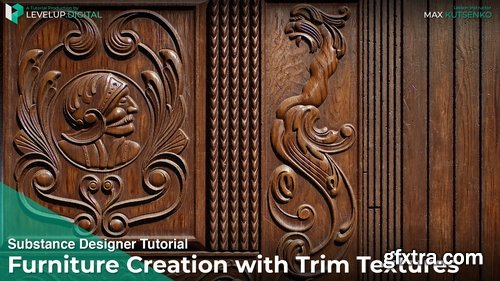
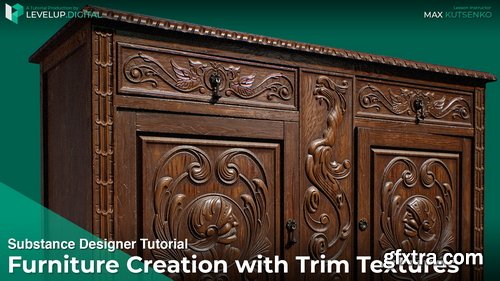
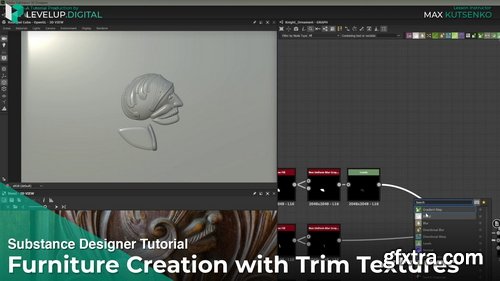
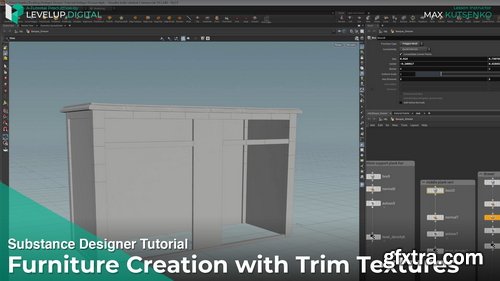
- Dive into this in-depth tutorial by Ubisoft artist Max Kutsenko, and learn expert techniques for how to create versatile trim sheets to be applied towards a variety of assets. Follow along as Max demonstrates how to create intricate shapes using Designer's newest spline nodes, and takes you step-by-step through his process for creating a realistic antique dresser.
- In this tutorial, you will learn how to analyze references, build the geometry, and setup trim layouts in Designer. Max shares his process for how to build a base wood material and a protective coating material, as well as how to use a blend mask to combine the two seamlessly.
- Jump into Painter and learn how to add incredible details to door handles, and finally, render in Marmoset using the Parallax Occlusion technique to achieve extra depth.
Coloso - Making Stylized 3D Animation from Scratch
https://coloso.global/en/products/3dartist-joyof3d-us
Basic | Total 30 videos, 27Hours 49Minutes | Audio: English | Subtitles: English by GFXTRA.com | Class materials included
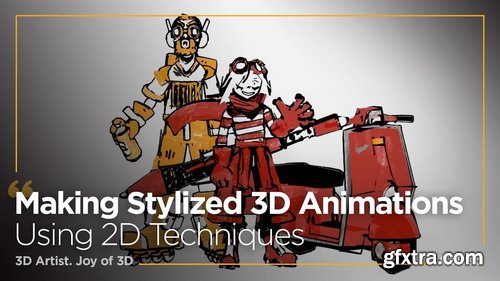
- I'll show you how to animate using foundational skills that combine the fundamentals of 2D and 3D animation, so you can create your own dynamic 3D animations with electric energy that leave a strong impression on the viewer.
- Are you eager to improve your 3D animation abilities? From beginner artists on their first day to intermediate artists, this class will provide you with full-on energetic, vibrant 3D animations just as you imagined. With JOY of 3D's unique style of taste, design eye-catching animation captivating characters that truly come to life on screen. JOY of 3D hopes to inspire all 3D artists and animators to bring their work alive--- the electric way.
- Open up Blender and get familiar with Rigify as well as Grease Pencil features while following along with this class. Learn to make mind-blowing shaders, composite and render your scenes, and create animations that you will never forget. Practice these amazing techniques to strengthen your own workflow. so that you can become a boss of 3D animations!
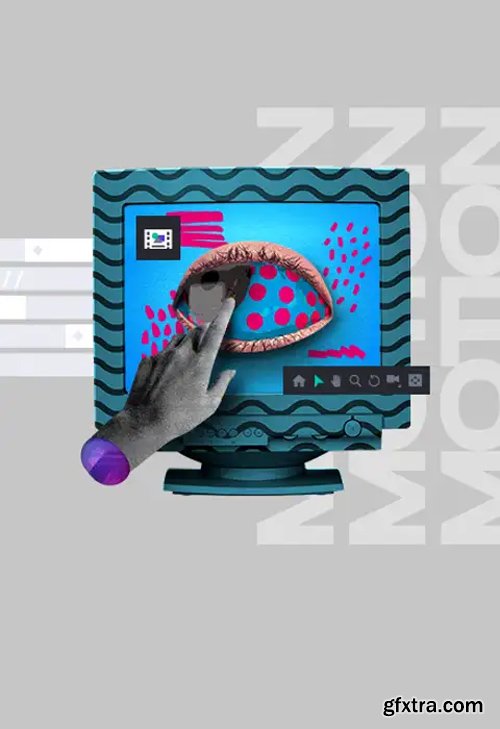
- In the course “Motion in After Effects with Element 3D”, you will learn to add quality and repertoire to solve challenges, whether in Advertising, Television or even personal projects. You'll also be able to enrich your animations with 3D elements within After Effects, without necessarily having a complete background of traditional software like C4D and Maya. In addition, the course brings valuable tips on text animations, texture manipulation and final treatment of animations in After Effects.

https://www.udemy.com/course/create-a-complete-online-cooperative-multiplayer-game-in-godot-4/
Learn how to create a complete 2D online cooperative multiplayer game in Godot 4.4+!
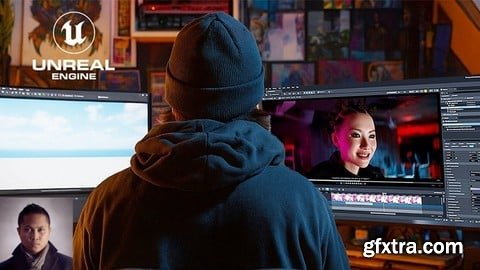
Udemy - Unreal Engine 5.6 Metahuman Music Video Crash Course
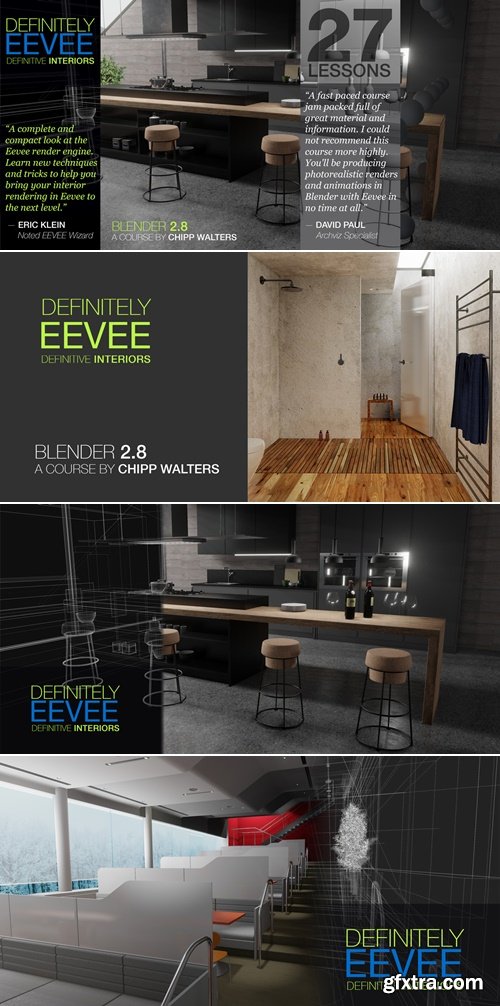
https://superhivemarket.com/products/definitely-eevee-definitive-interior
- This course was created for the Blender 2.8x version when EEVEE was first introduced. While some of the controls have changed the concepts have not. Now only $5!
126,000 Royalty-Free 3D Model

Udemy Türkçe


Top Rated News
- CreativeLive Tutorial Collections
- Fasttracktutorials Course
- Chaos Cosmos Library
- MRMockup - Mockup Bundle
- Finding North Photography
- Sean Archer
- John Gress Photography
- Motion Science
- AwTeaches
- Learn Squared
- PhotoWhoa
- Houdini-Course
- Photigy
- August Dering Photography
- StudioGuti
- Creatoom
- Creature Art Teacher
- Creator Foundry
- Patreon Collections
- Udemy - Turkce
- BigFilms
- Jerry Ghionis
- ACIDBITE
- BigMediumSmall
- Globe Plants
- Unleashed Education
- The School of Photography
- Visual Education
- LeartesStudios - Cosmos
- Fxphd
- All Veer Fancy Collection!
- All OJO Images
- All ZZVe Vectors
- CGTrader 1 CGTrader 2



















