

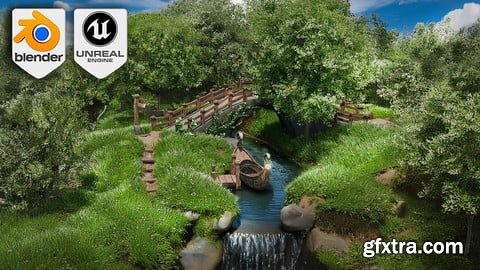
Udemy - Blender to Unreal Engine 5 Fantasy River 3D Diorama Scene

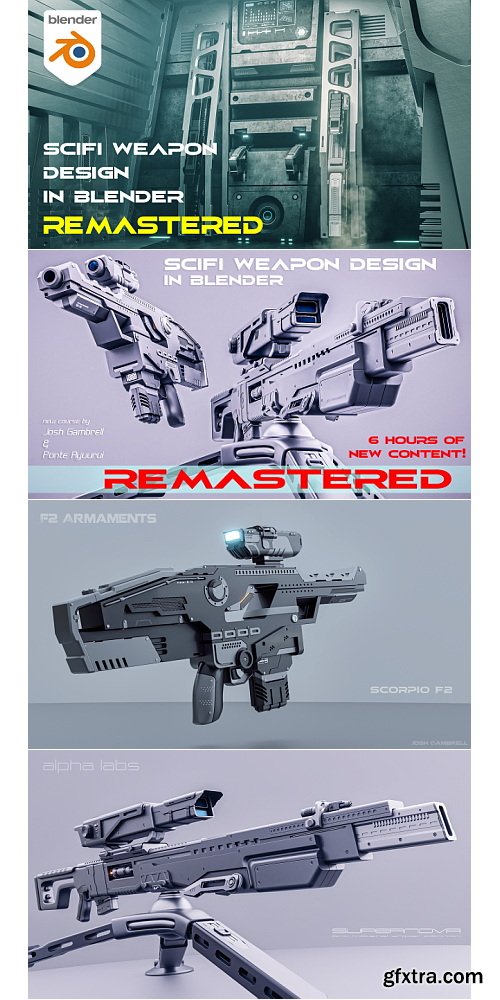
Blender Bros - SciFi Weapon Design in Blender
https://theblenderbros.gumroad.com/l/JHSLH
This course will cover a fun and creative way to learn hard surface modeling in Blender by creating two beautiful SciFi weapons from scratch. You will learn how to block out the model, detail it, use hard-surface techniques for clean composition, and apply materials to give it a beautiful final render, all done completely within Blender.
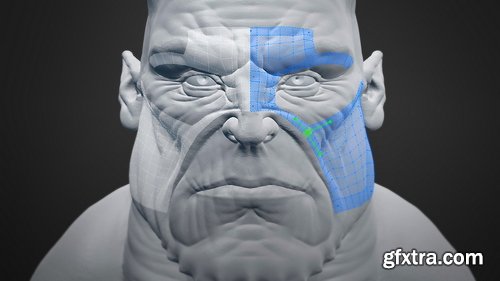
CGCookie - Intro to Retopology with the RetopoFlow Add-on
https://cgcookie.com/courses/intro-to-retopology-with-the-retopoflow-add-on
RetopoFlow is an add-on designed for Blender artists. Using only Blender's default tools, retopology can be a terribly tedious process with lots of pitfalls. This add-on aims to make the retopology modeling workflow faster, more effective, and a lot more fun.
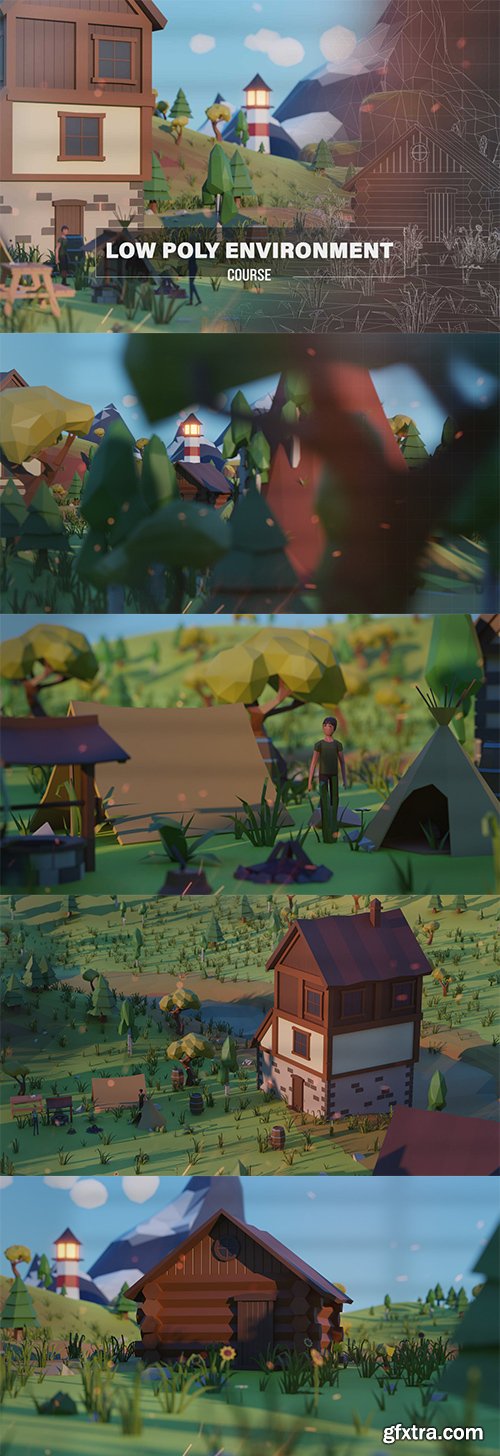
- Welcome to the “Blender Low Poly Environment Course” – your gateway to mastering low-poly 3D design! Whether you’re a beginner or an intermediate Blender user, this course is tailored to enhance your skills and introduce you to the world of low-poly modeling.
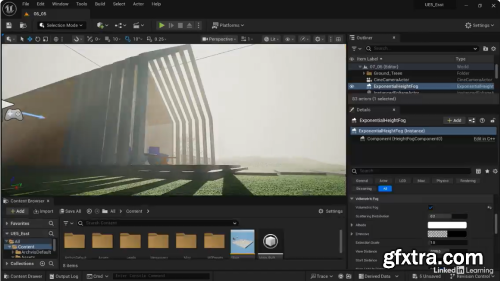
- In this course, animation director and producer George Maestri dives into Unreal Engine 5.6, highlighting the tools you need for creating engaging 3D environments. Start by exploring the interface and understanding 3D navigation to comfortably manipulate objects and assets. Learn how to use materials, lighting, and rendering to bring your projects to life with stunning visual fidelity. Delve into advanced features like interactivity, 3D modeling, and cinematic sequences. Enhance your scenes with integrated assets and foliage, and discover the power of Blueprints for interactive elements. Explore cinematic components that enable you to produce and export compelling animations and walkthroughs. When you complete this course, you will have the ability to create realistic, interactive scenes suitable for a multitude of industries, ensuring enhanced efficiency and creativity in your projects.
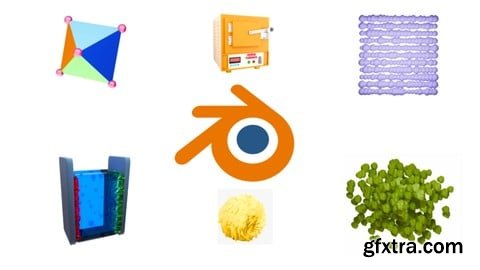
Udemy - Blender for 3D Scientific Illustration: From Beginner to Pro
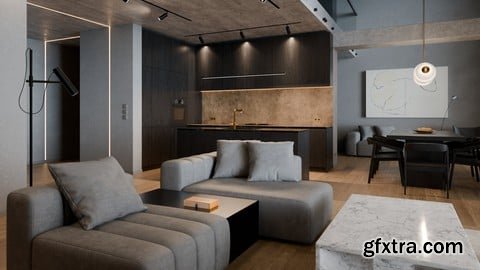
Udemy - Blender Course - Advanced Interior Visualization Training
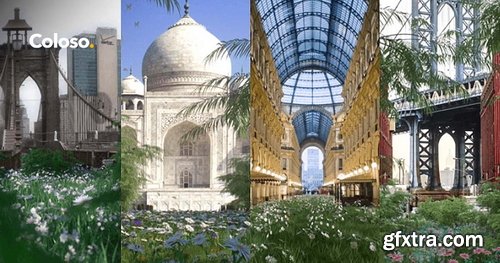
Coloso - Creating Surreal Dreamworlds with Cinema 4D & Octane
https://coloso.global/en/products/3dartist-timohelgert-us
Basic | Total 30 videos, 15Hours 39Minutes | Audio:English | Subtitles English by GFXTRA.COM | Class materials included
Discover how to build and animate everything from the tiniest elements to an entire beautifully crafted scene. Want to take your work to the next level? Embark on an insightful journey with Timo Helgert as he guides you through the surreal world of art and helps you reach beyond your creative limits! Get to know everything from basic 3D tools, useful theories, and setting up scenes to fully animating them so you can bring your surreal dream worlds to life. You'll even learn how to create your very own unique assets!
CGCookie - Fundamentals of Compositing
https://cgcookie.com/courses/fundamentals-of-compositing
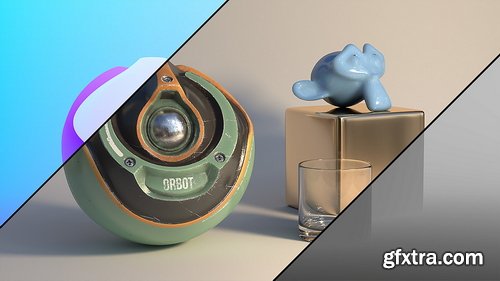
- When people say "fix it in post", this is what they mean. Compositing is sort of like Apple TV -- in that it's very useful but can be difficult to explain and understand. So let's break it down into a problem --> solution explanation. Rendering is always the bottleneck of a production pipeline due to the extended time required to render a CG animation. So when we commit to render a Blender animation, wait hours or days for it to finish, only to decide after the fact that we want the [metallic material] to reflect 50% less, our only choice is to make that change in the blender material, then render and wait again. This is where compositing comes in. Someone had the brilliant idea to separate rendered elements - like objects, material color, reflections, blender lights, etc - so they could be tweaked individually after rendering. Now to continue with the previous example, we could reduce reflections by 50% with the compositor in 5 seconds instead of waiting hours to render the whole scene again. That's the meat and potatoes of compositing. We can take this blender basics workflow to our advantage.
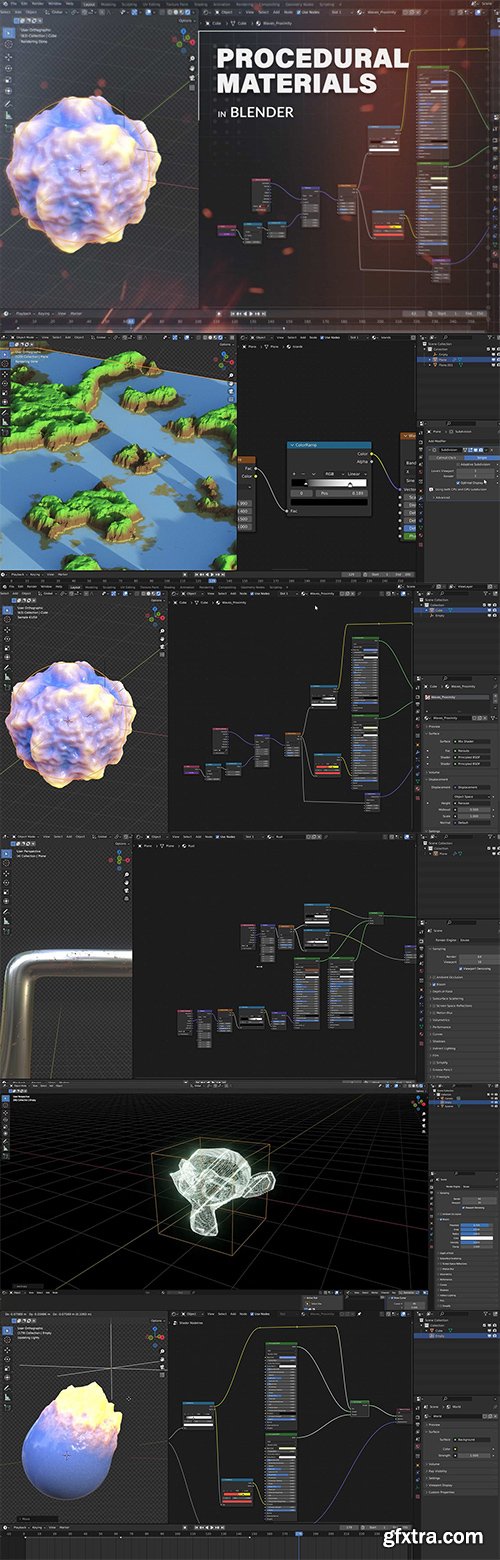
- Unlock the power of procedural materials and elevate your Blender creations with our comprehensive “Procedural Materials In Blender Course“ Explore the complexities of shader editing, different shader categories, and PBR textures to create captivating visual effects.
- Throughout this course, you’ll become proficient in fundamental elements like reflection, roughness, emission maps, displacement nodes, and bump nodes, discovering how they can enhance realism in your projects. Explore advanced topics including the creation of holographic shaders, realistic glass materials, and the fundamental principles of shaders.
- Dive deeper into shader mathematics, masks, texture mixing, and the implementation of PBR materials to further enhance the realism and complexity of your scenes. Discover the versatility of procedural materials in volumetric rendering, opening up new possibilities for atmospheric effects and dynamic simulations.
- With 23 lessons spanning almost 5 hours, this course provides a comprehensive foundation for mastering procedural materials in Blender, empowering you to unleash your creativity and bring your artistic visions to life with unparalleled precision and realism. Enroll now and embark on a transformative journey into the world of procedural materials, unlocking the limitless potential for your Blender projects.
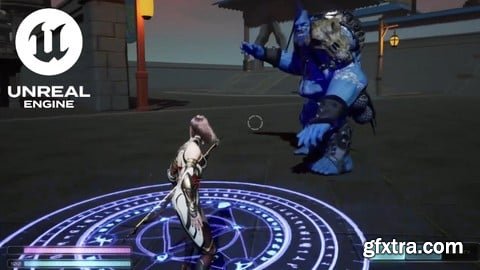
Udemy - Unreal Engine 5.6 - Build an RPG using Lyra Framework
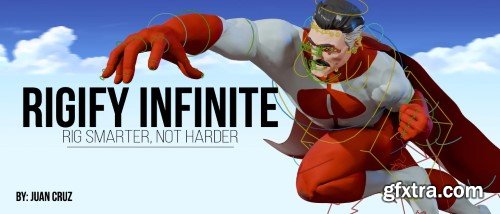
- Want to take your rigging skills to the next level? With Rigify Infinite, you’ll learn how to rig smarter, not harder. This course is your all-in-one guide to mastering Rigify in Blender, helping you bring your characters and models to life with ease. Whether you're just starting or looking to polish your skills, this course has everything you need to speed up your workflow and avoid the hassle of traditional rigging.
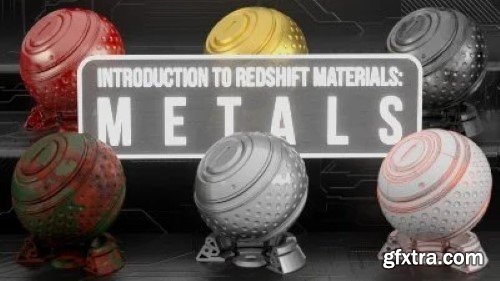
Skillshare - Demystify Redshift Materials in C4D
- In this class we will use the awesome power of Redshift to create over 50 metal materials. Using the Shader Graph we will demystify the Node Editor step by step as we create photo realistic materials from scratch. We will cover a ton of content from Noise maps, textures, reflections, bump maps, displacement maps, etc. Learning how and when to use each piece of the puzzle to create some amazing materials.
Udemy - Create Mixed Reality ArchViz in Unreal Engine for Meta Quest
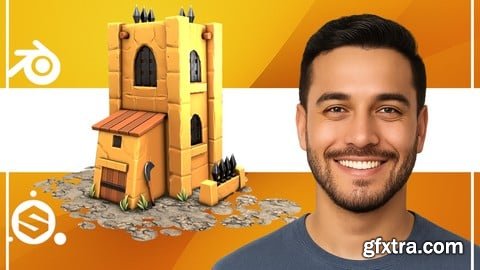
https://www.udemy.com/course/create-a-stylized-fort-for-games-blender-to-substance
From Modeling to Final Render: A Complete Fort Creation Workflow in Blender and Substance Painter

Udemy - 3Ds Max 2025 for Beginners : Complete Guide for Beginners
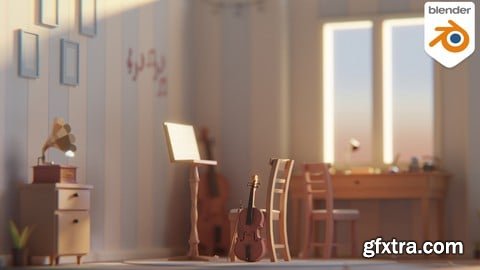
Udemy - Blender 3d : Ultimate Isometric Scene Creation Masterclass
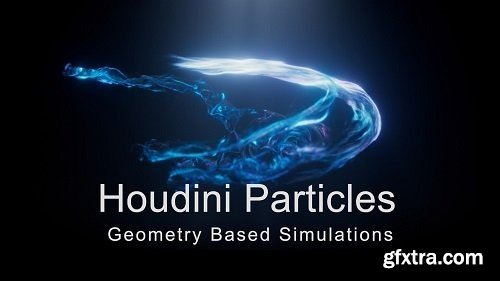
- Welcome to Advanced Particles 1: Geometry Based Simulations. In this course we will take an alembic animation of an opening hand, and use it to generate particles. We will learn how to use the geometry to create different attributes and how to get our particles to use those attributes. We will also learn how to make our particles stick to deforming geometry and how to make the particles transition from one type of movement to a different one. I will also go over how to set up some basic materials and render everything using Redshift, and then also cover how to composite everything inside Nuke. And while this course assumes you have a working knowledge of Houdini, I will be explaining how different operations work, but also the logic behind why we do things in a certain way. So I hope you will enjoy this course and we can get started with the first lesson.
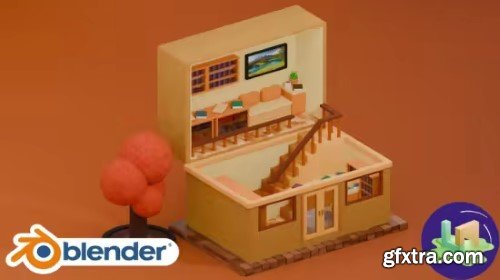
Udemy - Blender : A Suitcase Of Stories (Autumn Whisper)
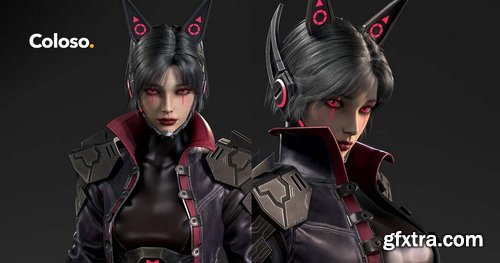
Coloso - A compressed workflow for stylized fantasy character modeling
https://coloso.co.kr/products/3dcharacterartist_choijiwoong
basic | 21 episodes, 11 hours and 51 minutes in total | Audio: Korean | Subtitles: English by GFXTRA.COM
- I will focus on the effective knowledge that is good to know at the beginner level and only cover the content necessary for practical character modeling. The knowledge and diverse practical skills required to create a single character . How can you master them more quickly and efficiently? If you've diligently mastered the basics, now we'll teach you
- only the essentials for real-world use . From creating a basic body with a base mesh , to sculpting the face with a focus on silhouette and form, to creating clothing and objects, to baking using topology and UV unbending, to detailed expressions like facial makeup and clothing texturing, discover the essential essentials for creating high-density, semi-realistic characters with highly efficient know-how.
only the essentials for real-world use . From creating a basic body with a base mesh , to sculpting the face with a focus on silhouette and form, to creating clothing and objects, to baking using topology and UV unbending, to detailed expressions like facial makeup and clothing texturing, discover the essential essentials for creating high-density, semi-realistic characters with highly efficient know-how.
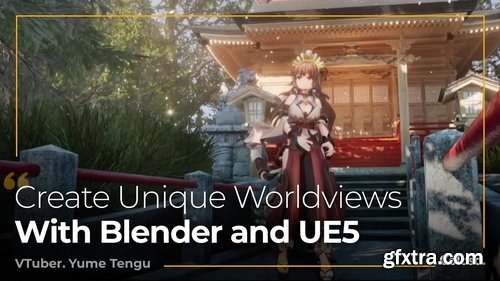
Coloso - Creating 3D Characters and Worldviews with Blender and UE5
https://coloso.global/en/products/vtuber-yumetengu-us
Beginner~Advanced | Total 20 videos | Audio: Japanese | Subtitles: English by GFXTRA | Class materials included
- Learn all about 3D character modeling, texturing with Blender, and creating photorealistic backgrounds in UE5, VTuber Yume Tengu brings his unique worldviews to life using 3D characters created in Blender and photorealistic backgrounds from Unreal Engine 5. In this class, he will share everything from the basics of Blender and UE5 to using the two programs to produce 3D character animation in detailed worlds, all through easy-to-understand explanations. First, you will learn to draw three different views of a character and set up its structure, acquiring character design skills required for 3D conversion. Next, based on the finished character design, you’ll design 3D characters in Blender.
- You’ll learn everything you need, including how to model various parts such as the body, face, and clothes, and texturing and skinning methods for creating characters in the cel shaded style. Once you have a complete character model, the next step is to design a background in UE5. Explore various features of the software, including lighting and camera systems, to produce a photorealistic background. Plus, you will learn how to add movement to characters using motion capture, with the aim of creating more high-quality character animation. So discover the secrets to producing 3D animation featuring detailed worldviews with Blender and UE5 in this Coloso class right now!

Language: English | Duration: 34m | Size: 584 MB
https://www.udemy.com/course/googleearthstudiomapanimation/
with Google Earth Studio & Adobe After Effects

Udemy - Ultimate Tyflow Simulation Masterclass 2025 : 50+ Projects
126,000 Royalty-Free 3D Model

Udemy Türkçe


Top Rated News
- CreativeLive Tutorial Collections
- Fasttracktutorials Course
- Chaos Cosmos Library
- MRMockup - Mockup Bundle
- Finding North Photography
- Sean Archer
- John Gress Photography
- Motion Science
- AwTeaches
- Learn Squared
- PhotoWhoa
- Houdini-Course
- Photigy
- August Dering Photography
- StudioGuti
- Creatoom
- Creature Art Teacher
- Creator Foundry
- Patreon Collections
- Udemy - Turkce
- BigFilms
- Jerry Ghionis
- ACIDBITE
- BigMediumSmall
- Globe Plants
- Unleashed Education
- The School of Photography
- Visual Education
- LeartesStudios - Cosmos
- Fxphd
- All Veer Fancy Collection!
- All OJO Images
- All ZZVe Vectors
- CGTrader 1 CGTrader 2



















