


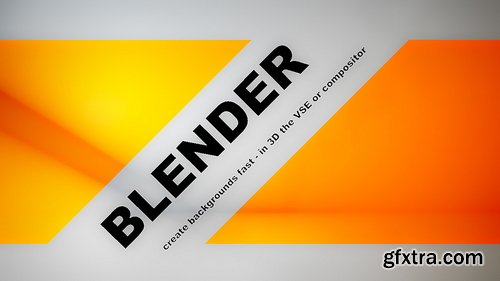
CGCookie - Intro to Motion Graphics Backgrounds with the Video Sequence Editor
https://cgcookie.com/courses/intro-to-motion-graphics-backgrounds-with-the-video-sequence-editor
- The question, though, is how do you make your message stand out? You don’t camouflage a sign in the forest and youdontwritewithoutspaces. So the answer is framing or background. Give your message contrast and you can see it more clearly. If you need to create effective titles or messages quickly there are some techniques that are easy to set up using Blender’s Mask tools, 3D view and the VSE. They are super quick and with some design fundamentals, they can look great too.
- In this series we will learn about simple color theory and how to deploy online tools to find color schemes that are harmonious and dynamic. We will discover different ways to produce contrast in images, from hues to values and many more besides. Then we dive into asset creation, finding the quickest ways to generate motion and variation. Discover the wonderful world of un-natural lighting, where the motivation is drama and supporting the message, instead of earnest reality. We generate shadows with emotion from lightweight assets that won’t tax your system, even if you are using a Pentium PC with Windows 97. Together we will uncover the mysteries of Blender Masks in motion graphics, picking our way down the path rarely taken in polite Blender company. Discovering the pitfalls of Mask keyframes and learning how to overcome the problem of single-use masks. Finally in lessons 6-7 we will put all of our knowledge to the test and create a title package that will delight your family and friends, and maybe impress your clients too.
Udemy - The Easiest Motion Graphics Class you will Ever Take
Level: Intermediate | Genre: eLearning | Language: English | Duration: 13 Lectures ( 4h 36m ) | Size: 3.94 GB
https://www.udemy.com/course/hyena-groom-techniques-in-houdini/
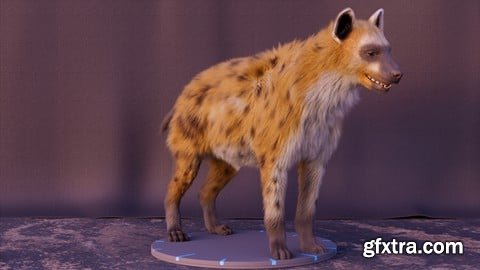
Hyena Groom Houdini
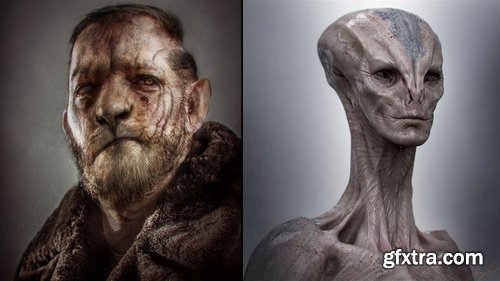
The Gnomon Workshop - The Art of Iconic Creature Design
https://thegnomonworkshop.com/tutorials/the-art-of-iconic-creature-design
Duration: 2h 06m | Format: HD 1920x1080
- There are many approaches for designing characters for the screen. Industry veteran Aaron Sims details two of his tried-and-trusted workflows for creating iconic concept designs for film and TV, using Photoshop and ZBrush. As well as guiding you through his production-proven techniques, Aaron shares his thoughts on the importance of conveying personality and character through designs and shares some of the key lessons he’s learned over his 35-year career.
- Beginning with a 2D workflow in Photoshop, Aaron walks through his personal approach to visualizing a mutated character, using photo-bashing techniques that skillfully cut, splice, and warp multiple layers of human, creature, and organic elements to craft a completely unique design. Discussing the reasons behind his decisions at every step, the lecture details not only how to master photo manipulation for incredible results but also why the techniques and outcomes are his chosen workflows for likenesses, prosthetics, and digital augmentations.
- Today, artists can create any creature or character imaginable with the tools at their disposal. The second part of the two-hour workshop dives into ZBrush to develop a fully realized and dimensionalized alien character. Explaining why this approach serves well for full-CG characters, Aaron shares his ZBrush workflow, from base mesh to final bust, discussing the importance of anatomy, how to create points of interest in 3D designs, and how to push the envelope to create designs while still creating something an audience can relate to. The 3D workflow concludes with rendering techniques in KeyShot, pushing the settings and playing with various lighting scenarios, before finalizing the design in Photoshop.
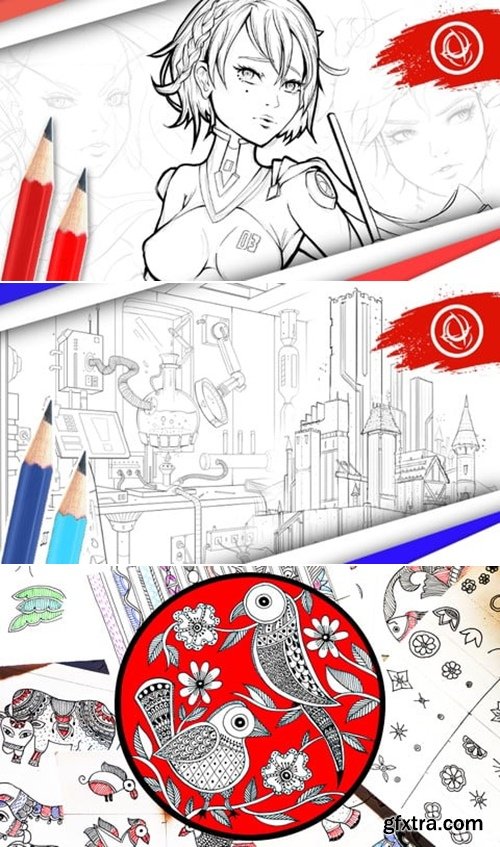
Created by Scott Harris, Art Director & Lead Instructor
MP4 | Video: h264, 1920x1080 | Audio: AAC, 44.1 KHz, 2 Ch
Level: All | Genre: eLearning | Language: English | Duration: 66 Lectures ( 13h 6m ) | Size: 8.4 GB
https://www.udemy.com/course/character-art-school-complete-character-design-course/
Radically Improve Your Character Drawing and Character Design Skills with Professional Composition Techniques
Duration: 5h 41m 47s | .MP4 1280x720, 30 fps(r) | AAC, 48000 Hz, 2ch | 783 MB
Genre: eLearning | Language: English
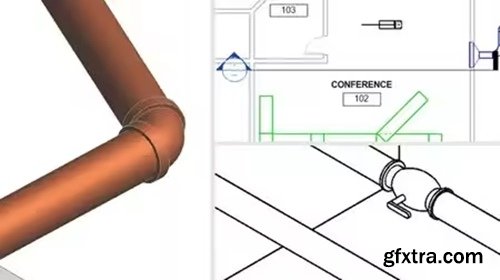
Revit families are an incredible feature, offering libraries of ready-made objects that can be used in CAD drawings or customized to fit any project. Families can also be modeled from scratch and shared with colleagues and clients.
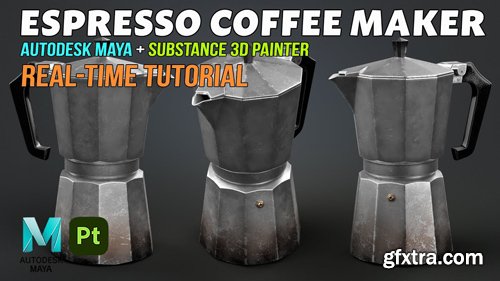
Level: Beginner | Genre: eLearning | Language: English | Duration: 41 Lectures ( 3h 42m ) | Size: 2.5 GB
https://www.udemy.com/course/getting-started-with-animation-in-blender/?couponCode=MT250923G1
Animation entry level course
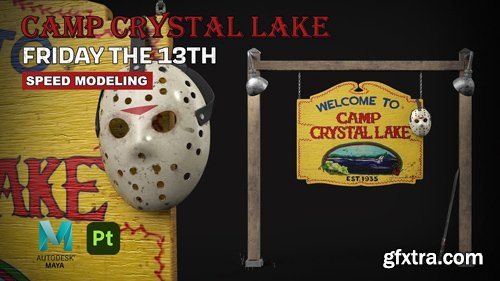
- With today being Halloween, I thought it would be fun to create a quick 3d model from one of my favorite horror movies growing up - Friday the 13th.
Genre: eLearning | Duration: 4.5 hrs | Language: English | Subtitle: English
https://courses.manisalguero.com/products/courses/npr-sketch
MPEG-TS 3840x2160 16:9 | File size: 5.55 GB
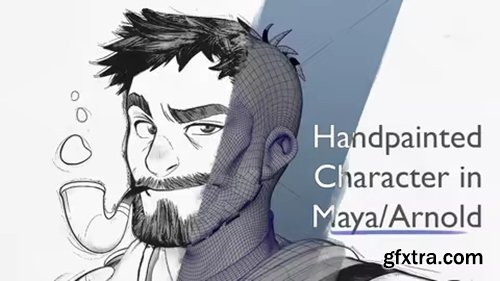
- Are you a mid to advanced 3D artist looking to master the art of creating stylized 3D characters with a hand-painted, pencil-like aesthetic? Whether you're new to this shading style or transitioning from 2D, this course is tailored to enhance your skills. With 4.5 hours of in-depth lessons, you’ll join aspiring character artists, game artists, and digital sculptors in this transformative learning journey. Take the leap to optimize your workflow, polish your portfolio, and unleash your creativity.

Level: Intermediate | Genre: eLearning | Language: English | Duration: 77 Lectures ( 10h 26m ) | Size: 10 GB
https://www.udemy.com/course/professional-interior-visualization-3ds-max-corona/
Corona Renderer: Advanced Interior Modeling, Professional Lighting, Material Systems & Portfolio Projects
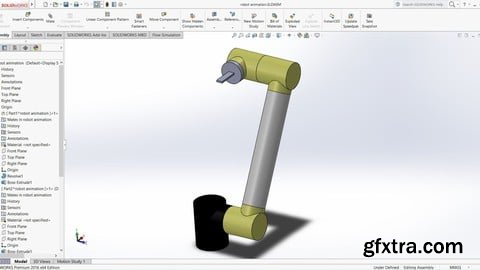
Level: Intermediate | Genre: eLearning | Language: English + subtitle | Duration: 37 Lectures ( 4h 7m ) | Size: 2.4 GB
https://www.udemy.com/course/solidworks-animation-and-motion-analysis/
Solidworks 3D animation and analysis of mechanism
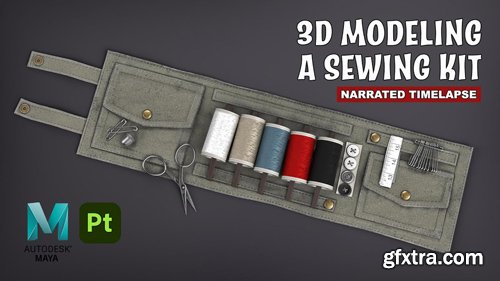
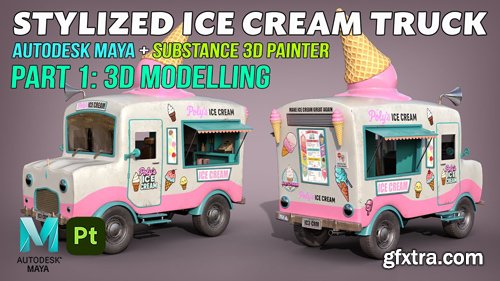

- Turn words into something you can hold. In this class, I show my streamlined pipeline to go from AI image prompt → 3D model in Blender → beautiful render & turntable → 3D print-ready file (and an actual 3D print, with or without 3D printer).
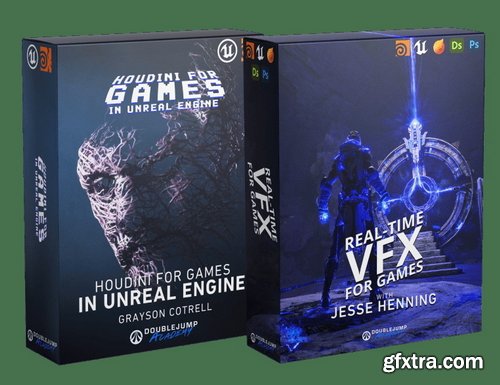
DoubleJump Academy - Ultimate Video Game Artist Bundle
https://www.doublejumpacademy.com/bundles/ultimate-video-game-artist-bundle
This bundle includes Real-Time VFX for Games & Houdini for Games in Unreal Engine, packed with real-time knowledge to get you started in the video game industry

Udemy - Maya to UE5 - 3D Modelling Course
Learn 3D Modeling in Maya, Texturing in Substance Painter, and Exporting Playable Characters to Unreal Engine 5.
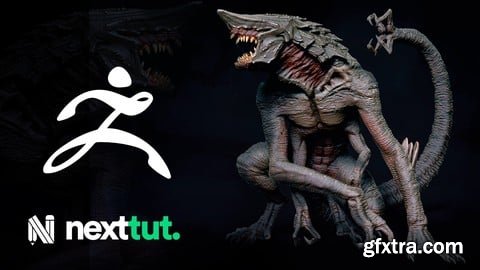
Udemy - Learn to Sculpt Creatures in Zbrush for Beginners
Language: English | Duration: 3h 55m | Size: 1.9 GB
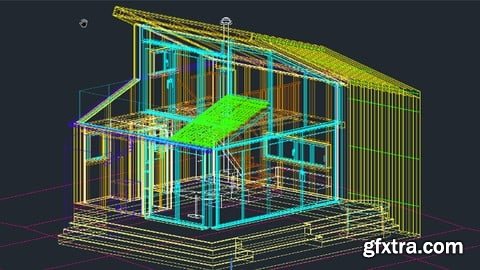
https://www.udemy.com/course/autocad-complete-easy-and-fast-2d-3d-course/
Master 2D Drafting and 3D Modeling in AutoCAD From Basics to Advanced
126,000 Royalty-Free 3D Model

Udemy Türkçe


Top Rated News
- CreativeLive Tutorial Collections
- Fasttracktutorials Course
- Chaos Cosmos Library
- MRMockup - Mockup Bundle
- Finding North Photography
- Sean Archer
- John Gress Photography
- Motion Science
- AwTeaches
- Learn Squared
- PhotoWhoa
- Houdini-Course
- Photigy
- August Dering Photography
- StudioGuti
- Creatoom
- Creature Art Teacher
- Creator Foundry
- Patreon Collections
- Udemy - Turkce
- BigFilms
- Jerry Ghionis
- ACIDBITE
- BigMediumSmall
- Globe Plants
- Unleashed Education
- The School of Photography
- Visual Education
- LeartesStudios - Cosmos
- Fxphd
- All Veer Fancy Collection!
- All OJO Images
- All ZZVe Vectors
- CGTrader 1 CGTrader 2



















