

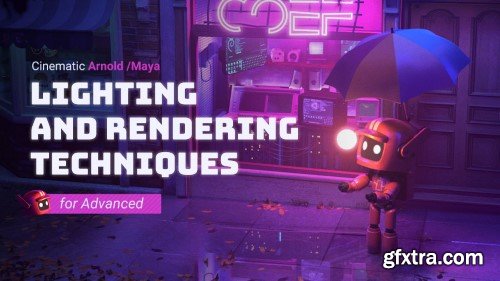
Is there a trick of learning lighting and rendering? Why the lighting and rendering you make looks unnatural? Why other people’s lighting and rendering is better than yours? This tutorial starts from 4 completely different cases with cinematic effects, and let you master the underlying principles of lighting and the rules of lighting and rendering in the real life, before you simulate light with the software. Besides detailed explanation of advanced nodes of Maya Arnold, this tutorial contains many design theories and artistic composition knowledge. In the same time, you can flexibly use the knowledge you learned, and make the rendering effect you want easily after this tutorial.

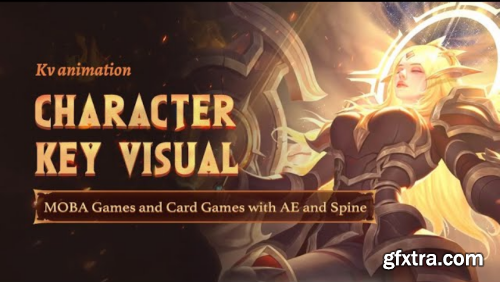

In this tutorial, I will show you how I translate my ideas using 2D and 3D tools in a beginner-friendly way. I will also discuss black and white sketching, painting over 3D, photobashing, composition, lighting, and setting up a strong base to paint over in Photoshop. I've gone about this whole tutorial in a way that it's all the key areas broken down into 65 videos spanning, with a total length of over 13 hours.


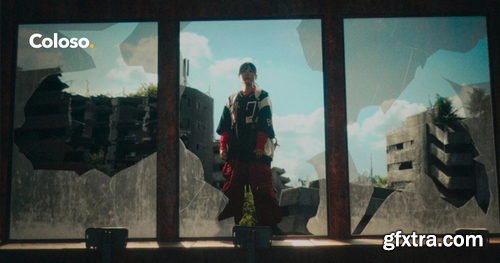
- Tomoyuki Miyake is a VFX artist who has worked on the VFX and 3DCG of many famous works, including the movies "Shin Kamen Rider" and "Shin Ultra Fight."
- In this course, he will teach the know-how of creating realistic VFX using Blender through full-scale video production using practical-level materials filmed by a professional team.
- First, you will learn how to model and light the CG parts, then you will learn how to animate using Blender's tracking function.
- Next, you will learn how to create light using the composite node function, how to adjust the color of each material using ACES for color management, and how to key using green screen materials, all of which are basic skills to make CG blend naturally with live action.
- Finally, you will use DaVinci Resolve to perform color grading while applying effects and filters, completing a more realistic world view.
- Learn from Miyake Tomoyuki, who has 15 years of video production experience, and experience impressive VFX production skills and workflow using Blender on Coloso!

- Illustrator Ixy is popular for his anime-style pop art illustrations.
- In this class, you’ll learn step-by-step how to create simple yet professional character illustrations that viewers won’t be able to get enough of.
- You’ll learn how to create characters from 3D models and photo references. Then, practice creating eye-catching character illustrations, from compositions that work to facial expressions, poses, and hands.
- Next, study the basic concepts of Ixy’s unique cel shaded coloring methods and learn practical skills for using freehand tools and shortcuts to complete illustrations faster and more efficiently.
- Finally, you’ll learn about trends in social media and how to monetize your social media illustrations while Ixy shares his experience.
- From improving your digital illustration skills for the modern era to monetizing your social media presence, learn from a popular illustrator with 700,000 followers on Coloso!
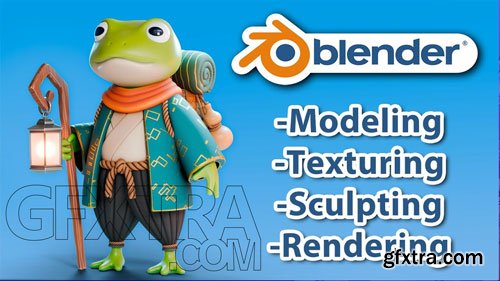
- 3D modeling, texturing, and material creation with practical exercises and a final project.
- This beginner-friendly course is designed for anyone excited to learn Blender in a practical and fun way, regardless of prior experience. You’ll start from the basics, mastering Blender’s interface and essential tools, then dive into organic and hard-surface modeling, key techniques for creating 3D models.
- You’ll learn creative ways to use modifiers, explore digital sculpting, and create high-quality materials in the shader editor. By the end, you’ll bring everything together by creating your own fantasy character in a fun final project.
- By completing this course, you'll be ready to create high-quality renders and take your first steps into the world of 3D modeling.

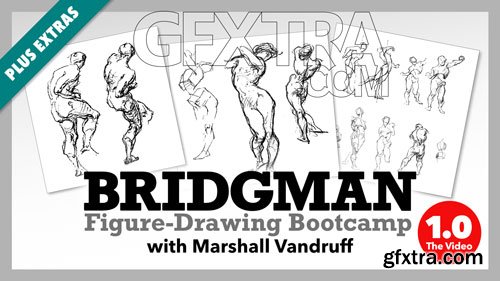
- In July 2020, I commandeered an online Bridgman Bootcamp. 24 hours of instruction. Some suffered. Many learned. And a small few paid for an extra eighteen hours of aid, comfort, and feedback on their work.
- It was a good summer course, but not all it could be without adding some extra goods. Hence, this set of recordings we call Bridgeman 1.0 which includes the best of what was in those sessions — and then some.
- I released them on my YouTube channel to the public (with commercials), but if you want to help me offer more videos, you can purchase them here to stream or download for $32. That's $2 per hour of content, commercial-free and at the highest res available.

CGcircuit - Stylized Skin Growth in Houdini
http://www.cgcircuit.com/course/stylized-skin-growth-in-houdini
In this course we'll be tackling how to set up a stylized, organic and slightly creepy skin growth effect that sits somewhere between VFX and Motion Graphics.
While creating this highly specific effect the viewer will be able to pick up a bunch of useful tips and tricks that can be implemented into their work.
We will set up the effect from scratch using several simulations that work in unison. We start out with a custom grain simulation that drives our vellum skin simulation, which in turn influences the hair simulation. Once we're done with our simulation we'll bring back our deforming geometry onto our base model.
After this we'll cover a bit of shading and rendering with Redshift.
We will use a decent amount of VEX and we will end up with a clean, reusable setup.
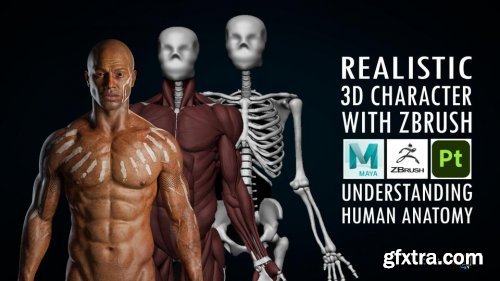
https://www.cgcircuit.com/tutorial/realistic-3d-character-with-zbrush
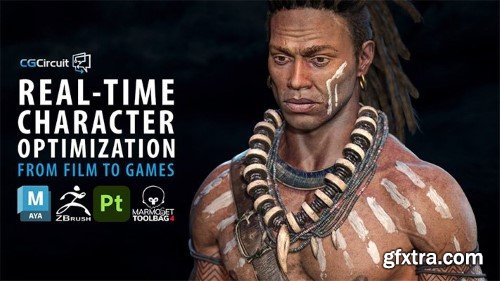
In this online course, the viewer will learn how to create a realistic human body ready for production using Zbrush, Maya and Substance Painter. We will go through human anatomy in a way that I consider the best way to learn it, that is putting hands on it. Apart from going through the theory and names of the human anatomy, we will create the entire skeleton and the main muscles of the body one by one. In this way, we will start understanding the internal structure of the body for later applying this in any character. After having that anatomy base we will pick up our concept from the last course and we will sculpt, retopo and texture the body. We will do all the sculpting in Zbrush, retopology and UVs in Maya and the texturing in Substance 3D Painter.

Sand Bag Tearing in Houdini: Realistic Cloth and Grain Interaction
https://www.cgcircuit.com/tutorial/sand-bag-tearing-in-houdini
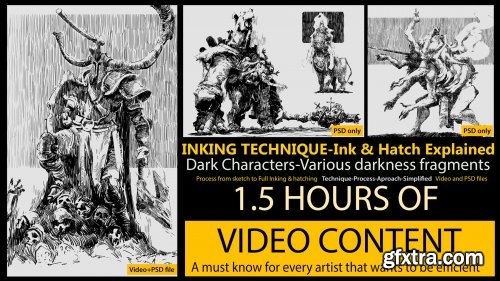
Artstation - Inking & Hatching Demo - Theory & Application
http://www.artstation.com/htartist/store/mMd6/inking-hatching-demo-theory-aplication
This is a demo that explains the base behind inking, in theory and in practice. Some small tips and suggestions of thought process, and it goes into positive space and negative space.
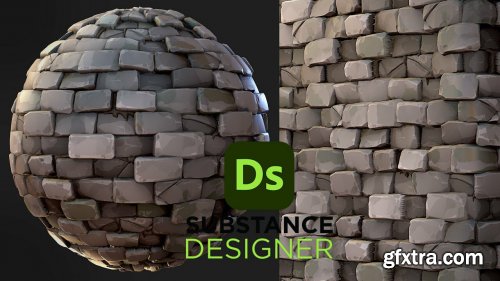
Artstation - Stylized Bricks - Substance 3D Designer
http://www.artstation.com/marketplace/p/gr8n8/stylized-bricks-substance-3d-designer
You get the following:
_Substance 3D Designer File( must have version 11.3.0 build 5258 Release (2021-11-10)) or higher to be able to open the file)
_Unedited, real time speed, video on how to create the material from scratch.
Learn how to easily create this material within Substance 3D Designer!
Note: Videos are not narrated
Material and videos made by Dylan Salvalaio
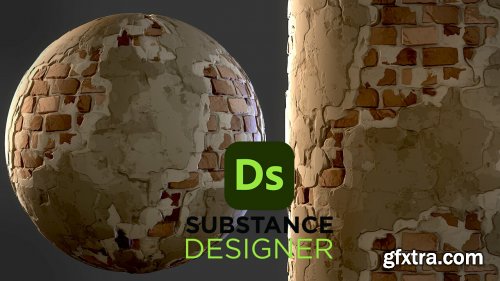
Artstation - Stylized Old Bricks - Substance 3D Designer
http://www.artstation.com/marketplace/p/1Laqo/stylized-old-bricks-substance-3d-designer
You get the following:
_Substance 3D Designer File( must have version 11.3.0 build 5258 Release (2021-11-10)) or higher to be able to open the file)
_Unedited, real time speed, video on how to create the material from scratch.
Learn how to easily create this material within Substance 3D Designer!
Note: Videos are not narrated
Material and videos made by Dylan Salvalaio
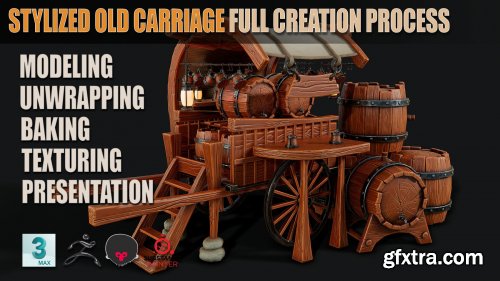
Artstation - Stylized Old Carriage + Stylized Barrel Full Creation Process
http://www.artstation.com/marketplace/p/wwOkg/stylized-old-carriage-full-creation-process-stylized-barrel-full-creation-process
We’re covering blockout, high and low poly creation , UV unwrapping, baking maps, industry-standard texturing techniques, and presenting your work using Marmoset Toolbag. This course will teach you everything you need to know about creating props for the games industry!
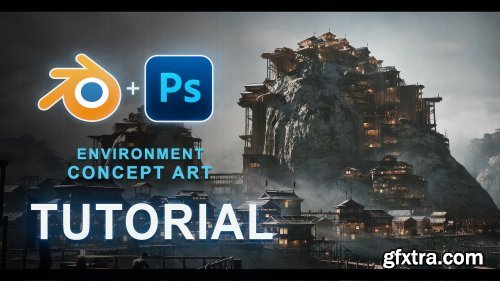
Artstation - Environment Concept Art - Japanese Stilt City
https://www.artstation.com/marketplace/p/dNvlq/environment-concept-art-japanese-stilt-city
I am really excited to share this Environment Concept Art Tutorial where I go over my whole Concept Art process that I have been working on and refining since I started in the industry. Covered in this tutorial: Reference gathering, Sketching, Building out a 3D Kitbash Set in Blender, Blocking out the scene in Blender and Painting over both Image 1 and Image 2 in Photoshop. I included as well a section of tips and tricks of how I use Blender as well as a section of Blender Addons, how I render in Blender and how I bring the image into Photoshop to get started. There is over 3 and a half hours of fully voiced content.
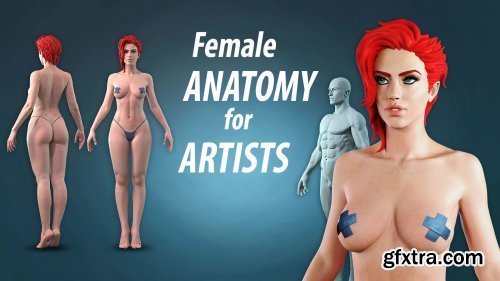
http://www.artstation.com/marketplace/p/5vNY/female-anatomy-for-artists
In this course we will create a female body and head from scratch. I will explain in detail about the proportions, muscles, bones and forms, visible on the surface, without the complication of using all the Latin names, although we will get to know the most important ones. As a bonus we will make a male body out of the female one, to better explain the differences between them. I will also pay attention to the most common mistakes made.
126,000 Royalty-Free 3D Model

Udemy Türkçe


Top Rated News
- CreativeLive Tutorial Collections
- Fasttracktutorials Course
- Chaos Cosmos Library
- MRMockup - Mockup Bundle
- Finding North Photography
- Sean Archer
- John Gress Photography
- Motion Science
- AwTeaches
- Learn Squared
- PhotoWhoa
- Houdini-Course
- Photigy
- August Dering Photography
- StudioGuti
- Creatoom
- Creature Art Teacher
- Creator Foundry
- Patreon Collections
- Udemy - Turkce
- BigFilms
- Jerry Ghionis
- ACIDBITE
- BigMediumSmall
- Globe Plants
- Unleashed Education
- The School of Photography
- Visual Education
- LeartesStudios - Cosmos
- Fxphd
- All Veer Fancy Collection!
- All OJO Images
- All ZZVe Vectors
- CGTrader 1 CGTrader 2



















