



If you have a camera that shoots photos, it can almost certainly shoot equally good-looking video. We live in an era where the demand for high quality video is starting to surpass that of still images. So, if your camera can shoot video as well as it can shoot stills, what's stopping you from participating in the growing demand for video? If the answer is editing, this tutorial is for you.


The Hero Shot is a 13 hour video tutorial on product photography taught by Commercial Photographer and Digital Artist Brian Rodgers Jr. This video is a digital download and can be watched immediately after purchasing. The video files in this tutorial are unlocked and can be watching on a computer, phone, tablet, or TV.
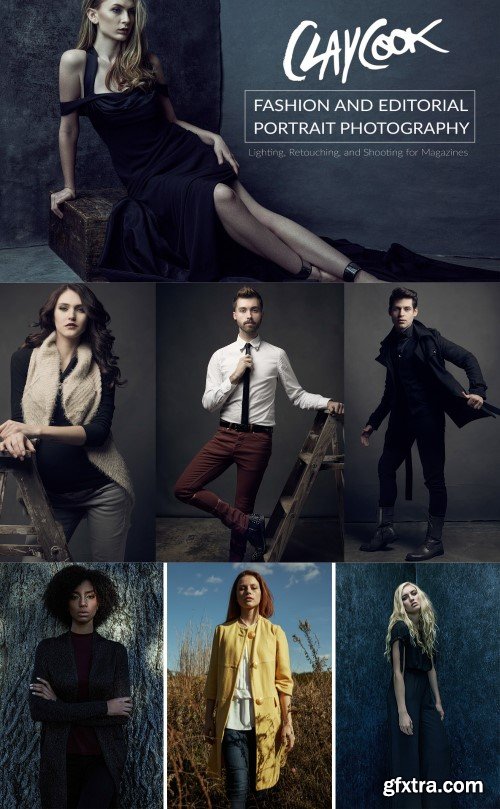
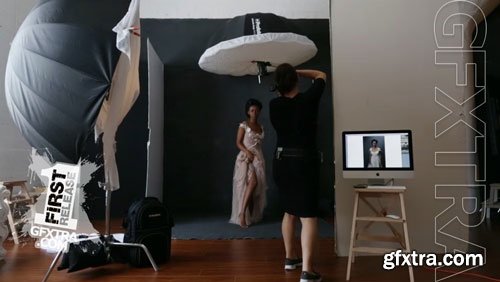
Fstoppers.com has teamed up with Clay Cook to produce Fashion and Editorial Portrait Photography, an 11.5 hour long video tutorial on how to photograph high-end fashion and editorial pictures. In this video tutorial Clay explains everything about the workflow and techniques he uses to create his brilliant images. The tutorial is broken down into a progression of simple to complex lighting and shooting lessons. Whether you're just getting into editorial photography or are already a professional in this field, the scope of Clay's lessons provide plenty to learn from.
In addition to covering his shooting techniques, every lesson comes with image files which let you follow along with Clay and his high-end retoucher, Jordan Hartley, as they retouch every final image from each lesson. Not only does he cover his shooting and retouching techniques, Clay also covers the gear he uses, set creation, collaborating with teams, and the business side of booking editorial and commercial jobs.
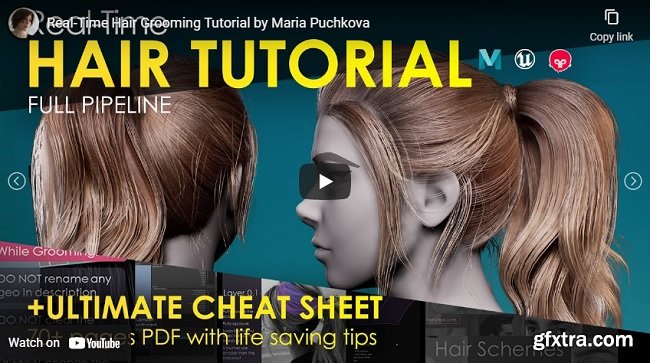
FlippedNormals – Real-time Hair Tutorial Real-time hair creation has broadened my prospects as a game character artist and helped to make my way to AAA games. So my main goal was to share my experience in real-time grooming and to help game artists in mastering it.
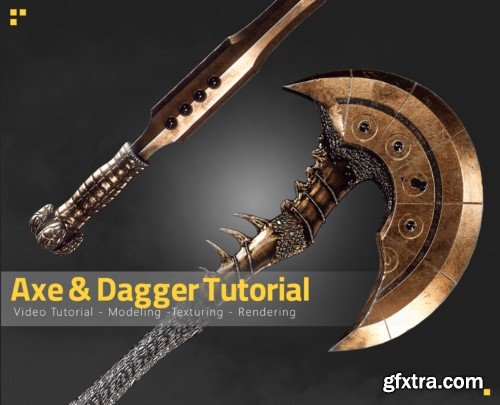
This is a full process tutorial of modeling, unwrapping,sculpting,texturing and rendering Our Axe & Dagger .
(15h unnarrated video)
It is better to have some basic information about working with these programs .
( Blender , unfold3d , Z-brush , marmoset toolbag , substance 3d painter , photoshop )

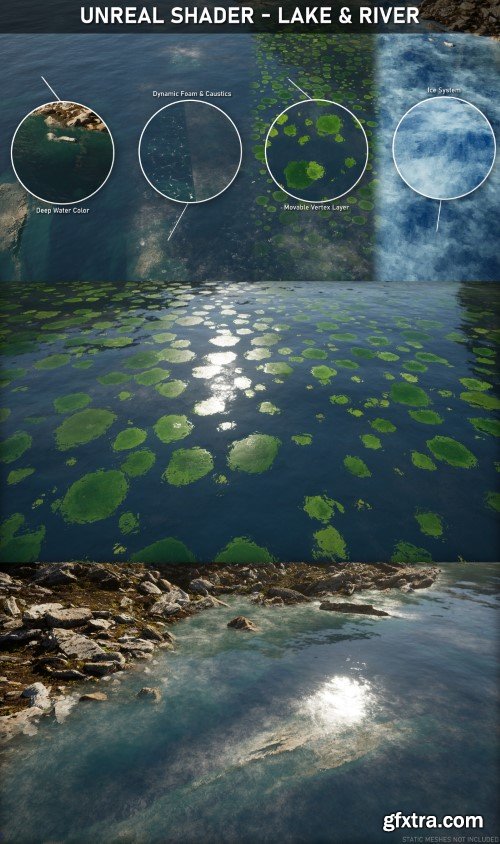
During this course I will show you, step by step, how to create a Water/River Shader!
Learn how to create a fully customizable water shader with deep water, caustics, foam, ripples, paint layers for debris/leaves and a river feature!
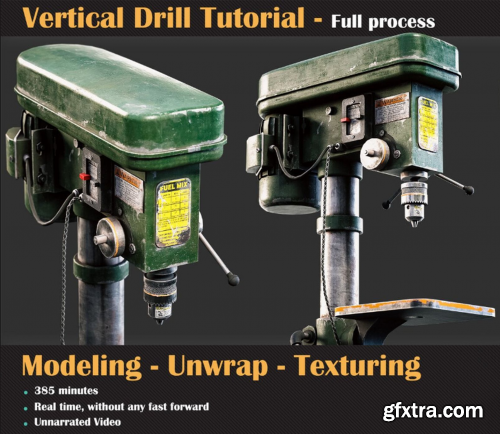
Artstation - Vertical Drill Tutorial by Milad Kambari
http://www.artstation.com/marketplace/p/dNeeJ/vertical-drill-tutorial
This is a full process of modeling, unwrapping, and texturing a vertical drill in the lovely blender and substance painter! You should have basic knowledge of these software to follow up correctly.
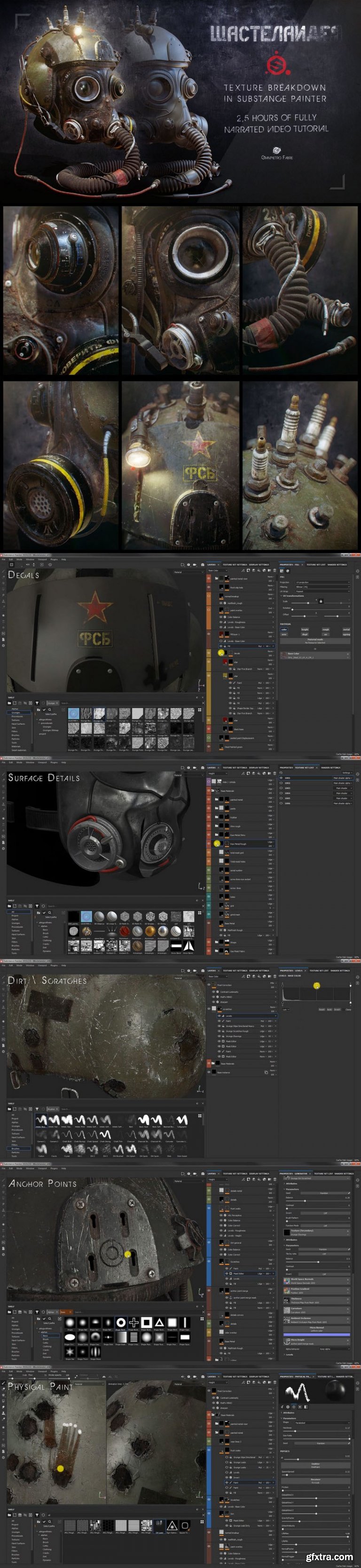
ArtStation - Wastelander - Texture Breakdown in Substance Painter (by Gianpietro Fabre) https://www.artstation.com/ganjica/store/9qm2/wastelander-texture-breakdown-series This 2,5 hours fully narrated Texture Breakdown Series of 4 Videos will cover all the aspects of the workflow I use to texture assets in Substance Painter, using my latest personal project Wastelander as example. This tutorial requires a basic to intermediate level of understanding of Substance Painter although I tried to make it clear and easy to follow as much as possible.



126,000 Royalty-Free 3D Model

Udemy Türkçe


Top Rated News
- CreativeLive Tutorial Collections
- Fasttracktutorials Course
- Chaos Cosmos Library
- MRMockup - Mockup Bundle
- Finding North Photography
- Sean Archer
- John Gress Photography
- Motion Science
- AwTeaches
- Learn Squared
- PhotoWhoa
- Houdini-Course
- Photigy
- August Dering Photography
- StudioGuti
- Creatoom
- Creature Art Teacher
- Creator Foundry
- Patreon Collections
- Udemy - Turkce
- BigFilms
- Jerry Ghionis
- ACIDBITE
- BigMediumSmall
- Globe Plants
- Unleashed Education
- The School of Photography
- Visual Education
- LeartesStudios - Cosmos
- Fxphd
- All Veer Fancy Collection!
- All OJO Images
- All ZZVe Vectors
- CGTrader 1 CGTrader 2



















