






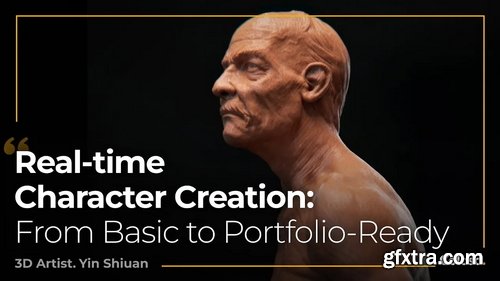
Coloso - Ultimate Real Time Character Creation: From Basic to Portfolio-Ready
https://coloso.global/en/products/3dartist-yinshiuan-us
Basic~Advanced | Total 37 videos | Audio: English | Subtitles: Englishby GFXTRA.COM | Class materials included
- Learn how to use real-time technology to create your favorite 3D realistic characters and obtain the skills you need to participate in the production of international AAA projects. Highlight the quality features of your three-dimensional character art with powerful detailing techniques that adhere to a consistent PBR workflow. With over a decade of professional experience specializing in real-time 3D character creation based on realism — Yin Shiuan shares his flawless procedure for modeling, texturing, lighting, and final rendering as easy as it can be. What are you waiting for? Seize the opportunity to fully realize your potential in creating finalized, photo-real character models to the fullest extent!
- Such naturalistic textures must achieve the ideal balance throughout each step of the modeling design. Begin by establishing a solid foundation with the basics of human anatomy and a well-structured sculpting phase; this will let you provide a more complete representation of your ideas. An in-depth focus on character texture baking, with real-time lighting and rendering methods, will open your eyes to new heights! Attain various 3D art experience and upgrade these key skills as the course progresses. Feel your boundless capability by bringing your art to life with Yin Shiuan, and test your abilities to the very limit.
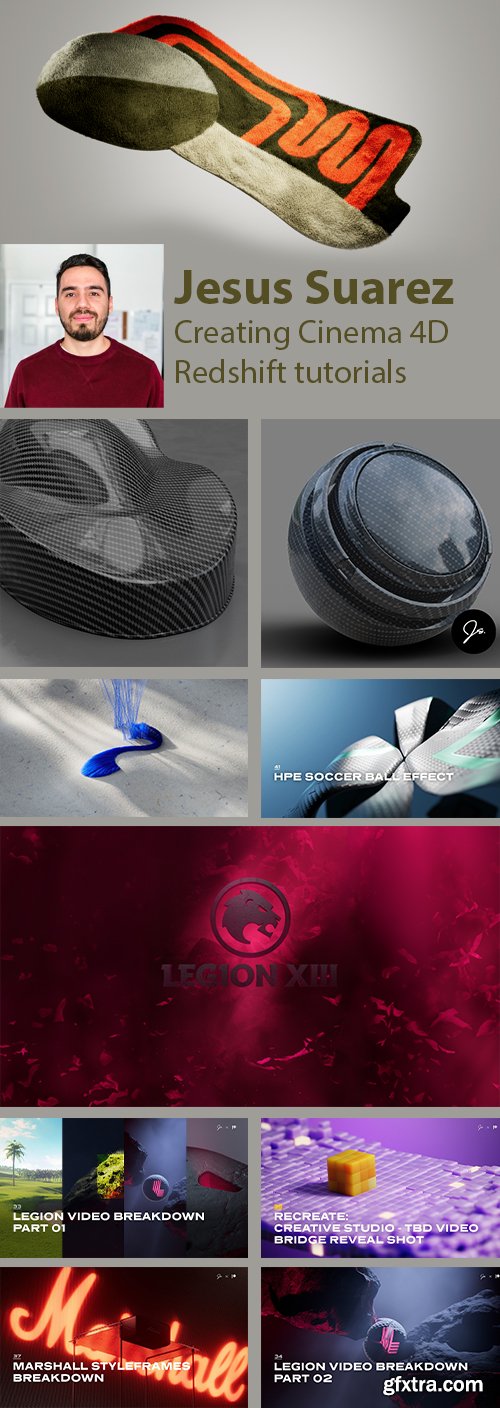
Patreon - jssuarez - Jesus Suarez - Complete Rip - 2025
https://www.patreon.com/jssuarez
My name is Jesus Suarez and I am an Art Director and 3D Artist. During my career I've had the chance of working with brands like Dell, HP, Chevrolet, TEDx and NASA. I am also a mentor at Mograph Mentor and a Teaching Assistant at School of Motion which has given me invaluable experience in the teaching department.
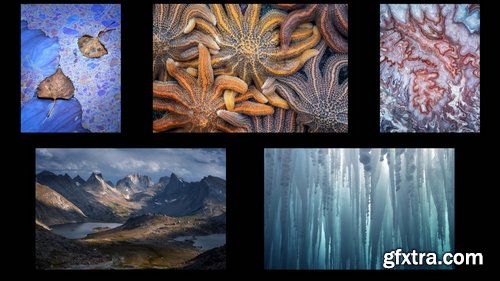
Naturephotocollective - Eric Bennett - "Adding by Subtracting" - The Art of Exclusion
https://www.naturephotocollective.com/offers/GRa7dMmh/
- Selected as the winner of the 2021 Natural Landscape Photographer of the year photo contest is where many people were introduced to the very talented Eric Bennett. His travels have taken him to 30 Countries but that is not what drives him in his work. “My travels are motivated by this idea that if I can capture a place in the right way, I can give the world a glimpse of its true value in its unaltered, natural state. I hope that my imagery can inspire a desire in others to protect and conserve the little wilderness we have left.” Eric will be talking with us "Adding by Subtracting" - The art of Exclusion. As a regular contributor to Nature Photographer's Network, Outdoor Photographer, and ELEMENTS Photography Magazine the information that Eric shares has relevance, expertise, and a different perspective.
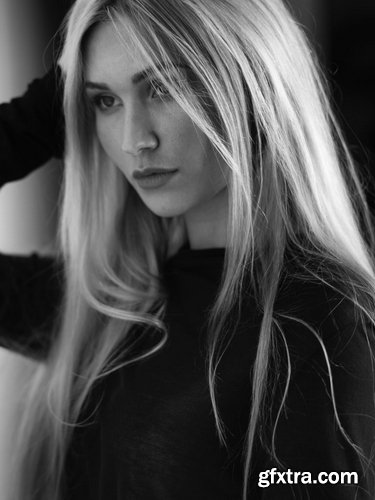
Peter Coulson Photography - Sometimes Size Matters
https://inspire.peter-coulson.com.au/workshops/lighting/sometimes-size-matters
lot of the time, Peter is telling you it’s not about the gear and that you can recreate lighting set ups with different lights + modifiers to achideve the same look. However, in this video Peter explains why sometimes, it does matter. He has one of the only Broncolor Para 3.3 in Australia, and due to its size he can do more with it. We understand not everyone will have access to this light, but Peter gets asked a lot what he does with it so we wanted to demonstrate.
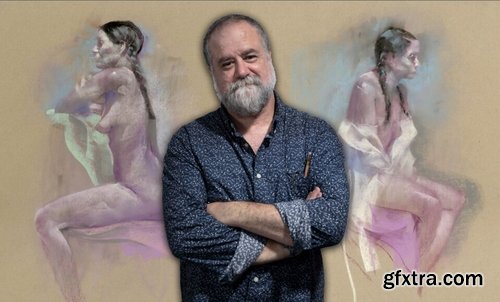
NMA / New Masters Academy - Pastel Figure Drawing
https://www.nma.art/v3/course-catalog/courses/1846093/
- In this 5-week course, instructor George Pratt will teach you how to draw the figure with pastels. You will be introduced to the importance of silhouette and visual landmarks while looking at examples of pastel artworks by the instructor. George will show you his unique approach to gesture drawing. You will learn how to capture the spirit of the poses using light, dark, and colored pastels on toned papers. After this course, you will be able to create drawings with only big shapes yet still carry excellent rhythms and arrangements.

MixingLight - Which Consumer Hard Drives Are Best For Post Production?
https://mixinglight.com/color-grading-tutorials/mechanical-vs-ssd-vs-nvme-post-production/
Duration: 10:21 | Skill Level: Beginner
If you’re a small shop or solo, using correct hard drive metrics ensures you’re buying the performance you need (and buying smartly).
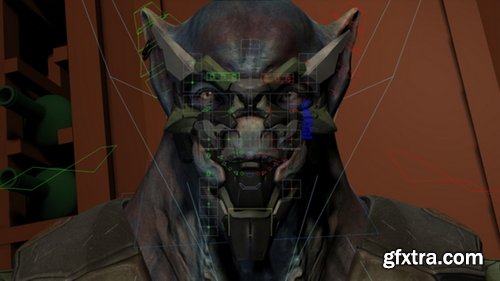
The Gnomon Workshop - Subtle Performance Workflow Vol. 2
https://thegnomonworkshop.com/tutorials/subtle-performance-workflow-vol-2
Duration: 6h 10m | Format: HD 1920x1080
- Realistic facial animation can be a tricky beast. The tiniest twitch of a muscle will impart information about a character to its audience, while it’s also all to easy for an animation to look dead and lifeless. Finding the right balance and crafting an emotive, fleshy, and alive facial performance requires a professional workflow. Subtle Performance Workflow Vol. 1, by Ted Lister, covered the preparation for an animated performance shot and detailed the body animation part of the process. In this second volume, Ted Lister continues his lessons with a focus on animating the face, using Kiel Figgins' Sicarius rig, revealing how to marry the work done on the body animation with facial expressions that will create a vibrant and alive performance. Before jumping into Maya, Ted kicks off five hours of tuition by discussing the basics of facial anatomy, providing a clear understanding of the underlying structure and muscles that allow faces to be emotive. He further teaches how to create a facial pose library, details his lip-sync animation techniques, and shares his industry insights to achieving expressive and convincing results before adding the finishing touches.
- Assuming a basic knowledge of Maya, the concepts demonstrated by Ted are not rig-specific; you’ll be able to apply them to any rig with a facial setup — whether cartoony, realistic or otherwise. While Maya is Ted’s software of choice for animation, the core concepts should carry over to the 3D package of your choice.
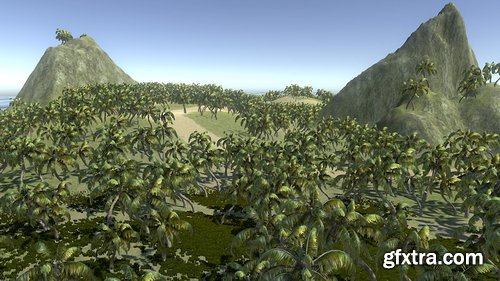
CGCookie - Fundamentals of Terrain Generation
https://cgcookie.com/courses/fundamentals-of-terrain-generation
- In this course you'll learn how to manually create terrain using the terrain tool set. Learning how to build terrain can be invaluable for creating the different environments for your game. This course is designed to teach you the basics from the ground up starting with the terrain settings down to the use of heightmaps for added customization.This will require a hands on approach to building terrain as the terrain included within the project files will be in it's finished state. The project files include two different types of terrain; a mountain landscape with a forest and a beach island with palm trees and water. If you're looking to get started with terrain generation in Unity then this is the course for you.
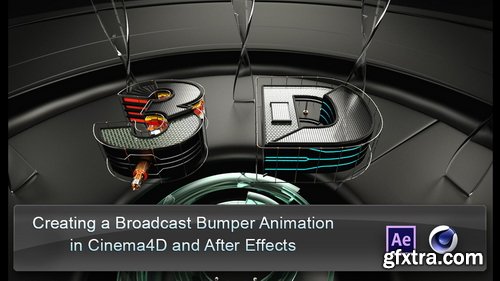
CGCircuit - Creating a Broadcast Intro in C4D
https://www.cgcircuit.com/course/creating-a-broadcast-intro-in-c4d
Category: Compositing, Modeling, Texturing, Animation, Rendering, Total Duration: 3h 8m 17s, Level: Intermediate, Language: English, Tools used: After Effects, Cinema 4D, Prerequisites: Some Cinema 4d Knowledge
- In this intermediate level tutorial we will create a motion graphics animation from start to finish. We will be covering all the aspects of the Cinema4D to After effects workflow. We will start by modeling all the objects that make up scene, we will then go into the materials and lighting, preparing the scene for final render and rendering the different passes that will be used to composite the final animation in After Effects. We will be discussing different subjects like hard surface modeling, linear workflow in C4D and After Effects, multipass compositing and C4D's physical renderer among others subjects. We will also talk about different approaches for the various tasks and emphasize in working in n organized manner to make our everyday projects more enjoyable.
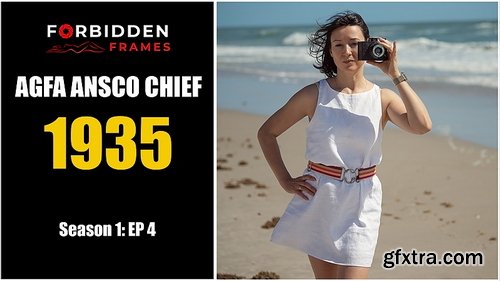
Believe In Boudoir - Boudoir with Agfa Ansco Chief
https://tv.believeinboudoir.com/courses/boudoir-with-agfa-ansco-chief
1.5+ HOURS, 11 LESSONS, 9 VIDEOS
- The Agfa Ansco Chief is an optical direct viewfinder medium format box camera made in Germany between 1935 and 1941. During this time, Agfa Ansco used two models of the camera, JN152 and NJ153, which made it very confusing for my session due to a lack of information and some misinformation. The JN152, like the Chief that we have here, captures eight 5.71 x 8.25 cm (almost 6x9) exposures on Agfa PB20 or standard 620 roll film. The other model is the JN153, which captures eight 6.3 by 10.8 cm exposures on Agfa PD16 or standard 616 roll film. This German camera was created in collaboration with Henry Dreyfuss, an American famous industrial designer. This camera features a fixed meniscus lens that can be rotated from Near to Far. The minimum focusing distance for the N (Near) option is 6 feet, and for the F (Far) option, it is 15 feet. You can also capture close portraits at a distance of 3.5 feet if you have the Agfa No.29 portrait attachment. This camera has two shutter options: instantaneous and bulb. However, we were not able to find any information about the shutter speed and aperture for this camera, but we assumed it shoots at f/16 with a 1/60s shutter speed. The camera also has a built-in yellow filter option that is recommended for sunny landscape photography. The current value of this camera is between $15 and $30.
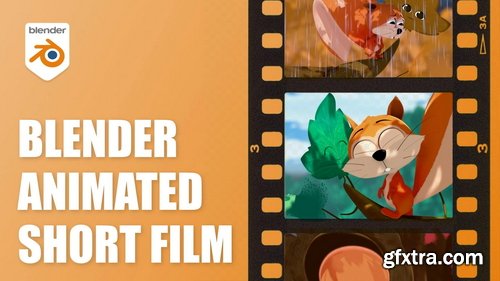
Skillshare - Filmmaking with Blender: Create Your Own Animated Short Film
https://www.skillshare.com/en/classes/filmmaking-with-blender-create-your-own-animated-short-film/953256124
Can I create my own animated film? If you ever asked yourself this question then this course if for you, because the answer is: Yes, you can! It took me 8 months to create my own animated short film using Blender. In this course I'm going to explain step by step how I did it, I will give you all my filmmaking tips and tricks and I will show you all the files I created in order to complete the film. This course is for all levels and everyone interested in filmmaking skills and animation.
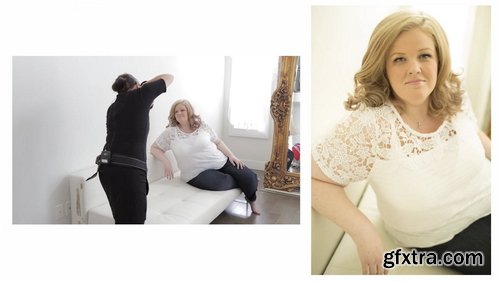
https://theportraitsystem.com/course/curves-shoot-jen/
- Tune in to see Sue execute yet another amazing curvy photoshoot. Today her model is the knock-out, Jen! In this course, Sue will show you why shooting blondes with white on white backdrops is one of her favorite looks! In this particular shoot, she uses a white couch and white wall with a small reflector. Jen is nearly 6ft tall, so Sue goes over different poses which will help you with your tall and curvy clientele. Learning the best way to pose these clients is so important. The more you know, the more comfortable you will feel as you direct them through each and every pose. In this course- Curves Shoot: Jen, you will see how Sue is just so comfortable and confident in directing Jen through every pose which creates a more comfortable and fun environment for them both. Notice that Sue stays constantly engaged with Jen throughout this curvy shoot. Constantly giving her direction and also compliments throughout their time together. This creates such an important connection between photographer and client. You can see that Jen feels at ease with Sue throughout the photoshoot which in the end, produces amazing portraits. Sue follows up the Curves Shoot with Jen by showing you how she retouches the photos. Sue shows you why she chooses the lasso tool over the cloning tool in some editing. She will also show you some of the better ways to crop so that you will keep your client’s face as the focal point of the photo. You won’t want to miss the Curves Shoot: Jen course!
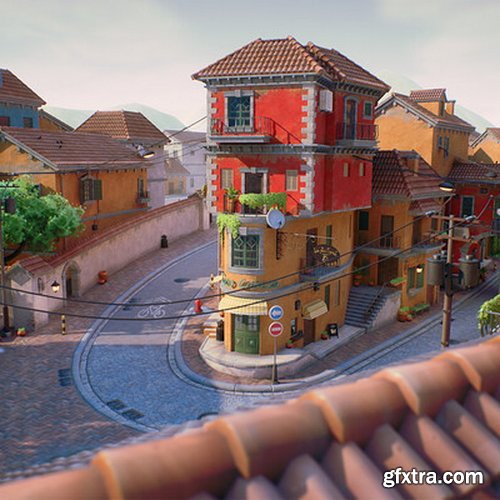
Artstation - Stylized European City - Unreal Engine 5
https://www.artstation.com/artwork/PXYePr
Software Used: Unreal Engine, 3ds Max, Substance 3D Designer, Substance 3D Painter, ZBrush, SpeedTree
Audio: Chines | Subtitles: English by GFXTRA.COM
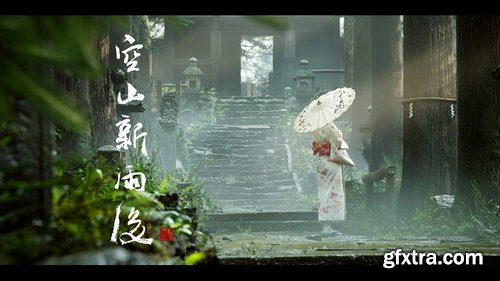
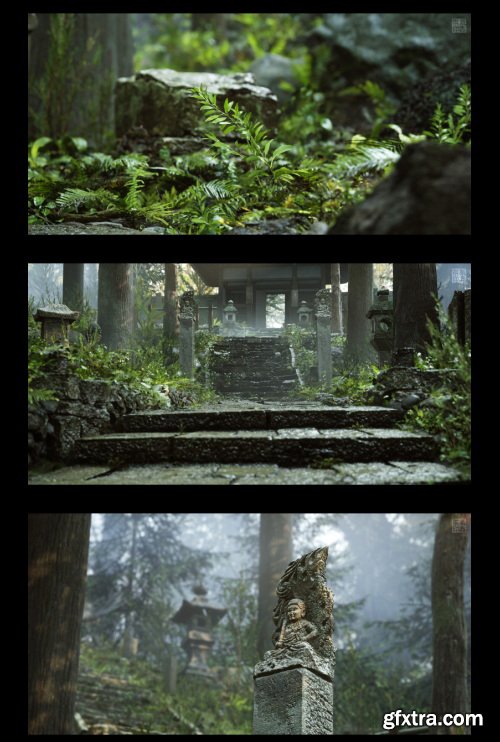
AboutCG - After the Mountain Rain
https://aboutcg.artstation.com/projects/lxPRXe
https://www.aboutcg.org/courseDetails/1095/discuss
Audio: Chinese | Subtitles: English by GFXTRA.COM
- Beginner Practice: Learn to use the editor interface, asset import, material setup, and simple environment layout. Create your first small forest scene.
- Theory Class: Learn the basic principles of shaders and materials in Unreal Engine. Understand PBR (Physically Based Rendering) concepts. Cover material nodes, UV mapping, normal maps, and texture usage. Lay the foundation for creating realistic vegetation and natural environments.
- Practical Class: Hands-on practice: build a small-scale environment scene, master the workflow of foliage painting, lighting, post-processing, and rendering. Practice optimizing assets and scene performance. By the end, you will have completed a full demo environment, improving your mastery of UE4/UE5 environmental art.
- Advanced Class: Further refine your work by learning about advanced materials, landscape editing, shader networks, special effects, and optimization. Improve environmental realism by adding atmospheric effects, fog, rain, and other natural phenomena. Build production-ready high-quality scene projects.
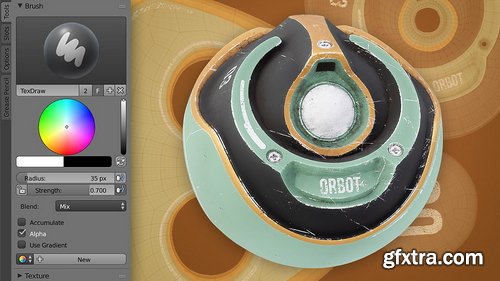
CGCookie - Fundamentals of Texturing in Blender 2.7
https://cgcookie.com/courses/fundamentals-of-texturing
- Textures are 2D images that are designed to influence a 3D model's appearance. Whether it's simply to add color to a model like one would paint a clay sculpture, or to govern a specific material attribute, textures can be generated and painted by hand with Blender's built-in tools. The texture process begins with addressing a model's UV coordinates. UVs are the mechanism by which a 2D image is transposed on to a 3D model. It's an art form in itself to layout these coordinates to maximize texel density (amount of texture pixels utilized) while minimizing stretching (disproportion between the model and its UV's). After UV's are established, textures can be painted by hand using a Wacom pen and tablet. Textures can also be generated by "baking" geometric data into image texture format. Alternatively textures can be painted with an external application and easily brought back into Blender.
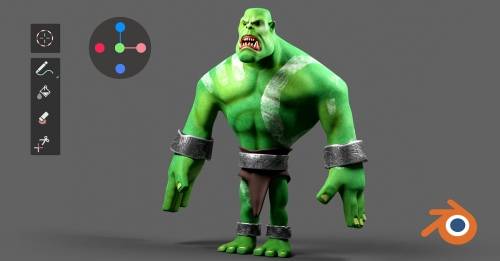
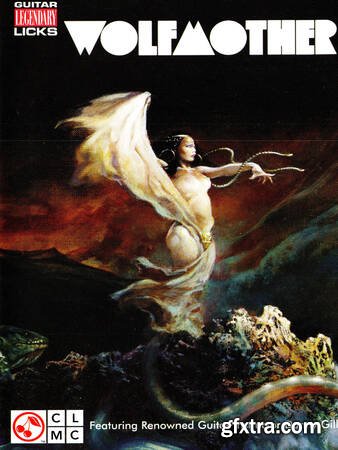
Groove3 - Wolfmother
https://www.groove3.com/products/Wolfmother
14 Videos : 2hr 7min 12sec, Author: Danny Gill
In this guitar video lesson, learn the guitar styles and techniques of this Australian power trio! Each guitar part is played up to speed, then broken down note by note.
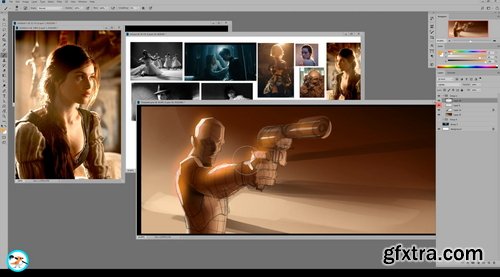
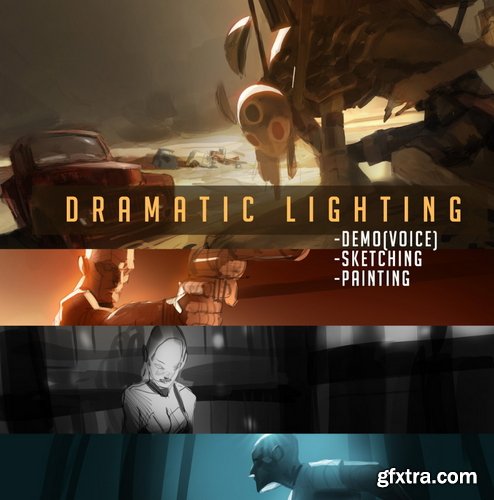
Gumroad - Ahmed Aldoori - Dramatic Lighting
https://medders.gumroad.com/l/ilrrR
This lecture covers cinematic/dramatic lighting and effects for portraying appealing scenes. This content can apply to thumbnail painting, full paintings, splash art, card illustrations, etc
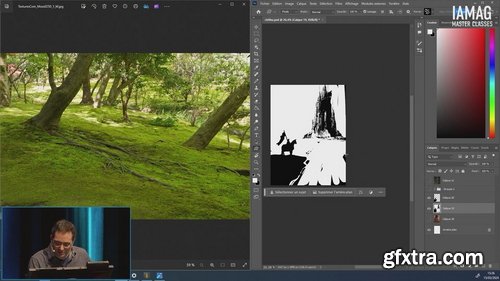
Chaos Control with Marc Simonetti
https://masterclasses.iamag.co/programs/chaos-control-with-marc-simonetti
Have you heard about Speed Painting? More than just a challenging exercise, Speed Painting can help you to improve your skills and workflow.
126,000 Royalty-Free 3D Model

Udemy Türkçe


Top Rated News
- CreativeLive Tutorial Collections
- Fasttracktutorials Course
- Chaos Cosmos Library
- MRMockup - Mockup Bundle
- Finding North Photography
- Sean Archer
- John Gress Photography
- Motion Science
- AwTeaches
- Learn Squared
- PhotoWhoa
- Houdini-Course
- Photigy
- August Dering Photography
- StudioGuti
- Creatoom
- Creature Art Teacher
- Creator Foundry
- Patreon Collections
- Udemy - Turkce
- BigFilms
- Jerry Ghionis
- ACIDBITE
- BigMediumSmall
- Globe Plants
- Unleashed Education
- The School of Photography
- Visual Education
- LeartesStudios - Cosmos
- Fxphd
- All Veer Fancy Collection!
- All OJO Images
- All ZZVe Vectors
- CGTrader 1 CGTrader 2



















