


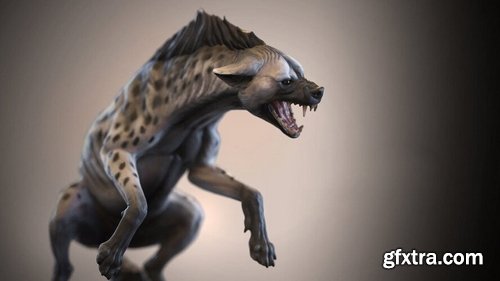
The Gnomon Workshop - Dynamic Animal Sculpting
https://thegnomonworkshop.com/workshops/dynamic-animal-sculpting
Duration: 4h 40m | Format: HD 1920x1080
- In this course, Krystal Sae Eua shares her process for creating a digital animal sculpture from start to finish. Working in ZBrush, Krystal demonstrates how she approaches animal anatomy, pose and composition. She reveals her sculpting techniques for blocking, secondary details and tertiary details using an array of ZBrush tools and techniques that include her approach for fur sculpting and polypaint. Krystal then takes the model into Maya for simple UV arrangement, then Keyshot for final rendering and presentation. For artists looking to develop their approach to animal anatomy, sculpting and detailing, this title provides a valuable lesson from one of the industry's senior artists.
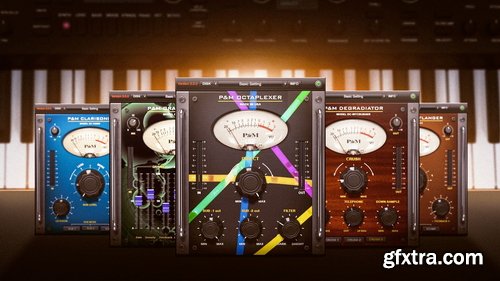
Puremix - Spicing up synth sounds
https://www.puremix.com/library/tutorials/explained/spicing-up-synth-sounds
This tutorial was brought to you in part by Plug & Mix With the overabundance of plugins and FX in everyone DAW’s there is no excuse for having preset sounding tracks. Watch as Ben Lindell transforms a simple saw bass source into a lush, wide, and nasty synth that rocks the mix. This tutorial demonstrates the subtle addition of simple yet powerful tools given to every pureMix Pro Member by our friends at Plug & Mix. Any producer working with software synthesizers should experience this quick tutorial and reap the benefits of spicing up those synths.
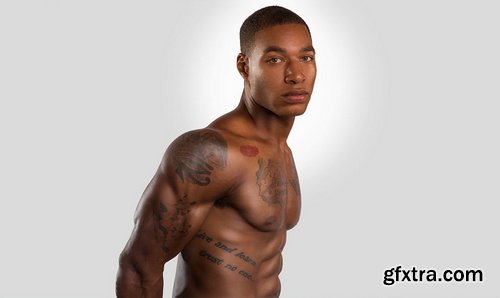
PHLearn - Retouching 101
https://phlearn.com/tutorial/retouching-101/
Difficulty Easy | Length 8 hours | Videos 10 | Software Photoshop
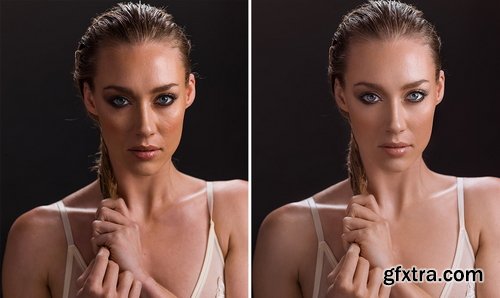
Taking great photos is only half the battle. A professional photographer needs a professional workflow to organize and maintain their photo catalog. In this tutorial, we’ll teach you the foundations for developing a clear and efficient post-production process. Follow along with the included RAW Photos.
PHLearn - Retouching 201
Difficulty Medium | Length 10.5 hours | Videos 10 | Software Photoshop
Welcome to part two of our best-selling series Retouching 101-301. Take your retouching skills to the next level with professional techniques for dodging and burning and frequency separation!

Believe In Boudoir - Boudoir Photography Pro Tips
https://tv.believeinboudoir.com/courses/boudoir-photography-pro-tips
0.5+ HOURS | 16 LESSONS | 12 VIDEOS
Boudoir photography is one of the fastest-growing and most popular genres, yet only a small percentage of photographers truly succeed. In this intimate setting, photographers face unique challenges and potential risks. By learning the best practices, you can ensure a safe and professional environment, minimizing the chances of unnecessary incidents. Discover how to overcome the toughest obstacles and distinguish yourself in this competitive industry. With the right strategies, you can stand out and thrive as a boudoir photographer.
Patreon - Oguz Ozpamuk - Complete Rip - 2026
https://www.patreon.com/oguzozpamukdesign
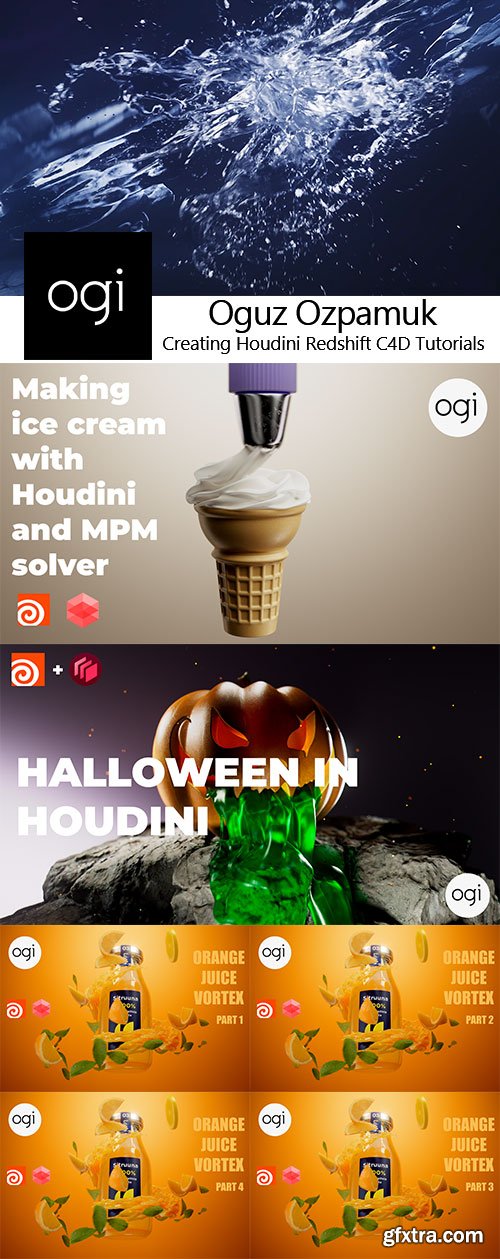
Welcome to my Patreon page. I'd be happy to answer all your questions below. I am Oguz Ozpamuk. I live in Istanbul, Turkey. I produce content in Houdini, C4D, Redshift and Unreal Engine. You can see the types of work I create from my social media links below.
Gumroad - James Gurney - Gouache in the Wild with James Gurney
https://gurneyjourney.gumroad.com/l/gouache
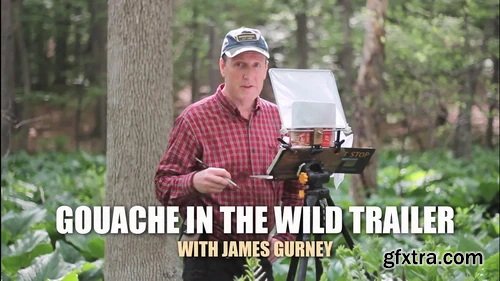
Join James Gurney for front row seats as he paints on location in gouache, or opaque watercolor. Gurney portrays six different subjects, with each episode focusing on a different approach to the medium. The subjects include a neon sign, a snowy landscape at dusk, a convenience store, a swamp, some antique character toys, and a Formula 1 race car. Some of the studies are precise and controlled, and others are bold and painterly. Gouache is a time-honored and versatile medium, a favorite with both professionals and beginning painters because of its portability, opacity and suitability for fine detail. But it also presents its own unique challenges, so Gurney includes plenty of practical painting tips and background information about materials and formulations. For example, painting in black and white is a good way to get accustomed to the medium—or to paint in tight quarters, such as a concert hall or a restaurant. The edit is brisk and entertaining without sacrificing any of the informational content. This is a high-definition download, which you can own and watch again and again.
Rebelway - ADVANCED HOUDINI FX
https://www.rebelway.net/advanced-houdini-fx-course-rise
SKILL LEVEL: ADVANCED | SOFTWARE: HOUDINI + NUKE | 30+ HOURS TRAINING | 10-WEEKS DURATION
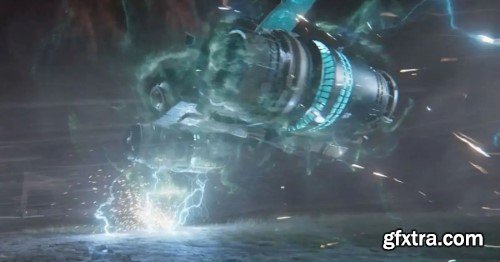
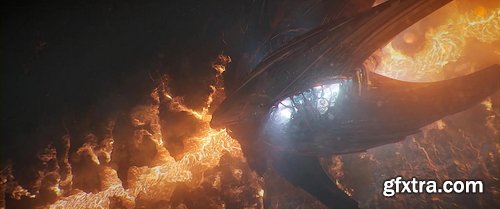
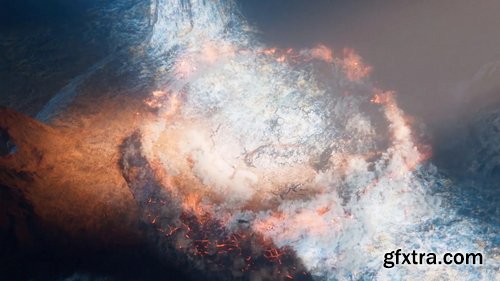
Houdini has become the go-to tool in the FX industry. Whoever wields its power is unstoppable. Advanced Houdini FX is designed to push you beyond what you thought was possible. We will tackle all the major FX you will come across in a daily studio environment.
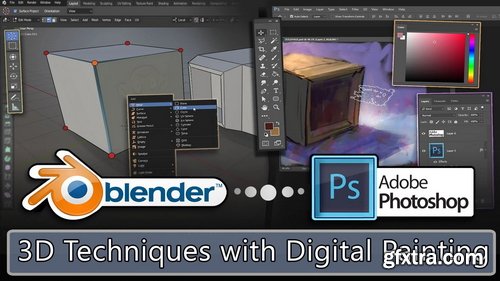
Skillshare - 3D Techniques with Digital Painting - 878516228
https://www.skillshare.com/en/classes/3d-techniques-with-digital-painting/878516228
Level: Intermediate | Hands-on Class Project
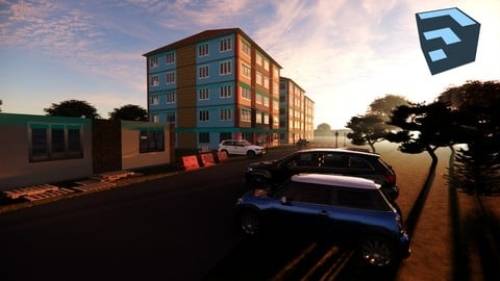
In today's competitive world of concept art and illustration, the boundaries between 3D and 2D are becoming ever more blurred. It is often expected of 2D artists to have some degree of familiarity with 3D tools and processes. At the very least, understanding some basic 3D workflow and tools can really help you reach a higher creative potential.
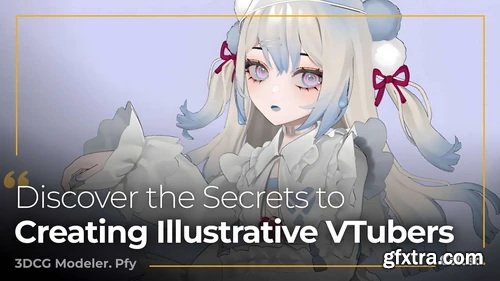
Coloso - Design Illustrative VTubers with 3D Modeling
https://coloso.global/en/products/3dcgmodeler-pfy-us
Basic~Advanced | Total 20 videos, 67Hours 29Minutes |Audio: Japanese | Subtitles: English by GFXTRA.COM | Class materials included
pfy is a seasoned 3DCG modeler and sculptor who has crafted 3D VTubers for some of Japan’s top VTuber production companies. In this class, you’ll master the full modeling workflow from start to finish. Learn the basics of modeling and texturing, followed by hands-on exercises in creating 3D VTubers, including designing a main character and a stylized version. Begin by setting up Maya and Clip Studio Paint, and get acquainted with MEL scripting and shortcuts for efficient design. Move on to adjusting camera settings and illustration layouts for rough modeling. Develop skills in texturing and working with blend shapes for mouth movements and eye blinking to enhance the illustrative quality of your 3D models. Finally, pfy will guide you through animating your character, setting up a VRM model, and using LuppetX to bring your VTuber to life. Unlock pfy’s techniques for creating captivating illustrative 3D VTubers on Coloso!


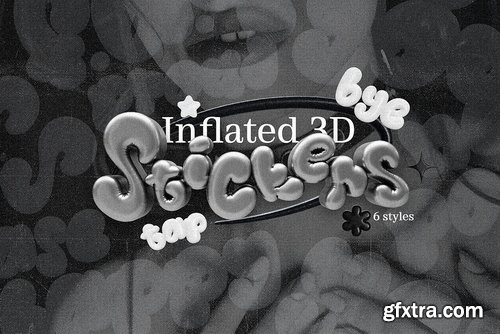
creativemarket - Inflated Stickers - 3D PNG's - 42300642
https://creativemarket.com/saintricchi/42300642-Inflated-Stickers-3D-PNGs
84 stickers in Black Holo style - 84 stickers in Pastel Holo style - 84 stickers in Silver Holo style - 84 stickers in Violet Holo style - 84 stickers in White Holo style - 84 stickers in Yellow Holo style - All stickers in .png format with transparent background, 2000 x 2000 px. You can use these in any graphic software and app - Total files: 504 files
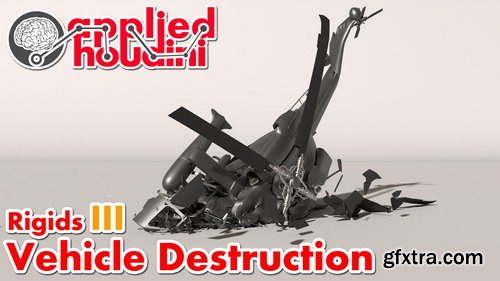
CGCircuit - Applied Houdini - Rigids III
https://www.cgcircuit.com/course/applied-houdini---rigids-iii
Total Duration: 4h 56m 40s | Level: Intermediate
Please note: Rigids III is a 5 hour ultra-lesson, essentially 2 in 1! Plus, it comes with a free high resolution helicopter for you to keep and use however you want! Applied Houdini is a production quality oriented series created by Steven Knipping (vimeo.com/161576184), currently a Senior Rigid Body Destruction / FX Technical Director at Lucasfilm's Industrial Light & Magic (Rogue One, Star Wars: The Force Awakens, Avengers: Age of Ultron). Benefit from production proven workflows while also getting an in depth explanation of why things works they way they do. Best of all - each video is crammed with actual information and footnotes instead of gratuitous talking and dead space!In Rigids III we will tackle the complex task of destroying a vehicle! Included with the lesson is a high resolution helicopter that we will smash into the ground. We talk extensively about the mysterious "hard" and "cone twist" constraints, as well as strategies to combine them with the "glue" constraint in order to achieve the looks of different physical materials under stress. Perhaps most importantly, an efficient workflow is described in order to keep this complexity manageable as well as art directable. As a bonus, we will also render our final work in Mantra as well as export to the Alembic file format in order to read into other packages if we desire.
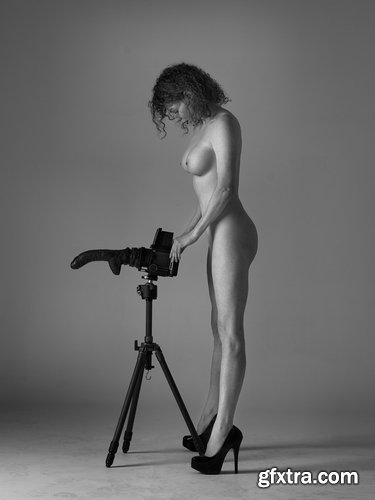
Peter Coulson Photography - Shooting My Stuff with Scarlett
https://inspire.peter-coulson.com.au/workshops/photoshoots/shooting-my-stuff-with-scarlett
Scarlett is a good friend of Peter’s and has the same messed up sense of humour as him. She recently came down to Melbourne to do some shoots and when Peter told her a few of his ideas, she was super excited to create some of them. These two tutorials will show you how Peter sets up for his ‘my stuff’ shoots and how meticulous he is with small details, and then how he works to get the shot.
Gumroad - Tim Van Helsdingen - Howdini101 - Master the Fundamentals
https://timvanhelsdingen.gumroad.com/l/howdini101
Houdini version: 18.0 (but at least 17.5) | Will use redshift for rendering (you can use demo, or another render if you prefer) | Fusion will be used for compositing
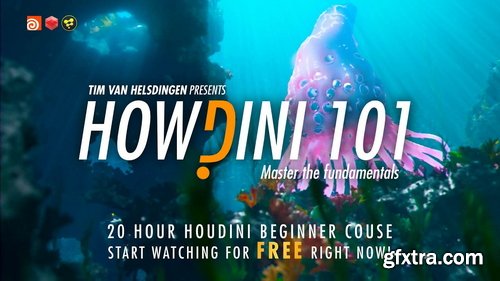
- This is by far the biggest course I have ever produced. It contains close to 20 hours of fundamental knowledge which will jumpstart your journey into Houdini. We will start at the absolute basics and slowly work our way up until we craft this amazing underwater scene as seen here. This course is different in many ways. Where a lot of intro courses will just show you how some basics tools work, we will start learning the underlying logic of houdini and actually apply that knowledge to creating a production quality shot in the same way you would during an actual vfx production. There’s another difference with this course.. we actually won’t be covering any of the simulation tools. You might ask… why? Because Houdini is known for it’s simulation.
- Problem is… I see a lot of beginners make the mistake of jumping straight into dynamics without understanding the core concepts first. The goal for this course was to show you can actually do amazing stuff without even touching the simulation tool by mastering the fundamentals. Nothing in the demo underwater shot you saw was simulated, everything was done with procedural animation and generation. When you have mastered those fundamentals, simulating will be easy! You will be in a much better spot to watch any other Houdini tutorial as you will understand fundamentally what is happening. Not just following instructions. This course is suitable for absolute beginners. No previous Houdini experience is required, making it the ideal course for beginners to start with. It can even be followed by novice 3D artists with little general 3D experience. But don’t worry, over the course of the 20 hours we will slowly ramp up to more advanced level, making this a much watch even for more experienced 3D artists.
Theportraitsystem - 50+ and Fabulous Workshop
https://theportraitsystem.com/course/color-calibration/
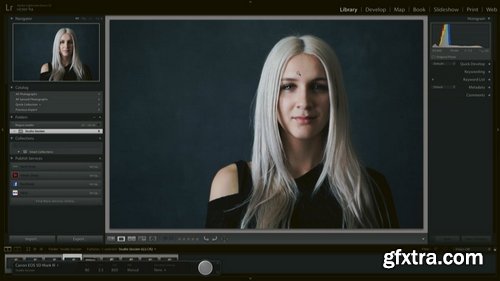
Join me and special guest, photographer and educator Victor Ha, as we answer all your questions on setting white balance in camera and monitor calibration!
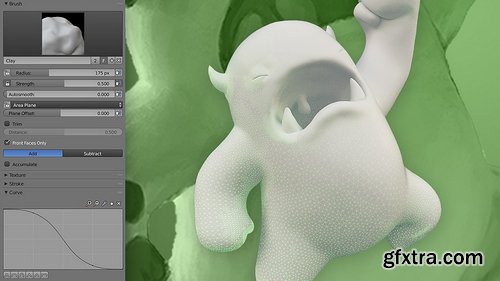
CGCookie - Fundamentals of Sculpting in Blender 2.7
https://cgcookie.com/courses/fundamentals-of-digital-sculpting-in-blender
This course is about introducing you to digital sculpting with Blender. In the first chapter you will get an overview of Sculpt Mode and it's settings/features including brushes, stroke methods, curve falloff, and brush textures (stamps/stencils). Blender has a lot of sculpting features - it's good to be aware of them! Chapter 2 covers digital sculpting "mediums" which are similar to the variety of clays that can be sculpted traditionally. Blender supports 2 mediums: Multi-resolution and Dynamic Topology. Each have their pros and cons and uses depending on the sculpting situation. In the last chapter we'll finish with a workflow demonstration of sculpting a simple character: One of the CGC mascots, Melvin! The chapter concludes with an exercise for you to practice and apply what you've learned in the course.
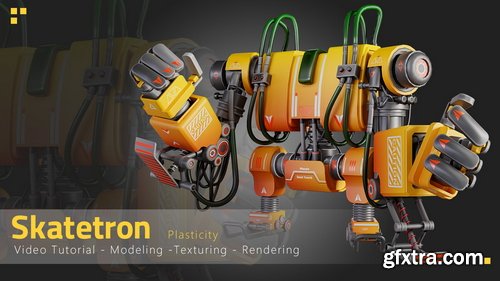
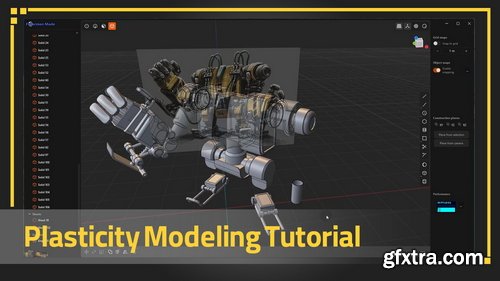
Artstation - Skatetron - Tutorial Full Process(Plasticity)
https://www.artstation.com/marketplace/p/Lrmll/skatetron-tutorial-full-process-plasticity
This is a full process tutorial of Modeling, Unwrapping, Texturing and Rendering our Skatetron, (10 hours and 49 minutes unnarrated video). If you're ready to dive deep into our latest tutorial, get your tools out!
NeoSkola Bütün Kursları

Udemy Türkçe


Top Rated News
- TheBoudoirDivas All Tutorial
- 126,000 Royalty-Free 3D Models
- CreativeLive Tutorial Collections
- Fasttracktutorials Course
- Chaos Cosmos Library
- MRMockup - Mockup Bundle
- Finding North Photography
- Sean Archer
- John Gress Photography
- Motion Science
- AwTeaches
- Learn Squared
- PhotoWhoa
- Houdini-Course
- Photigy
- August Dering Photography
- StudioGuti
- Creatoom
- Creature Art Teacher
- Creator Foundry
- Patreon Collections
- Udemy - Turkce
- BigFilms
- Jerry Ghionis
- ACIDBITE
- BigMediumSmall
- Globe Plants
- Unleashed Education
- The School of Photography
- Visual Education
- LeartesStudios - Cosmos
- Fxphd
- All Veer Fancy Collection!
- All OJO Images
- All ZZVe Vectors
- CGTrader 1 CGTrader 2



















