

https://www.udemy.com/course/blender-to-unity/
Master a clean, frustration-free workflow for exporting Blender assets into Unity — fast, optimised and game ready.

https://www.udemy.com/course/blender-to-unreal
Master a fast, frustration-free workflow for exporting Blender assets into Unreal — clean, optimised and game ready.

https://www.udemy.com/course/2d-to-3d-blender/
Master 2D to 3D modeling in Blender with real projects: create logos, characters, and detailed 3D assets.

- Many creatives and 3D artists, like yourself, get started because they have a story to tell or a film to make, you’re simply tired of consuming content; you want to CREATE.
- Master Cinematic Storytelling gives you the tools to start creating and directing, it puts you straight into the director’s chair to shout “Action!” with confidence.
- By mastering cinematic fundamentals, you ensure your story resonates, the camera work captivates, and your scenes come to life just as you envisioned. All the elements are in place and are just working together.
- This course teaches you the fundamental theories and tricks behind cinematic storytelling, while providing the practical tools and 3D scenes that act as building blocks, letting you focus on directing and telling your stories in 3D straight away.


- Welcome to Vehicle Texturing in Substance Painter: From clean to mean. In this workshop, James Schauf walks you through two different projects, each telling their own story. The first is Night Fire; a clean hot rod with slight imperfections. In this project, James demonstrates the creation of key materials and shares his workflow for adding just enough detail to create realistic believability. Upon completing the work in substance painter, maps are exported for rendering in Keyshot. James discusses various tips and tricks for material modifications, camera set-up and using backplates, just to name a few. The second project is the Rusty Scorpion; a mean, mad max inspired, rusty and dusty rat rod. In this project, smart materials are explained in order to understand the importance of gradually building up detail. Once complete, the vehicle is rendered with Iray inside Substance Painter, while James shares his process for final renders. Overall topics and materials discussed include reference, UVs, Look Dev, Leather, Painted Metal, Chrome, Rust, Rubber, Texture Sets, Masking, Decals, HDRs and detailing. For artists that are looking to get a jump start on a new project, over 40 smart materials are shared from both projects, plus a few extras. You'll be able to see the build-up process and breakdown each smart material, then modify them and make them your own.
- Tweaking settings to make your renderings realistic is a headache. You have an unclear understanding of UV mapping, material setup, or the node-based material system. Blender's packed with awesome features, but it's also a learning rollercoaster, especially when jumping in from other 3D tools. You struggle to hang off all the ins and outs and feel like you are doing what you can, instead of what you want. You find the Blender's UI and terminology confusing, making it harder to navigate and be efficient with the software. You aim for fast hyperrealistic, renders & purposeful setups .You want to easily create any procedural textures, nodes, advanced lighting setups and shading techniques, not by luck, but by knowing what you are doing. You want to create hyperrealistic scenes for your portfolio and projects, allowing you to craft what's in your mind with clear navigation skills and real control. You want to render high-quality outputs in short times, match your deadlines like a pro, by avoiding complex calculations.


Udemy - Cavalry the complete course create animations
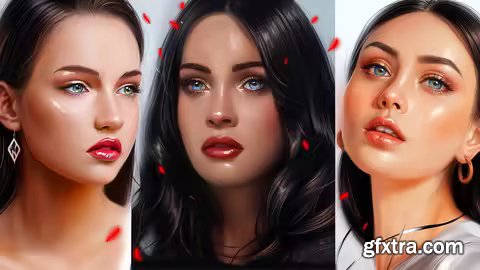
Udemy - Digital Portraits Of Women: Master Female Faces From Sketch
From Sketch to Stunning Digital Portraits of Women
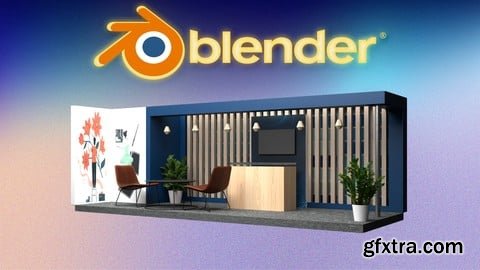
Udemy - Blender 3D Exhibition Booth Design: Create Real-World Event

Udemy - Masterclass Female Portraits in Digital Art: Beginner to Pro
From Sketch to Stunning Digital Portraits of Women

- Discover the fascinating world of jewelry through a series of techniques that will allow you to create unique and personalized pieces. Explore everything from design to metal jewelry making, using tools and techniques such as cutting, filing, soldering, and finishing. Plus, learn to shape and intertwine wire to create jewelry with organic and elegant shapes. Master the basic knots of macramé and combine them with beads and natural stones for a bohemian touch. With Maike Siegel, Maria Rosua, Fatto, Maria Constanza Bielsa, Vattea, Roxana Pardo, and Fibra Bohemia, you'll learn to merge creativity and technique.
- Delve into the art of stone setting to secure and embellish your creations. Experiment with pigments and patinas on metal, achieving unique finishes through combinations of color and texture. Explore jewelry design with recycled beads and fabrics, applying textile manipulation techniques for innovative results. This tour will allow you to develop a personal style, combining traditional methods with experimental techniques. An opportunity for those who wish to innovate in the world of handcrafted jewelry, guided by experts in each technique.
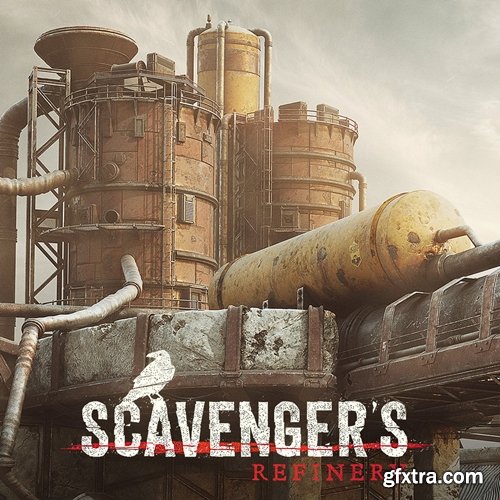
https://skart.gumroad.com/l/scavengersep2?layout=profile
CHOOSE&DOWNLOAD
- I've been texturing this great environment in live streams on Twitch and after + 100 hours of work, I'm proud to release Episode II.
- It's planned to be a serie of tutorials made of 3 parts: Modeling (EP.1), Texturing/Shading and LookDev (EP.2) and last but not least Compositing (EP.3). Based on the original concept art by Seungjin Woo
- In this tutorial you will discover and follow along how to texture a complete environment in Substance Painter, adding great details with a Substance Alchemist workflow and putting everything together in Maya and Arnold render.
- There is a lot of techniques and tips that you can grasp and learn to achieve similar result.
https://www.udemy.com/course/chatgpt-copywriting-mastery-write-sell-earn/
Write Smarter, Earn Faster: Freelance Copywriting With ChatGPT
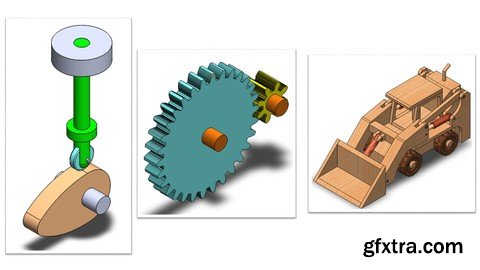
https://www.udemy.com/course/mastering-solidworks-motion-study-fundamentals/
Simulate Real-World Mechanics with Motors, Springs, Dampers & 3D Contact in SOLIDWORKS
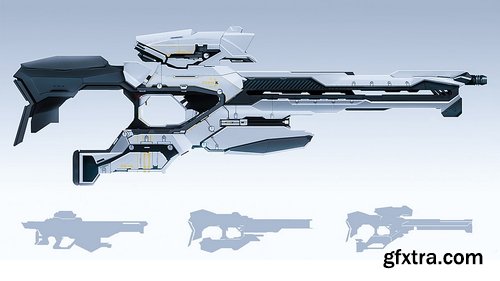
Level: All | Genre: eLearning | Language: English | Duration: 282 Lectures ( 20h 23m ) | Size: 14.2 GB
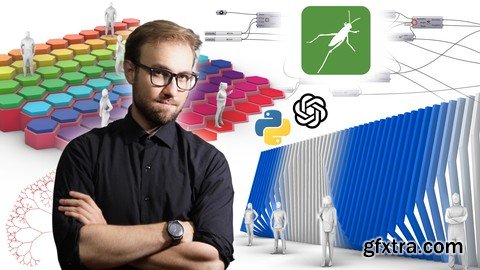
https://www.udemy.com/course/parametric-generative-ai-design-with-grasshopper-3d
Parameterize, Generate, Document, Quantify, Visualize, Export and Present your projects with Grasshopper!

Level: All | Genre: eLearning | Language: English | Duration: 33 Lectures ( 6h 11m ) | Size: 6.11 GB
https://www.udemy.com/course/animating-in-unreal-engine/
Learn to animate characters entirely within Unreal Engine 5's Sequencer
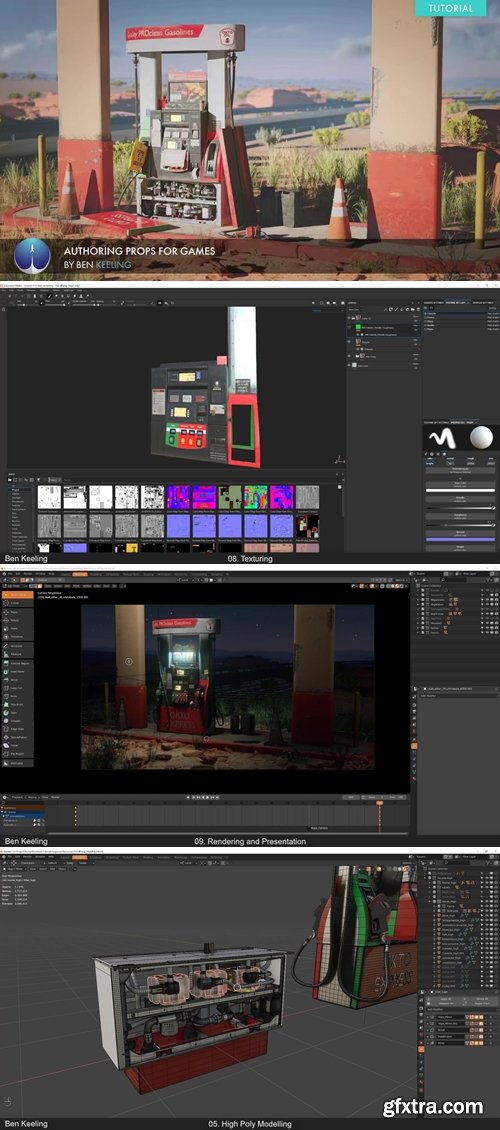
https://www.exp-points.com/exp-tutorials-ben-keeling-authoring-props-for-games
- Authoring props for games can be done in a variety of different methods with the same goal in mind. In this intermediate tutorial Ben Keeling, will demonstrate a general overview of how he created this gas pump, covering some of the core steps of his process so that you may then use that valuable information in your own projects. The end result is this beautiful scene inside Blender with the help of Megascans. * Whether you’re a seasoned artist, student, hobbyist or someone just starting out, grab this tutorial and learn an essential workflow that will allow you to work faster and more efficiently. Fuel your Creative Mind today.
126,000 Royalty-Free 3D Model

Udemy Türkçe


Top Rated News
- CreativeLive Tutorial Collections
- Fasttracktutorials Course
- Chaos Cosmos Library
- MRMockup - Mockup Bundle
- Finding North Photography
- Sean Archer
- John Gress Photography
- Motion Science
- AwTeaches
- Learn Squared
- PhotoWhoa
- Houdini-Course
- Photigy
- August Dering Photography
- StudioGuti
- Creatoom
- Creature Art Teacher
- Creator Foundry
- Patreon Collections
- Udemy - Turkce
- BigFilms
- Jerry Ghionis
- ACIDBITE
- BigMediumSmall
- Globe Plants
- Unleashed Education
- The School of Photography
- Visual Education
- LeartesStudios - Cosmos
- Fxphd
- All Veer Fancy Collection!
- All OJO Images
- All ZZVe Vectors
- CGTrader 1 CGTrader 2



















