

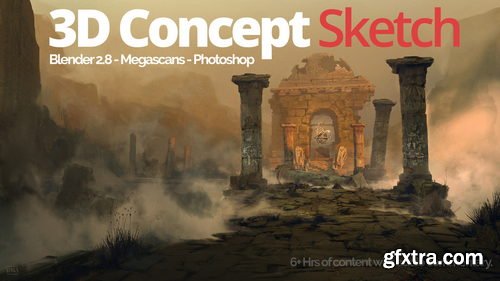
Artstation - Blender for Concept Art - Full workflow tutorial from Blender to Photoshop.
https://serg.artstation.com/store/73Y8/blender-for-concept-art-full-workflow-tutorial-from-blender-to-photoshop
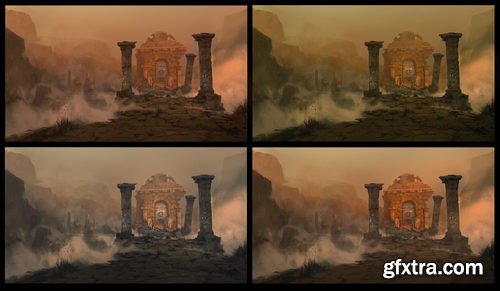
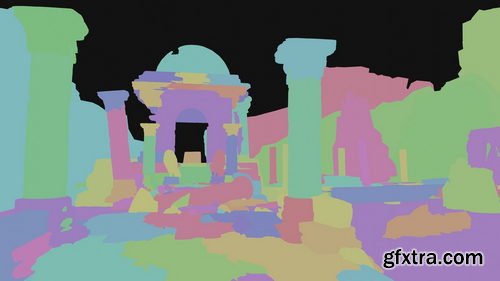
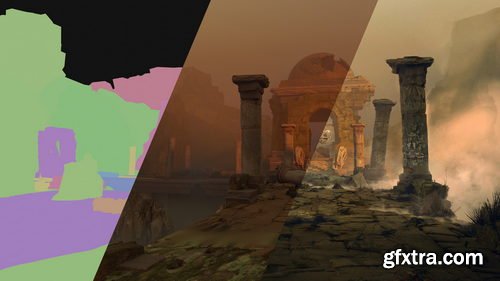
This demo was created to help you set up scenes in Blender for paintovers or matte paintings. This is one of the techniques I use in my current workflow for professional and personal work. In the first part of this tutorial, you will see how to set up the whole scene in Blender with the help of Megascans library and a few blender plugins. The second part will cover how to use rendered layers, add photo textures, and do a paintovers.
Blender Plugins Used:
Part 1 - Blender and Megascans
Part 2 - Set building and shot setup
Part 3 - Controlling the lighting with Physical Lighting Plugin
Past 4 - Render Settings and Fog
Photoshop
Part 5 - Use of rendered layers in Photoshop
Part 6 - Photobashing and Cleanup
Part 7 - Details and Painting
Part 8 - Final Presentation and output.
MegaScans Bridge
Physical Sky for Blender
SheCell Fractureter


Related Posts
Information
Members of Guests cannot leave comments.
126,000 Royalty-Free 3D Model

Udemy Türkçe


Top Rated News
- CreativeLive Tutorial Collections
- Fasttracktutorials Course
- Chaos Cosmos Library
- MRMockup - Mockup Bundle
- Finding North Photography
- Sean Archer
- John Gress Photography
- Motion Science
- AwTeaches
- Learn Squared
- PhotoWhoa
- Houdini-Course
- Photigy
- August Dering Photography
- StudioGuti
- Creatoom
- Creature Art Teacher
- Creator Foundry
- Patreon Collections
- Udemy - Turkce
- BigFilms
- Jerry Ghionis
- ACIDBITE
- BigMediumSmall
- Globe Plants
- Unleashed Education
- The School of Photography
- Visual Education
- LeartesStudios - Cosmos
- Fxphd
- All Veer Fancy Collection!
- All OJO Images
- All ZZVe Vectors
- CGTrader 1 CGTrader 2



















