

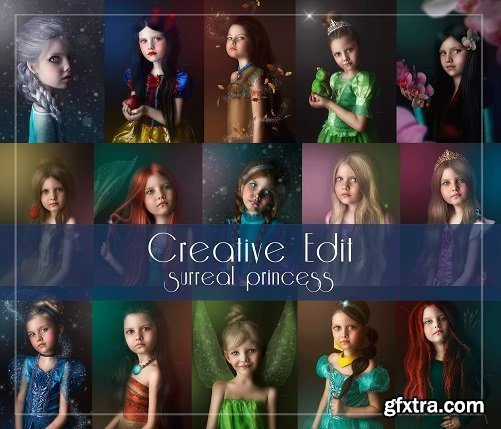
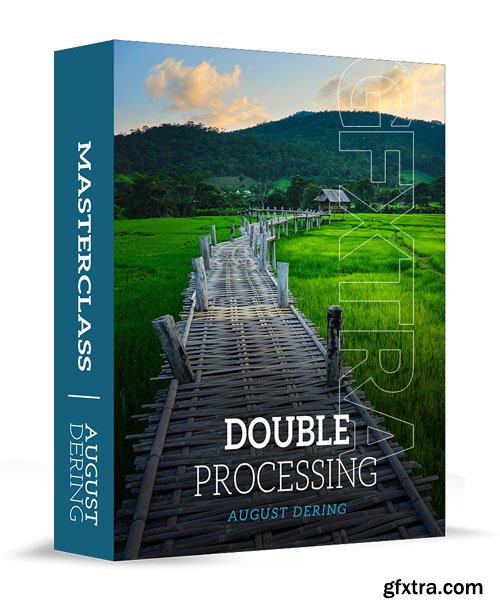
This tutorial does not show each individual princess edit. It breaks down each individual step of my surreal workflow teaching you the skills to create ANY surreal princess portrait.

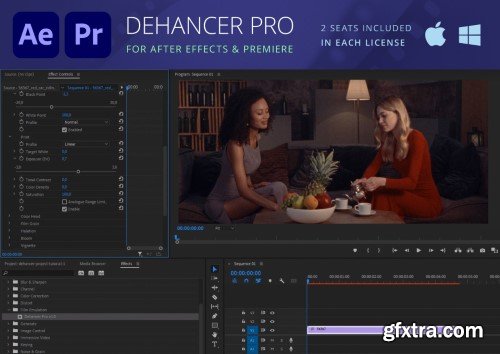
https://www.dehancer.com/
You asked, we listened! Now Premiere Pro and After Effects users can fully enjoy 60+ film profiles and various analog tools of Dehancer. Create cinematic looks and experiment with color grading. Unleash your creativity with Dehancer.
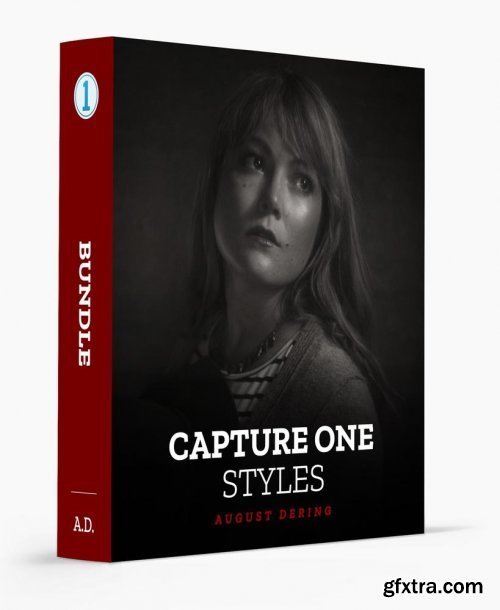
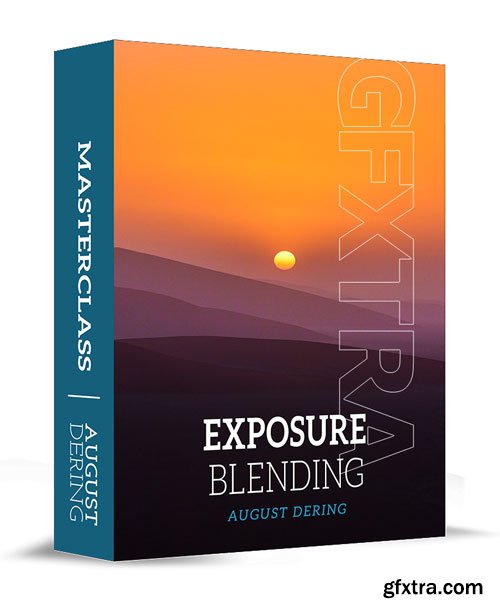
https://www.augustderingphotography.com/signature-capture-one-styles
Transform every photo you take into something artistic, dynamic and stunning with my Signature Capture One styles.

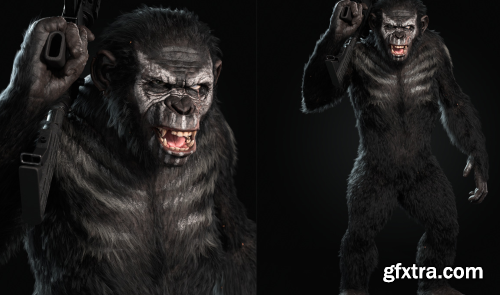
Welcome to Realistic 3D Creature Creation! This course is designed to give intermediate artists the knowledge & guidance to create a stunning portfolio piece. I have spent months packing as much value as possible into this course so you can waste no time learning the in-depth process.
I believe that a community is a HUGE part of growth as an artist. I’ve personally seen the most growth as an artist once I began joining and interacting in artist communities, so I want to provide that to anyone taking this course through a Discord Server.
WHAT YOU GET:
- 70+ HD Video Lessons that walk you through the entire process of creating our character
- 15 hours of Video Lessons
- Lifetime access to the Artist Growth Discord server (link in resources PDF upon purchase)
- Resources (Reference files, Textures, Images, & The Resources PDF which also includes extra recommended video & resource links)
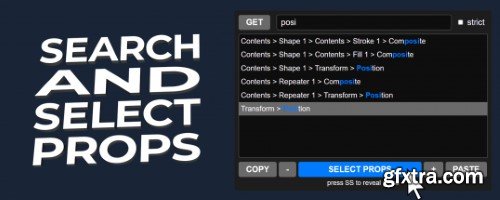
Easily copy and paste selected properties in After Effects, avoiding duplicate group problems and improving your workflow.
https://aescripts.com/search-and-select-properties/

https://aescripts.com/guides/
Guides script for After Effects adds more power when working with guides inside the app, such as copy/pasting guides around multiple compositions, moving, rotating, saving, quickly adding guides around layers, and more.
- Set the state of the Lock Guides, Snap to Guides, Show Guides for multiple compositions.
- Copy/paste guides across multiple compositions or layers.
- Save/apply guides for later use or to share with a team.
- Clear guides across multiple compositions.
- Rotate and move guides horizontally or vertically.
- Add guides at the edge, or the center of the composition or a layer.
- Griddify compositions or layers by adding guides every X pixels.
- Add guides by dividing compositions or layers into X peaces.
- Wrap guides around the edges of compositions or layers.

AEScript CropROI 1.2
No more manually trying to shift the layer back to its original position. With CropROI you just select your precomp layer and press the button, it's that easy!
https://aescripts.com/croproi/




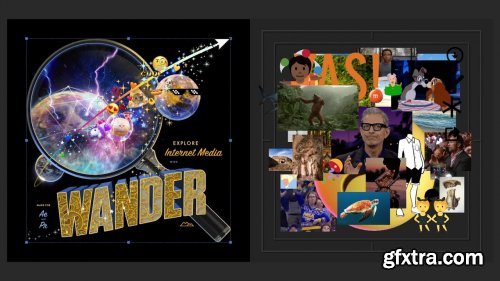
Mt. Mograph Wander v1.13.1.453
The ultimate media search and asset collection Extension for motion designers using Adobe After Effects and Adobe Premiere.
https://mtmograph.com/en-tr/products/wander




126,000 Royalty-Free 3D Model

Udemy Türkçe


Top Rated News
- CreativeLive Tutorial Collections
- Fasttracktutorials Course
- Chaos Cosmos Library
- MRMockup - Mockup Bundle
- Finding North Photography
- Sean Archer
- John Gress Photography
- Motion Science
- AwTeaches
- Learn Squared
- PhotoWhoa
- Houdini-Course
- Photigy
- August Dering Photography
- StudioGuti
- Creatoom
- Creature Art Teacher
- Creator Foundry
- Patreon Collections
- Udemy - Turkce
- BigFilms
- Jerry Ghionis
- ACIDBITE
- BigMediumSmall
- Globe Plants
- Unleashed Education
- The School of Photography
- Visual Education
- LeartesStudios - Cosmos
- Fxphd
- All Veer Fancy Collection!
- All OJO Images
- All ZZVe Vectors
- CGTrader 1 CGTrader 2



















