


Fab - Roman Street Environment
Roman Street Environment with 168 Unique Meshes. It includes all showcased assets, high-quality assets with a good level of detail, and assets optimized for Game-Ready Projects.


Udemy - Unreal Engine 5 Mobile Multiplayer Prop Hunt Game
Learn How to Make a Cross-Platform Multiplayer Game in Unreal Engine 5
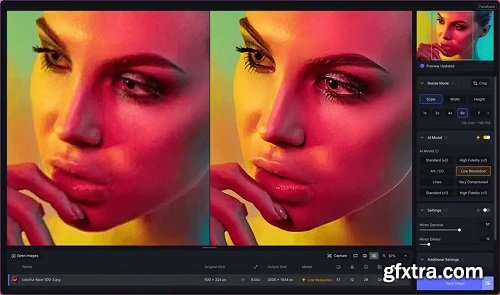
Upscale any image like magic with AI. Join the hundreds of thousands of creatives who use Gigapixel 8 to upscale and enhance their images. All-new interface. 600% upscaling. World-class AI models.


KelbyOne - Travel Photography: Capturing the Essence of a City With Scott Kelby








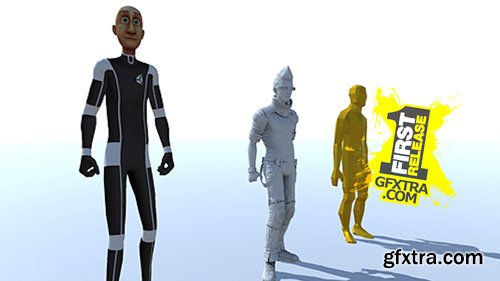
In this course we'll continue to learn about using Mecanim for rigged characters. This is the bread and butter for Mecanim and in this course we'll go over the process of using a humanoid rig along with a generic rig. Things you'll learn in this course include:
- Using two different types of rigs and how to set them up within Unity
- Controlling a character using a C# script
- Using blend trees to blend between different animations
- Adding masks to control body part specific animations
- Using Inverse Kinematics to track objects with body parts

In this lesson, we'll dive into the world of multiplayer for Unity. We'll be using Unity's built-in networking components and go over how we can create a simple party game known as Hungry Hungry Monsters for both online and local multiplayer. This is an intermediate course and will focus on the multiplayer aspects of what you need to build your own. In this course you'll learn how to:
- Build an offline game scene
- Join and Host games locally and online
- Build Network Characters that are synced across the network
- Update a UI system for displaying points and character icons
- Displaying a win or lose state for each player when the game is over
- Building a custom network UI HUD that will act as our main menu
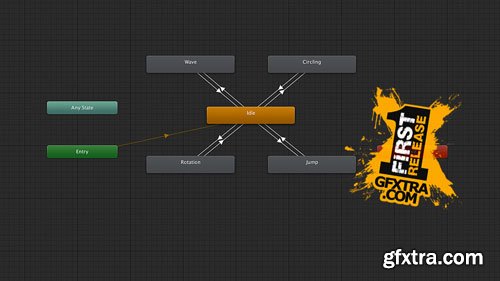
- Using the dopesheet and curves for creating keyframe animations
- Utilizing Animation Events with a C# script
- Adding Animation states using an Animator Controller
- Using Transitions and parameters to move from one animation state to another
- Simple examples of using inputs within a C# script to control transitions
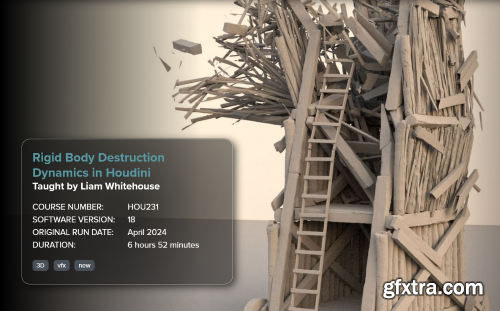
FXPHD - HOU231 - Rigid Body Destruction Dynamics in Houdini
Language: English (US)

- Use the development build of your game
- Use the profiler to check for performance bottlenecks
- Add icons for branding
- Adding external tools like Android Studio and the Java Development Kit
- Build for the Gear VR
- Using Unity remote for quick testing
- Uploading a Web GL project to both Dropbox and Wordpress




https://pluginvisuals.com/product/bambus-visual-trippy-pack-deluxe/
Use this editing pack to unleash your creativity with stunning effects. Created to save you time and expand your visual toolkit. Impress your clients and viewers with unique effects and level up your visuals! Includes 107 .mov files containing trippy effects with .mp4 alternatives in 1080p.
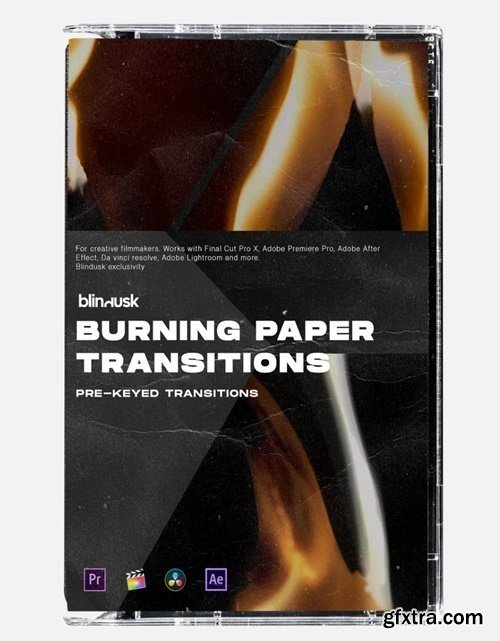
https://blindusk.com/products/burning-paper-transitions
The Burning Paper Transitions Pack offers over 50 high-quality, dynamic transitions, designed to bring dramatic, cinematic effects to your edits. Perfectly compatible with Premiere, Final Cut, DaVinci Resolve, and more, these assets add bold texture and style to any project.


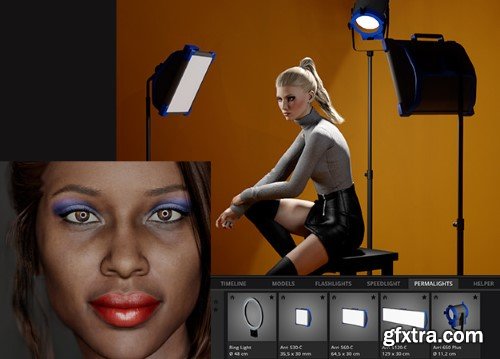
Elixxier set.a.light 3D Studio v2.00.10
126,000 Royalty-Free 3D Model

Udemy Türkçe


Top Rated News
- CreativeLive Tutorial Collections
- Fasttracktutorials Course
- Chaos Cosmos Library
- MRMockup - Mockup Bundle
- Finding North Photography
- Sean Archer
- John Gress Photography
- Motion Science
- AwTeaches
- Learn Squared
- PhotoWhoa
- Houdini-Course
- Photigy
- August Dering Photography
- StudioGuti
- Creatoom
- Creature Art Teacher
- Creator Foundry
- Patreon Collections
- Udemy - Turkce
- BigFilms
- Jerry Ghionis
- ACIDBITE
- BigMediumSmall
- Globe Plants
- Unleashed Education
- The School of Photography
- Visual Education
- LeartesStudios - Cosmos
- Fxphd
- All Veer Fancy Collection!
- All OJO Images
- All ZZVe Vectors
- CGTrader 1 CGTrader 2



















