


This is a comprehensive tutorial about Japanese animation style cel-shading. It's divided into two modules. The first module will cover some basic software operation for cel-shading, includes explaining the Pencil+ material parameters, making cartoon stroke by Pencil+, lights and rendering settings of 3DS Max camera, specifications to make models and basic explanation of human body. The second module will cover how to use Pencil+ and 3DS Max to make complete game models with Japanese cartoon styles through cases in Never Gone.


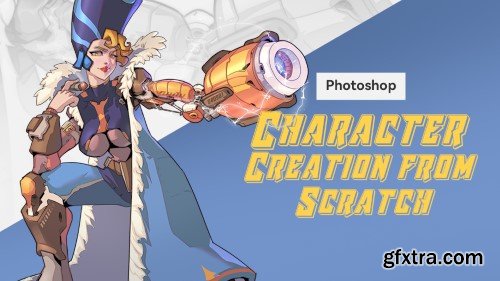
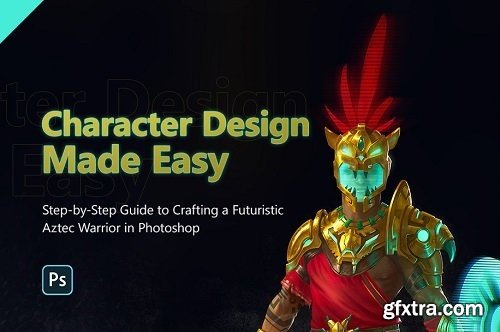
In this tutorial, I will guide you through the entire process that I have refined over the years for creating a fully hand-painted character design, without relying on A1 or photobashing. We will cover topics such as brainstorming ideas, understanding the visual language of cultures, design fundamentals, and rendering gold, among others. If you want to learn a reliable process for creating amazing character concepts, this tutorial is for you.
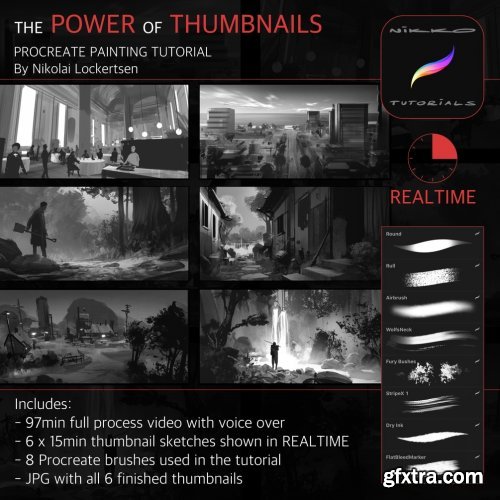
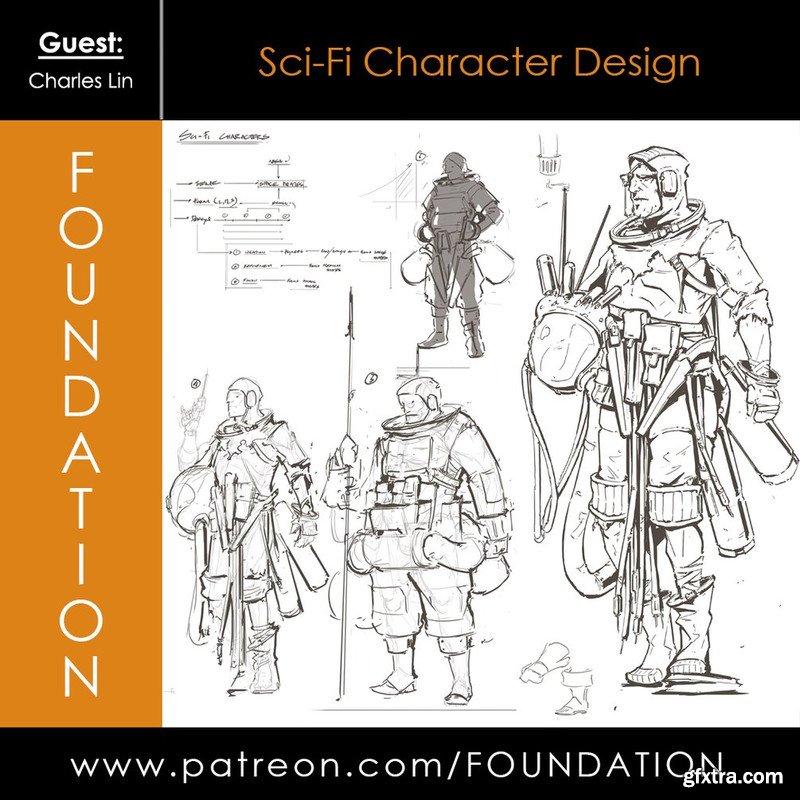
Foundation Patreon - Sci-Fi Character Design with Charles Lin
Download Contents: • 3 Hour 20 Min Video Lecture & Demo • JPG Demo
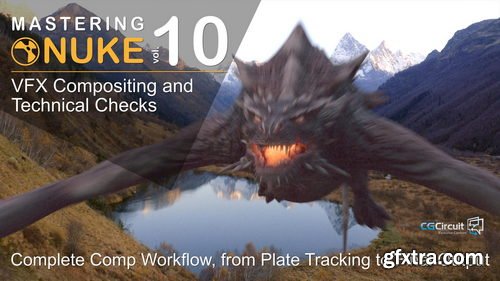
- In this online course, you’ll go through all the essential steps of CG integration, and shot finishing as performed in most of the VFX studios.
- From preparing the plate for comp work, Tracking, Painting, integrating a CG creature, all over up to doing the final technical checks and output proper DI-mattes for final Editing and color grading.
- This course will give you a deep understanding of the compositing workflow and how to check a shot before delivery. I worked in many prestigious VFX studios, and no matter the project, those finalizing steps are more than essentials.
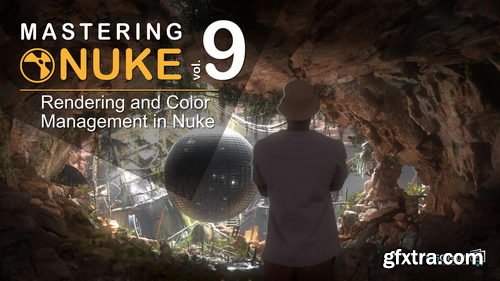
- In this online course, you will go in-depth into colors and rendering in Nuke. What are LUTs? How to use ACES? How can I optimize my comp workflow while speeding up my renderings? This will allow you to understand how to work faster, maintain quality, and color accuracy through the different steps of your VFX and CG pipeline.
- At the end of this course, You’ll be able to work faster in Nuke and maintain quality and color accuracy.
- I’m Florian Girardot, a senior visual effect artist specialized in Compositing. I’ve been working in the movie industry for more than 10 years and this entire curriculum is based on both my professional and teaching experiences.
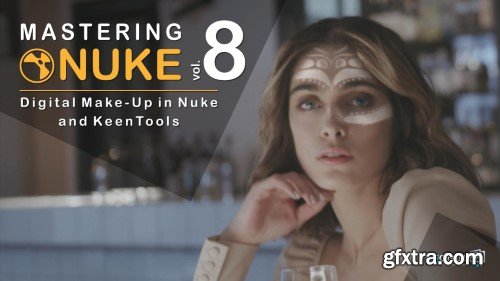
Removing spots, wrinkles, smoothing skins, changing eyes colors, add face tattoos, you name it, we can do it!
We will discover great techniques and great tools, such as keen tools to easily build CG faces and track them to then be able to make make-up magic!
As the other courses from this Nuke master class series, you will achieve a great shot, from beginning to end, that will illustrate all the professionals techniques that you’ll learn.
At the end of this course, you’ll be confident modifying any faces, and you’ll have the basics of digital make-up.
I’m Florian Girardot. I’m a senior visual effect artist specialized in Compositing. I’ve been working in the movie industry for more than 10 years.
This entire curriculum is based on both my professional and teaching experiences.
In this first chapter, We’ll see how to build the CG face within Nuke by Using keenTools, and how to track the face.
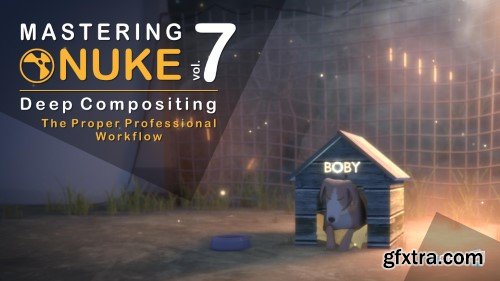
There are a few other tutorials out there showing you how to use deep in nuke, but they barely tell you how to use it properly within your comp workflow. If you don't use the proper techniques, comping deep passes can be very difficult, heavy and frustrating. In this course, you’ll learn how to optimize your deep comp.
Rotoing, tracking, painting could seem a bit fastidious, but with the rights tools and the right workflow, you’ll see that it is actually not that hard, and even pretty enjoyable!
As the other courses from this Nuke master class, you will achieve a great shot that will illustrate all the professionals techniques that you’ll learn. Those tips and tricks I’m about to share with you are part of my everyday toolbox as a senior compositing artist, and I’m using them with any CG renders.
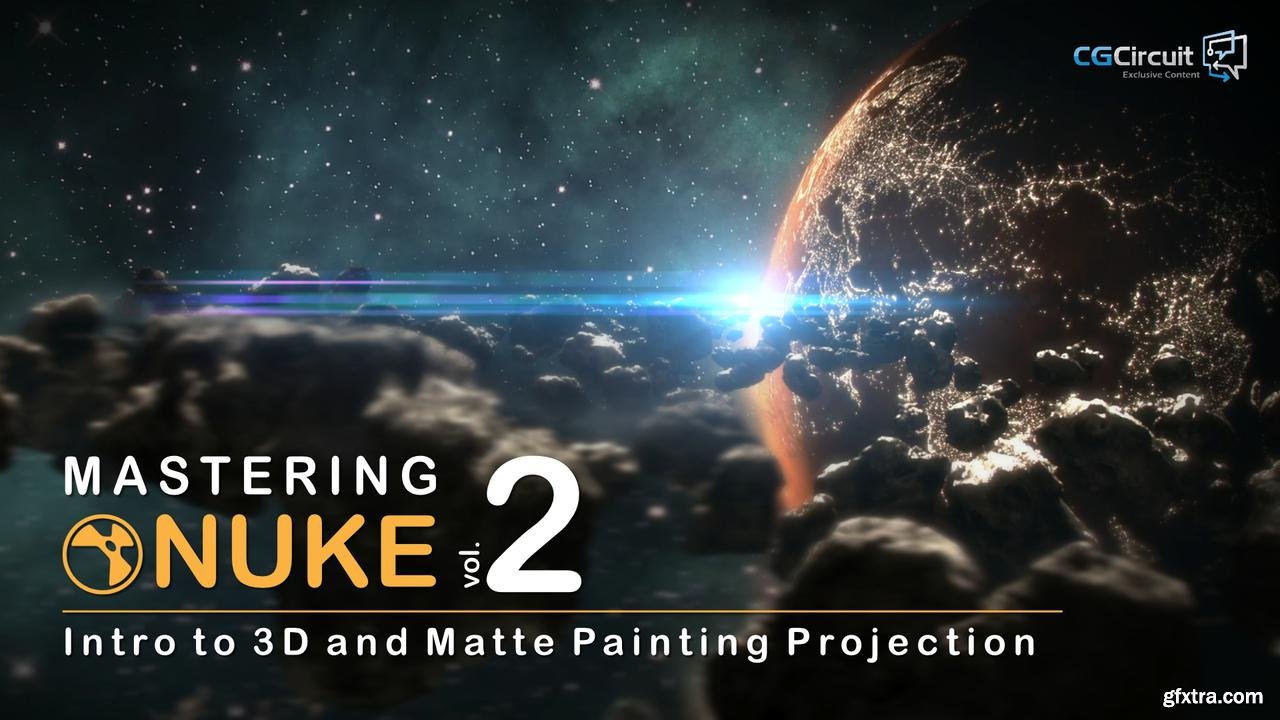
CGCircuit - Mastering Nuke Vol 2
https://www.cgcircuit.com/course/mastering-nuke-vol-2
Hi guys! Welcome to the new course on CGCircuit, Introduction to 3D and matte-painting projection in Nuke.
In this tutorial, you'll get to learn the powerful 3D functions of Nuke. Geometry creation, shading, lighting, animation, camera projection and more. We will use Nuke’s 3D abilities to create an animate matte-painting. To learn compositing, you need practice, and here, you’ll be able to apply those skills on a stunning concrete example. In addition, following this course will teach you the techniques and workflows used by major visual effects studios.
By the end of this tutorial, you’ll be confident using 3D in Nuke, and be able to create and animate your own matte-paintings or photos.
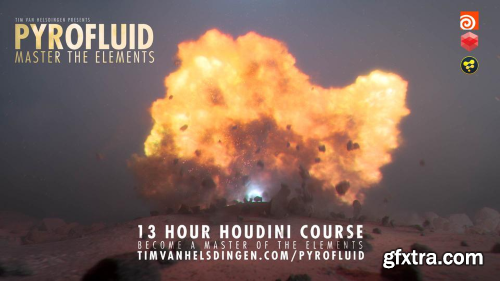
Welcome to Pyrofluid – Master the Elements In this course we harness the power of Houdini to move data between different solvers to have a pyro explosion morph into a fluid simulation. We’ll start by exploring how to develop an effect like this in a simple scene, then we start building the environment, develop the look of our sim and add all of the additional elements requires before we move over to lighting, shading and compositing it.

- Rika, the creator of Enya Akemi from Nonoru's class on Coloso Japan and many other popular 3D avatars, will be the instructor to guide you through everything from conceptualizing the character to translating ideas into a 3D model that can be used in a variety of ways inside the 3D universe. While mastering each of the steps in 3D modeling, texturing, rigging, and setting up for various 3D applications, you'll gain a comprehensive understanding of the 3D avatar creation process and the numerous applications.
- The techniques taught in this class are highly versatile and will open doors to diverse opportunities such as VTubing, VR meetups, live streaming, and more. The main purpose of this class is not only to create a 3D VTuber character but also to create a 3D model that can be used and applied to a variety of 3D applications that exist online nowadays. Giving you the utmost advantage to explore and make use of the advancements in technology, such as full body tracking features.
- While mastering each of the steps in 3D modeling, texturing, rigging, and setting up for various 3D applications, you'll gain a comprehensive understanding of the 3D avatar creation process and the numerous applications.


- “The real-time game engine, Unreal, gives you the ability to create more diverse video content.”
- The Unreal Engine tool is used to create cinematics for numerous dramas and animations, thanks to its uncomparable performance and real-time rendering efficiency!
- Now it has established itself as a standard in the industry.
- Are you ready to get started with Unreal Engine so you can learn how to apply it to video production?
- Learn everything about Unreal Engine 5 starting from the production pipeline for lighting, rendering, and level design, to how to use the latest updates like Nanite and Lumens.
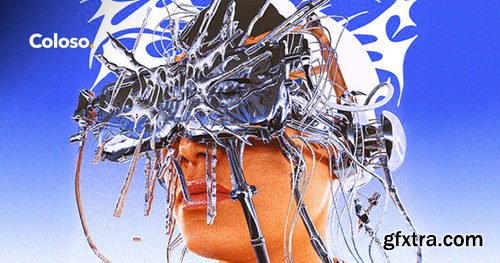
- "I will introduce you to the chrometype technique used in numerous design fields, and share various texturing know-hows through Blender, a free 3D tool."
- Do you want to create trendy Chrome Effects that can often be seen on recent album covers and music videos? Do you want to master the trendiest techniques that are hard to learn in school or academies?
- Learn how to create impactful Chrome Effects that display powerful visuals based on metallic materials and create your unique work faster than anyone else!
- Even if you’re a Blender novice, don’t worry! You can use Blender’s basic features to create detailed effects and 3D artwork that combine typography, objects, and portraits with Chrome Effects.
- Chrometypes, which have become a genre in their own right, can be utilized in your work to expand your portfolio and range of work!
126,000 Royalty-Free 3D Model

Udemy Türkçe


Top Rated News
- CreativeLive Tutorial Collections
- Fasttracktutorials Course
- Chaos Cosmos Library
- MRMockup - Mockup Bundle
- Finding North Photography
- Sean Archer
- John Gress Photography
- Motion Science
- AwTeaches
- Learn Squared
- PhotoWhoa
- Houdini-Course
- Photigy
- August Dering Photography
- StudioGuti
- Creatoom
- Creature Art Teacher
- Creator Foundry
- Patreon Collections
- Udemy - Turkce
- BigFilms
- Jerry Ghionis
- ACIDBITE
- BigMediumSmall
- Globe Plants
- Unleashed Education
- The School of Photography
- Visual Education
- LeartesStudios - Cosmos
- Fxphd
- All Veer Fancy Collection!
- All OJO Images
- All ZZVe Vectors
- CGTrader 1 CGTrader 2



















