



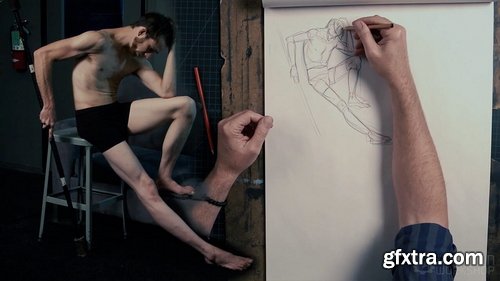
- Van Arno's series on drawing the human figure continues in Volume Two with discussions on drawing a male model. The anatomical differences from the female are noted. Poses of action and contortion then lead to a discussion of volumes in three dimensions. Van demonstrates how, with longer poses, the model can be drawn with simple volumes and then redrawn from another angle, without the model present. This exercise develops volumetric vocabulary and the ability to draw accurately, and in perspective, without pose reference. This is a vital skill for production and storyboard artists, where the angle of view is determined by a script or a director. Tone and light then are discussed in a final long pose. This figure drawing bootcamp is a valuable lesson for all aspiring figurative artists as Van Arno shares his thoughts and techniques acquired over an accomplished career as an industry and gallery artist.
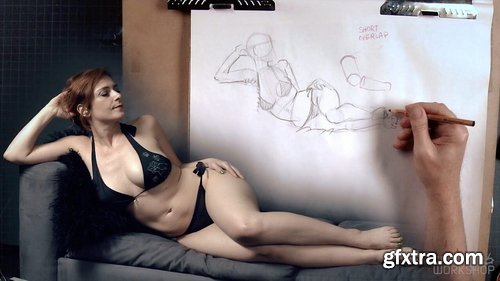
- Drawing the human figure is a pivotal skill for artists in a range of fields. Story boarding, concept art, illustration, and animation portfolios rise and fall on anatomical dynamics. Artists of all levels of ability draw the figure to engage the part of our brain that revels in dramatic tension. Often our efforts to draw accurately, however, are undercut by our preconceived ideas about how things should look in a "good drawing” as well as our fear of drawing poorly. A strong foundation in fundamentals allows us to quickly see the pose in its entirety. In this demonstration and lecture we will be conscious of the proportion and gesture of the figure from the first stroke of the pencil. Other topics include anatomy, drawing methodology, foreshortening, light and shadow. This is a boot camp for beginners while also a valuable refresher for experienced artists looking for new perspectives from an accomplished artist. Van Arno is known for the powerful dynamics of his figurative work and this title kick starts his figure drawing series.
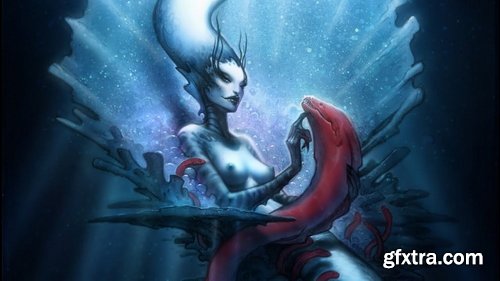
- In this lecture and demonstration, join Cameron Scott Davis on a journey through his ideation and technical pipeline in the creation of the 2D image “Blood Eels of the Siren’s Ossuary”. Using years of experience and a basic set of tools, Davis discusses image creation and the importance of preserving the human touch in a digital world. Starting with a loose concept based on the mythological aspects of the mermaid, Davis explores composition and directing the eye of the viewer. Beginning with a traditional penciled line drawing that is scanned into the computer, witness the piece come to life using Adobe Photoshop and basic visual communication skills. An onslaught of rendering focuses largely on the timeless aspects of visual storytelling. Davis also discusses his desire to understand the psyche of the viewer and manipulate audience reaction to achieve maximum emotional effect. Lighting, shape, color, composition, and subject matter all work to inform the viewer how they might feel while preserving just enough of the unknown to write their own personal narrative. Davis also delves into his thoughts on career and lends advice for young professionals looking to break into the entertainment industry. A guest auditory appearance by illustrator and master teacher Marshall Vandruff rounds out the lecture and lends a unique and alternate perspective by discussing his own reactions to the image.


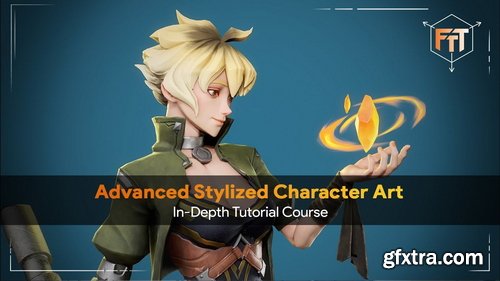

Fasttracktutorials - Advanced Stylized Character Art Course
https://fasttracktutorials.com/tutorial_single/1911
- Learn the entire process of creating a stylized 3d character for games. In this course you will learn how to do High-Poly, Low-Poly, Retopology, UV unwrapping, Baking, Lookdev and Rendering!
- We will create the High-Poly inside Zbrush, - Retoplogy, UV's and rigging will be done in Blender3d. Next to this, we will also use Substance Painter to create unique textures, and we use Marmoset Toolbag 5 to do the lookdev and rendering!
- In this course, you will learn everything you need to know to create the final results that you see in the images and trailers. Next to this, the same techniques can be applied to almost any type of 3d characters.
- This course contains over 55+ hours of content – You can follow along with every single step – The course does enclose 2 small-time lapses, this is just to speed up very repetitive tasks, the rest is done in real-time.
- We will start by going over our reference and then we dive right in and create a blockout of our character in Zbrush. we will then turn our blockout models into refine High poly.
- Once we are done with our high poly, we are going to export it to Blender to start doing the retopology and UVs process.
- We will then go to Substance Painter to do the baking, and we will use Photoshop to fix some baking issues. Once that’s done we will start doing the textures for our model in Substance Painter and we are going to do the lookdev inside Marmoset Toolbag 5. After, will go back to blender to do a basic rig to make an interesting pose for our character.
- Finally we will go over on how I made the render scene and how to make high resolution renders inside Marmoset Toolbag 5
- This character art tutorial is perfect for students who have some familiarity with a 3d Modeling tool like Blender, Substance Painter, Zbrush and Marmoset Toolbag 5 – Everything in this tutorial will be explained. However, if you have never touched any modeling or texturing tools before we recommend that you first watch an introduction tutorial of those programs.
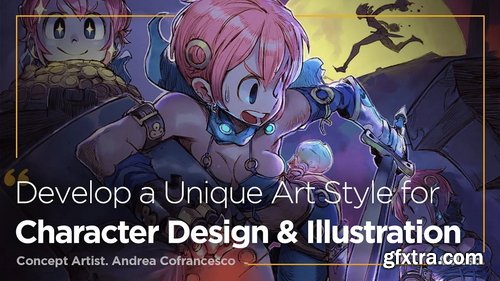
- "Having a good, solid technique is very important, but what is even more important is developing a strong and unique personal style"
- Want to be more creative with your own original characters while improving upon dynamics and expressions?
- Learn how to create your own unique characters and illustrations, through referenced, altered anatomy, faces & expressions, dynamic poses, composition & backgrounds, and more with concept artist Andrea Cofrancesco.
- It doesn’t take special tools and mediums to create a unique and original piece. In character design, the creative approach is the real key to creating an attractive original character. Learn to bring together references in the most creative way possible to step up your game.
- The awkward face and rigid posture doesn’t give your character the best look. We will go over my approach to altered anatomy and facial expression to create more dynamic characters.
- What is the difference between a flat illustration, and a complex illustration? Learn to add backgrounds, props and more characters to your illustration to create a more interesting and complex design.
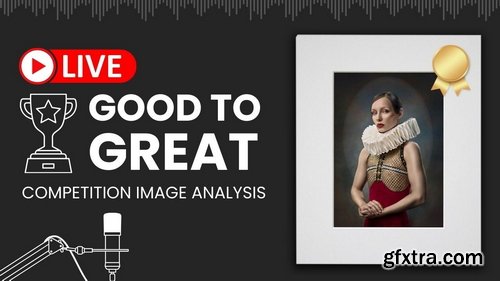
- During this live stream, Sarah offers a thorough analysis of the Icon Awards, focusing on deciphering the competition's scoring system and emphasizing the significance of creativity, originality, and technical skill in submissions. She explores the grading scale, from below professional standards to exceptional achievements, stressing the importance of making strong first impressions, storytelling, evoking emotion, and meticulously preparing entries.
- By dissecting top contenders in the Portrait Individual category, the video sheds light on recurring themes such as the effective use of color, offering practical tips on enhancing submissions for better scoring outcomes. Sarah also delves into the evaluation process employed by judges, underlining the subjective nature of judging and the value of staying true to one's creative vision.
- The aim of the video is to assist photographers in refining their competition entries, aiming for higher recognition, and gaining insight into the nuanced criteria used by judges.
- We all know how to hear, it's natural, but knowing how to listen is a learned skill. It takes practice and it takes thought. Knowing how to listen is the key to making better and faster decision during the process of recording music. In this video, Fab shows you how to focus your attention on parts of the signal, explains memorization process and habits and warns you against the most common bad habits.
- Because a lot of the listening process is based on emotions, intuition and impressions this video uses psycho-acoustics to show you the most common pitfalls of focused listening.
- Please resist the irresistible urge to spoil the process for other viewers by leaving hints in the comments. You punks know who you are, darn kids these days…
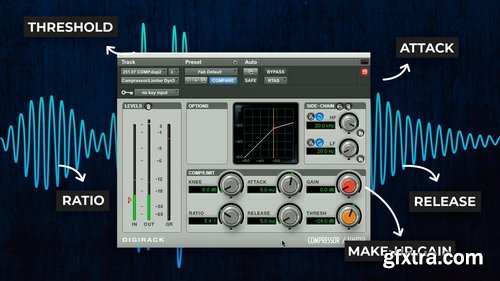
The best professional mixing engineers are typically also the best professional lazy people. Instead of having to manually ride faders constantly engineers decades ago invented an automatic volume automation tool and called it a compressor. In this tutorial, Fab Dupont explains the most essential controls on this powerful and often confusing studio staple.Fab explains what each knob does and gives you easy-to-remember tips that will simplify the process of dialing in your own compressor settings.


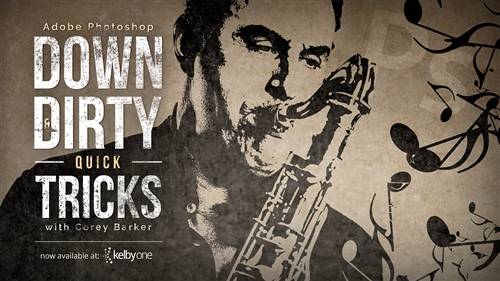

Want to change just part of a photo? Selections are your dance partner, and the Marquee Tool is the promo king!
In this tutorial, learn to use multiple variations of the Marquee Tool to make rectangular and elliptical selections in Photoshop.

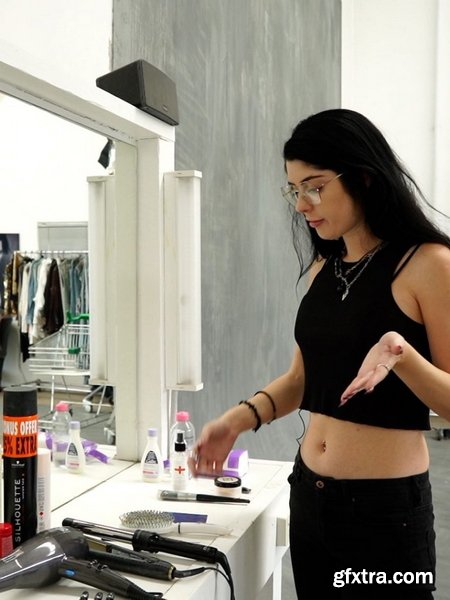
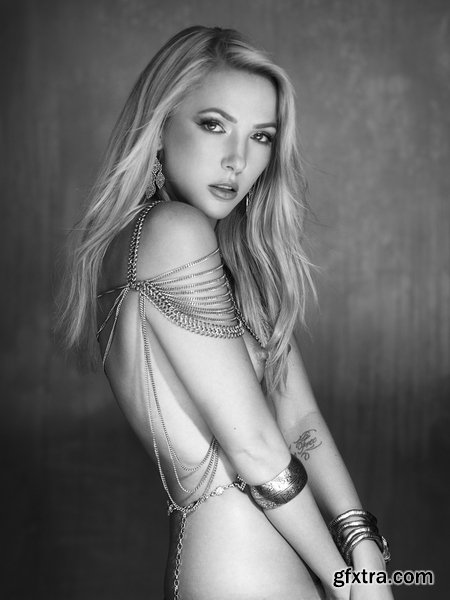
126,000 Royalty-Free 3D Model

Udemy Türkçe


Top Rated News
- CreativeLive Tutorial Collections
- Fasttracktutorials Course
- Chaos Cosmos Library
- MRMockup - Mockup Bundle
- Finding North Photography
- Sean Archer
- John Gress Photography
- Motion Science
- AwTeaches
- Learn Squared
- PhotoWhoa
- Houdini-Course
- Photigy
- August Dering Photography
- StudioGuti
- Creatoom
- Creature Art Teacher
- Creator Foundry
- Patreon Collections
- Udemy - Turkce
- BigFilms
- Jerry Ghionis
- ACIDBITE
- BigMediumSmall
- Globe Plants
- Unleashed Education
- The School of Photography
- Visual Education
- LeartesStudios - Cosmos
- Fxphd
- All Veer Fancy Collection!
- All OJO Images
- All ZZVe Vectors
- CGTrader 1 CGTrader 2



















