


Blender 5.0
https://superhivemarket.com/products/petik
- PETIK for Blender 2.93 and up ! Version 2.0 is up and running! The biggest feature is the multi patch! Now you can create and control multiple patches at a time. Just place the control lines and Petik will figure out the rest.
To select the active control point just Ctrl+Right Click the desired point and then Click for a new control point or Right Click an existing vertex. Petik will create a control line between the points. If there are loops defined by the control lines it will automatically create a patch. - You can also use H hotkey to toggle hide the UI.

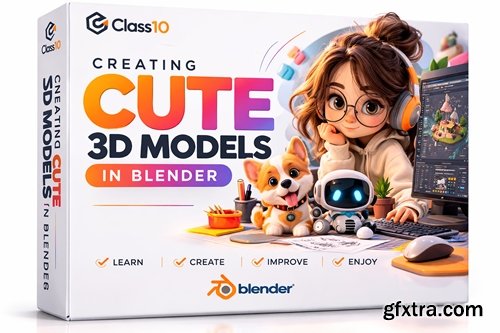
https://class101.net/en/products/6480597b3f5083000de57070
- In this Blender 3D course, I will show you all the techniques I use to create my 3D artwork. You will learn everything starting from gathering references, blocking out, 3D modeling simple to complex shapes, texturing using shading nodes, lighting, and rendering. We will go step by step from learning the basics of Blender 3D to a more advanced level where we will create an entire isometric bakery.
- The course is made for people who have never had experience in 3D. I learned to make 3D models on my own so I know the struggles and difficulties first-time learners may experience, so I hope to guide you through the process and answer any questions you may have during the course.
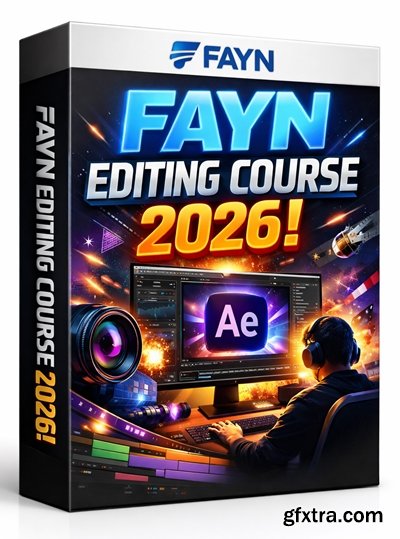
https://payhip.com/b/ACzN7
- This editing course is for beginners as well as more experienced users. Designed for AFTER EFFECTS users.

https://www.kreativ-wedding.de/
- In these years we created so many pack of luts that were based on our grading time to time. Here finally you have the possibility to get all our first 4 packs in a bundle!! In the pack you will find more then 40 different Luts.
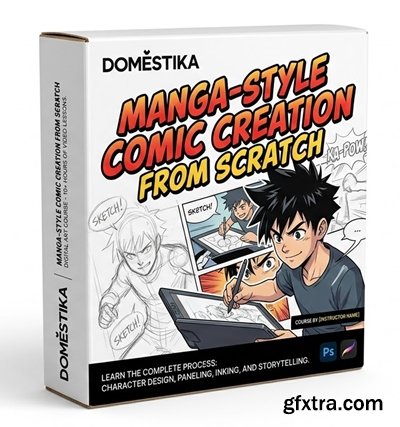
https://www.domestika.org/en/courses/3801-manga-style-comic-creation-from-scratch
- Come up with a story based on your own personal experience and create a comic ready to share on social media using storytelling techniques and vignettes
When creating a comic, artistic talent and technique are almost no use at all without a story to tell. Few know this better than graphic designer and illustrator Adriana De la Torre, known on social media as Akimaro. In this online course, she teaches you to put together a comic strip sequence to tell the story of a personal experience. - Throughout the course, learn to create your own manga-style comic from scratch. Discover how to think in vignettes and organize your story in a narrative sequence, and practice drawing techniques to represent the human form while also giving your illustrations movement.
- If you'd like to learn more about this style, take a look at Akimaro's first online course Digital Illustration with Manga Influence. Get ready to create unforgettable artworks full of emotion and color!
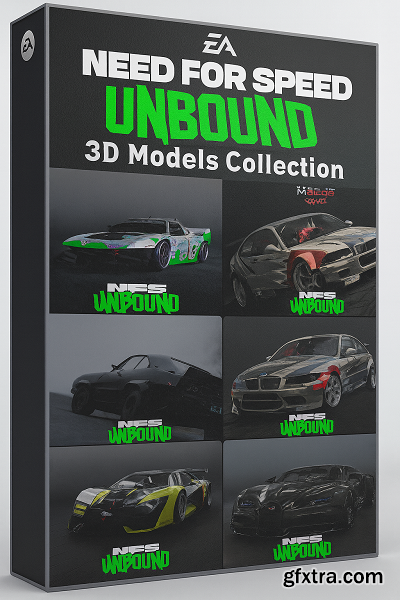
Need for Speed Unbound 3D Models Collection | March 2026 Update
https://www.ea.com/games/need-for-speed/need-for-speed-unbound
https://steamcommunity.com/id/dilifamusic/
.blend
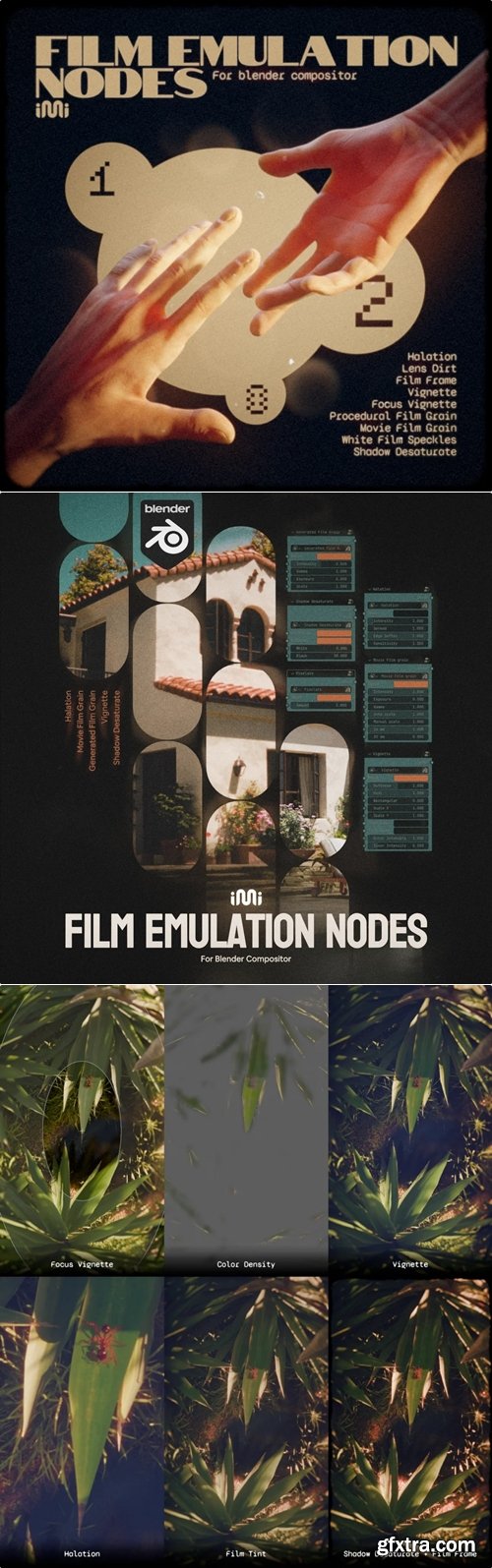
.blender | Blender 5.0
- It's as simple as opening the asset browser and dragging the presets onto the objects. After that, you can edit the building's shape using standard Blender tools: extrusion, moving, adding contour cuts, and much more. In just a few minutes or even seconds, you can model a building ready for rendering, adapted to your requirements!
- PBG 2 comes with a diverse set of building styles that you can combine and mix to create a specific building style.
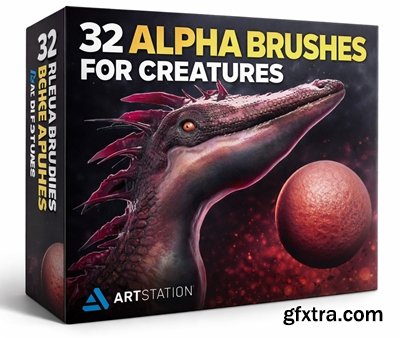
https://www.artstation.com/marketplace/p/BVWkd/32-alpha-brushes-for-creatures
- In this set, you will find 32 alpha brushes designed for creating concept art of creatures. The collection includes: wrinkles, human skin, veins, scales, texture, etc.
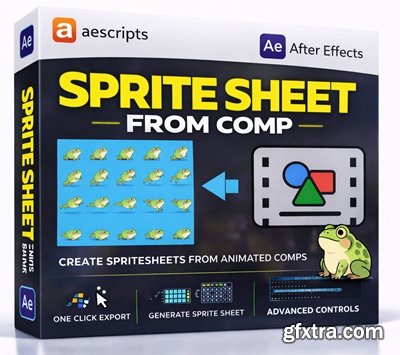
https://aescripts.com/sprite-sheet-from-comp/
Render the composition as a sprite sheet and generate frame by frame animation

ID: 4698788.6388f2227a9f7
https://3dsky.org/3dmodels/show/expormim_twins_high_armchair_mut_design_5

ID:4289688.62b8a076224f7
https://3dsky.org/3dmodels/show/lodi_chaise_lounge
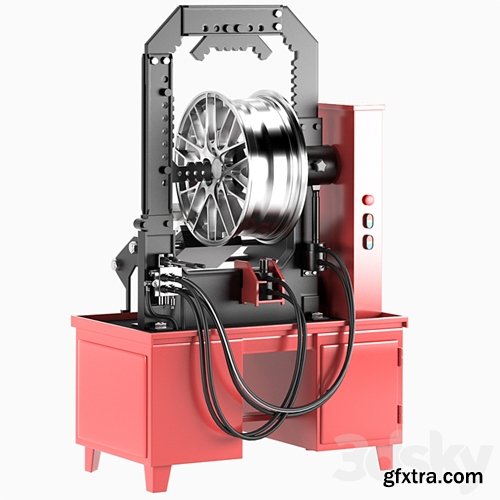
ID:4681487.6380e81936efd
https://3dsky.org/3dmodels/show/stend_dlia_pravki_litykh_diskov

ID:4278461.62b2d28153742
https://3dsky.org/3dmodels/show/kreslo_tera_konyshev
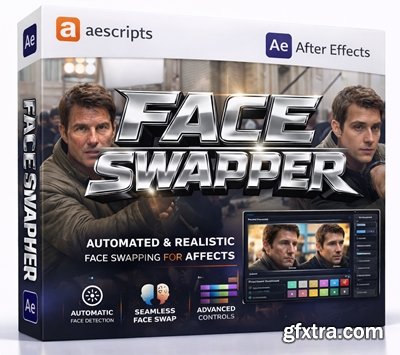
https://aescripts.com/face-swapper/
A professional Face Swapping plugin that runs on your GPU. Intended for VFX studios, we provide models you can use commercially.
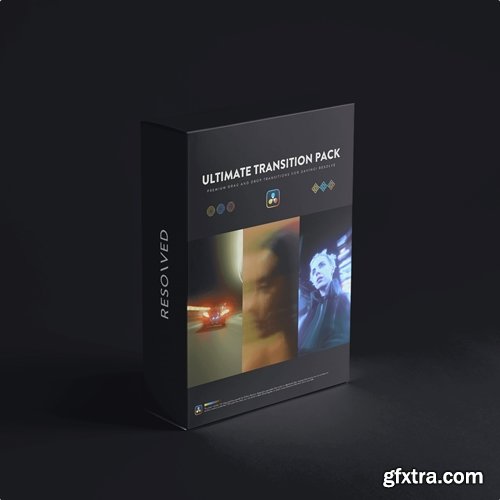
https://www.resolvedtools.com/product/ultimate-transition-pack
- The Ultimate Transition Pack is a collection of custom drag-and-drop transitions for DaVinci Resolve.
- Simply drag the transitions above your cut points and adjust them in the Inspector for precise control.
- Designed to expand your transition options without adding complexity to your workflow.

https://dvlop.com/kylie-morgan/flh/tutorial
- DVLOP – Kylie Morgan: Feels Like Home (Tutorial) is a preset pack + education bundle designed to give images a warm, nostalgic “at home” feel. It includes an Education PDF and tutorial videos featuring a walkthrough edit of 30+ photos across many lighting scenarios, showing which base preset to use, how to apply modifiers, and how to fine-tune edits based on camera settings.

https://www.taylorjacksoncourses.com/three-hour-wedding-photography-workshop
- Taylor Jackson – Three Hour Wedding Photography Workshop is a 3+ hour training video for wedding photographers, designed as a full workshop-style walkthrough you can watch start to finish to improve your wedding shooting approach.
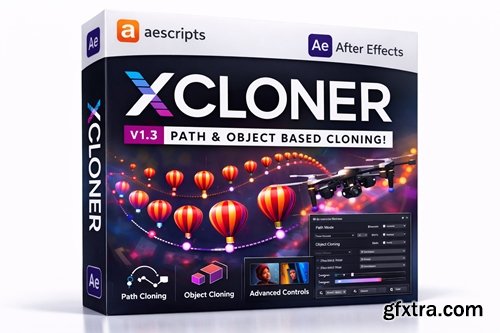
https://aescripts.com/xcloner/
xCloner is an After Effects plugin that clones any type of layer exceptionally fast.
- XCloner: Instantly create complex parametric duplicates & variations in After Effects with a single slider. Ditch tedious manual copying and pasting – this powerful plugin generates dynamic layers or groups based on customizable rules, transforming a single element into intricate patterns, animated sequences, or evolving designs in seconds.
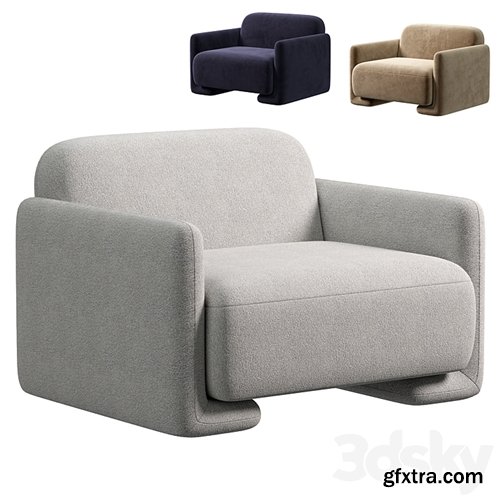
ID:4283525.62b4d6c8e4683
https://3dsky.org/3dmodels/show/fauteuil_in_bouclette_balzac_paris_x_lri_4

ID: 2978715.5f2f0fbf99ace
https://3dsky.org/3dmodels/show/swing_chair_4
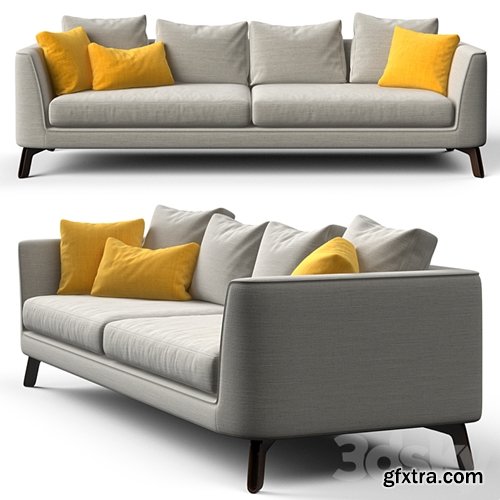
ID: 2863303.5ec6fef5f2748
https://3dsky.org/3dmodels/show/divan_mcqueen_sofa_401la_large
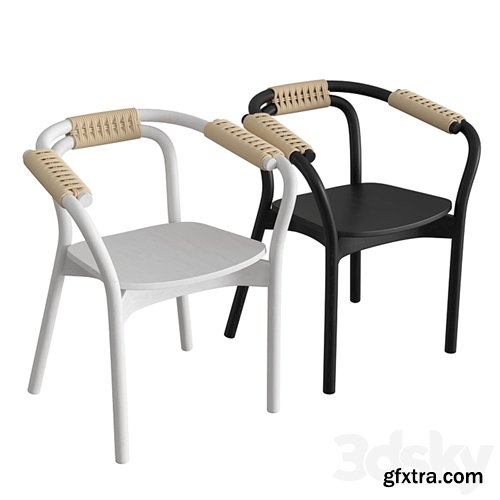
ID:2541307.5d71a49cacecb
https://3dsky.org/3dmodels/show/knot_chair_1
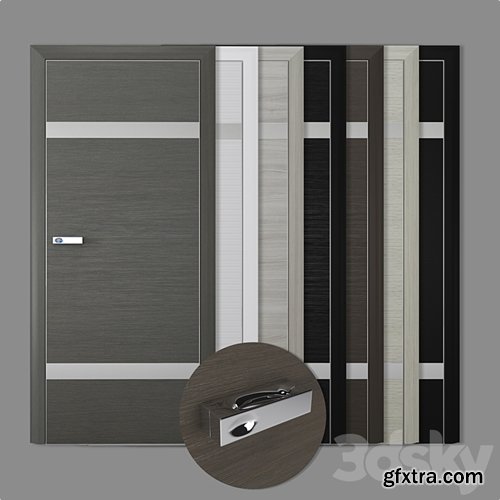
ID: 1794026.5ab41d87d3196
https://3dsky.org/3dmodels/show/door_3d_profildoors
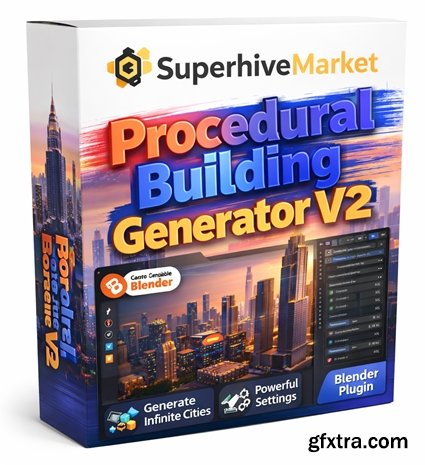
https://superhivemarket.com/products/pbg-2
- Creating custom buildings has never been easier.Using PBG 2 is as easy as opening the Asset Browser and dragging-and-dropping Presets onto objects. After that, you can edit the building shape simply using the regular tools of Blender; extrude, move, add loop cuts and more. In a few minutes or even seconds, you can model a render-ready building that is tailored to your requirements!
- It's as simple as opening the asset browser and dragging the presets onto the objects. After that, you can edit the building's shape using standard Blender tools: extrusion, moving, adding contour cuts, and much more. In just a few minutes or even seconds, you can model a ready-to-render building adapted to your requirements!
- PBG 2 comes with a diverse set of building styles that you can mix and match to create a specific building style.
NeoSkola Bütün Kursları

Udemy Türkçe


Top Rated News
- TheBoudoirDivas All Tutorial
- 126,000 Royalty-Free 3D Models
- CreativeLive Tutorial Collections
- Fasttracktutorials Course
- Chaos Cosmos Library
- MRMockup - Mockup Bundle
- Finding North Photography
- Sean Archer
- John Gress Photography
- Motion Science
- AwTeaches
- Learn Squared
- PhotoWhoa
- Houdini-Course
- Photigy
- August Dering Photography
- StudioGuti
- Creatoom
- Creature Art Teacher
- Creator Foundry
- Patreon Collections
- Udemy - Turkce
- BigFilms
- Jerry Ghionis
- ACIDBITE
- BigMediumSmall
- Globe Plants
- Unleashed Education
- The School of Photography
- Visual Education
- LeartesStudios - Cosmos
- Fxphd
- All Veer Fancy Collection!
- All OJO Images
- All ZZVe Vectors
- CGTrader 1 CGTrader 2



















