


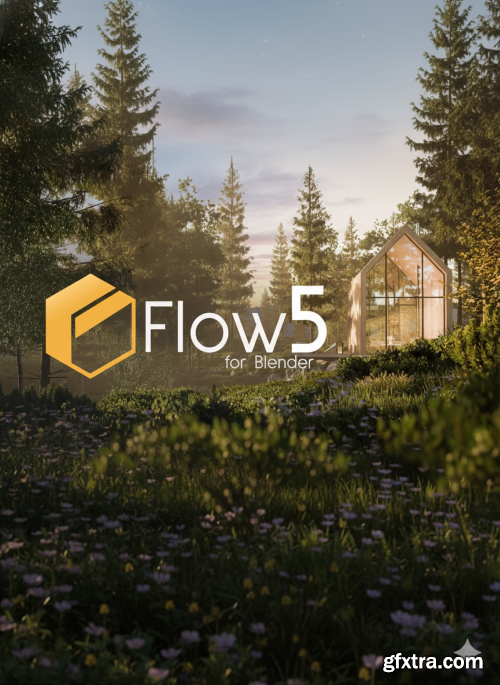
Flow v5 for Blender
Blender 4.5
- Discover the power of Flow, our authorial ecosystem to manage the assets and materials, add them to scene, customize them and work with them much easier and quicker. All to improve the workflow, save time and create better renders! It`s not just the asset manager, it`s the entire Swiss Tool that was designed to be the ultimate help for working with asset libraries in Blender, including our polyspaace libraries. Throughout the time we`ve developed lots of features, that already save hundreds of hours and helped us creating scenes better, than we`ve ever imagined!
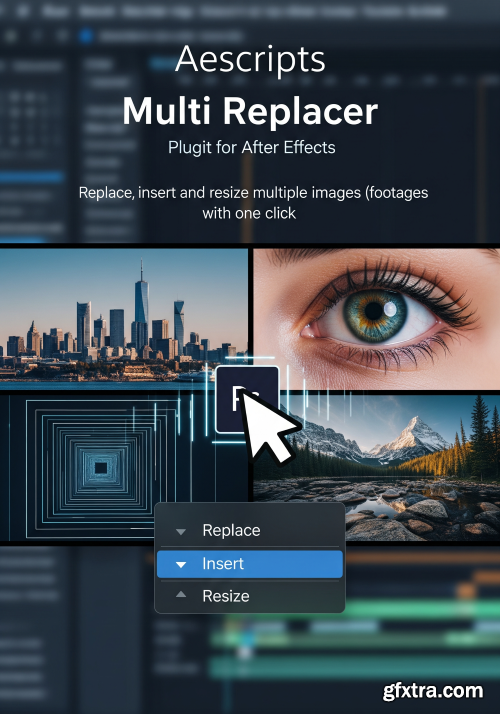
https://aescripts.com/multi-replacer/
Replace, insert and resize multiple images (footages) with one click. Replace, insert and resize your multiple images(footages) with one click. And save a lot of boring work time. If you are working with ready-made templates, this script is for you, especially if you working with Slideshows, Video Wall, Screen Wall, Photo gallery, and Openers
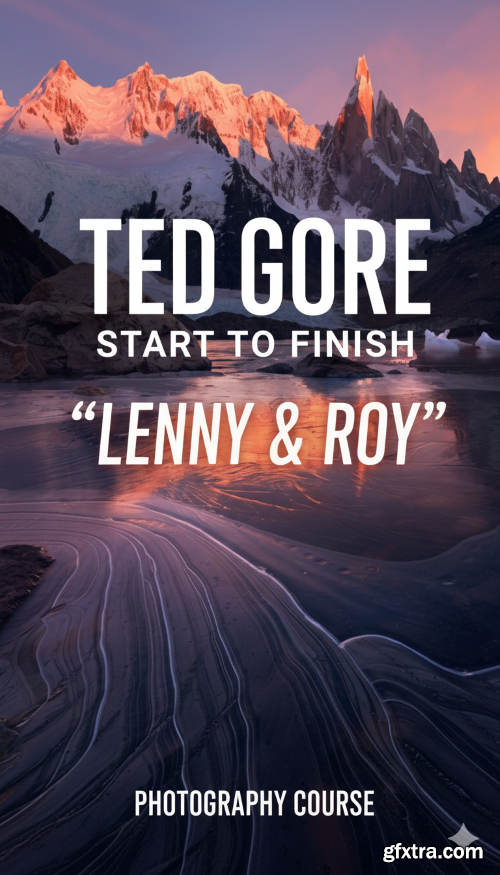
- This video will cover the story behind the image, thoughts on the composition, color theory and capture, and the processing from start to finish. Particular techniques covered in the processing of this video are introducing color to enhance the natural color palette, using light painting to enhance mood, direction, and dimension, advanced masking techniques, and double processing a single raw file to create balance with luminosity, contrast and color. A basic understanding of layer masks is advisable for this video.
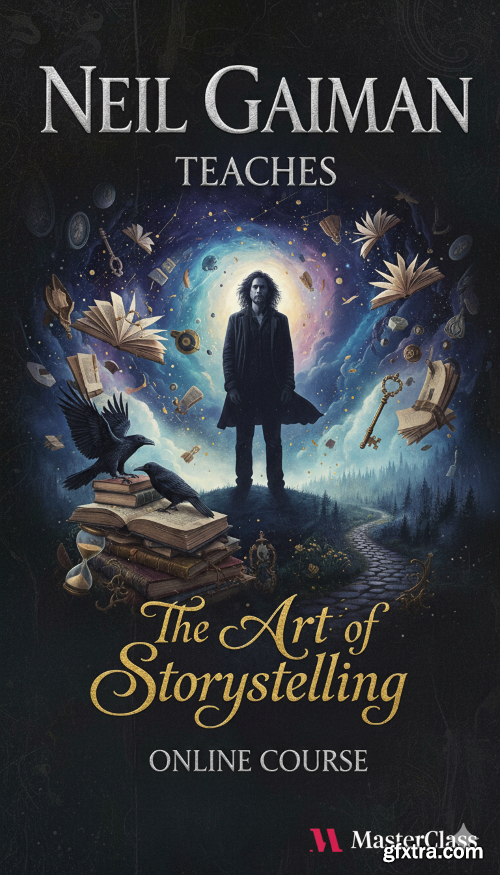
- Award-winning author Neil Gaiman has spent more than a quarter of a century crafting vivid, absorbing fiction. Now, the author of Stardust, Coraline, and The Sandman teaches his approach to imaginative storytelling. Learn how to find your unique voice, develop original ideas, and breathe life into your characters. Discover Neil’s philosophy on what drives a story—and open new windows to the stories inside you.
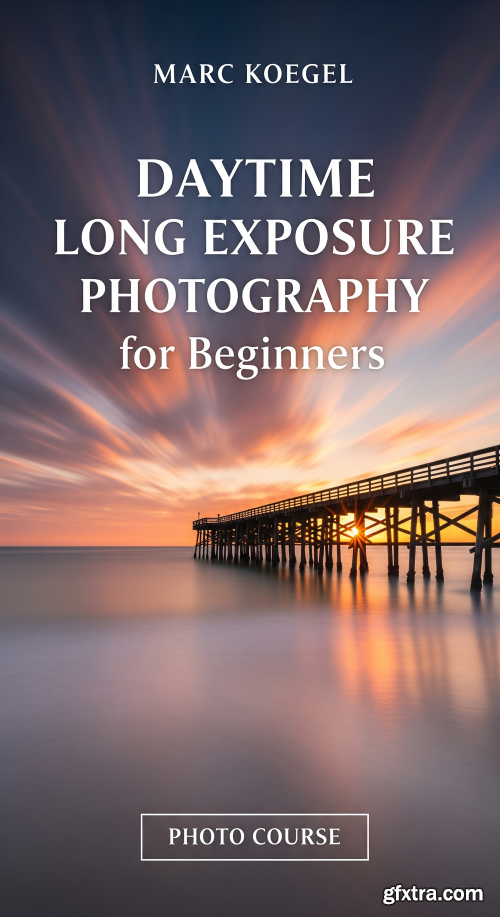
- This webinar is for anyone looking to do long exposure photographs during the day. It specifically tailored for those with no previous experience doing long exposures (but experienced photographers may also pickup a tip or two ) Your host Marc Koegel will show you how to create photographs with exposure times ranging from a few seconds to several minutes (and up to a full hour or even longer) during the day. Marc will talk about all camera settings, step-by-step, and all equipment that is necessary to take a long exposure during the day. He will show several examples of long exposure photography and share how each was created. There will be a discussion about how to pick a particular exposure time and how various times result in various creative final outcomes. Neutral density (ND) filters will be covered in much detail, and Marc will share his buying advice in various price ranges. There will be time to answer your questions, and you can even submit them before the webinar has started (look for the questions tab on your screen)
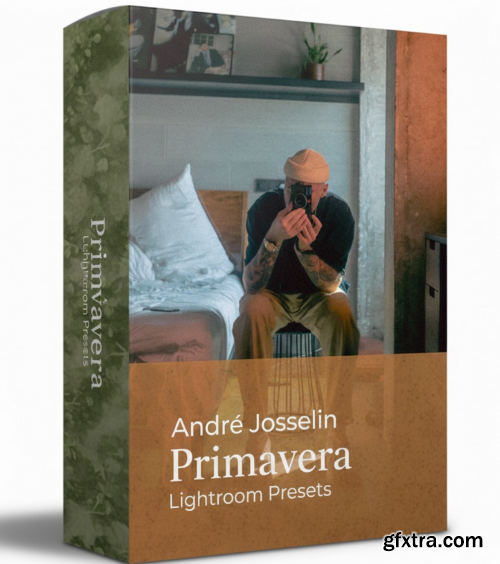
André Josselin - Primavera Lightroom Presets
https://www.dearjosselin.com/primavera-presets
- Medium Format had always an awe inspiring impact on me and my work, despite never working with a MF camera (digital or film) before, because I was too lazy to learn it - I always wanted to reach that level of colors and softness and depth that Medium Format provides, especially on film. This is my take on Medium Format - not an emulator for MF. This preset pack is inspired by old Medium Format film, it combines colors I like and the not-so-contrasty look. Despite loving contrasts too, its always good to have options and slightly different styles going. Last summer I was keen on creating something different and after testing it for 6 months i decided to share my then created presets with you.
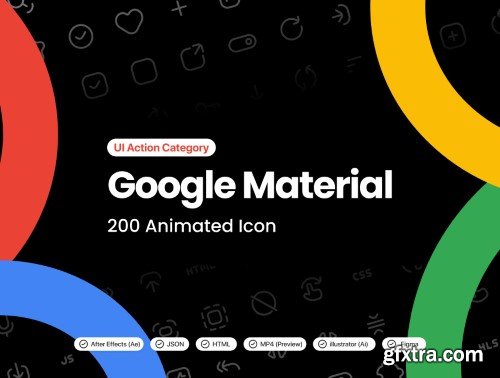
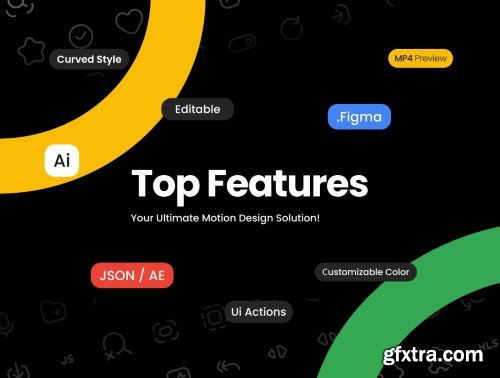
 UI8 - Google Material ─ 200 Animated Icons
https://ui8.net/sadjad/products/google-material--curved-icons
AEP | FIG | HTML | MP4
Introducing the Google Material / Animated Icons – Your Ultimate Motion Design Solution!
Master Generative AI & Cybersecurity Fundamentals—No Coding Required for Business Success



Your Guide to AI Image Income
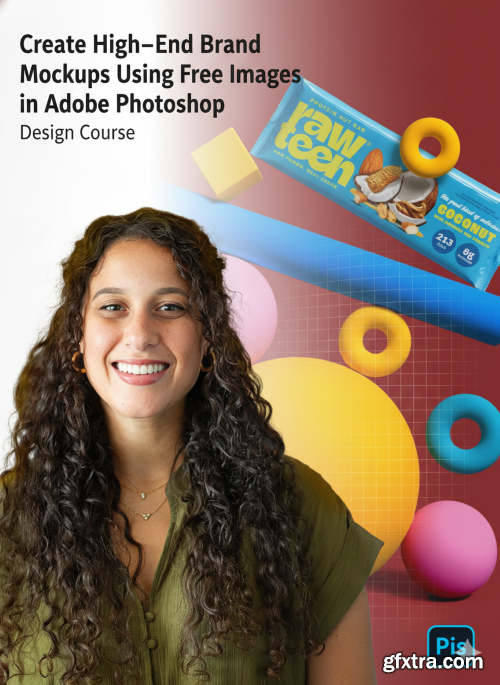
- Tired of seeing the same mockups over and over again on Instagram, Behance, or in client decks? Let’s fix that. In this class, you’ll learn how to create custom, high-end mockups using free images in Adobe Photoshop — mockups that look art-directed, intentional, and unique to your brand presentations.
Blender 4.5
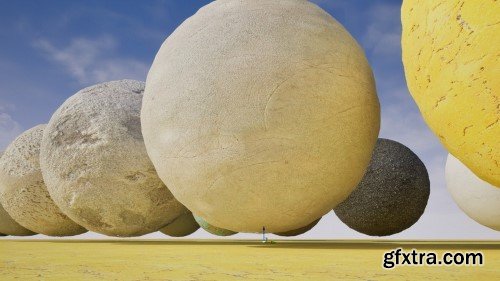
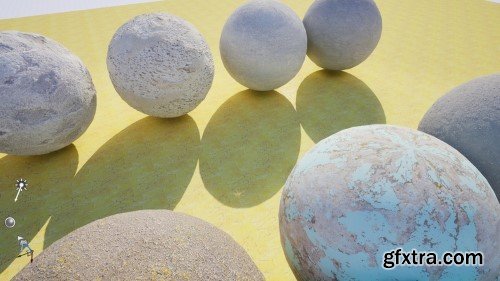
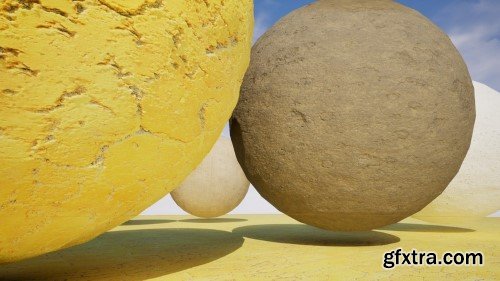
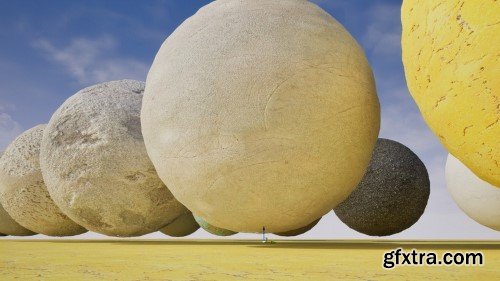
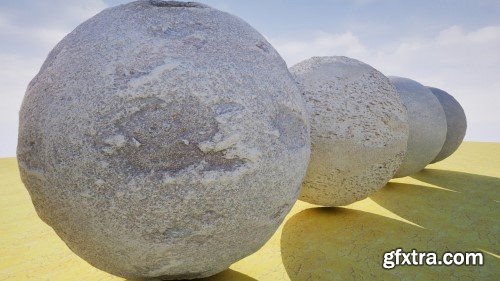
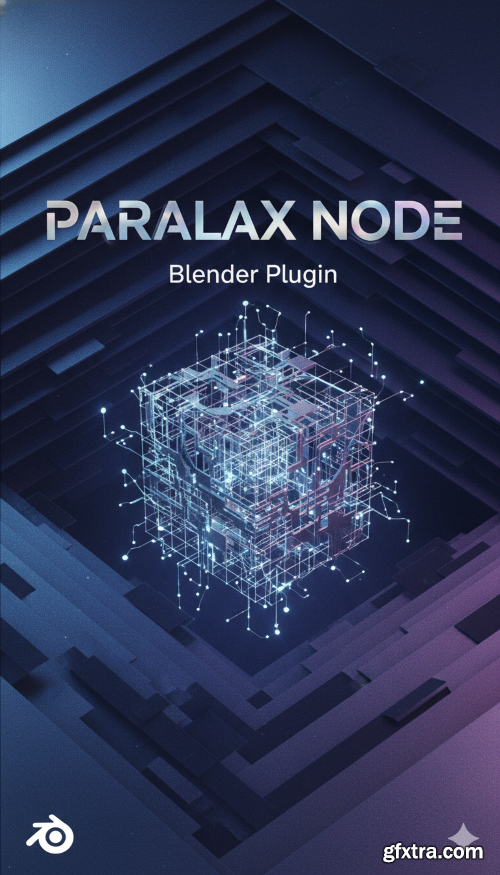
- An add-on for Blender that provides custom nodes for creating parallax mapping effects in shader materials. Many parallax node configurations already exist, so the concept itself is not new. What really sets this node apart is its user-friendly design. Instead of a complex group of nodes, this implementation is a single specialised node that directly contains the height map texture and allows you to control the number of iterations by changing the step parameter.
126,000 Royalty-Free 3D Model

Udemy Türkçe


Top Rated News
- CreativeLive Tutorial Collections
- Fasttracktutorials Course
- Chaos Cosmos Library
- MRMockup - Mockup Bundle
- Finding North Photography
- Sean Archer
- John Gress Photography
- Motion Science
- AwTeaches
- Learn Squared
- PhotoWhoa
- Houdini-Course
- Photigy
- August Dering Photography
- StudioGuti
- Creatoom
- Creature Art Teacher
- Creator Foundry
- Patreon Collections
- Udemy - Turkce
- BigFilms
- Jerry Ghionis
- ACIDBITE
- BigMediumSmall
- Globe Plants
- Unleashed Education
- The School of Photography
- Visual Education
- LeartesStudios - Cosmos
- Fxphd
- All Veer Fancy Collection!
- All OJO Images
- All ZZVe Vectors
- CGTrader 1 CGTrader 2



















