

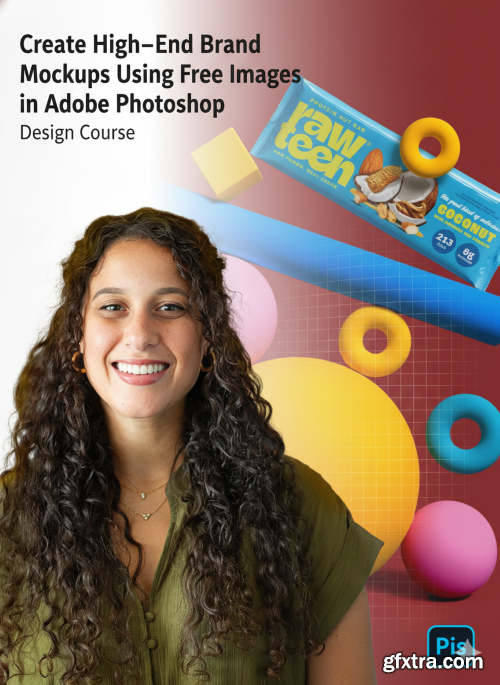
- Tired of seeing the same mockups over and over again on Instagram, Behance, or in client decks? Let’s fix that. In this class, you’ll learn how to create custom, high-end mockups using free images in Adobe Photoshop — mockups that look art-directed, intentional, and unique to your brand presentations.
What You’ll Learn: The Creative Thinking Behind Great Mockups: How to Find the Right Free Images: The “Good Image” Checklist: Photoshop Techniques for Realistic Mockups: How to Build a Reusable Mockup Library: Case Study: The Rawteen Brand:
How to think like an art director — not just where to place a logo, but how to tell a story with your images.
My go-to sources (like Unsplash) and the exact filters, keywords, and techniques I use to find editorial, lifestyle-ready photos that work for mockups.
A five-point system to instantly spot photos that will work for your brand — and save hours of editing later.
Step-by-step tutorials on blending, color-correcting, adding design elements, retouching, and creating depth so your designs look real and intentional.
Learn how to organize and adapt your mockups into a growing resource for future branding projects.
Follow along as I build mockups for Rawteen, a Gen-Z protein bar brand — and see exactly how I match brand personality to visuals.


NeoSkola Bütün Kursları

Udemy Türkçe


Top Rated News
- TheBoudoirDivas All Tutorial
- 126,000 Royalty-Free 3D Models
- CreativeLive Tutorial Collections
- Fasttracktutorials Course
- Chaos Cosmos Library
- MRMockup - Mockup Bundle
- Finding North Photography
- Sean Archer
- John Gress Photography
- Motion Science
- AwTeaches
- Learn Squared
- PhotoWhoa
- Houdini-Course
- Photigy
- August Dering Photography
- StudioGuti
- Creatoom
- Creature Art Teacher
- Creator Foundry
- Patreon Collections
- Udemy - Turkce
- BigFilms
- Jerry Ghionis
- ACIDBITE
- BigMediumSmall
- Globe Plants
- Unleashed Education
- The School of Photography
- Visual Education
- LeartesStudios - Cosmos
- Fxphd
- All Veer Fancy Collection!
- All OJO Images
- All ZZVe Vectors
- CGTrader 1 CGTrader 2



















