

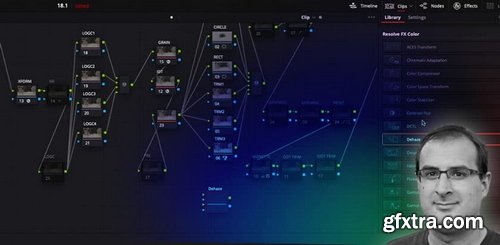
Resolve 18.1 is the first major feature update to Resolve 18, and as usual, BMD has dropped some incredible, big headline-grabbing features. But they’ve also added dozens of smaller improvements you may not know about! In this Insight – that’s what we’ll be focusing on, how to use some hidden gems that I found from the release notes. These new features allow you to work faster and more efficiently. By the end of this Insight, you should understand:
Resolve 18.1 highlights that Power Users need to know
Key takeaways from this Insight



126,000 Royalty-Free 3D Model

Udemy Türkçe


Top Rated News
- CreativeLive Tutorial Collections
- Fasttracktutorials Course
- Chaos Cosmos Library
- MRMockup - Mockup Bundle
- Finding North Photography
- Sean Archer
- John Gress Photography
- Motion Science
- AwTeaches
- Learn Squared
- PhotoWhoa
- Houdini-Course
- Photigy
- August Dering Photography
- StudioGuti
- Creatoom
- Creature Art Teacher
- Creator Foundry
- Patreon Collections
- Udemy - Turkce
- BigFilms
- Jerry Ghionis
- ACIDBITE
- BigMediumSmall
- Globe Plants
- Unleashed Education
- The School of Photography
- Visual Education
- LeartesStudios - Cosmos
- Fxphd
- All Veer Fancy Collection!
- All OJO Images
- All ZZVe Vectors
- CGTrader 1 CGTrader 2



















