

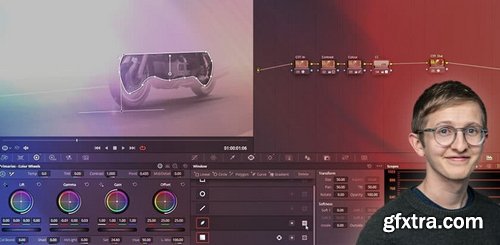
MixingLight - Adding Colour Contrast To Night Footage (in DaVinci Resolve)
https://mixinglight.com/color-grading-tutorials/night-colour-contrast-davinci-resolve/
Author: Luke Ross, Type: Video, Duration: 9:14, Skill Level: Beginner
Colorist Luke Ross demos a creative technique he used recently, adding colour contrast to make a night image pop using foreground separation.
Sometimes it’s hard to make an image look cinematic when you are working with a limited palette of neutral tones or heavy colour casts. I was recently grading a documentary and I found two big limiting factors to my creativity: The visual compositions of the shots were my saving grace. They allowed me to isolate and separate the foreground from the background using a consistent, straightforward approach using broad Power Windows. This creative grading Insight explores adding colour contrast to make a night image pop, using foreground separation. This example uses two Sony clips shot at night for a motorbike documentary. The technique used here can be used on any camera/footage where you have a monochromatic colour cast but want to add visual interest. It also has the benefit of being quick to execute, especially if you have hundreds of shots to get through with a limited amount of time/budget.



126,000 Royalty-Free 3D Model

Udemy Türkçe


Top Rated News
- CreativeLive Tutorial Collections
- Fasttracktutorials Course
- Chaos Cosmos Library
- MRMockup - Mockup Bundle
- Finding North Photography
- Sean Archer
- John Gress Photography
- Motion Science
- AwTeaches
- Learn Squared
- PhotoWhoa
- Houdini-Course
- Photigy
- August Dering Photography
- StudioGuti
- Creatoom
- Creature Art Teacher
- Creator Foundry
- Patreon Collections
- Udemy - Turkce
- BigFilms
- Jerry Ghionis
- ACIDBITE
- BigMediumSmall
- Globe Plants
- Unleashed Education
- The School of Photography
- Visual Education
- LeartesStudios - Cosmos
- Fxphd
- All Veer Fancy Collection!
- All OJO Images
- All ZZVe Vectors
- CGTrader 1 CGTrader 2



















