


- UK animation powerhouse Blue Zoo launches innovative new training program designed to prepare animators for a role in the industry and close the skills shortage gap. AnimDojo, a new online animation “gym”, has been established to support artists with a basic understanding of Autodesk Maya to become industry-ready pro animators capable of meeting the needs of today’s working studios. AnimDojo was created by Tom Box and Badar Badruddin, co-founder and animation director at London’s multi BAFTA-winning animation studio Blue Zoo. Specifically developed to address an industry-wide skills shortage in the sector, AnimDojo is an online animation gym for learning by doing, where artists can build skills in-line with real-world, practical animation studio insight.

Udemy - Learn 3D With Blender - Fundamentals To Advanced
30 Years of Experience in 3d Condensed into Over 18 Hours of Fun and Carefully Structured Project Based Content
Udemy - Adobe Photoshop for Beginners: Complete Guide 2025
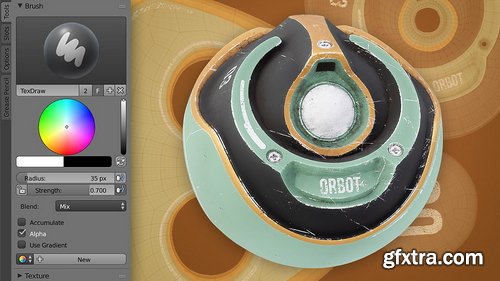
CGCookie - Fundamentals of Texturing in Blender 2.7
https://cgcookie.com/courses/fundamentals-of-texturing
- Textures are 2D images that are designed to influence a 3D model's appearance. Whether it's simply to add color to a model like one would paint a clay sculpture, or to govern a specific material attribute, textures can be generated and painted by hand with Blender's built-in tools. The texture process begins with addressing a model's UV coordinates. UVs are the mechanism by which a 2D image is transposed on to a 3D model. It's an art form in itself to layout these coordinates to maximize texel density (amount of texture pixels utilized) while minimizing stretching (disproportion between the model and its UV's). After UV's are established, textures can be painted by hand using a Wacom pen and tablet. Textures can also be generated by "baking" geometric data into image texture format. Alternatively textures can be painted with an external application and easily brought back into Blender.
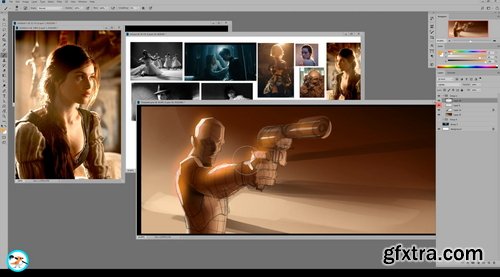
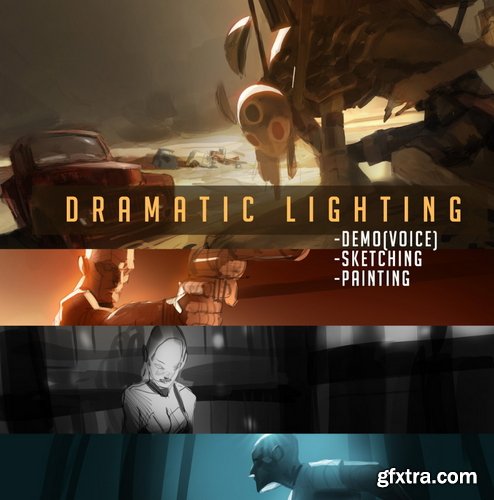
Gumroad - Ahmed Aldoori - Dramatic Lighting
https://medders.gumroad.com/l/ilrrR
This lecture covers cinematic/dramatic lighting and effects for portraying appealing scenes. This content can apply to thumbnail painting, full paintings, splash art, card illustrations, etc
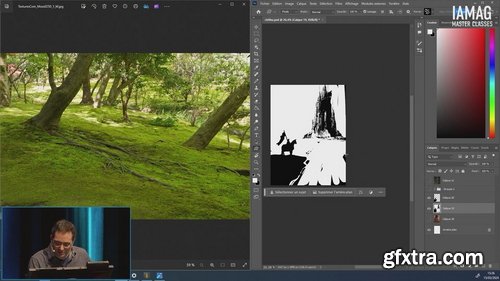
Chaos Control with Marc Simonetti
https://masterclasses.iamag.co/programs/chaos-control-with-marc-simonetti
Have you heard about Speed Painting? More than just a challenging exercise, Speed Painting can help you to improve your skills and workflow.
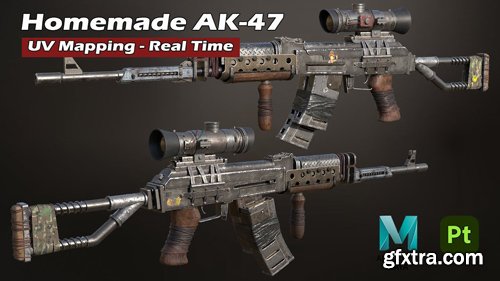
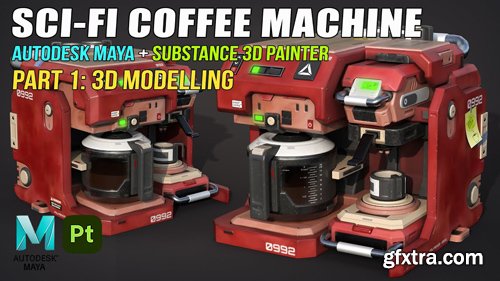


Megbittonproductions - Five Minute Edit: Wheat Field Sunset
https://megbittonproductions.com/products/five-minute-edit-wheat-field-sunset
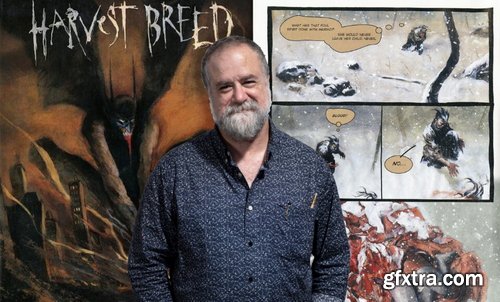
NMA / New Masters Academy - Comics I: Intro to Sequential Art
https://www.nma.art/v3/course-catalog/courses/1873713/
- In this 12-week course, renowned comic and fine artist George Pratt will teach you the fundamentals of comics and sequential art. You will learn how to turn a story into a visual narrative. George will demonstrate how to make layouts and breakdown sketches, the key components to composing a story. He will lecture on the foundational elements that are the building blocks of a comic book page. You will examine the work of master comic illustrators as George lectures on their techniques. After this course, you will have developed the knowledge to start telling compelling visual stories.
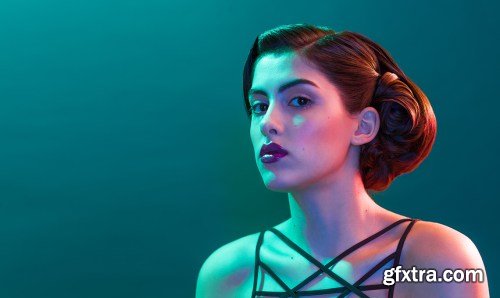
PHLearn - Retouching 301
https://phlearn.com/tutorial/retouching-301/
Difficulty Advanced, Length 12.25 hours, Videos 10, Software Photoshop
Welcome to part three of our best-selling series Retouching 101-301. It’s time to master the art of retouching as we put all of our new skills and knowledge to the test.
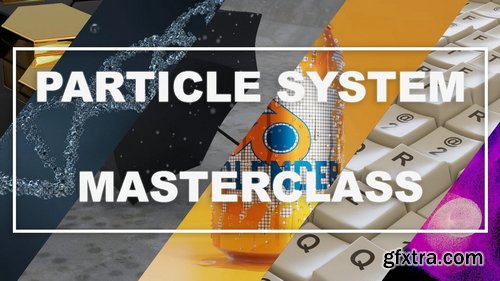
Skillshare - Blender: Particle system masterclass
https://www.skillshare.com/en/classes/blender-particle-system-masterclass/946301358
In this class, you will learn how to use the particle system in blender. This class has an introduction where you will understand the settings in the particle system. After you know the basics it is time for some fun exercises.
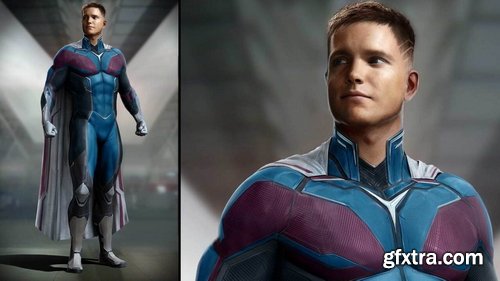
The Gnomon Workshop - The Art of the Armature
https://thegnomonworkshop.com/tutorials/superhero-concept-design-for-film-tv
Duration: 2h 45m | Format: HD 1920x1080
- Learn how to create professional-quality superhero concept art for film and TV with this 2.5-hour workshop by Luca Nemolato. Guiding you through his tried-and-tested workflow for creating impressive character designs worthy of blockbuster movies, Luca shares his process and the personal techniques that he’s been refining over many years of working professionally for the entertainment industry.
- This intermediate-level workshop starts out in Daz Studio where Luca experiments with and establishes a pose for his character. This base model is then a foundational asset to take into ZBrush where all the resculpting work and detailing of the anatomy can take place. Luca shares his tips and tricks for sculpting superhero proportions in ZBrush with believable results.
- From there, the work continues in Photoshop where Luca reveals how to sketch 2D designs over a rough KeyShot render of the 3D character to explore costume ideas. After designing a few options, the strongest is taken back into ZBrush as a reference, where Luca sculpts the detail and finalizes the overall design in 3D. Once satisfied with the character’s final look and proportions, Marvelous Designer is brought into the mix to help create a realistic, layered cape as the finishing touch for Luca’s superhero, Paladin.
- As the last step in the workflow, Luca renders the final image using KeyShot. Here, he shares his personal techniques for creating knitted material fabric effects and textures, before returning to Photoshop for the final compositing, digital painting, and post-production work.

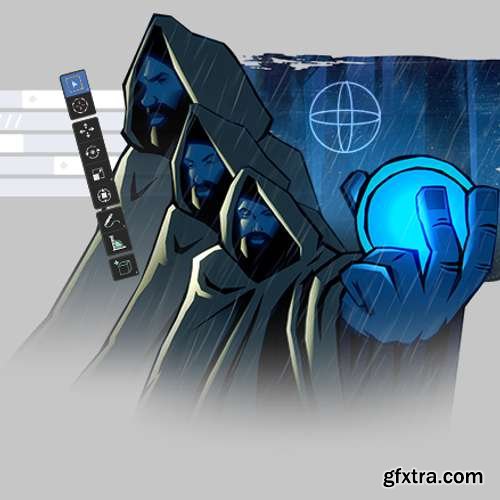

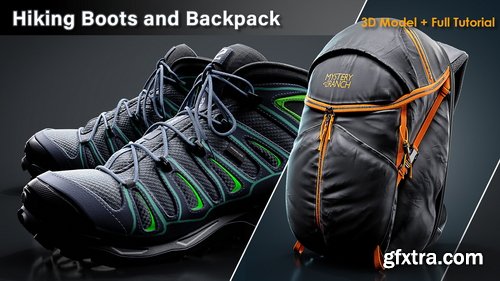


Artstation - Hiking Boots and Backpack / Full Tutorial + 3D Model
https://www.artstation.com/marketplace/p/wjbmn/hiking-boots-and-backpack-full-tutorial-3d-model
+12 hrs Full Tutorial (Modeling, Unwrapping, Texturing and Rendering), Game Ready Base Mesh, Clean Quad Topology, Unwrapped in UDIMs workflow, 4K Textures in PNG (16 bit)
Softwares used in this pack: Marvelous Designer/ Blender / Rizom UV / ZBrush / 3Ds Max / Substance Painter / Marmoset Toolbag, Addons Used in Blender:Hardops, Plugin used in 3Ds Max: UV Tools 3.2g, No narrated , Realtime tutorial
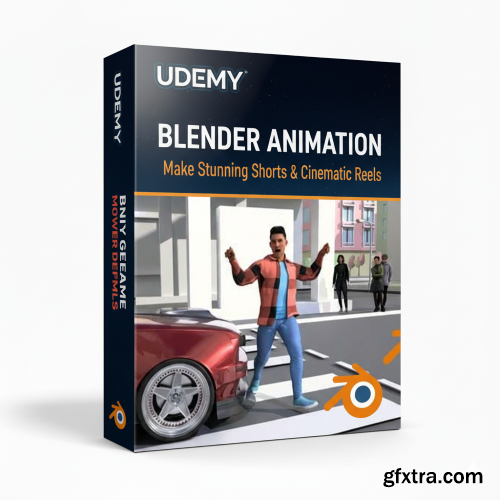
Udemy - Blender Animation: Make Stunning Shorts & Cinematic Reels
Udemy - Unity Game Development: The Ultimate Tower Defense Formula
Level: Beginner | Genre: eLearning | Language: English | Duration: 12 Lectures ( 1h 37m ) | Size: 1.2 GB
https://www.udemy.com/course/adobe-photoshop-for-beginners-complete-guide-2025/
Learn Photoshop from Scratch – No Experience Needed

Language: English | Size: 660.01 MB | Duration: 0h 58m
https://www.udemy.com/course/free-canva-for-beginners/
the basis of canva : the navigator , the sidebar , the toolbar and even more
- This course, taught by VFX supervisor Charles Chorein, provides a comprehensive guide to creating and animating a crowd scene using motion capture data and various assets from our VFX308 course. Starting with the acquisition of models and motion capture from the Mixamo database, you will create and enhance assets in Maya, then import and set up these assets in Houdini. The course covers the application of motion capture data, adding props like swords and shields, and managing all elements within a single agent. You will learn to incorporate the terrain, perform rigging adjustments, and populate your scene with varied agents. The course also delves into simulating agent collisions and interactions using DOPnet and introduces techniques to add variation in animations based on different triggers, ensuring a dynamic and realistic crowd scene.
Coloso - 3D VTuber Creation; and Learning Techniques from Science to Art
https://coloso.global/en/products/3dartist-createll-us
Basic~Advanced | Total 27 videos, 17Hours 45Minutes | Audio: English | Subtitles English,Chinese,Indonesian,Japanese,Korean, Portuguese,Russian, Spanish, Vietnamese by GFXTRA.COM | Class materials included
- I will be breaking down VTuber creation concepts into an easily digestible form that's beneficial for people of all skill levels. This curriculum, the methods, and the way the course is presented are, at its core, a result of focusing on problem-solving concepts throughout the process. Break new ground as you explore the vast, promising world of VTubers with experimental productivity! Renowned for his revolutionary techniques in creating 3D art, Createll has devised 24 wide-ranging exercises that will prepare you for every section of the course and lay the groundwork for your future expertise. From mesh creations to detailed rigging methods — as for weight painting and more! Expand your possibilities by acknowledging your personal capability. Articulate your mindset and objectives through the detailed guidance of a professional artist! From mesh creation to shading and lighting, don't miss out on the utmost representation of various inspiring rigging ideas! Center on learning the technical methods of weight painting and more. Set up these techniques as your own for a more effective 3D design. Not missing a single detail, Createll will assist in bringing you wonderfully mind-altering knowledge of every step of your art process. Chart the course for your future artistic journey ahead!
The Gnomon Workshop - SynthEyes Tracking for Production
https://thegnomonworkshop.com/tutorials/syntheyes-tracking-for-production
Duration: 3h 53m | Format: HD 1920x1080
In this workshop, Tracker / Matchmove Artist Kevin Bolivar takes you through SynthEyes tracking from beginning to end, explaining the theory and concepts applied to solve camera motion, distortion, and object tracks. Follow Kevin as he shows you essential tools and workflows to speed up your tracking and ship it to the next part of the production pipeline effectively. These videos will go over what tracking is, how to guide SynthEyes to work how you want it to, basic modeling for layout purposes, and animation to understand how things move in space as well as work with each other through constraints. Using SythEyes and Maya, we’ll cover a variety of shots each with their own problems and solutions, so if you are just starting out or have delved into other tracking software, this tutorial will help you get into SynthEyes and be able to efficiently and effectively track production shots or your very own footage.
126,000 Royalty-Free 3D Model

Udemy Türkçe


Top Rated News
- CreativeLive Tutorial Collections
- Fasttracktutorials Course
- Chaos Cosmos Library
- MRMockup - Mockup Bundle
- Finding North Photography
- Sean Archer
- John Gress Photography
- Motion Science
- AwTeaches
- Learn Squared
- PhotoWhoa
- Houdini-Course
- Photigy
- August Dering Photography
- StudioGuti
- Creatoom
- Creature Art Teacher
- Creator Foundry
- Patreon Collections
- Udemy - Turkce
- BigFilms
- Jerry Ghionis
- ACIDBITE
- BigMediumSmall
- Globe Plants
- Unleashed Education
- The School of Photography
- Visual Education
- LeartesStudios - Cosmos
- Fxphd
- All Veer Fancy Collection!
- All OJO Images
- All ZZVe Vectors
- CGTrader 1 CGTrader 2



















