- No matter what kind of images you create, being able to integrate text into your work is an important skill. Whether you want to make eye-catching posters or advertisements for a client, or you want to share a powerful message with your personal work, this course is all about using letters, words, and typography to make it happen.
- Learn how to add textures, shadows, and lighting effects, integrate type into photographs, and even create text in stunning 3D. From old-school vintage styles to clean, modern looks, if you want to get creative with type, then this is the course for you!
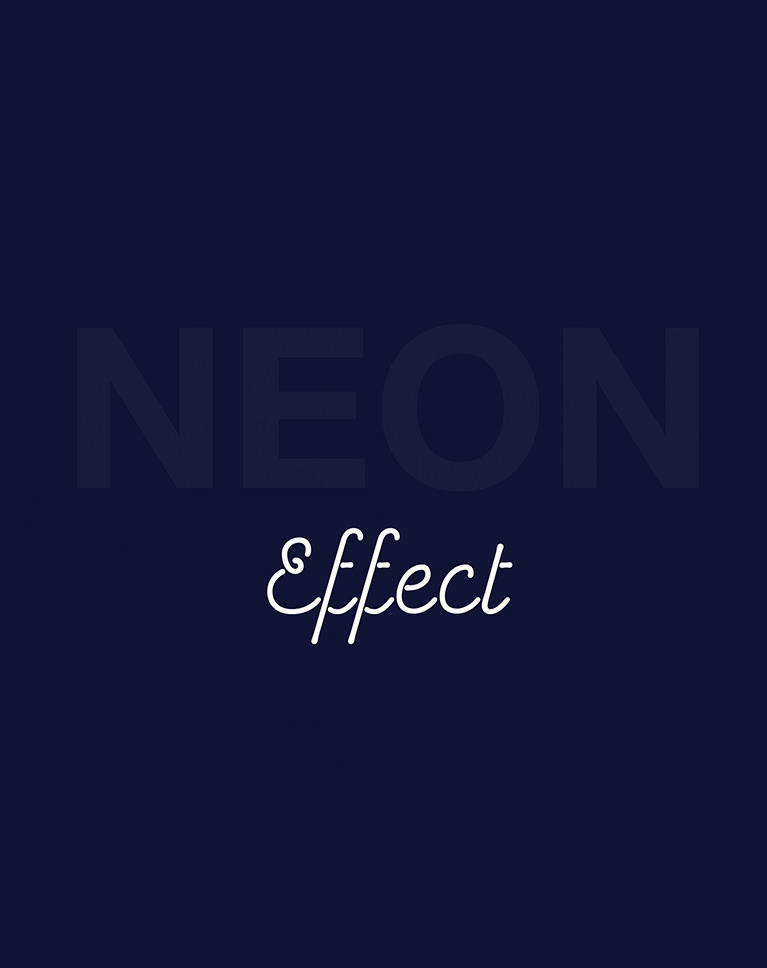
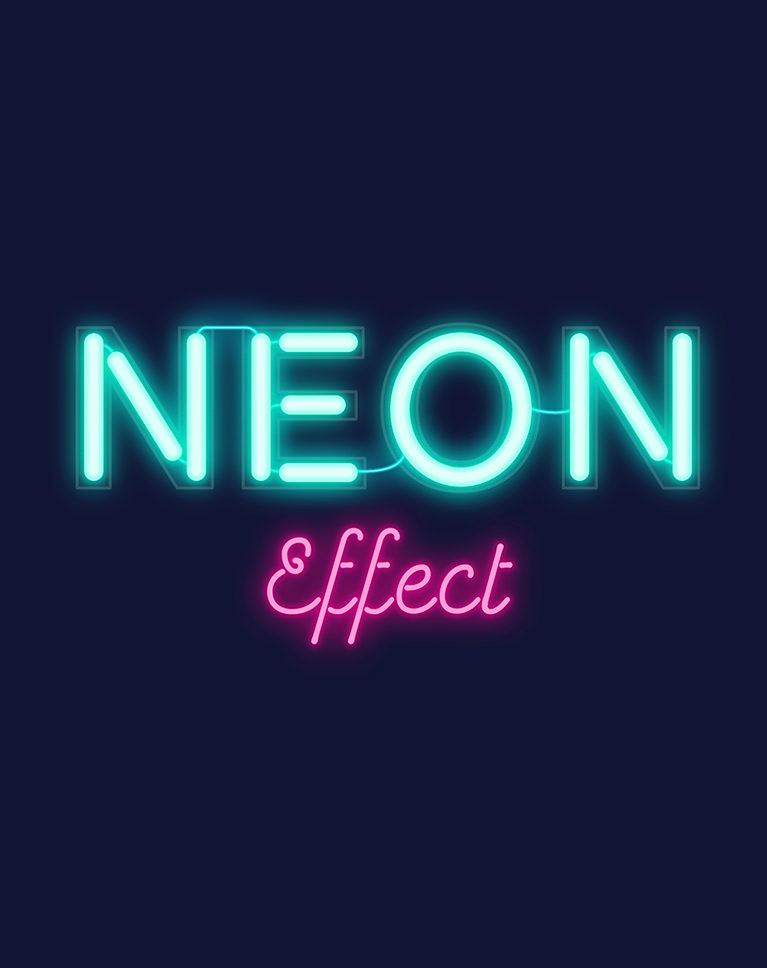
Creating text can be an important part of the job for any visual artist or image creator. Whether you need to create a banner for a website, an ad for a billboard, or a poster for a big event, adding dynamic type can take your work to the next level. Join as we show you how to transform type from basic text boxes and fonts to eye-catching works of art. Make text glow like a neon sign or give it a real paper texture and feel. We take you through a wide variety of awesome effects that add colors, textures, patterns, and pop to any type. And once you finish this course, try combining these techniques with some other spectacular effects like a sketch effect or a watercolor effect. One of the easiest and most effective ways to add type to an image is to make it look like it lives in the rest of the scene. We show you how to use the tools Photoshop is known for to make it happen. One quick and effective way to give any text a little flare is to add simple, colorful patterns. Learn how to create your own patterns, lay them over any type, and layer them to add extra depth and dimension. Once you learn the tools that help you transform text into something special, it’s easy to start experimenting with your own looks and styles. With a wide variety of colors, patterns, textures, and tools, this course is designed to spark your imagination and inspire you to create something that’s uniquely you. We don’t just show you basic effects. We show how to create themes and styles that can help your messages stand out. Learn how to layer different effects, create color palettes, and design looks that are sure to grab people’s attention. Stylized drop shadows are a popular effect that can be hard to pull off the right way. We show you how to create bold and dramatic shadows that add emphasis to any text in Photoshop. The effects in this course are designed to help type stand out. Perfect for any images where you need to grab attention and send a message, these looks are perfect for posters, banners, and advertisements for the web, social media, and print. Learn how to use the Pen Tool to create custom type with a the look and shine of a neon sign! Create your own custom shapes, text, and lighting effects in Photoshop.
Colors, Textures, Patterns, Pop!
Create Text Effects in Photoshop
Textures & Lighting Effects
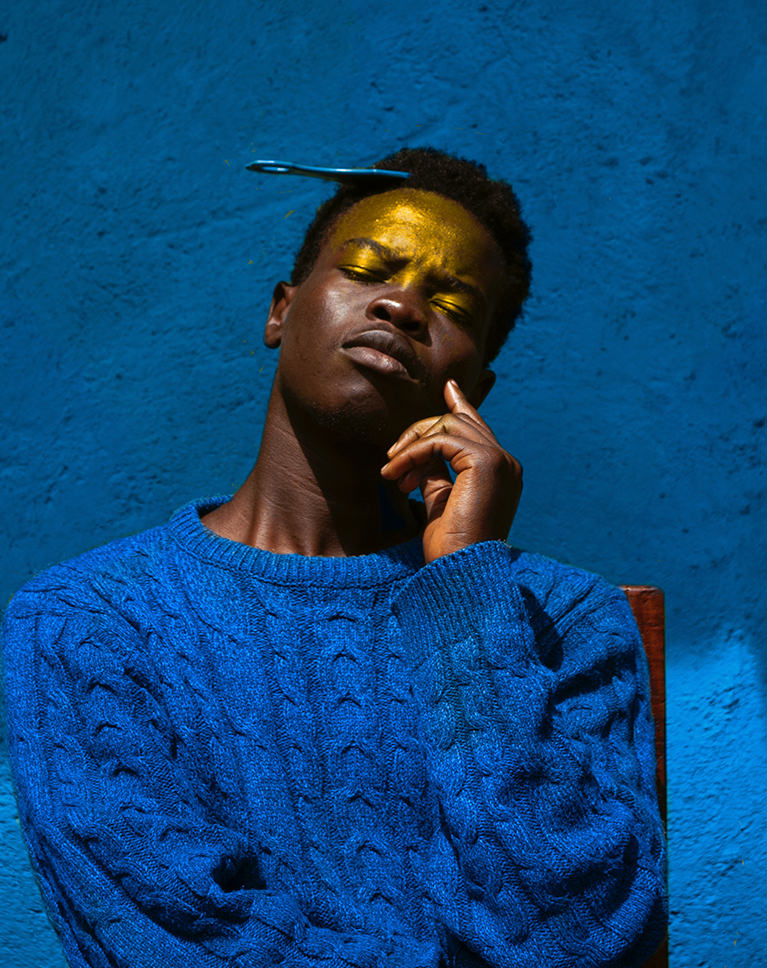
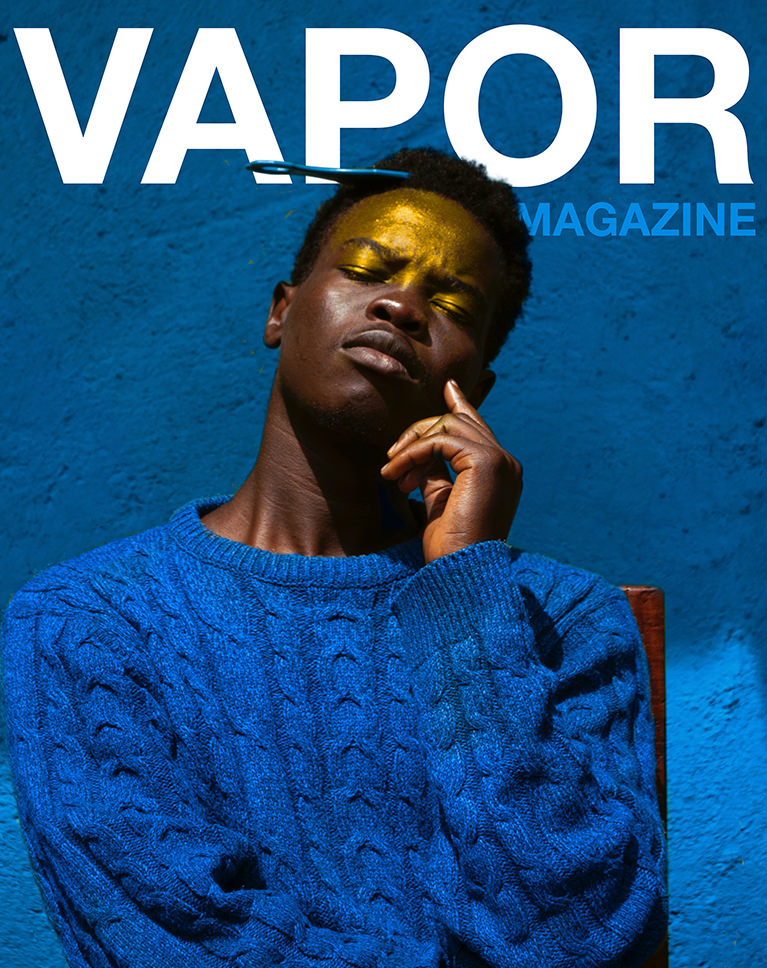
Integrate Text Into Photos
Add Shapes & Patterns to Text
Create Your Own Styles
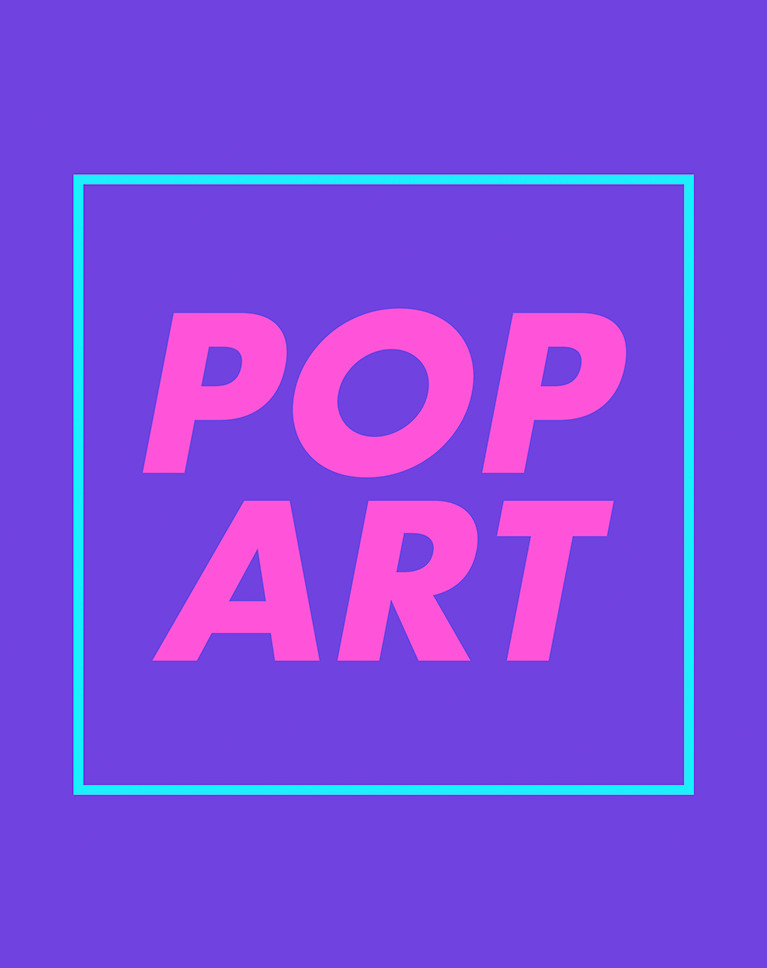
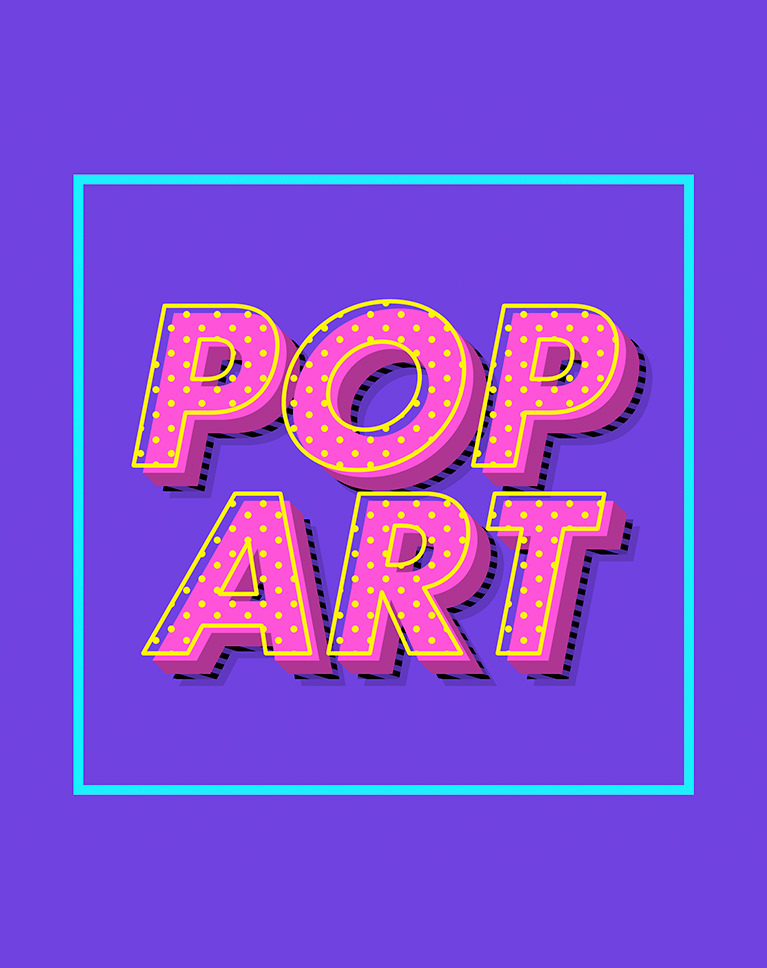
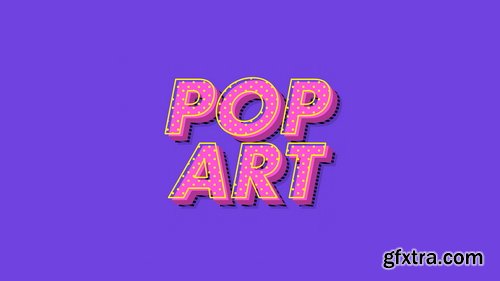
Colorful Pop Art Text Effects
Drop Shadows
Posters, Banners & Ads
Neon Text Effects



126,000 Royalty-Free 3D Model

Udemy Türkçe


Top Rated News
- CreativeLive Tutorial Collections
- Fasttracktutorials Course
- Chaos Cosmos Library
- MRMockup - Mockup Bundle
- Finding North Photography
- Sean Archer
- John Gress Photography
- Motion Science
- AwTeaches
- Learn Squared
- PhotoWhoa
- Houdini-Course
- Photigy
- August Dering Photography
- StudioGuti
- Creatoom
- Creature Art Teacher
- Creator Foundry
- Patreon Collections
- Udemy - Turkce
- BigFilms
- Jerry Ghionis
- ACIDBITE
- BigMediumSmall
- Globe Plants
- Unleashed Education
- The School of Photography
- Visual Education
- LeartesStudios - Cosmos
- Fxphd
- All Veer Fancy Collection!
- All OJO Images
- All ZZVe Vectors
- CGTrader 1 CGTrader 2