

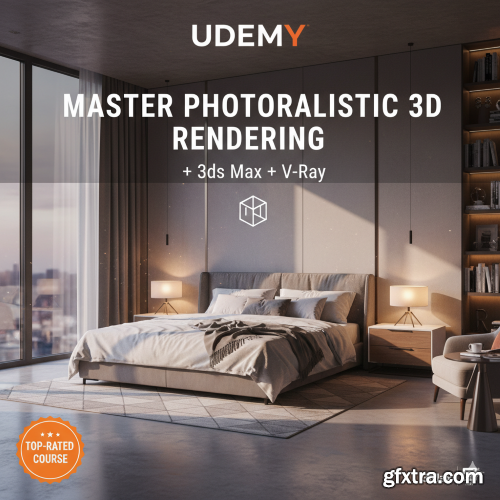
Udemy - Master Photorealistic 3D Rendering with 3ds Max + V-Ray
https://www.udemy.com/course/3drendering/
Language: English (US)
- Are you struggling to bring your 3D models to life with breathtaking realism? Do your renders lack that professional polish and visual impact? Look no further! The "3D Rendering Masterclass" course on Udemy is your definitive guide to transforming your Blender scenes into stunning, photorealistic masterpieces. This comprehensive course is meticulously designed for Blender users of all levels – from enthusiastic beginners eager to understand the rendering pipeline to intermediate artists looking to refine their skills and achieve truly cinematic results. We'll demystify the complexities of rendering, breaking down advanced concepts into easy-to-follow steps, empowering you to create visuals that captivate and impress.
What You'll Master in This Course: Fundamentals of Lighting: Discover the secrets of professional lighting setups. Learn how to sculpt light and shadow to define forms, create mood, and guide the viewer's eye. We'll explore various lighting techniques, including HDRIs, area lights, point lights, and volumetric effects, ensuring you can illuminate any scene with precision. Advanced Material Creation: Go beyond basic shaders! Dive deep into Blender's node editor and unlock the power of physically based rendering (PBR) materials. You'll learn to craft intricate textures for everything from realistic metals, glass, and wood to complex organic surfaces, understanding properties like roughness, metallic, normal maps, and displacement. Camera Composition for Impact: Frame your renders like a pro. Understand the principles of cinematic camera angles, depth of field, focal length, and motion blur to add drama, focus, and a sense of realism to your scenes. Optimizing Render Settings: Say goodbye to long render times and grainy images! Learn how to fine-tune Blender's Cycles and Eevee render engines for optimal quality and efficiency. We'll cover sampling, denoising, performance settings, and render passes for ultimate control. Post-Processing Perfection: Elevate your renders to the next level with essential post-processing techniques. Learn how to use Blender's compositor and external image editing software to add color grading, vignettes, lens flares, and other effects that give your images a polished, professional look. Creating Stunning Environments: Integrate your models seamlessly into realistic environments using techniques like background images, sky textures, and fog, creating immersive and believable worlds.

Udemy_-_Ultimate_3ds_Max___V-Ray_Photorealistic_3D_Rendering_Course.part3.rar - 1.9 GB


126,000 Royalty-Free 3D Model

Udemy Türkçe


Top Rated News
- CreativeLive Tutorial Collections
- Fasttracktutorials Course
- Chaos Cosmos Library
- MRMockup - Mockup Bundle
- Finding North Photography
- Sean Archer
- John Gress Photography
- Motion Science
- AwTeaches
- Learn Squared
- PhotoWhoa
- Houdini-Course
- Photigy
- August Dering Photography
- StudioGuti
- Creatoom
- Creature Art Teacher
- Creator Foundry
- Patreon Collections
- Udemy - Turkce
- BigFilms
- Jerry Ghionis
- ACIDBITE
- BigMediumSmall
- Globe Plants
- Unleashed Education
- The School of Photography
- Visual Education
- LeartesStudios - Cosmos
- Fxphd
- All Veer Fancy Collection!
- All OJO Images
- All ZZVe Vectors
- CGTrader 1 CGTrader 2



















