

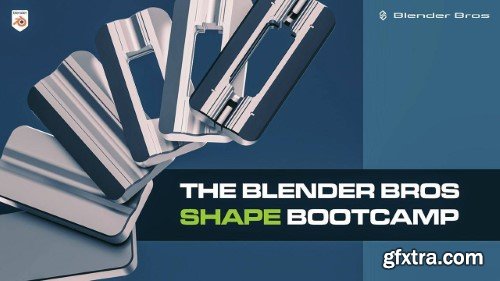
Blender Bros - The Shape Bootcamp
Creating well-balanced 3D designs is essential, but it all starts with a basic shape.
Learn our formula for creating beautiful shapes so that you can:
Eliminate frustration when trying to create models from scratch
Intuitively understand the importance of form and visual design in 3D
Build your creative brain so that way you think in terms of shapes and forms - without even trying
Unplug the analytical and logical side of your brain so that way you can think creatively
Master the principles of echoing, detail concentration, the 70/30 rule and the other iron rules of 3D visual design
As someone who is extremely logical and analytical (I even have a degree in Mathematics), being naturally creative has always been difficult for me. What I really needed when learning hard surface modeling and 3D design was a formula that allowed me to be creative without even trying. Well, we've built that formula for you inside of this program. Each chapter is short, to the point, and generally under 10 minutes long. You should be able to complete most of the core chapters in just one sitting. Most Blender users have a completely incorrect Blender setup. In order to actually understand the form and balance of your shape, you need to enable some secret settings the really make your models "pop". We'll discuss: "How do you even come up with these shapes?" Hold your horses, cowboy, because that is exactly what this chapter will discuss. You'll master: Ok... so you've built your base shape. Fantastic! But once that is done, how do we actually think about details so that way we can keep building on top of our design? Well, that's what this chapter will cover, including: These are the two most important elements of 3D and visual design. Fortunately for you, most artists don't know how to use these effectively, meaning you can jump ahead of most of your competition with ease. This chapter will allow you to: This is the biggest cause of confusion for most artists: Should I add detail to fill my empty space? The simple answer: NO! This section will discuss: Ok... you've created your base shape. At this point, you need to expand your detail. In this chapter, we'll discuss the process and the approach you need to do so, including: So we've already discussed how empty space is crucial to the development of your shapes. But can we break this rule and eat into it? The simple answer: yes. But you need to be careful, which is why in this section we'll discuss: Symmetry is a fantastic element to have, but often times, it is better to break the symmetry. Simply put, if each axis is a mirror of the other axis - it could be a good idea to break that effect. We can do so by: In a traditional sense, remeshing allows you to get "clean" topology on your model. But in terms of visual design and creating well-balanced shapes, we can actually use Blender's remesher to enhance the look of our models. We can do so by: You've probably heard of this before: Primary detail is your base shape, secondary detail are your supporting elements, and tertiary detail is what adds that level of complexity. In this chapter, we'll discuss: You don't need reference images, but they are incredibly useful for getting ideas for your shapes and designs. This chapter will discuss: Functionality is important when you're trying to create realistic designs and concept art. That is why this chapter is all about how to create functional elements, including: Ideally, your models should look good from all angles: top, bottom, and side. That means to need to design from all angles as well. This chapter will cover: A big issue we see is style. When taking courses and watching tutorials, it's very easy to develop somebody else's style. In this chapter, we'll show you how to break free and build your own style, including: Materials and colors are a great way to emphasize important elements of your shapes. Generally, we like to stick with 3-4 materials max, and this chapter will show you: Planar Shifts are an effective way to 'transfer' details from one area of your shapes to another. This chapter will show you: This skill can be trained.
What's Included In The Bootcamp...

CHAPTER 1
Shading Setup

CHAPTER 2
The Creative Approach

CHAPTER 3
Thinking About Details

CHAPTER 4
Echoing and Detail Clustering

CHAPTER 5
The Power of Empty Space
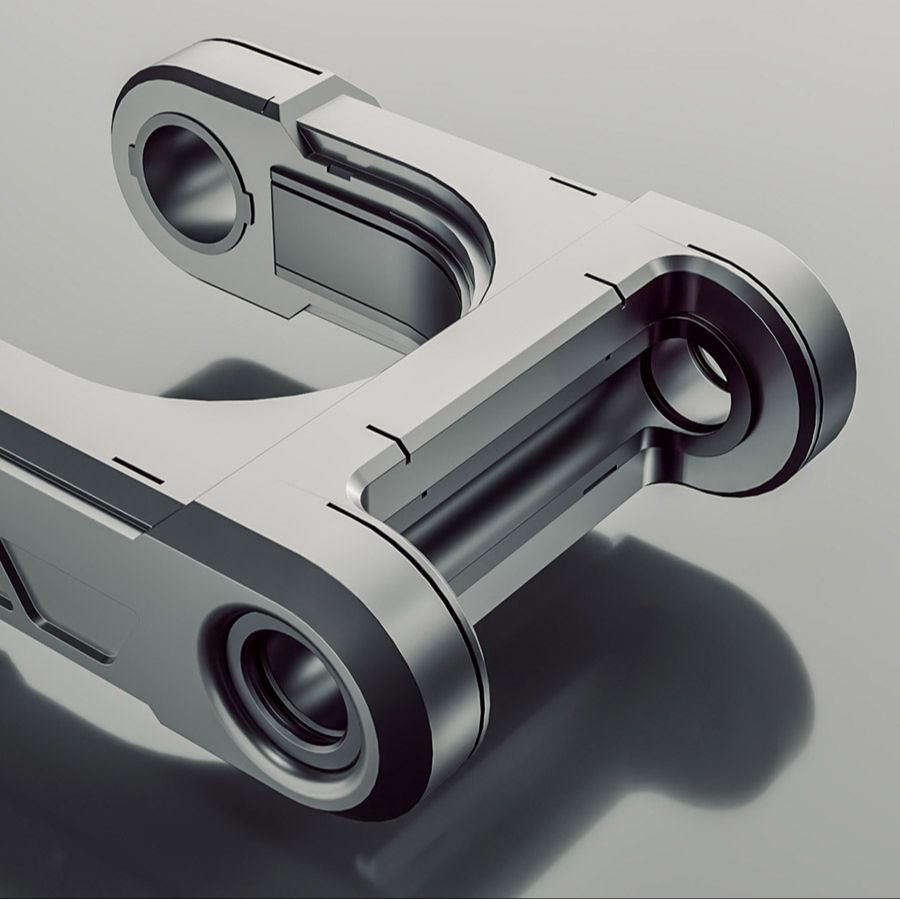
CHAPTER 6
Expanding Detail

CHAPTER 7
'Breaking' Empty Space

CHAPTER 8
Breaking the Symmetry

CHAPTER 9
Remeshing
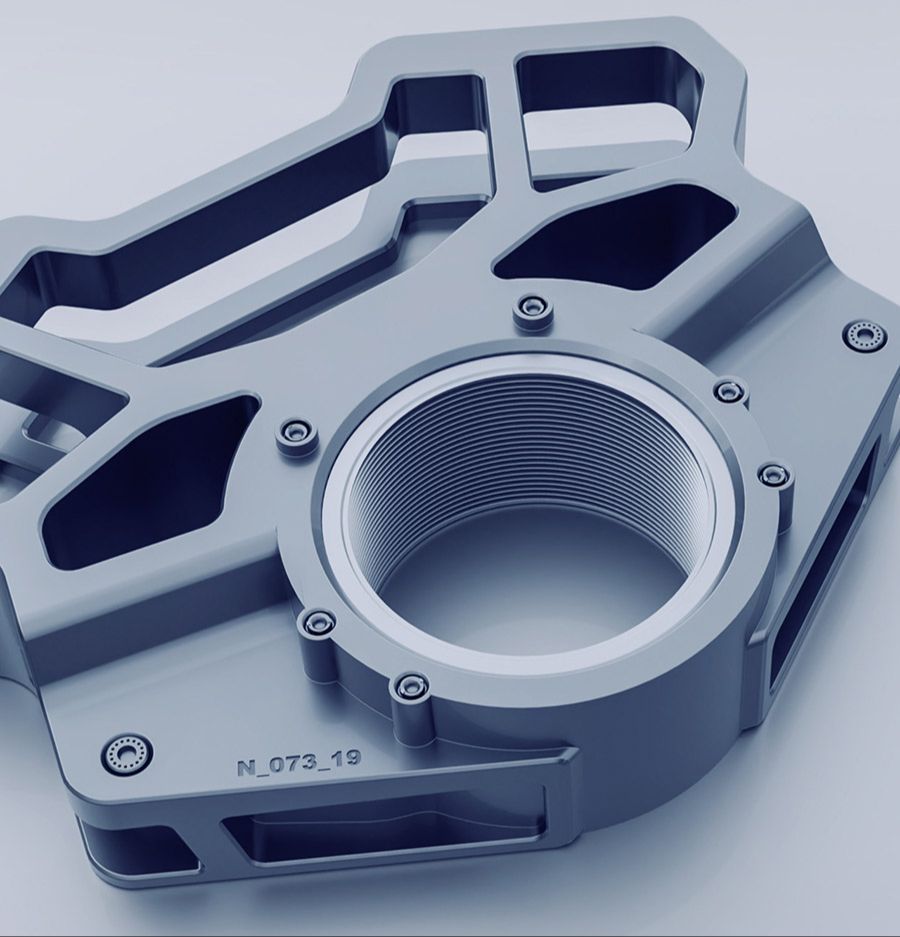
CHAPTER 10
Using Primary, Secondary and Tertiary Detail

CHAPTER 11
Working from References

CHAPTER 12
Importance of Functionality

CHAPTER 13
How to design from all angles
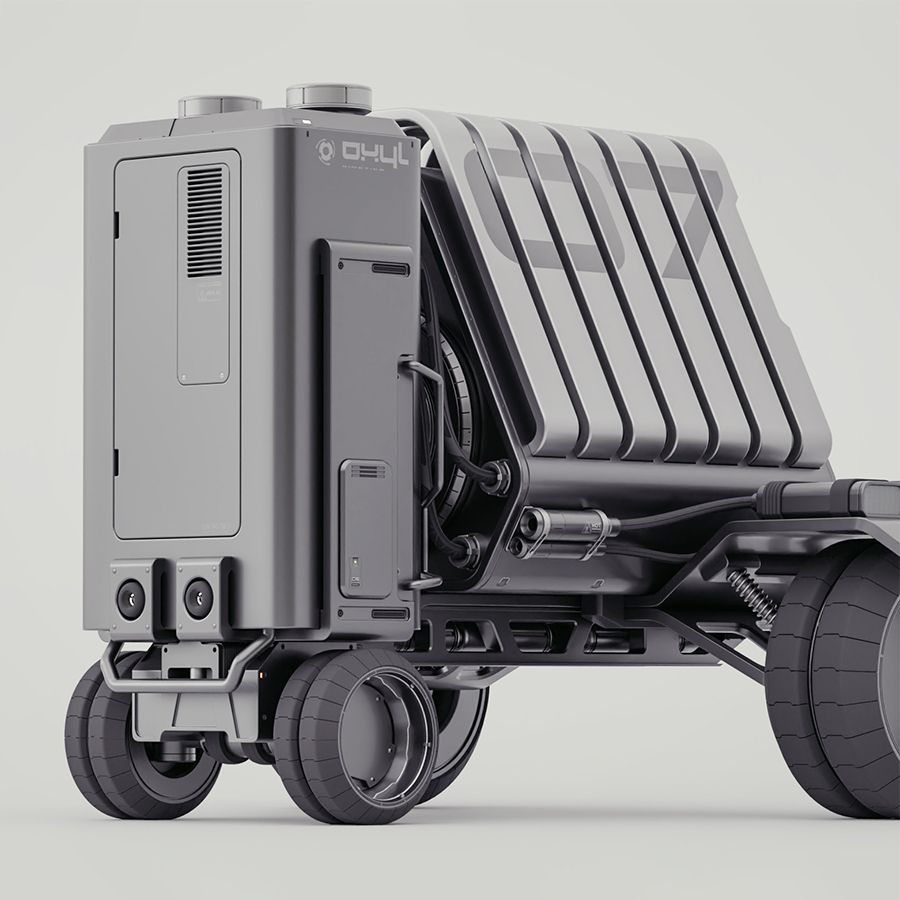
CHAPTER 14
How to create your own style
CHAPTER 15
Materials and Colors

CHAPTER 16
Planar Shifts



126,000 Royalty-Free 3D Model

Udemy Türkçe


Top Rated News
- CreativeLive Tutorial Collections
- Fasttracktutorials Course
- Chaos Cosmos Library
- MRMockup - Mockup Bundle
- Finding North Photography
- Sean Archer
- John Gress Photography
- Motion Science
- AwTeaches
- Learn Squared
- PhotoWhoa
- Houdini-Course
- Photigy
- August Dering Photography
- StudioGuti
- Creatoom
- Creature Art Teacher
- Creator Foundry
- Patreon Collections
- Udemy - Turkce
- BigFilms
- Jerry Ghionis
- ACIDBITE
- BigMediumSmall
- Globe Plants
- Unleashed Education
- The School of Photography
- Visual Education
- LeartesStudios - Cosmos
- Fxphd
- All Veer Fancy Collection!
- All OJO Images
- All ZZVe Vectors
- CGTrader 1 CGTrader 2



















