

FXPHD - MAX202 - Visual Effects Techniques with 3DSMax
https://www.fxphd.com/details/288/
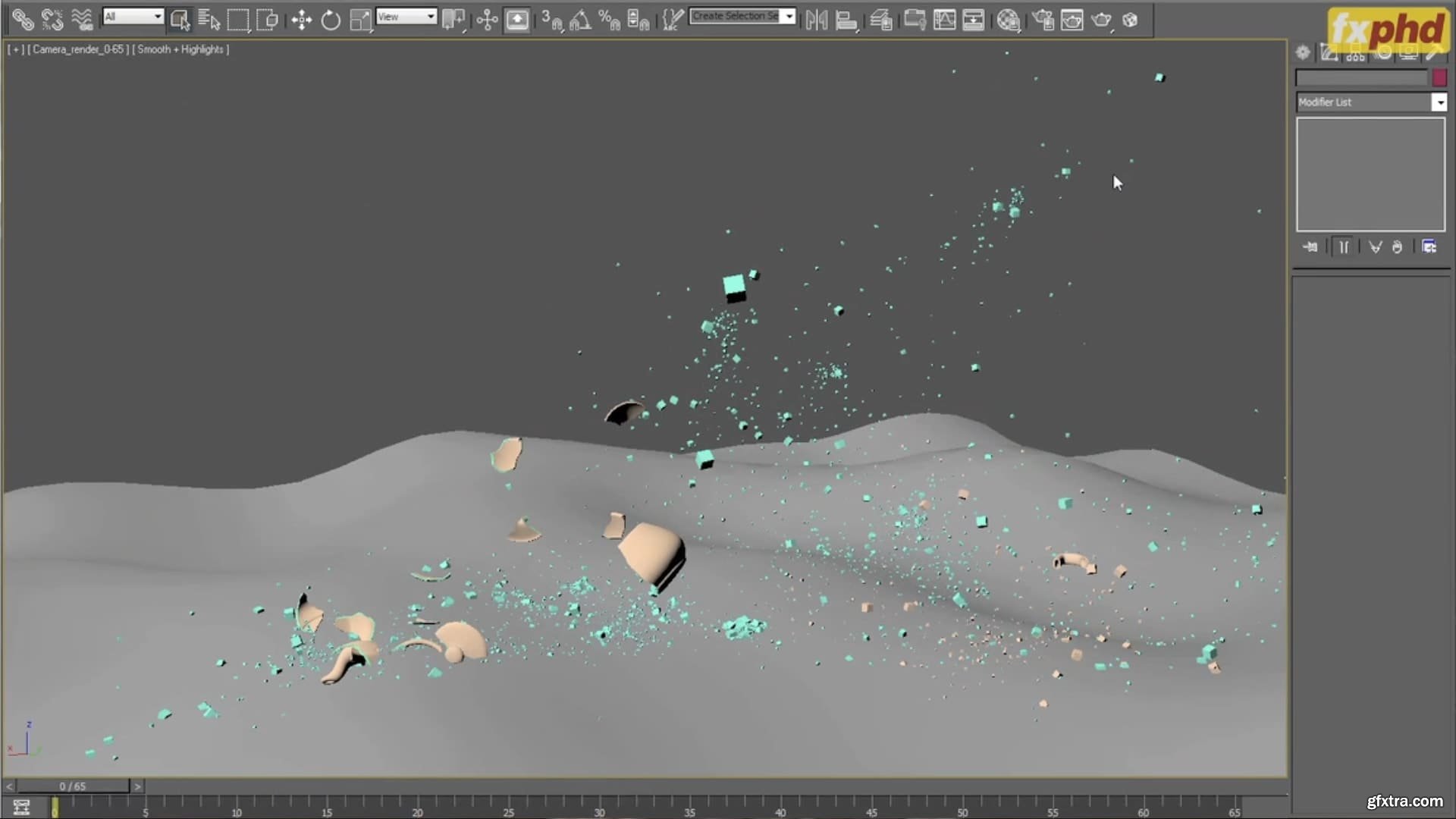
The course goes into the techniques used in doing visual effects work with 3DS Max and its plugins - Thinking Particles, Rayfire, and FumeFX. Coming from a feature film production background, the focus is on quality and efficiency. It is a holistic view of the process - from planning, through fragmentation, rigid bodies, particles, fire/smoke, down to management and assembly.
Class 1: Modeling for dynamics - We'll go through the needs and pecularities of modeling for effects - which the FX artist needs to either do or supervise, to get the necessary assets. Class 2: Previz and layout - The power and importance of composing effects scenes in the previs and layout stage is one of the big lessons in FX. We'll get into how rough sketches, simple animation and particle effects are used to plan a shot, laying its foundations and setting it on the right course. Class 3: Fragmentation - We'll go over the techniques used to fragment and prepare the assets for dynamics. The treatment of different types of materials like wood, concrete, glass, etc. Fitting the level of detail into the plan of the shot. Class 4: Rigid body dynamics and procedural fragmentation - Goes into setting up a solid and extensible structure for ridid body dynamics (RBD) in Thinking Particles. Then we take a look at procedural activation and fragmentation, how and when to use them. Class 5: Structures - Going further into what can be done with rigid bodies, we'll look at different ways to create and destroy interconnected structures of rigid bodies. Class 6: Additional animation - Adding art-directed secondary animation to enrich the RBD simulations, and adding effects that are otherwise less practical to achieve. Class 7: Secondaries - Adding layers of secondary dynamics like chunks, debris, splinters, shrapnel and funny accidentals. Class 8: Interactions - Making the existing RBD simulation interact with the environment, producing some more elements like sparks, dust, mounds of earth and secondary destruction. Class 9: Fluids - Fire and smoke are essential in almost every shot. We'll look at working both ways - from the solids to the fluids, and from the fluid to the solids, setting up and controlling FumeFX simulations. Class 10: Management - Looks at the key points of managing the FX process, start to finish. A way to set up a good base for any FX element in the start, and assembling all the pieces of the puzzle together for rendering. 


126,000 Royalty-Free 3D Model

Udemy Türkçe


Top Rated News
- CreativeLive Tutorial Collections
- Fasttracktutorials Course
- Chaos Cosmos Library
- MRMockup - Mockup Bundle
- Finding North Photography
- Sean Archer
- John Gress Photography
- Motion Science
- AwTeaches
- Learn Squared
- PhotoWhoa
- Houdini-Course
- Photigy
- August Dering Photography
- StudioGuti
- Creatoom
- Creature Art Teacher
- Creator Foundry
- Patreon Collections
- Udemy - Turkce
- BigFilms
- Jerry Ghionis
- ACIDBITE
- BigMediumSmall
- Globe Plants
- Unleashed Education
- The School of Photography
- Visual Education
- LeartesStudios - Cosmos
- Fxphd
- All Veer Fancy Collection!
- All OJO Images
- All ZZVe Vectors
- CGTrader 1 CGTrader 2



















