

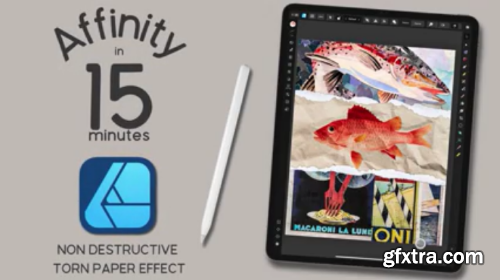
Skillshare - Affinity Designer V2 for iPad | Realistic torn paper effect
https://www.skillshare.com/en/classes/affinity-designer-v2-for-ipad-realistic-torn-paper-effect/2017222181
Welcome to Affinity 15, a series where we'll be creating quick projects in Affinity Designer, Photo, or Publisher. In this lesson, I'll show you how to create a fun, realistic torn paper effect using Designer for iPad. Best of all, everything is created with non-destructive edits, so you can save your design as a template and use it again and again, and easily fine-tune your elements with a few tweaks to masks.
Hi! I'm Tracey, an artist, designer, and Affinity pro. I love learning the ins and outs of the Affinity suite so I can get the tools to do what I need (even if it's not always what they were intended for). In this series of classes, which complements my longer classes here on Skillshare, I'll be sharing everything I know about all three apps, both desktop and iPad, in bite-sized classes, so you'll walk away with a quick, fun project and a wealth of knowledge so you can work efficiently and effectively on your own. 


Related Posts
Information
Members of Guests cannot leave comments.
126,000 Royalty-Free 3D Model

Udemy Türkçe


Top Rated News
- CreativeLive Tutorial Collections
- Fasttracktutorials Course
- Chaos Cosmos Library
- MRMockup - Mockup Bundle
- Finding North Photography
- Sean Archer
- John Gress Photography
- Motion Science
- AwTeaches
- Learn Squared
- PhotoWhoa
- Houdini-Course
- Photigy
- August Dering Photography
- StudioGuti
- Creatoom
- Creature Art Teacher
- Creator Foundry
- Patreon Collections
- Udemy - Turkce
- BigFilms
- Jerry Ghionis
- ACIDBITE
- BigMediumSmall
- Globe Plants
- Unleashed Education
- The School of Photography
- Visual Education
- LeartesStudios - Cosmos
- Fxphd
- All Veer Fancy Collection!
- All OJO Images
- All ZZVe Vectors
- CGTrader 1 CGTrader 2



















