

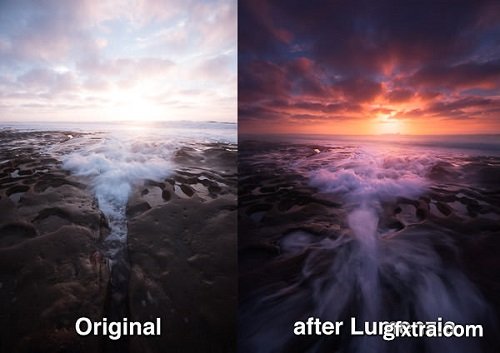
Luminosity masks allow you to create gorgeous and realistic edits in Photoshop. Lumenzia allows you to use use them quickly and easily. Its advanced javascript engine handles all the luminosity masking complexity for you in the background, so all you need to think about is making beautiful images.

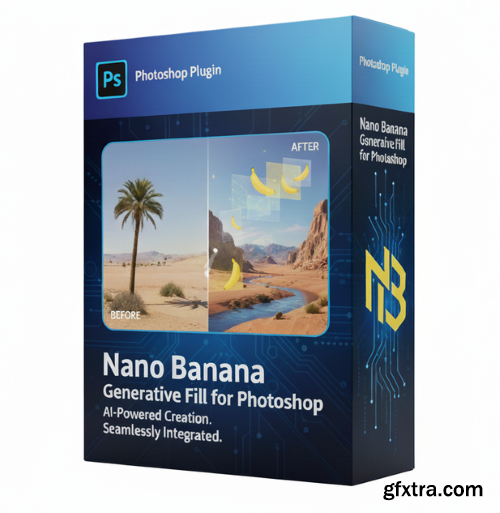
- Transform your Photoshop workflow with Nano Banana, the innovative plugin that brings Google’s powerful Nano Banana generative AI directly into Adobe Photoshop. Whether you need to expand an image, fill missing areas, or create entirely new visual elements, Nano Banana gives you professional-grade AI creativity without leaving your design environment.
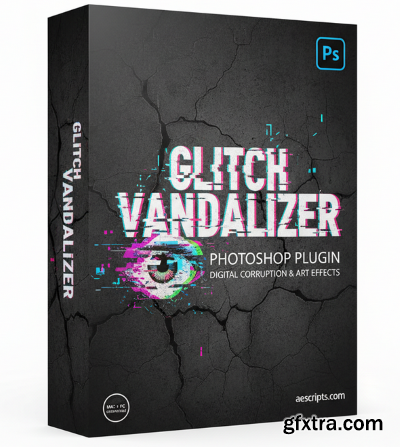
- Transform your images with raw, digital grit using Glitch Vandalizer — a Photoshop plugin that delivers compressed glitches, data moshing, slit-scan distortion, channel shifts, and analog “damaged” aesthetics with speed and precision. aescripts Whether you’re designing for editorial, motion graphics, album art, or experimental photography, Glitch Vandalizer gives you complete control over glitch effects — allowing you to break, distort, and manipulate your visuals in ways that feel both organic and digital.
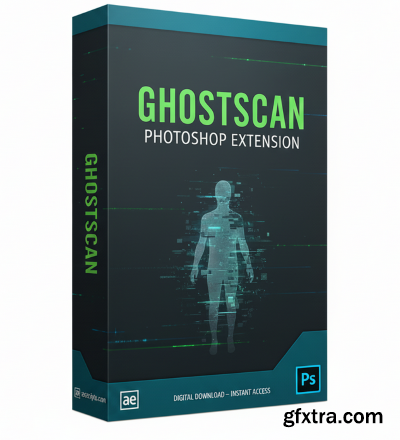
- Immerse your art in haunting motion and surreal distortion with GhostScan, a Photoshop extension that transforms static images into dynamic visual expressions. Designed by bangingjoints and distributed via aescripts, GhostScan enables you to create scan-style and pixel-stretch effects that feel simultaneously ghostly, glitchy, and alive.
- Unleash dynamic motion and surreal visual distortions in your Photoshop workflow with StretchMatic, an extension by bangingjoints available on aescripts. This plugin bridges the gap between still imagery and motion-inspired collage, empowering you to create striking pixel stretches, slit-scan stylings, and fluid motion effects—even within Photoshop itself.
- Infinite Retouch – The All-in-One Photoshop Retouching Plugin Elevate your retouching workflow with Infinite Retouch, a powerful Photoshop panel designed to combine speed, precision, and customization in a single intuitive tool. Built for photographers, retouchers, and creative professionals, this plugin streamlines complex editing tasks and empowers you to achieve flawless, professional-grade results in less time. At the heart of Infinite Retouch is its Retouch Tab, featuring industry-standard tools like dodge & burn, frequency separation, and healing. Each option is fully customizable—you can define how layers are created, which brushes are auto-selected, and how the tools behave—giving you complete control without repetitive setup.
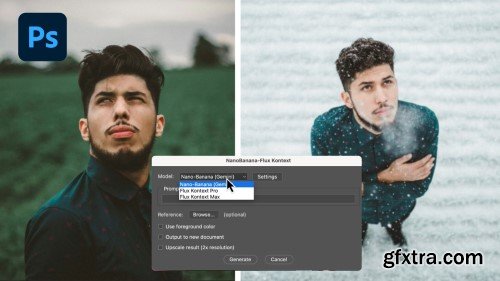
- Unleash a new dimension of creative power with Nano Banana Flux, Rob de Winter’s signature Photoshop workflow that transforms ordinary images into cinematic landscapes pulsing with mood, colour, and energy. Whether you're a seasoned photo-editor or aspiring artist, this powerful action/technique set is designed to help you work faster, more intuitively, and with greater visual impact.
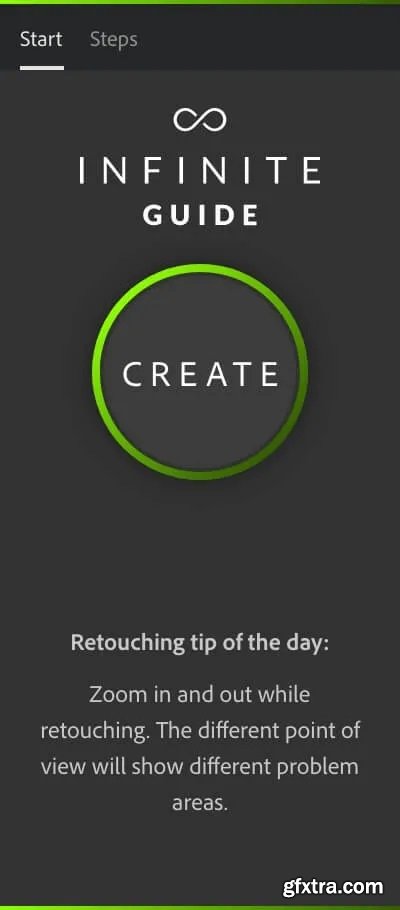
The perfect companion on your retouching journey. The panel that guides you through every step of the retouching process and allows you focus on retouching without needing to remember every detail along the way. It is the perfect learning tool and a Photoshop user’s best friend. You never have to remember all the little details ever again.

- Transform your images effortlessly with the Glow & Glare plugin for Photoshop! Add stunning glow and glare effects in a non-destructive way, customize with adjustable settings, and save time with built-in presets. Perfect for photographers, designers, and digital artists.
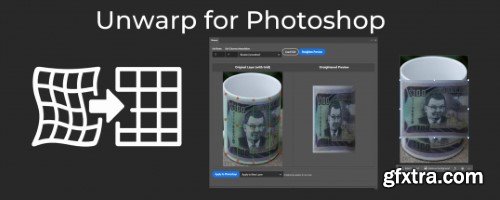
- Straighten warped/curved images in Photoshop by aligning a grid to the image curvature. This tool works like the opposite/reverse of the warp tool. Drag the gridlines to match the curvature of your image, then press "straighten" to snap the grid into the original position, straightening the image along with it. This is kind of like how the perspective warp tool works, but for curvature. You can customize the number of columns/rows in the grid, and you can choose between bilinear interpolation (faster) or bicubic interpolation (slower with larger images but smoother).

Plugin for Adobe Photoshop that makes tiles and seamless textures. NEW: Texture Library and Randomization

Plugin for Adobe Photoshop that adds lifelike shadows to objects in a standing position.
- The Dehancer Film plugin for Adobe Photoshop, Lightroom Classic, Capture One, and Affinity Photo is a comprehensive film emulation tool designed to replicate the authentic look and feel of analog film in digital photography. With over 60 film profiles, including iconic stocks like Kodak Portra, Fujifilm Velvia, and CineStill 800T, users can achieve a cinematic aesthetic reminiscent of traditional film photography.
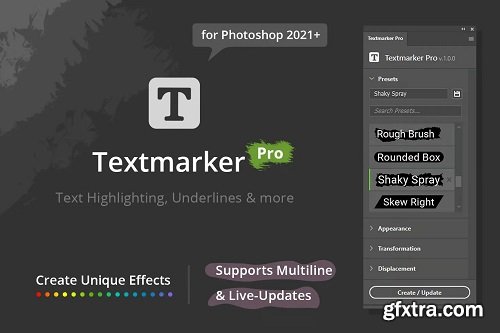
Textmarker Pro makes it easy to create text highlighting and underlines in Photoshop. However, that's not all - The plugin provides various transformations and displacements that alter the basic shape and give you useful and creative results. You can tweak all the different settings to get exactly the look you're after while all of these updates happen in real-time, so that you can immediately see the changes that you've done visually.
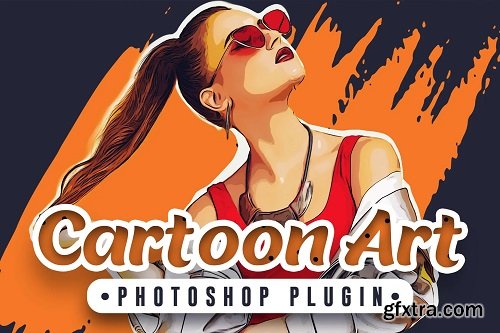
This is a professional photoshop plugin that will help you to generate Cartoon Effect easily in clicks without any effort. The plugin supports the Auto Mask feature, this option will help you to create a mask easily in 01 clicks without using any other tool, so your time is your gold!
Luminosity masks allow you to create gorgeous and realistic edits in Photoshop. Lumenzia allows you to use use them quickly and easily. Its advanced javascript engine handles all the luminosity masking complexity for you in the background, so all you need to think about is making beautiful images.
Luminosity masks allow you to create gorgeous and realistic edits in Photoshop. Lumenzia allows you to use use them quickly and easily. Its advanced javascript engine handles all the luminosity masking complexity for you in the background, so all you need to think about is making beautiful images.
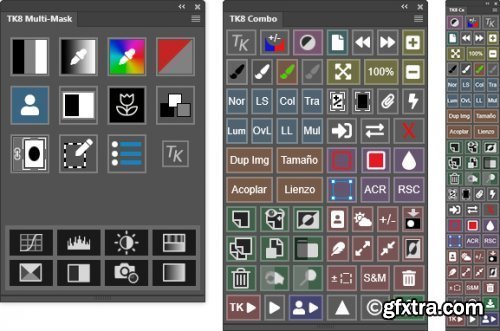
https://goodlight.us/writing/TK8/tk8.html
- The TK8 plugin is the latest release of my comprehensive panel for making luminosity masks and running Photoshop. Like its predecessors, it's modular, so users can configure it in whatever manner works best in their workspace. The plugin is used worldwide and comes pre-programmed with six common languages: English, Spanish, German, French, Italian, and Chinese. Users can choose the language they prefer. TK8 works equally well on Windows and Mac computers, including computers running Apple silicon processors, like the Mac M1. Installation is easy. Photoshop 2021 or higher is required to run it.

https://www.thepluginsite.com/products/photowiz/lightmachine/index.htm
Shadow/highlight, virtual lighting and color-based photo enhancement tools
Corrects brightness, contrast, color and saturation in shadows and highlights independently of each other
Place shadow/light spots similar to a real photo studio in Virtual Studio mode
Allows batch processing of image files
Processes 8-bit and 16-bit RGB images

PROEDU - GrainLab for Photoshop
https://learn.proedu.com/products/grainlab-plugin-film-grain-toolset
- Grain Lab is an advanced Photoshop Plugin from Vysics that improves a brand new approach to film grain in Photoshop. This is a brand new release from PRO EDU, and is only available at PROEDU.comGrain Lab is a toolset engineered by senior retoucher and instructor Sef McCullough to give photographers and retouchers tools to more efficient workflows for portraiture, products, and commercial images that need grain with precision and accuracy in the shadows and highlights featuring a unique dual-tone smart processor.
Luminosity masks allow you to create gorgeous and realistic edits in Photoshop. Lumenzia allows you to use use them quickly and easily. Its advanced javascript engine handles all the luminosity masking complexity for you in the background, so all you need to think about is making beautiful images.


- Quickly and efficiently correct uneven colors with Infinite Unify. Whether you are dealing with variations in skin tone, color casts, or other issues that can distract from your subject, this Photoshop plugin from Infinite Tools lets you take full control of gradient maps and solve the problem swiftly. After picking a range of colors you’d like to perfect, Infinite Unify samples 15 points across your selection to generate a hyper-accurate gradient map removing the need to figure out how to get beautiful results by hand. Photographers working in almost every genre: portraiture, landscape, product, or wedding frequently encounter frustrating, time-consuming color issues. Infinite Unify gives you the ability to tackle these problems faster than ever before by creating presets for opacity, smoothness, hue, and gradient mapping.
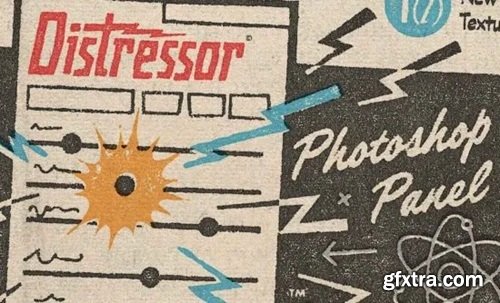
The Distressor panel takes the coolest, most innovative Texturelabs techniques for creating the perfect distress, and smashes them all into an infinitely powerful Photoshop panel!
NeoSkola Bütün Kursları

Udemy Türkçe


Top Rated News
- TheBoudoirDivas All Tutorial
- 126,000 Royalty-Free 3D Models
- CreativeLive Tutorial Collections
- Fasttracktutorials Course
- Chaos Cosmos Library
- MRMockup - Mockup Bundle
- Finding North Photography
- Sean Archer
- John Gress Photography
- Motion Science
- AwTeaches
- Learn Squared
- PhotoWhoa
- Houdini-Course
- Photigy
- August Dering Photography
- StudioGuti
- Creatoom
- Creature Art Teacher
- Creator Foundry
- Patreon Collections
- Udemy - Turkce
- BigFilms
- Jerry Ghionis
- ACIDBITE
- BigMediumSmall
- Globe Plants
- Unleashed Education
- The School of Photography
- Visual Education
- LeartesStudios - Cosmos
- Fxphd
- All Veer Fancy Collection!
- All OJO Images
- All ZZVe Vectors
- CGTrader 1 CGTrader 2



















