


Retouch4me Portrait Volumes - Add new dimension to your portraits. Retouch4me Portrait Volumes automatically enhances the sense of depth in portraits. It makes eyes brighter, emphasizes lips, nose and draws the oval of the face. Adding volume to a portraits by hand is not an easy task, even for an experienced retoucher. Retouch4me Portrait Volumes is great for portraits with even lighting.

Retouch4me Heal - Healing small skin defects. Auto skin selection. No need to select skin manually anymore! Retouch4me Heal automatically recognizes skin areas on photo and retouches it. No need to do manual work with problem areas on skin. Just one button press to get result!
ATN BRUSHSET PDF ZXP PSD

Retouch4me Dodge & Burn - For high-end retouching. Retouch4me Dodge & Burn automatically retouches the portraits with the dodge&burn technique used by high-end retouchers. Retouch4me Dodge & Burn saves retouchers' time. Just imagine how long it takes to get the same result manually!

Retouch4me Skin Tone - Makes an even skin tone on your photos! Retouch4me Skin Tone automatically finds open skin areas in photos, determines the average skin tone and adjusts the skin tone to that color.
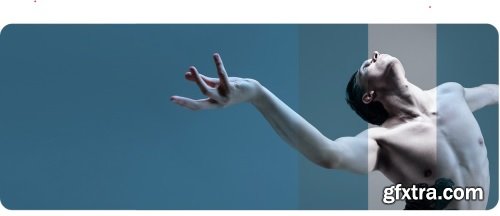
Color Match. AI color correction by reference. Unleash your creativity with Retouch4me Color Match. Extract colors from any image and apply them to your photos. You can export the final result as a LUT for use in both photography and video editing. Just load your favorite reference images to Retouch4me Color Match, and it will give your photo a similar look and vibe.
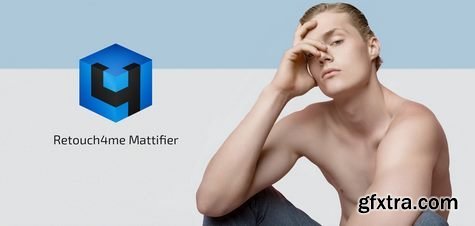
Mattifier. Tones down highlights on skin. Retouch4me Mattifier automatically spots shiny skin areas on the face and fixes them. Retouch4me Mattifier automatically spots shiny skin areas on the face and fixes them. Retouch4me Mattifier is ideal for photography done with a flash – in the studio, in the night time or in clubs – the plugin will remove the shine on the face!

Perfectly Silver A great image starts with what we see before we press the shutter. A great black and white finishes with Silver 3, a collection of LR presets dedicated to perfect black & white.
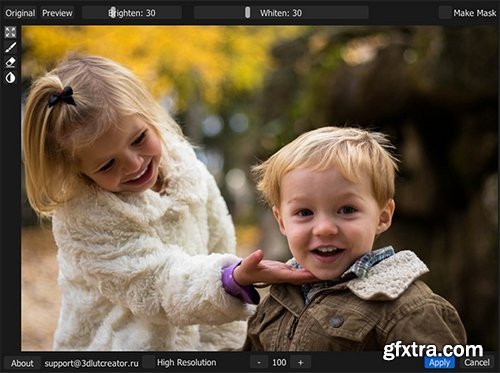
Retouch4me White Teeth - For a white smile. Retouch4me White Teeth automatically finds teeth in the photo and whitens them. Often, after applying warm tints in the photo, the teeth turn yellow. Retouch4me White Teeth returns whiteness to teeth. It also works on group portraits!
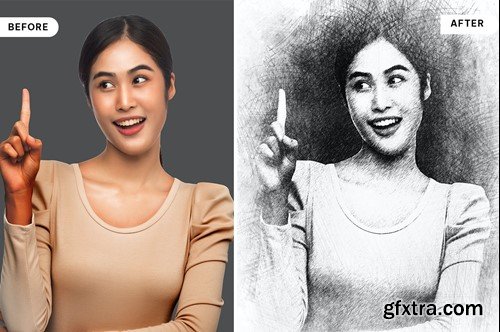
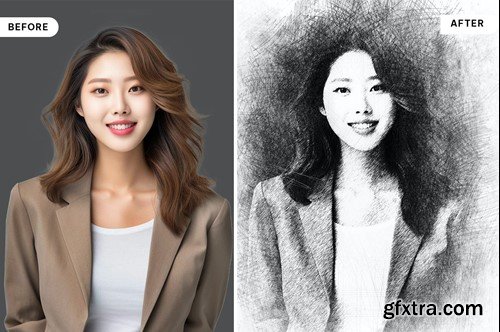
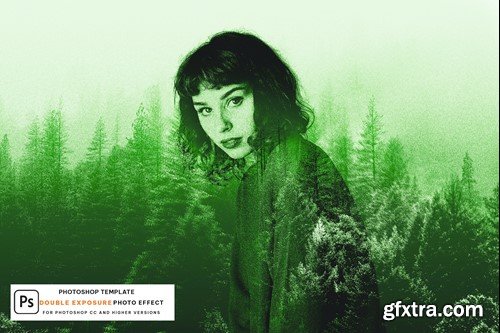
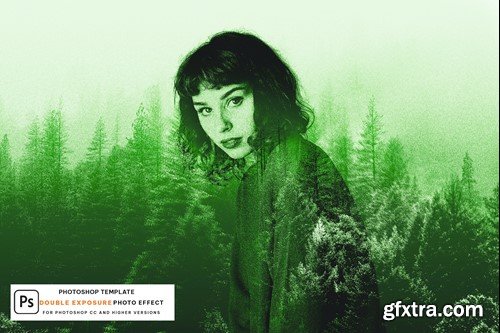
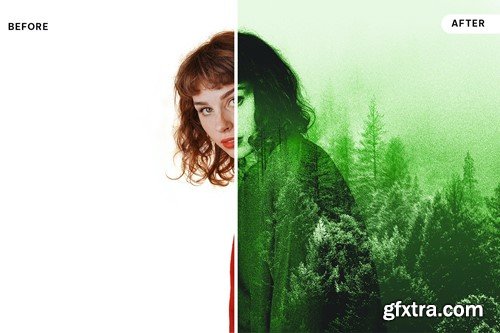
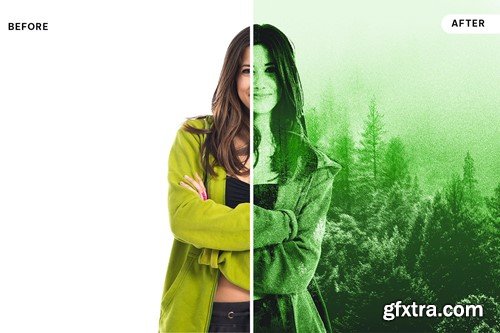
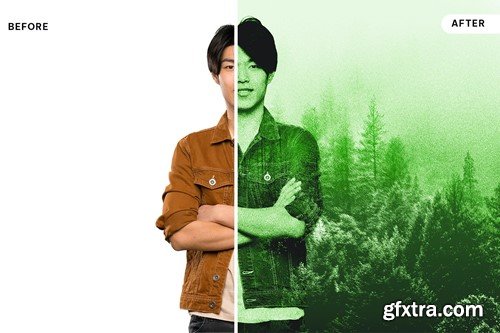



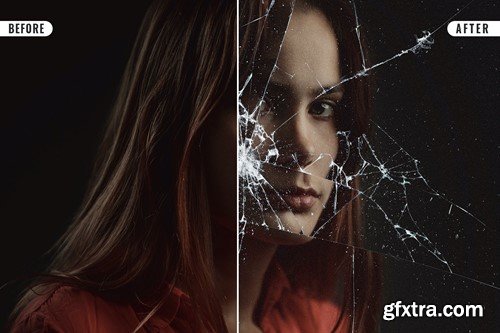
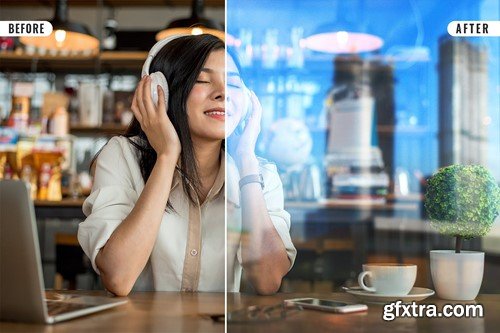
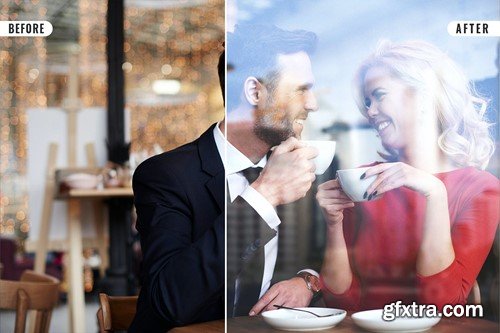

The MUA Retouch Panel is a smart Photoshop extension designed for delicate, intuitive, campaign-level retouching created with the Makeup Artist in mind. Developed by beauty photographer & retoucher Julia Kuzmenko McKim and makeup artist, photographer & retoucher Jordan Liberty over the years working in the Beauty Industry, the panel scripts are now available exclusively to the MUA Retouch panel users.
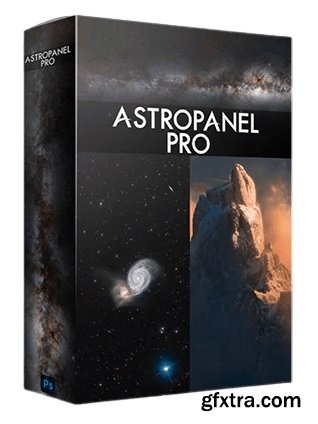
Astro Panel is the most powerful plug-in for Adobe Photoshop CC that easy you the post production of Landscape, Cityscape, Nightscape, Milky Way, Startrail and Deep Sky images. Through this software and its ebook you will learn how to edit all your images, manage Luminosity, Color and Tonality Masks in real time and more, more and more.
Retouch4me Dodge & Burn - For high-end retouching. Retouch4me Dodge & Burn automatically retouches the portraits with the dodge&burn technique used by high-end retouchers. Retouch4me Dodge & Burn saves retouchers' time. Just imagine how long it takes to get the same result manually!
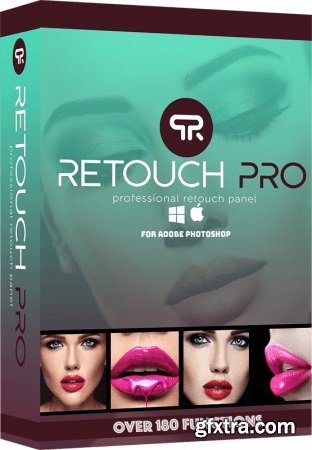

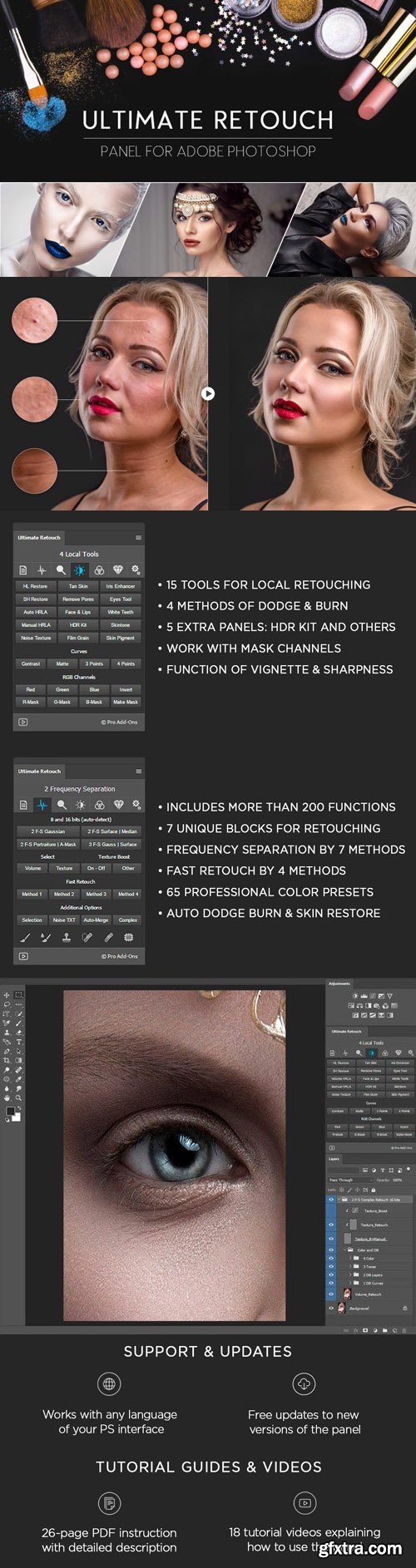
Ultimate Retouch Panel - Powerful panel for photographers and retouchers. Contains more than 15 different types of fast and manual retouching and other 200 functions for Photoshop.
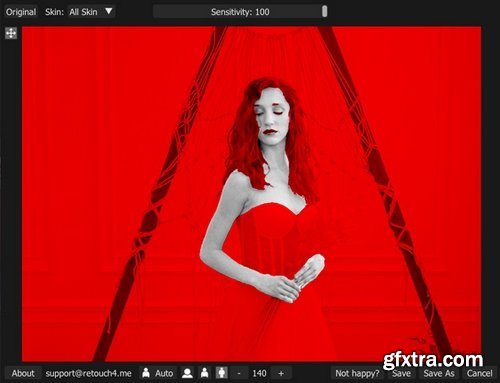
Retouch4me Skin Mask - One-click skin selection. Retouch4me Skin Mask automatically detects skin in the photo and masks it. You can select face, body of full skin. You can emphasize the main hero in your photo or, on the contrary, make it look dramatic. You don't need to manually select skin in the photo. Just imagine how much time you would spend processing large volumes of such photos by hand!

Retouch4me Heal - Healing small skin defects. Auto skin selection. No need to select skin manually anymore! Retouch4me Heal automatically recognizes skin areas on photo and retouches it. No need to do manual work with problem areas on skin. Just one button press to get result!
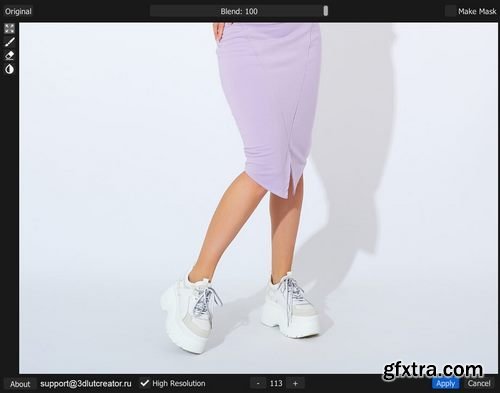
Retouch4me Clean Backdrop - Cleans studio backgrounds in one click. Retouch4me Clean Backdrop automatically spots dirt, small folds and sensor dust and removes it from an evenly-colored studio background. The plug-in doesn't cover everything up with one color but only removes dirt. The shadows remain intact, as if they were shot against a perfectly clear background. The plug-in preserves the natural look of the photo.

RetroSupply - The Ink Fanatic's Toolbox | Photoshop Bundle
https://www.retrosupply.co/products/the-ink-fanatics-toolbox-psd-kit
Templates. All in one value-priced bundle!
7 of our best-selling Smart PSD ink packs.
Effects include halftones, ink rollers, screen prints, letterpress, and 70s ink effects.
Each pack includes extras like Photoshop brushes and textures.
Each pack includes an easy-to-follow instruction PDF.
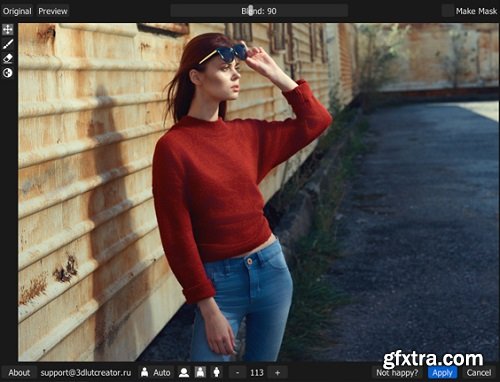
AI based retouching app. Fabric - Smoothes out creasees and wrinkles in fabric. Retouch4me Fabric automatically detects clothing in the photo and smoothes out creases and wrinkles. Retouch4me Fabric is ideal for catalog shooting. Sometimes there is no time to prepare clothing for a photoshoot. Retouch4me Fabric will help you iron clothes after shooting!
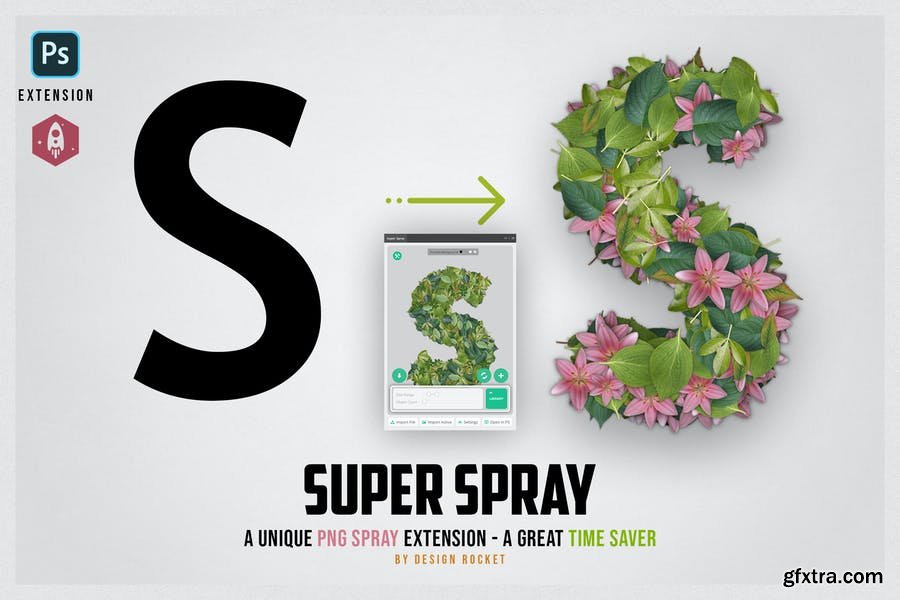
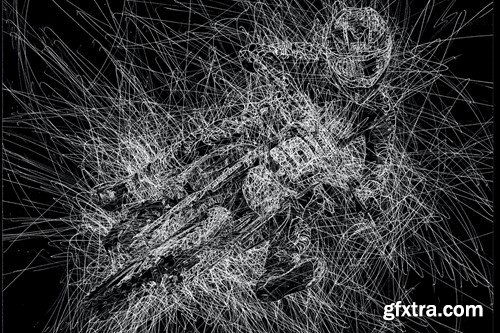
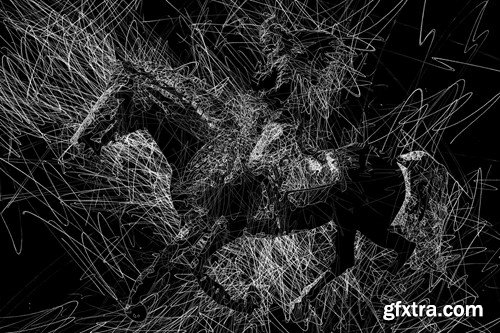
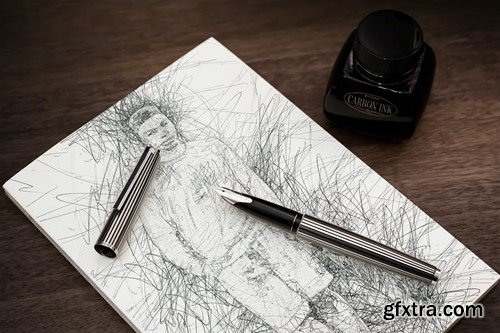
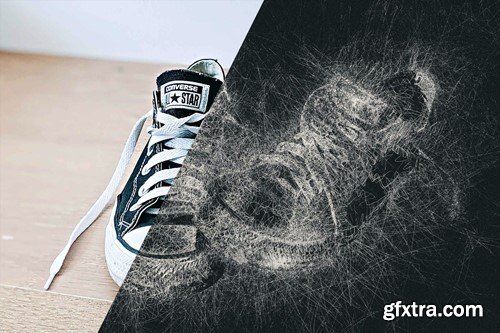
Super Spray - PNG Spray Extension for Photoshop
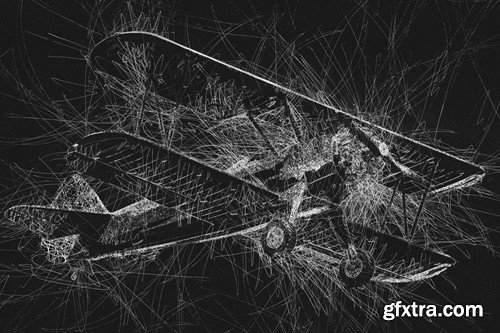
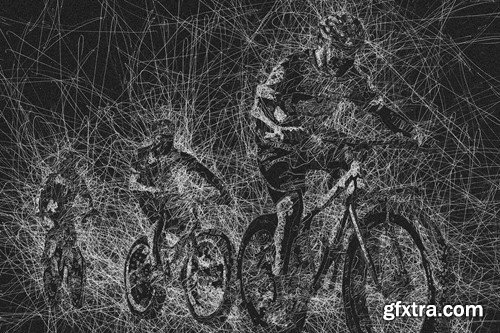
SuperSpray is a one of it's kind Photoshop extension. It let’s you spray a collection of png images over the black pixels of a reference image. That way you can randomly fill any shape with hundreds and thousands of copies of png images.
NeoSkola Bütün Kursları

Udemy Türkçe


Top Rated News
- TheBoudoirDivas All Tutorial
- 126,000 Royalty-Free 3D Models
- CreativeLive Tutorial Collections
- Fasttracktutorials Course
- Chaos Cosmos Library
- MRMockup - Mockup Bundle
- Finding North Photography
- Sean Archer
- John Gress Photography
- Motion Science
- AwTeaches
- Learn Squared
- PhotoWhoa
- Houdini-Course
- Photigy
- August Dering Photography
- StudioGuti
- Creatoom
- Creature Art Teacher
- Creator Foundry
- Patreon Collections
- Udemy - Turkce
- BigFilms
- Jerry Ghionis
- ACIDBITE
- BigMediumSmall
- Globe Plants
- Unleashed Education
- The School of Photography
- Visual Education
- LeartesStudios - Cosmos
- Fxphd
- All Veer Fancy Collection!
- All OJO Images
- All ZZVe Vectors
- CGTrader 1 CGTrader 2



















