

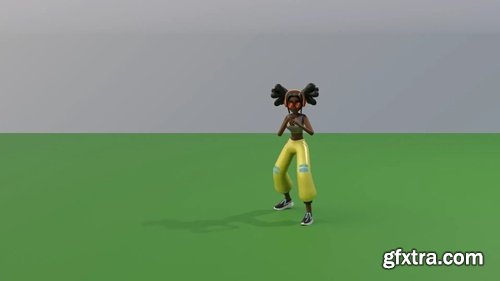
SMEAR is a 3D animation stylization Blender add-on, aimed at creation and customization of smear frames such as elongated in-betweens, multiple in-betweens and motion lines. The system is developed as part of the MoStyle ANR Project by Jean Basset, Pierre Bénard and Pascal Barla. It is described in the following publication: SMEAR: Stylized Motion Exaggeration with ARt-direction. Jean Basset, Pierre Bénard, Pascal Barla. Siggraph 2024 Conference Papers.

Motion ShakeIt is an addon designed for Blender, It is a tool that adds random noise animations on any object, making it look more dynamic and lively. The addon is particularly useful for creating realistic and natural animations that mimic the real world's movements.
You can control hover radius.
Also by default enabled deselection of other points except hovered one after operation.
This is useful for seamless vertices connection. By this you can select first vertex with not mouse click but with J key.
But you can disable, if you dont need it or it conflict with something.
J key is used by default to replace Blender default one. Can be changed in default Blender Keymap settings - "Quick Connect Vertex Path".
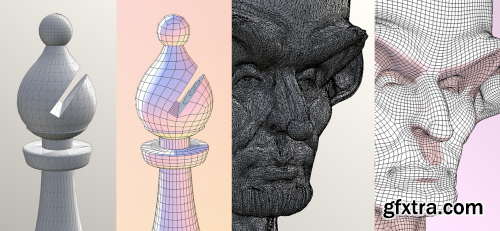
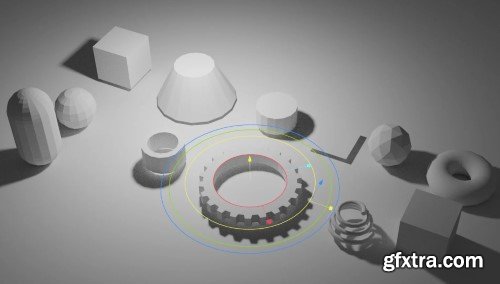
Modern Primitive v0.0.30 for Blender
Modern Primitive: Elevating Blender’s Foundational Modeling Tools
The Modern Primitive add-on for Blender reimagines the way artists interact with primitive shapes, transforming basic geometric forms into dynamic, customizable building blocks for 3D modeling. Designed to streamline workflows and enhance creativity, this toolset bridges the gap between simplicity and sophistication, offering parametric controls, advanced primitives, and a non-destructive workflow that adapts to both beginners and seasoned professionals. Whether crafting intricate hard-surface designs or prototyping architectural concepts, Modern Primitive empowers users to create with unprecedented flexibility.
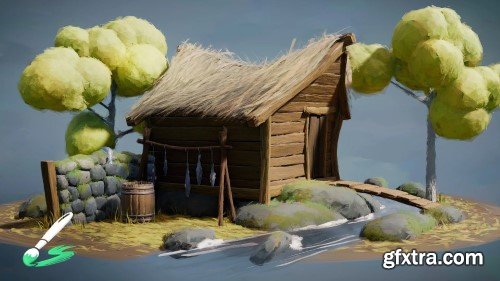
Brushstroke Tools v1.1.1 for Blender
Unlock Creative Freedom with Brushstroke Tools for Blender: Elevate Your 2D and 3D Artistry
Transform your Blender workflow and unleash unparalleled creativity with Brushstroke Tools, the ultimate add-on designed to empower digital artists, animators, and 3D modelers. Whether you’re crafting intricate 2D animations with Grease Pencil, sculpting detailed 3D assets, or painting textures, this powerful toolkit streamlines brush-based workflows, saving time while enhancing precision and artistic expression. Perfect for both beginners and seasoned Blender users, Brushstroke Tools redefines how you interact with brushes, strokes, and textures in your projects.

Stop wasting time manually setting constraints or rotating the camera to frame an object. With Target, Please!, a simple Shift+T instantly tracks any object in your scene. Fast, efficient, and hassle-free.
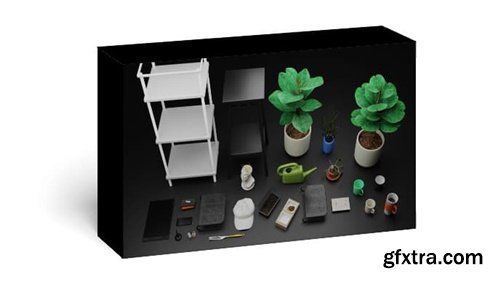
25 models great for decorating and bringing a lived-in feel to an interior setting. All of these models (except the marble bust by Polyhaven) were made by me as practice and for a personal project. They are based on actual objects I had at one point or another. They have a fair level of detail, great for close-ups, or just sticking in the background.
What’s included?
- A blender file with all 25 objects as seen below
- A textures folder with various textures (some made by me)
- An asset browser thumbnails folder (for use with asset browser)
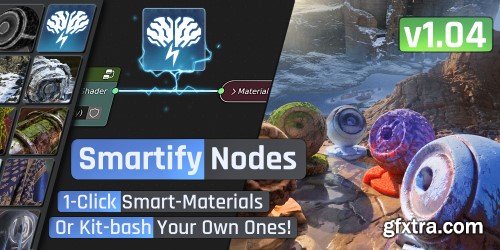
Pick one of the smart effects in the library, and drop-it on any of your materials. You can add moss, snow, dust, sand, leaks, water puddles, dead leaves, edge-wear, alien-growth ect.. And of course customize their parameters in a few clicks. Or create any other environmental effect by simply switching Shaders/textures with other ones in the Smartify library, or with your own.
You can also quickly create from scratch smart-effects/materials using the building blocks of Smartify in the library, smart masks like Facing, location, Ao, edges, leaking, and smart utilities like anti-tile, paralax mapping, random-per-object.
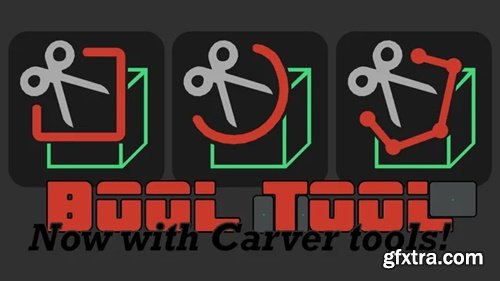
Old and iconic Bool Tool has been updated, modernized, enhanced, and pumped with new features for Blender 4.2, including new Carver tools ported from the add-on with the same name (also bundled with Blender in the past).
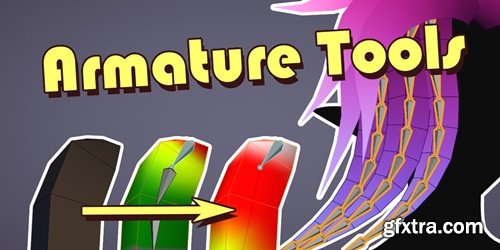
https://blendermarket.com/products/armature-tools
A tool made for quickly generating and editing weighted bones. Intended for but not limited to simple meshes like hair meshes/cards, tails, etc. (Also works for curves, but doesn’t apply weights) Removing / editing weighted bones usually comes with extra work in weight painting, which this add-on aim’s to make easier as well
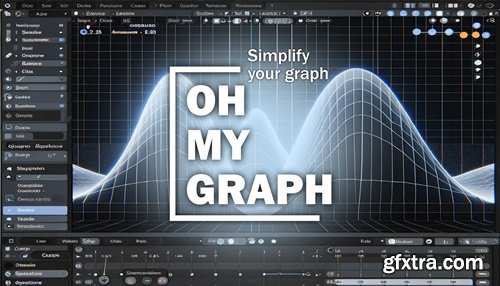
https://blendermarket.com/products/ohmygraph
Are you tired of spending hours navigating the cluttered graph editor in blender? Introducing Oh My Graph – the ultimate solution for streamlining your animation workflow. With this simple addon, you have complete control over the graph editor, allowing you to choose which axes to display and easily purge unused data. This saves you time and makes your animation process smoother and more efficient.
A UV editing support addon I'm creating to make UV unwrapping more enjoyable. It includes features particularly suited for character modeling. To preview all the features currently implemented, please refer to the documentation page.

https://blendermarket.com/products/univ
Quick Snap - allows you to transform an island or geometry elements by Vertex, Edge Center and Face Center. There are two methods of calling the operator via the keys:
V - quick start, the nearest transformation element is selected immediately
Alt+V - here you can safely select the necessary element and change the modes to Island or Element mode
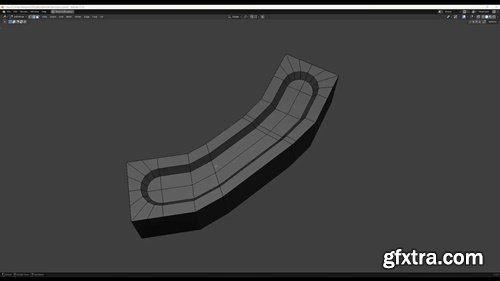
https://extensions.blender.org/add-ons/edgeflow/
This addon adds a set of operators which help when dealing with curved shaped meshes. Core functionality aims at working with edge loops, but there are also a couple of tools which work on vertex selections too. The main workhorse is the set flow operator which helps to fit an edgeloop to the curvature of the surrounding mesh.
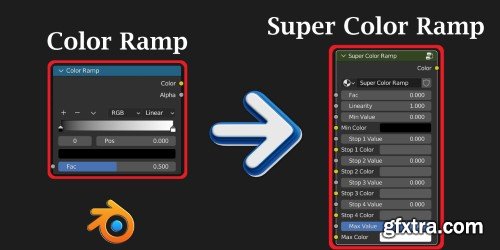
While the traditional Color Ramp node in Blender is very useful, it lacks one important feature. Its color values are static in nature. We cannot connect any other node to its color sockets. So we cannot control the color stops dynamically.
https://blendermarket.com/products/simplebake---simple-pbr-and-other-baking-in-blender-2
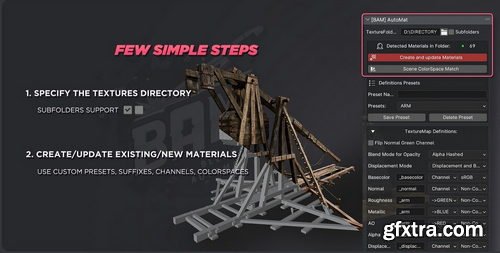
SimpleBake is the definitive baking solution for Blender. In short, it allows you to simply bake PBR and other textures.Blender provides a very powerful way to create complex PBR materials by using nodes. However, what should be a simple process of baking and exporting these materials for use with other software or systems (Substance Painter, Second Life, Sketchfab, Unity etc.) is surprisingly difficult.SimpleBake aims to address this problem. SimpleBake is an addon / tool that provides a one-click solution for simply baking PBR maps from materials created in Blender.
- AnimoXtend is a Blender add-on for 3D animation and creative production, offering efficient tools for animation creation and retargeting while emphasizing AI-enhanced and automated workflows. The add-on features batch processing and automatic optimization capabilities, significantly reducing repetitive tasks and enhancing work efficiency.
- More than just a collection of tools, AnimoXtend is an innovative platform built for animators and creators, aiming to support the entire process from content creation to optimization by boosting creative expression and technical efficiency, thereby providing comprehensive intelligent assistance throughout the workflow.
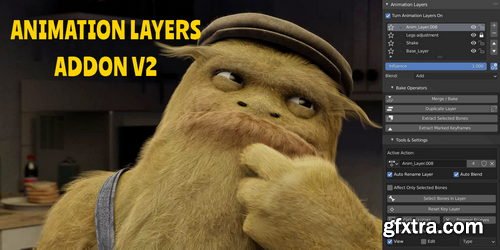
Animation Layers is an addon that simplifies the work with the NLA Editor into a standard animation layers workflow. You can quickly create, select and edit each layer, and always seeing the end result while working on any layer.
Add or Remove Layers quickly, or control their Influence using NLA's "Mute, Influence, Solo and its Blending modes" options.
When you are happy with your animation, you can always merge your layers or bake into a new layer.
If you want to keep the same amount of the overall keyframes after baking, then you can also use the smart bake option.
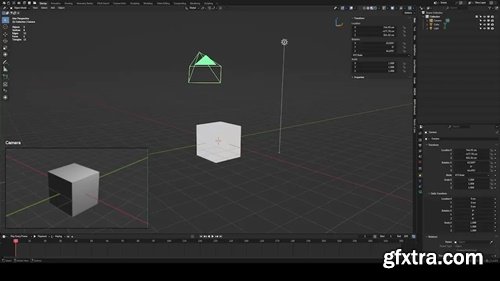
https://extensions.blender.org/add-ons/camera-viewer/
You can preview the camera view directly in the 3D viewport.Camera Viewer v1.0.1 allows you to easily view all your cameras in the scene from a single panel and quickly switch between them. Whether you're working on animation, architectural visualization or film production, this plugin makes camera management much more convenient!
126,000 Royalty-Free 3D Model

Udemy Türkçe


Top Rated News
- CreativeLive Tutorial Collections
- Fasttracktutorials Course
- Chaos Cosmos Library
- MRMockup - Mockup Bundle
- Finding North Photography
- Sean Archer
- John Gress Photography
- Motion Science
- AwTeaches
- Learn Squared
- PhotoWhoa
- Houdini-Course
- Photigy
- August Dering Photography
- StudioGuti
- Creatoom
- Creature Art Teacher
- Creator Foundry
- Patreon Collections
- Udemy - Turkce
- BigFilms
- Jerry Ghionis
- ACIDBITE
- BigMediumSmall
- Globe Plants
- Unleashed Education
- The School of Photography
- Visual Education
- LeartesStudios - Cosmos
- Fxphd
- All Veer Fancy Collection!
- All OJO Images
- All ZZVe Vectors
- CGTrader 1 CGTrader 2



















