

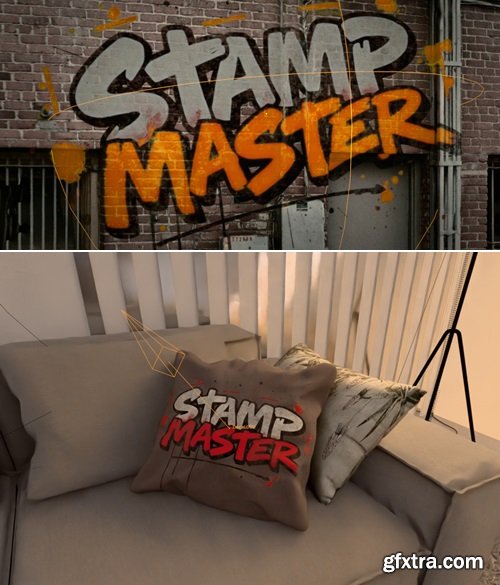
https://blendermarket.com/products/stamp-master
The standard stencil/decal workflow in Blender sucks. Shrinkwrap, parenting, projections.. This addon fixes that! Automated material based projection!

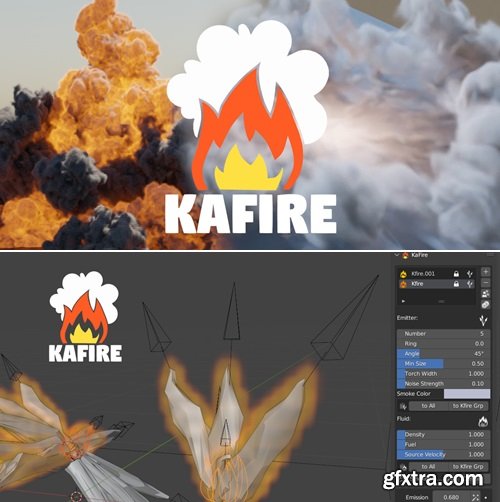
https://blendermarket.com/products/kafire
KaFire is an addon to generate fire explosions easily
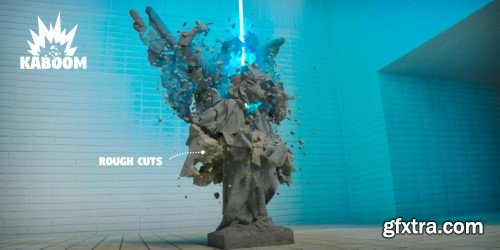
Kaboom v1.5.8 for Blender
https://blendermarket.com/products/kaboom
Kaboom is Blender addon to help you create spectacular destruction animations. In few steps you will produce some nice looking VFX.
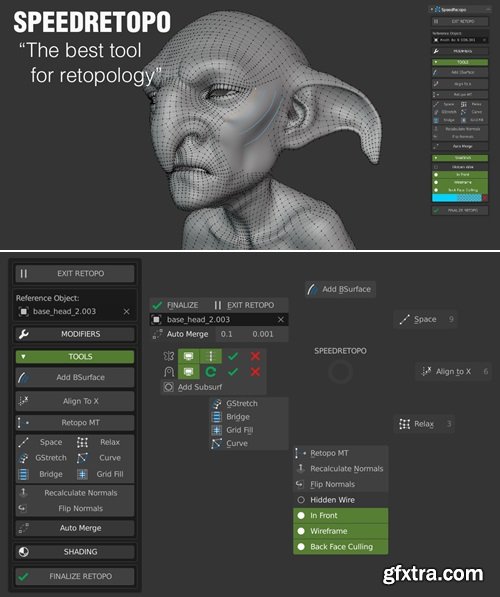
https://blendermarket.com/products/speedretopo
SpeeRetopo Addon helps you to make easy and Fast Retopology on Blender! The addon was made for beginners and is really simple to use. It gives you all the necessary tools to work on your retopology. Speedretopo was made by a freelance artist for all blender artists.
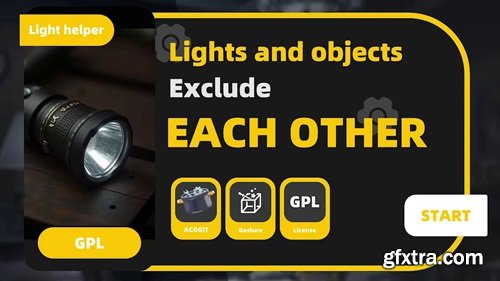
An add-on that makes light exclusion more user-friendly You can decide(Support lighting and shadows): Light Link| which object/Collection should be illuminated by the light

https://blendermarket.com/products/faceit
Faceit is an all-in-one facial rigging, motion capture and animation Add-on. An intuitive, semi-automatic and non-destructive workflow guides you through the creation of facial shape keys that are perfectly adapted to your 3D model's topology and morphology, whether it’s a photorealistic human, anthropomorphic or cartoon model. You maintain full artistic control while saving a ton of time and energy.
https://blendermarket.com/products/fluid-painter
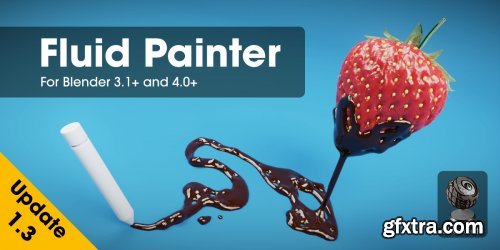
Imagine effortlessly painting fluids over any surface in your 3D designs. No more tedious workarounds or clunky interfaces – just pure, seamless creativity. That's the power of the Fluid Painter Add-on for Blender. As a 3D artist myself, I was frustrated by the limitations of existing methods. That's why I set out to create a product that would make it easier to work with fluids in 3D design. I tested it myself, and with the help of other 3D professionals, to ensure it was easy to use, flexible, and powerful. And now, I'm excited to share it with you. With Fluid Painter, you'll be able to turn your vision into reality and take your designs to the next level. So go ahead, unleash your creativity and make a splash with Fluid Painter!
https://bbbn19.gumroad.com/l/rqeiz
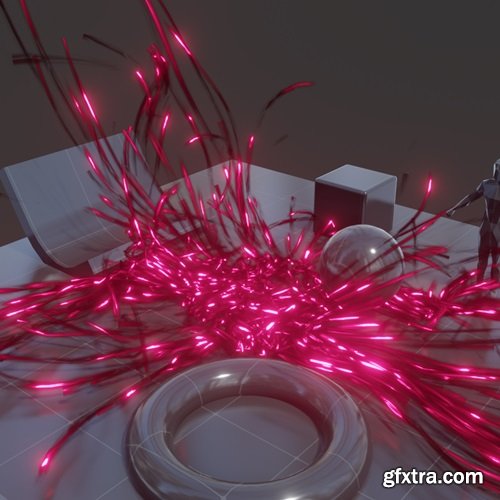
This modifier creates an easy to use particle system for Blender 4.4 or later. Just place the modifier on the object you want to spawn particles from, and they will start generating as the simulation plays. The system allows for particles to be trailed with a click of a button and an object of your choice can be instanced.
https://extensions.blender.org/add-ons/dimensions-and-lines/
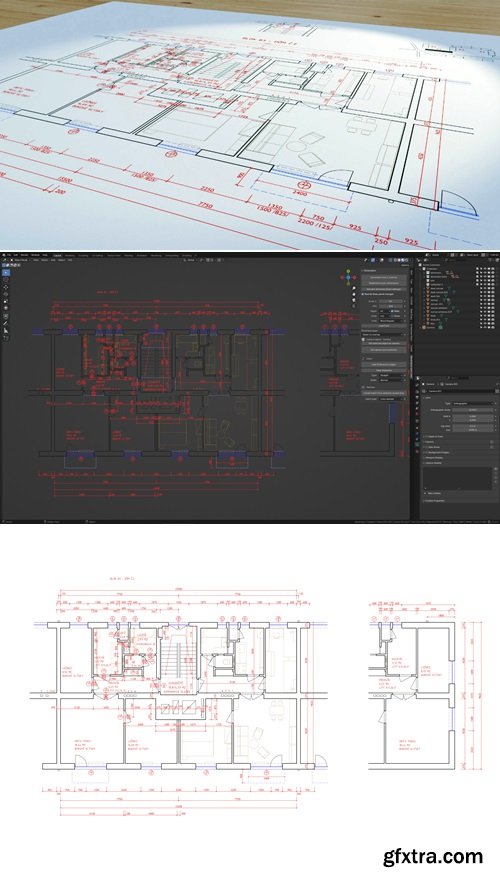
Blender addon, that allows you to create dimensions, technical drawings and blueprints. Create dimensions with mouse like in CAD programs. Create mesh lines from edges nondestructively.
https://blendermarket.com/products/viewport-hierarchy-selection
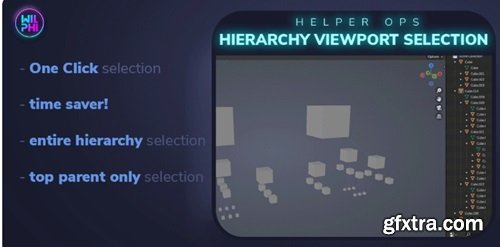
Don't let manual object selection slow you down. Upgrade your workflow experience with the Hierarchy Viewport Selection Add-on
Blender Market - Tracegenius Pro V3.2 – Advanced 2D Image To 3D Tracer
https://blendermarket.com/products/tracegenius-pro
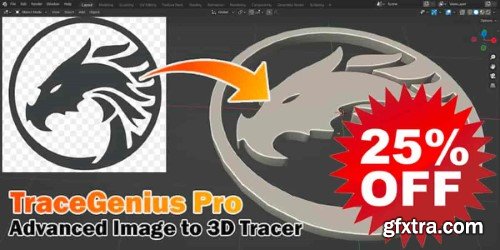
TraceGenius Pro empowers you to effortlessly extract shapes from any image and seamlessly convert them into detailed 3D geometry. Whether you're a seasoned professional or just starting your creative journey, TraceGenius Pro provides a comprehensive set of features to enhance and speedup your workflow and achieve unparalleled results.
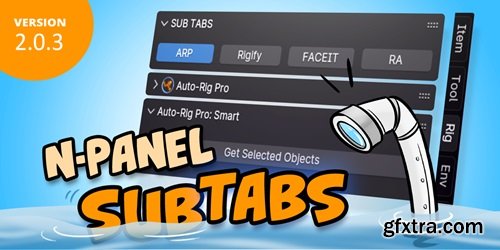
2.x has a big change on the settings data structure from 1.x version. Settings exporting from 1.x will not work in 2.x. If you want to update to 2.x, you need to rebuild your settings. Sorry about that. If you have a lot of settings in 1.x and are familiar with JSON. You can export a settings file with a few categories and tabs from 2.x, and compare the format with 1.x. Then, copy the categories and tabs part to the 2.x settings and import it again, then restart Blender.
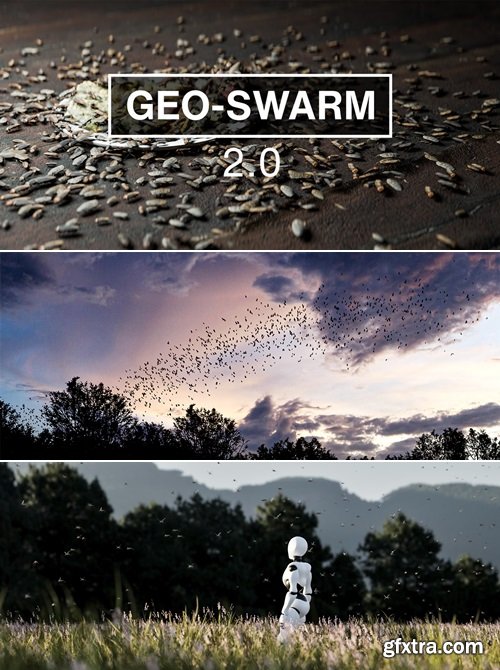
https://blendermarket.com/products/geo-swarm
From creating vast swarms, to animating skies with flocks of birds, or even adding simple moths around a light. GEO-SWARM is the ultimate Swarm Simulation Tool.
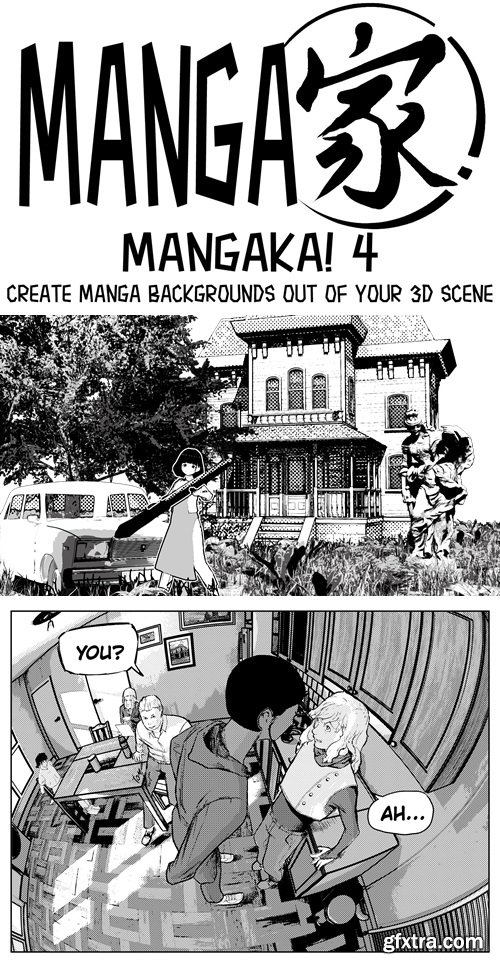
https://blendermarket.com/products/mangaka
Introducing Mangaka!, the ultimate assistant for any artist looking to create stunning manga-style illustrations. With just a few clicks, this blender add-on can convert any 3D rendered image into a manga-style masterpiece, saving you time and effort.
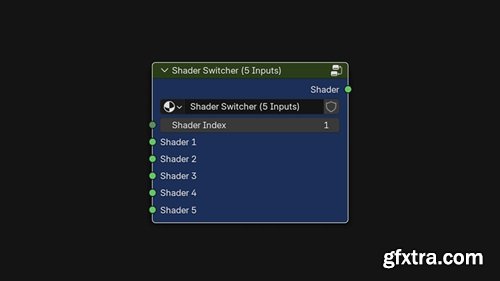
https://zerodesignsdz.gumroad.com/l/ShaderSwitcherNode
Effortlessly switch between multiple shaders inside a single material setup — without the clutter. Shader Switcher Node is a powerful Blender addon that gives you a clean, node-based way to select from multiple shaders using a single index input. Ideal for artists, shader developers, and technical directors who want flexibility and control without digging through tangled node trees.
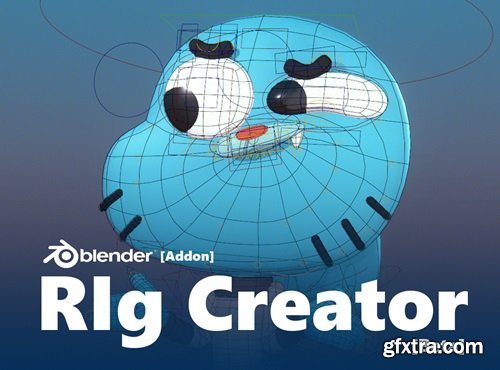
https://edwardurena.gumroad.com/l/ramoo
This is a beta version; changes may occur in the future.
Rewritten from Scratch:
- The rig system has been completely rewritten to optimize several aspects and add more tools, offering a more efficient workflow.
- Facial Rig Added:Now includes facial rig functionality to ease the animation of facial expressions.
- Optimized Constraints Panel:The constraints panel has been optimized for better performance.
- Improvements in Bone Generators:All bone generators have been reviewed, improving their functionality and efficiency.
- New Tool: Relationship:A new tool called Relationship has been added, allowing for more intuitive management of bone relationships.
- Documentation in English:The documentation has been updated and now includes an English version, making it easier for international users.
- Bone Names and Collections in English:The names of the bones and base collections of the rig have been changed to English.
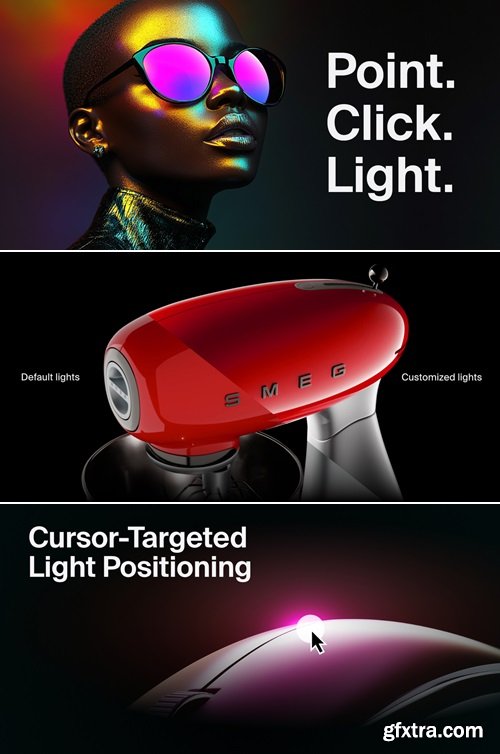
https://blendermarket.com/products/light-wrangler
Intuitive Placement. Powerful Customization. Realistic Effects. Streamlined Automation. From HDRI to Gobo to IES. Light Wrangler is the ultimate lighting solution for Blender.

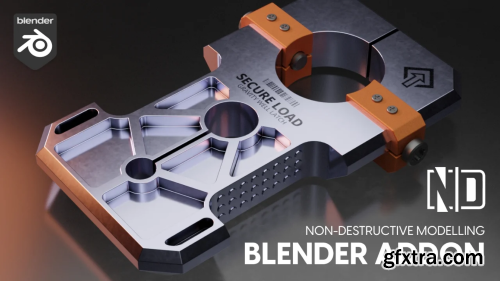

Quick Snap - allows you to transform an island or geometry elements by Vertex, Edge Center and Face Center. There are two methods of calling the operator via the keys:
V - quick start, the nearest transformation element is selected immediately
Alt+V - here you can safely select the necessary element and change the modes to Island or Element mode

These clouds are fully customizable and it can fit into any scene’s environment lighting by adjusting the ambient and sun colors of each cloud. You can also change the cloud's density, and even fade/roll in the clouds to get the mood you want.

Features (New v3.0):
- Effortlessly generate procedural flowmap for any texture, whether it's an image or a procedural texture.
- Take complete control over the flow direction with curve(s) manipulation.
- Experience the power of real-time, fully procedural flowmap generation with extensive artist controls.
- Easy to export the flowmap for use in other software.
- Interaction and collisions with external objects (New).
- Multiple types of masks for mixing materials (New).
126,000 Royalty-Free 3D Model

Udemy Türkçe


Top Rated News
- CreativeLive Tutorial Collections
- Fasttracktutorials Course
- Chaos Cosmos Library
- MRMockup - Mockup Bundle
- Finding North Photography
- Sean Archer
- John Gress Photography
- Motion Science
- AwTeaches
- Learn Squared
- PhotoWhoa
- Houdini-Course
- Photigy
- August Dering Photography
- StudioGuti
- Creatoom
- Creature Art Teacher
- Creator Foundry
- Patreon Collections
- Udemy - Turkce
- BigFilms
- Jerry Ghionis
- ACIDBITE
- BigMediumSmall
- Globe Plants
- Unleashed Education
- The School of Photography
- Visual Education
- LeartesStudios - Cosmos
- Fxphd
- All Veer Fancy Collection!
- All OJO Images
- All ZZVe Vectors
- CGTrader 1 CGTrader 2



















