

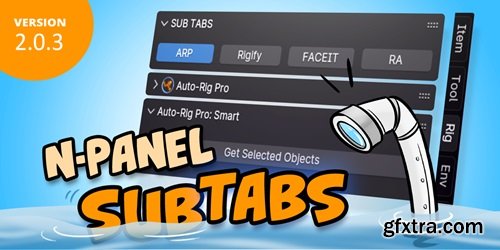
2.x has a big change on the settings data structure from 1.x version. Settings exporting from 1.x will not work in 2.x. If you want to update to 2.x, you need to rebuild your settings. Sorry about that. If you have a lot of settings in 1.x and are familiar with JSON. You can export a settings file with a few categories and tabs from 2.x, and compare the format with 1.x. Then, copy the categories and tabs part to the 2.x settings and import it again, then restart Blender.
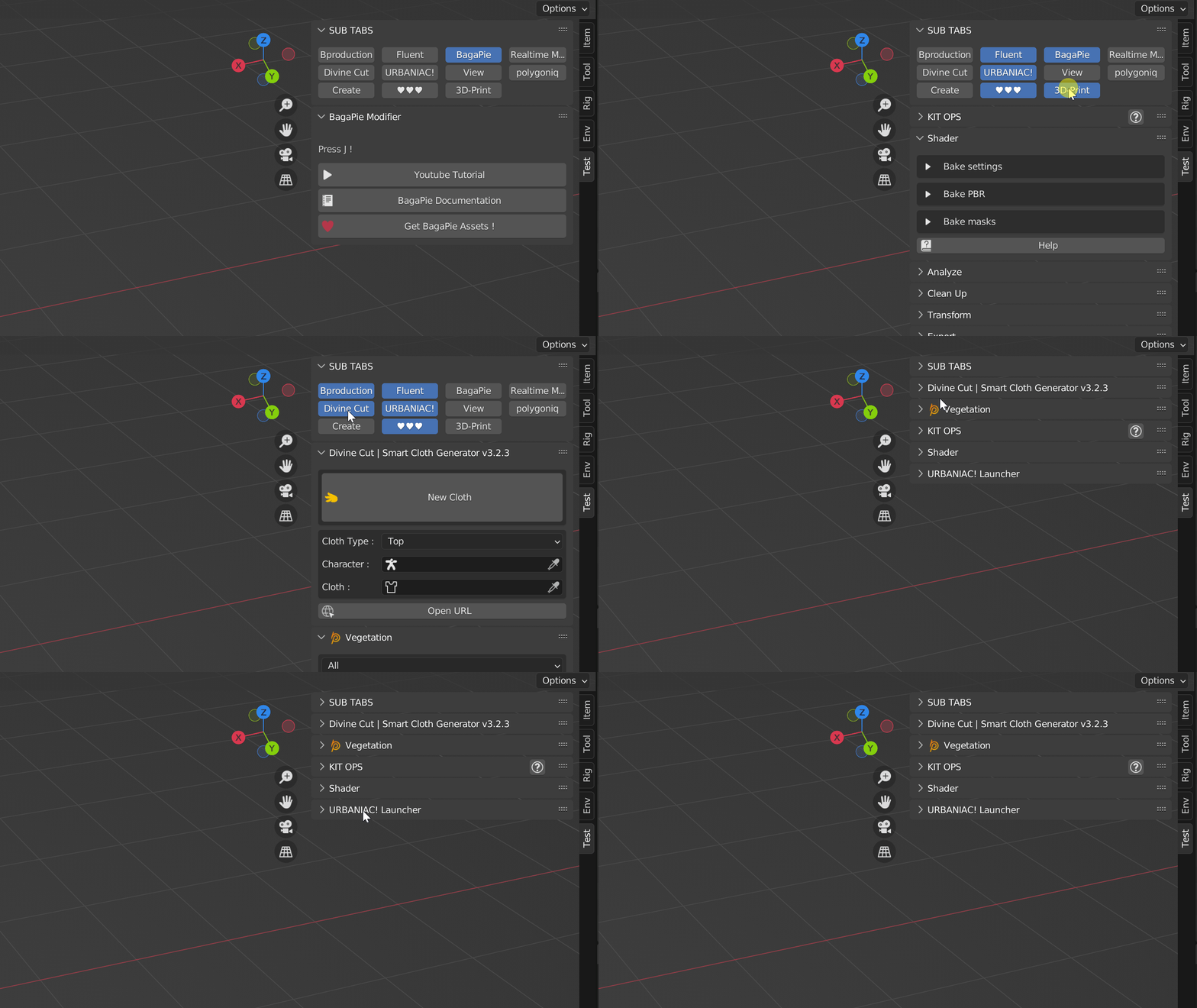
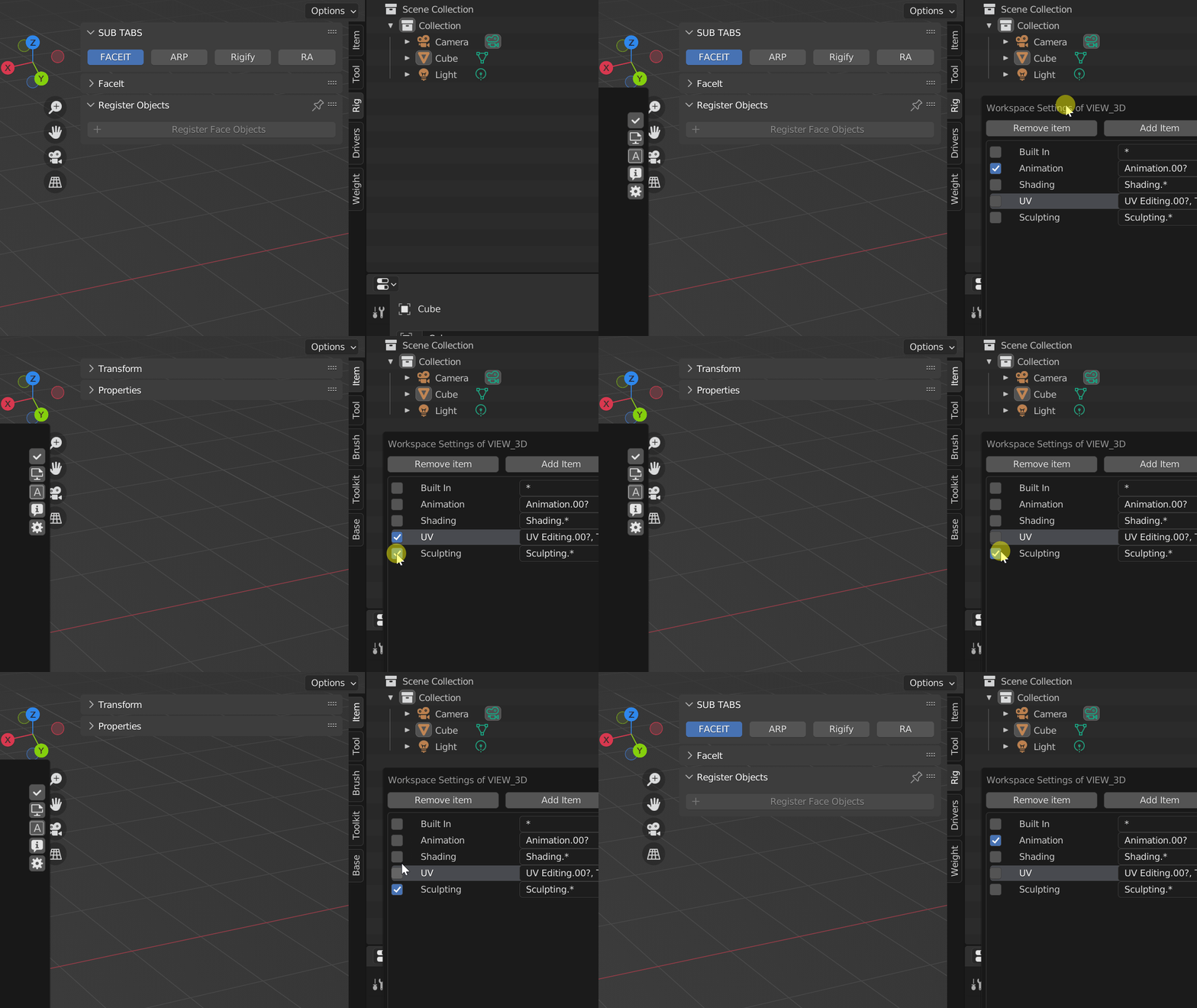
What is N Panel Sub Tabs N Panel Sub Tabs is a Blender add-on to manage the Blender sidebar(also known as N Panel). It introduces the concept of Sub Tabs. It can make your N Panel clean and organized, even if you have hundreds of add-ons. As we know, the Blender sidebar becomes more and more crowded as the number of add-ons increases, making it difficult to access the corresponding add-ons. I thought about categorizing and adding Sub Tabs on the top of each category. I searched for such add-ons on the market. Unfortunately not found, but found Simple Tabs. It doesn't have Sub Tabs on each category but it does have categorizing. So I introduced the Sub Tabs, and implemented an easy and organized management setting UI, and referenced to the categorizing of Simple Tabs, and finally implemented this add-on. Thanks for the Simple Tabs. Quickly switch sub tabs 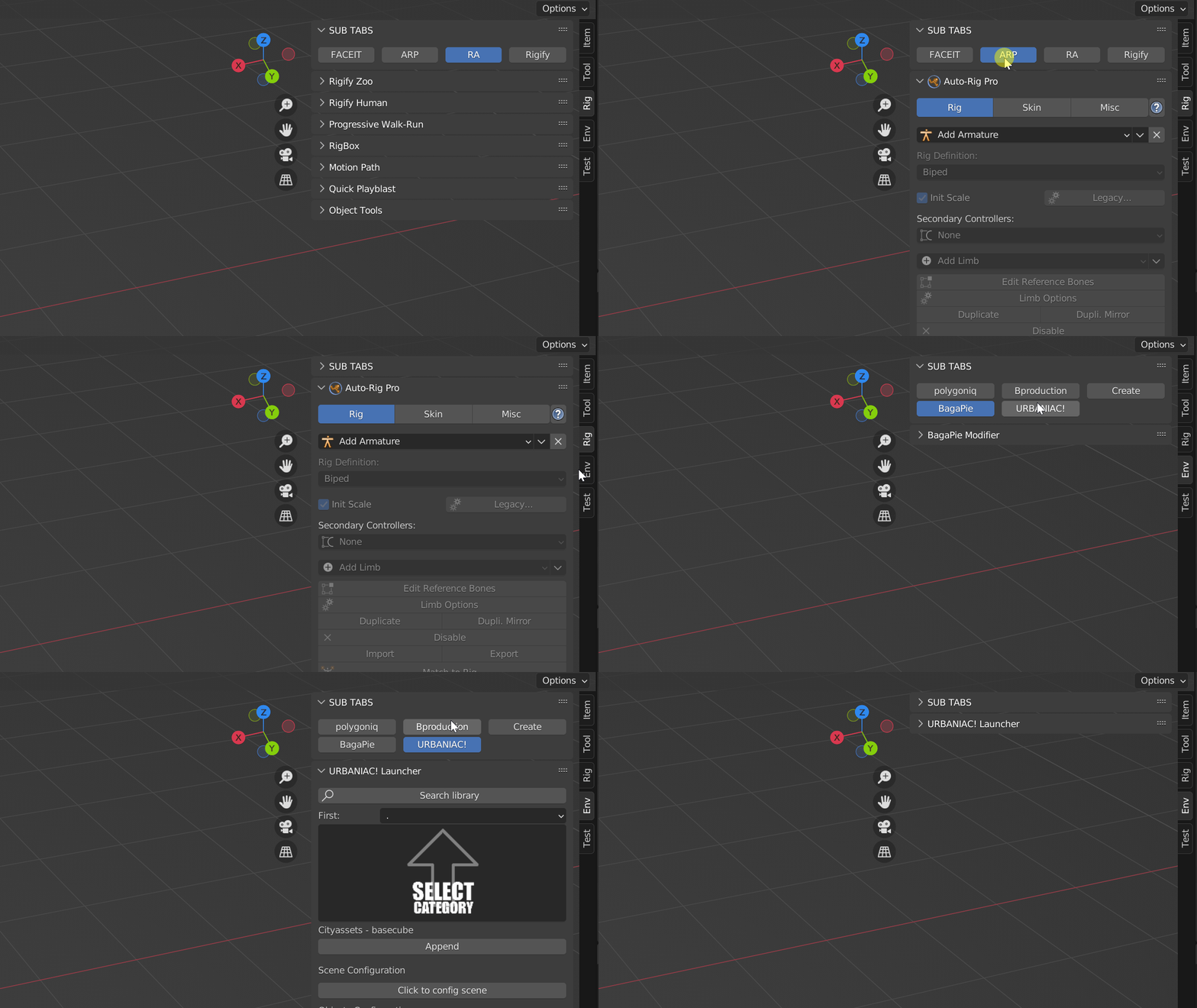



126,000 Royalty-Free 3D Model

Udemy Türkçe


Top Rated News
- CreativeLive Tutorial Collections
- Fasttracktutorials Course
- Chaos Cosmos Library
- MRMockup - Mockup Bundle
- Finding North Photography
- Sean Archer
- John Gress Photography
- Motion Science
- AwTeaches
- Learn Squared
- PhotoWhoa
- Houdini-Course
- Photigy
- August Dering Photography
- StudioGuti
- Creatoom
- Creature Art Teacher
- Creator Foundry
- Patreon Collections
- Udemy - Turkce
- BigFilms
- Jerry Ghionis
- ACIDBITE
- BigMediumSmall
- Globe Plants
- Unleashed Education
- The School of Photography
- Visual Education
- LeartesStudios - Cosmos
- Fxphd
- All Veer Fancy Collection!
- All OJO Images
- All ZZVe Vectors
- CGTrader 1 CGTrader 2



















