

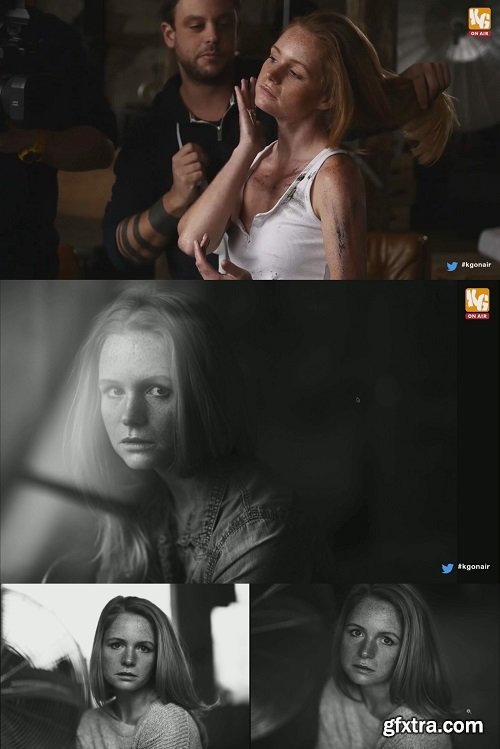
Krolop & Gerst Live - JEAN NOIR
https://store.krolop-gerst.com/produkt/jean-noir/

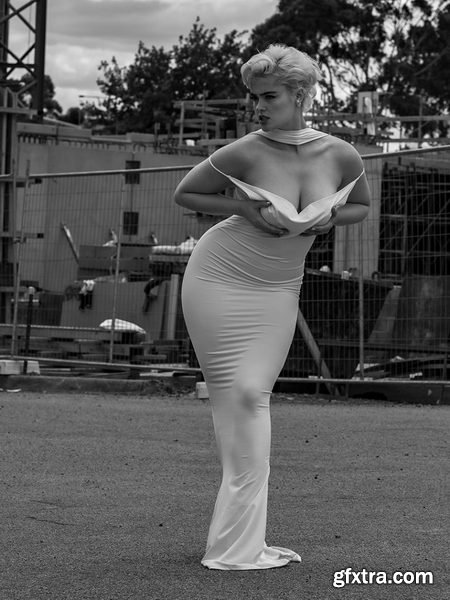
- The absolutely amazing Stefania and Peter teamed up a few weeks ago for a location shoot around the suburbs of Melbourne. Stef has such a glamourous, old school look, and we knew there was a lot of construction happening near Ringwood station – creating the perfect ‘yin & yang’ Peter is always striving for with his photography, based on a mix between Helmut Newton & Avadon fashion. In this tutorial, he explains selecting the location, getting expoure right with natural light (especially with a model wearing pure white), and the speed at which these two professials can work!
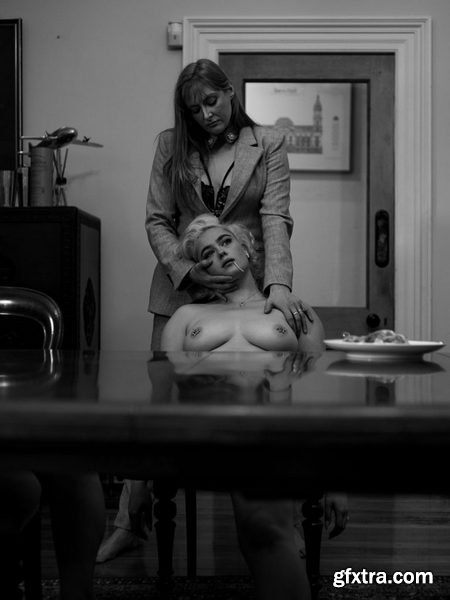
- Stefania and Peter were brainstorming another out-of-the-box shoot and Stef suggested shooting on location in this beautiful Victorian setting. They came up with a spaghetti concept beforehand, and while on the shoot decided to have Stef’s friend who was visiting her also join the shoot to tell a complete story.
- The first part of this shoot is fly-on-the-wall style, showing you how Peter works without explaining everything. He then shows you how he creates one of his stop frame videos followed by the final result,
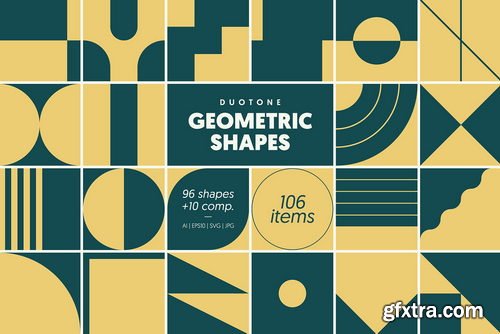
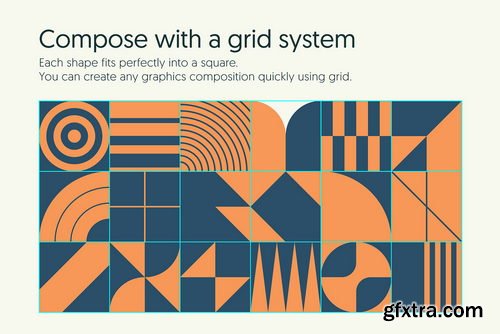
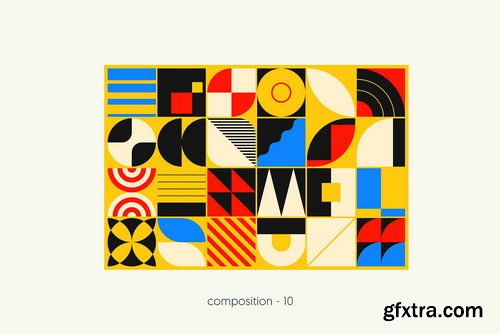
- A collection of geometric and semi-abstract shapes and symbols, inspired by iconic art movements such as Bauhaus, minimalism, and swiss style. Each carefully crafted shape seamlessly fits into a square, making it easy to use in various arrangements. By utilizing a grid system, akin to a construction game, you can effortlessly assemble the shapes to create your own puzzles, mosaics, patterns, or original compositions. Unleash your imagination and explore endless combinations.
- AI files layers are properly organized and renamed to help you quickly navigate. You can easily edit each element, mix and match them to create something unique. With this pack, you can design logos, branding, packaging, posters, stationery, flyers, covers, web banners, newsletters, social media content, labels, stickers, wrapping paper, and other amazing things. The creative possibilities are boundless.
- What's included in the ZIP file: 96 SHAPES, AI and EPS10 files with a single artboard containing all shapes, AI file with an artboard for each shape (to facilitate exports of separate files), PNG file with transparent background for each shape (3500x3500 px), SVG file for each shape (editable in Canva, Figma, Affinity designer and others), 10 COMPOSITIONS, AI and EPS10 files for each composition, JPEG file (5219x3500 px at 96 DPI)
https://mononodes.com/soft-2-strip/
As part of our commitment to providing the best learning experiences, we have discontinued the “Soft 2 Strip” PowerGrade pack. This decision aligns with our evolving approach to education in color grading. The journey began with offering PowerGrades. However, to enhance and deepen the learning process, I have developed a comprehensive video course called “Reverse Engineering The Grade.” This course offers a more robust educational experience.
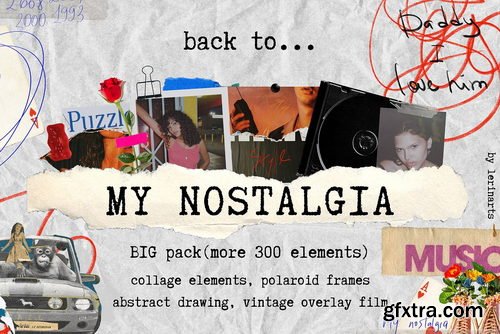
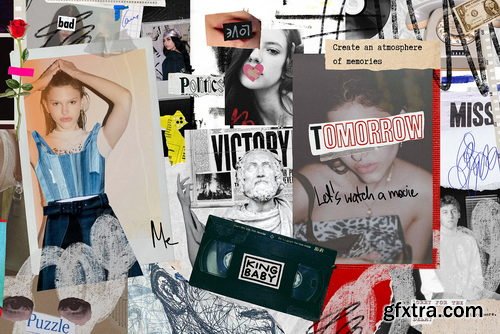
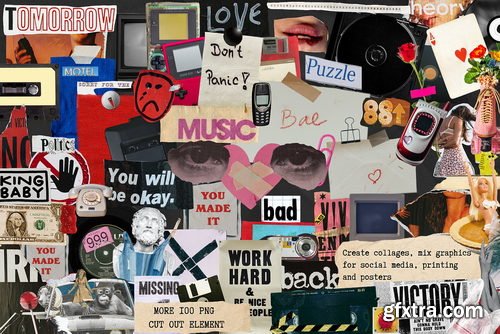
- Film filters, paper frames, instant polaroid, collage elements from the past, clippings from street ads and magazines, hand-drawn abstract lines add emotion to the design. Create photo albums, posters, vintage prints for T-shirts, bags and other stuff, social media content and other creative things.
- This set contains: Collage elements, clippings from street ads and magazines and other vintage stuff (103 PNG cut-out elements); Vintage Film (10 filters with two size options: 3000/4500px and 1500/2250px); Paper frames (7 cut-out elements); Instant polaroid frames (25 PNG + 1 png bonus); Cut-out scotch tapes (12 PNG); Hand drawn abstract lines, inscriptions, brush strokes (178 drawing PNG elements)
- Bonus: PRE-made posters (A3 format: PDF version or a link to the Canva template); Paper backgrounds (7 textures)
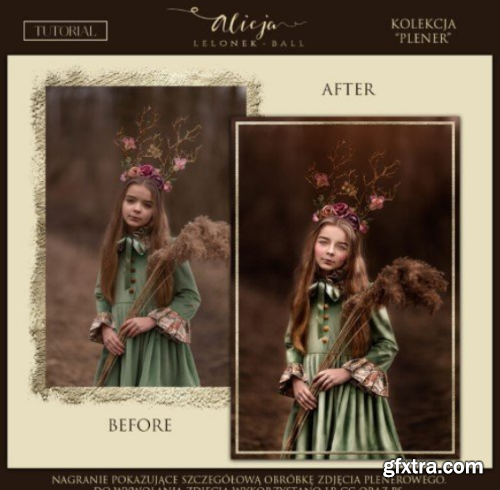
Master Outdoor Portrait Editing: A 50-Minute Lightroom & Photoshop Workflow Guide
Outdoor portrait photography captures raw beauty, but transforming a good shot into a breathtaking masterpiece requires skillful post-processing. Enter Jelonek Portret Plenerowy Plus Akcje—a 50-minute video tutorial by acclaimed photographer Alicja Lelonek. This immersive guide demystifies professional editing, revealing step-by-step techniques to polish outdoor portraits using Lightroom Classic CC and Photoshop CC, including the exclusive “PORTRAIT 1” action set. Whether you’re a hobbyist or a seasoned pro, this resource streamlines your workflow, enhances creativity, and delivers magazine-worthy results—fast.
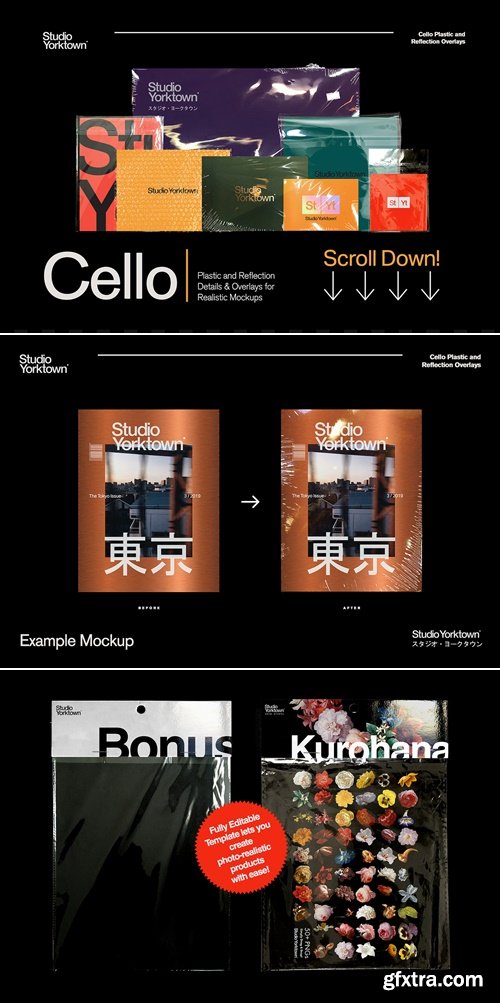
https://creativemarket.com/studioyorktown/3688526-Cello-Plastic-Texture-Collection
Cello by Studio Yorktown is a one-stop collection of high-resolution images carefully photographed and edited to help you realistically simulate plastic wraps, shrink wraps, cling film, cellophane, vacuum sealing, blister packs and bubble wrap in your mockups.
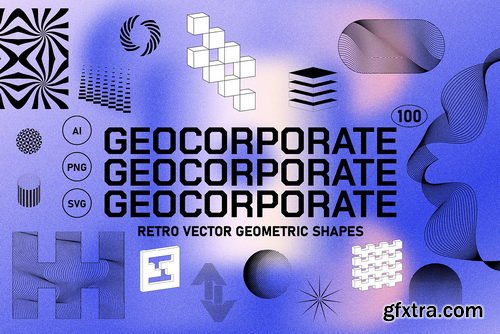
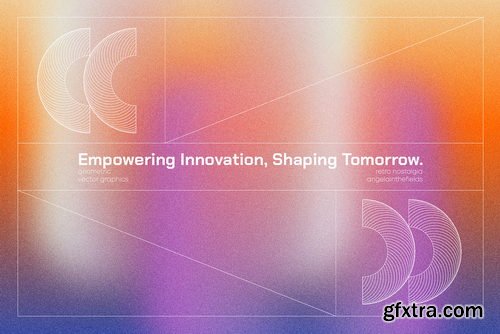
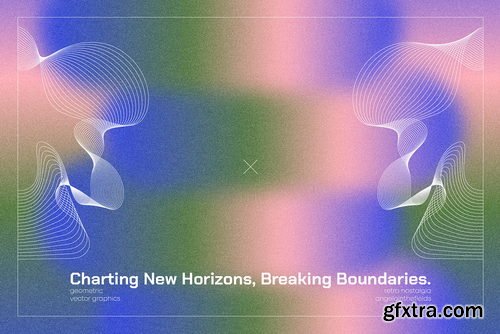
- 'Corporate' usually mean dull and characterless; however, if infused with the right amount of retro, the aesthetic can look decidedly bold and moving. Perfectly on trend, yet contemporary, this set will be perfect for your social media, print projects as well as web graphics - injecting a retro feel into your branding to set it apart from your competitors easily.
- In this set you will find: 100 geo retro elements (in AI & SVG vector format and PNG 3600px min)
- NOTE: backgrounds in the images are from the Meta Horizons pack, which can also be found in my shop.
- As we enter a new era not just in technology, but also spiritually, this trend puts together the nostalgia we still crave for whilst placing it cleanly into the new era of the meta. Colours come in game palettes, whilst lines stay clean, geometric and emphasising. This is your guide to the new universe and illusions of every day, be it metaphorical or virtual; sourcing inspiration from the material of Bauhaus, Super Studio and everything in between.
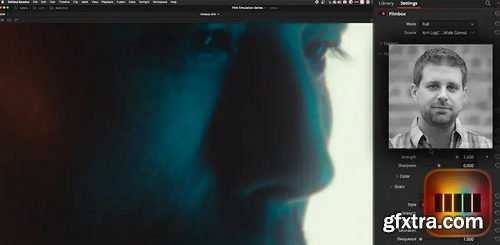
- In this series we started by defining Film Print Emulation (FPE) and using the default FPE LUTs built directly into DaVinci Resolve. In Part 2 we looked at a popular Power Grade product, based entirely on nodes (PixelTools). We shifted gears in Part 3 and used a well-regarded DCTL (by Paul Dore). In this Insight, we are shifting gears again and to take an in-depth look at a very popular, very well regarded OpenFX FPE plugin, Video Village’s Filmbox.
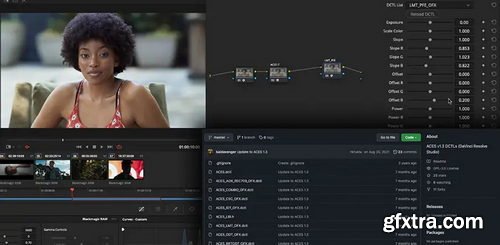
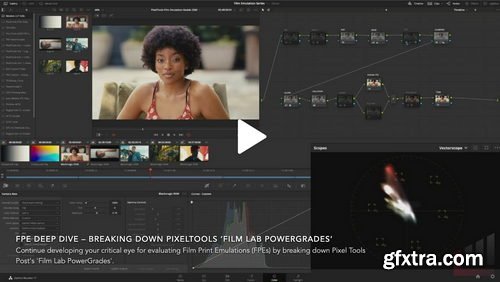
- In the first episode of this series we examined Resolve’s built-in film print emulation (FPE) LUTs. Now we’ll look at the PixelTools’ flexible ‘Film Lab Powergrades’, which builds a more fully-featured FPE pipeline around those stock DaVinci Resolve FPE LUTS. Film Lab PowerGrades includes additional nodes and operations for: Saturation and look enhancements, Adding grain and halation attributes, Enabling blur – mimicking the slightly unsharp look of theatrical film prints
- All of this is delivered in a pre-built node structure that’s logically organized and neatly arranged. It’s an accessible FPE solution that doesn’t require any additional LUTs, DCTLs or OFX plugins. This premium PowerGrade package is designed to work with both the free and paid versions of any standard DaVinci Resolve installation.
Alex Loveland - The Efficient Flow-Posing Guide for Boudoir Photographers
The Efficient Flow-Posing Guide for Boudoir Photographers: Master 60+ Poses in 60 Minutes or Less
Boudoir photography is an art form that demands both creativity and precision. Yet, even seasoned photographers face challenges: time constraints, client nerves, and the pressure to deliver stunning, diverse galleries efficiently. Enter The Efficient Flow-Posing Guide—your ultimate solution to transforming chaotic shoots into seamless, profitable sessions. Designed by acclaimed boudoir photographer Alex Loveland, this fifth installment in the 7-Guide Series distills over 60 best-selling poses into a step-by-step system that, with practice, can be executed in 60 minutes or less. Whether you’re a novice or a pro, this guide unlocks the secrets to maximizing time, elevating client experiences, and boosting your bottom line

Skillshare - 3D Animation Body Mechanics Practice a Layered Workflow & Animate a Jump Using in Maya Study Hall
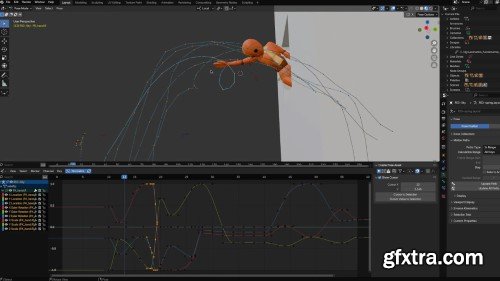
Skillshare - 3D Animation in Blender: Use Blocking for Simple Splining and Refining
Block, spline, refine, and polish a 3D animation in Blender with ease.
When Sir Wade Neistadt first started animating in 3D, he wasn’t sure where to start. Now almost a decade into the industry, Sir Wade has built a career in 3D animation as a freelance animator, content creator, and educator. With over 230K YouTube subscribers and 3D animation collaborations with brands like Adobe and LG, he has helped thousands of aspiring and professional animators find their place in the world in 3D animation. Now, Sir Wade created this series of four classes as the resource he wished he had when he was learning 3D animation.
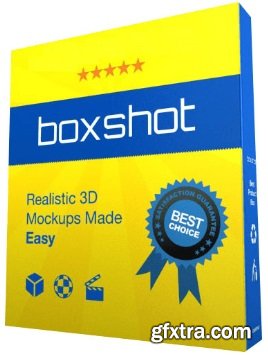
Realistic 3D Mockups Made Easy. Boxshot features 50+ customizable shapes and renders them so realistically that customers may think they are seeing a photo of the actual product. Boxshot features a large selection of customizable shapes: software boxes; hardbound and paperback books; magazines; CD, DVD, and Blu-ray boxes; cards, cans, mugs; bags; and much more. Almost all the shapes are customizable so you can adjust them for your design.
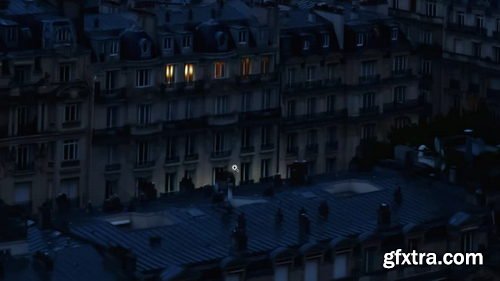
126,000 Royalty-Free 3D Model

Udemy Türkçe


Top Rated News
- CreativeLive Tutorial Collections
- Fasttracktutorials Course
- Chaos Cosmos Library
- MRMockup - Mockup Bundle
- Finding North Photography
- Sean Archer
- John Gress Photography
- Motion Science
- AwTeaches
- Learn Squared
- PhotoWhoa
- Houdini-Course
- Photigy
- August Dering Photography
- StudioGuti
- Creatoom
- Creature Art Teacher
- Creator Foundry
- Patreon Collections
- Udemy - Turkce
- BigFilms
- Jerry Ghionis
- ACIDBITE
- BigMediumSmall
- Globe Plants
- Unleashed Education
- The School of Photography
- Visual Education
- LeartesStudios - Cosmos
- Fxphd
- All Veer Fancy Collection!
- All OJO Images
- All ZZVe Vectors
- CGTrader 1 CGTrader 2



















